7 Ways to Screen Record With Audio on Any Device in 2026
Updated on July 22, 2026
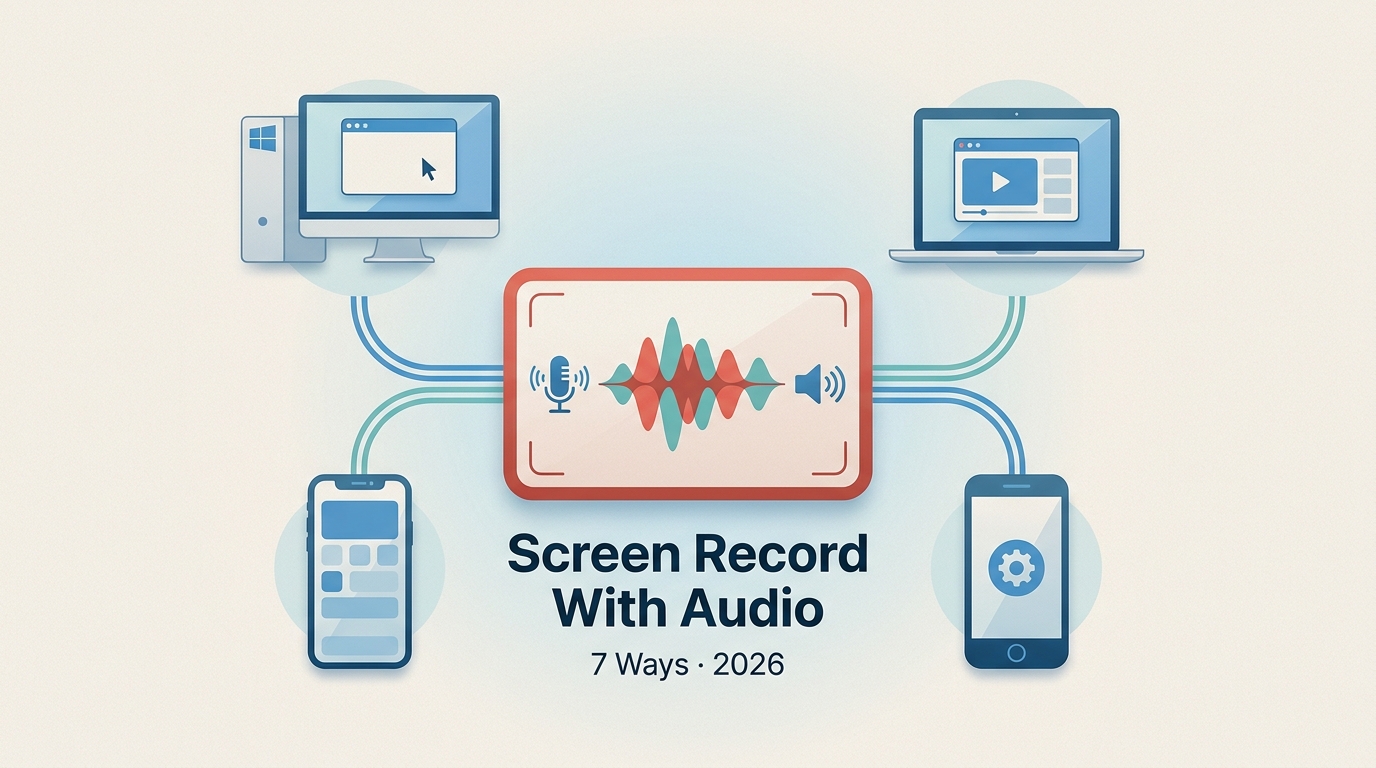
This guide explains seven practical ways to record a screen with system sound, microphone narration, or both across Windows, Mac, browsers, iPhone, and Android. It also provides a focused silent-audio diagnostic path, current platform limits, OBS track setup, and a save-format reference.
Remove Motion Blur from Video: 4 Tools for 2026
Updated on July 22, 2026
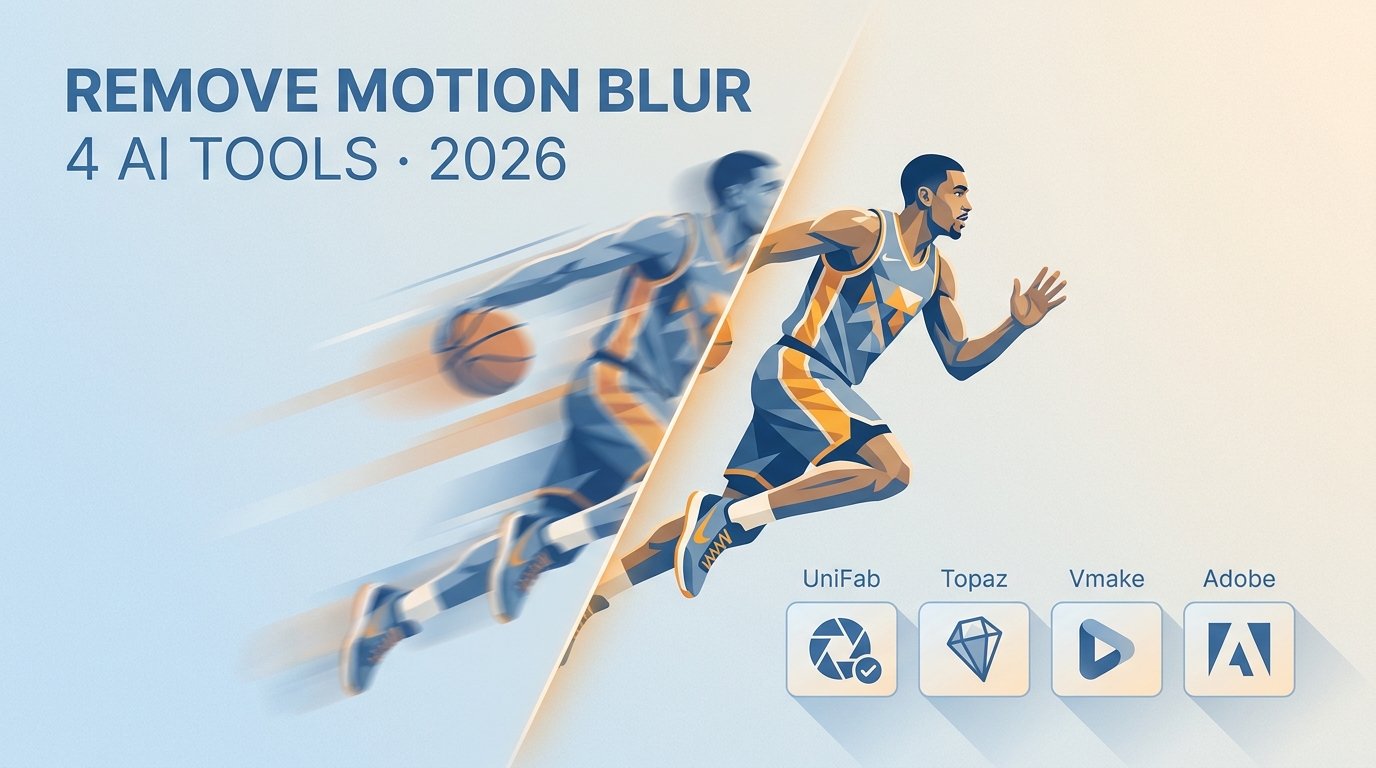
Motion blur can often be reduced, but the right fix depends on whether the footage contains exposure streaks, camera shake, missed focus, compression softness, or noise. This guide compares UniFab Smoother AI, Topaz Video, Vmake AI, and Adobe Premiere, then maps each workflow to realistic recovery limits.
Add Text to Video: 4 Easy Methods for Windows, Mac, iPhone, and Android
Updated on July 22, 2026
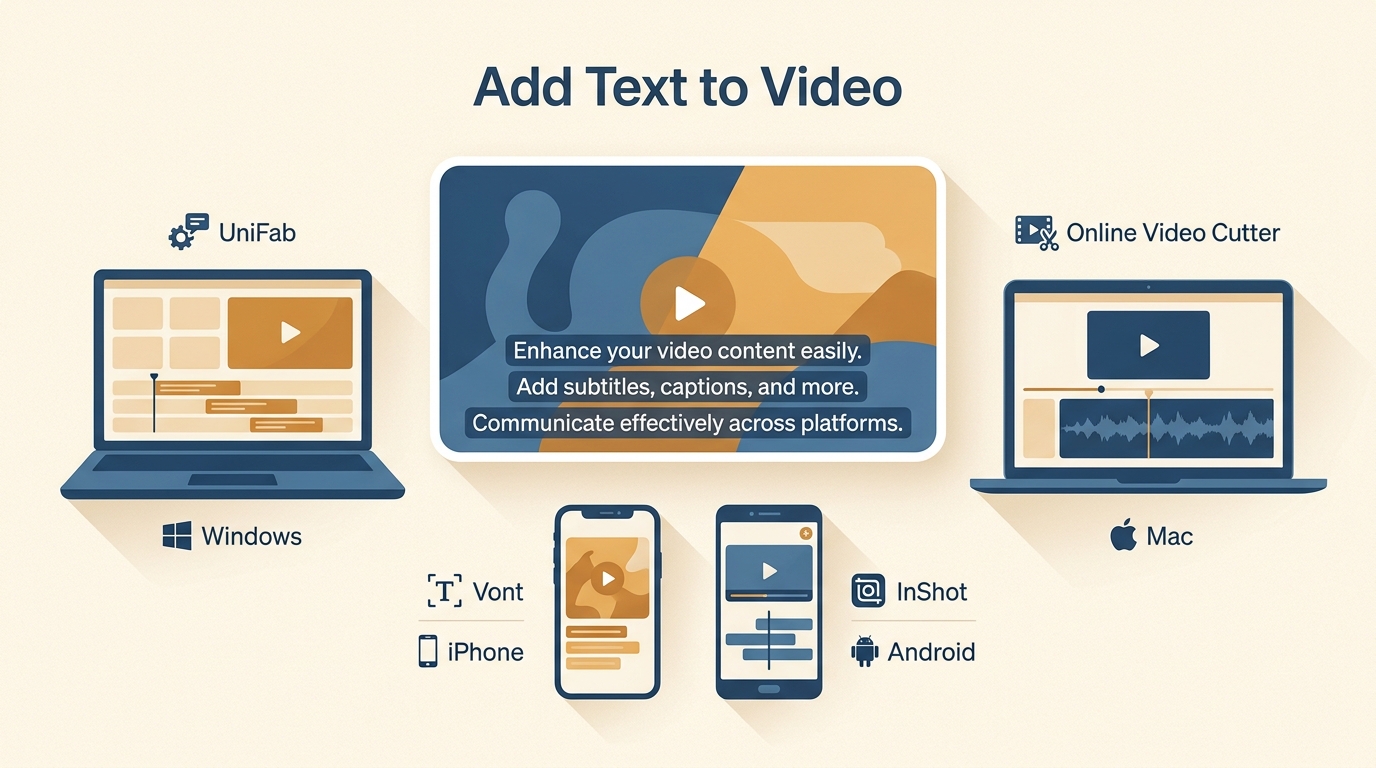
Learn a common four-step workflow for adding text to video, then choose among desktop subtitle automation, a browser editor, an iPhone typography app, and an Android editor. The guide compares styling, captions, watermark considerations, and output types without treating one method as right for every project.
10 Best Vocal Removers in 2026: Free Limits, Quality & Platforms
Updated on July 22, 2026
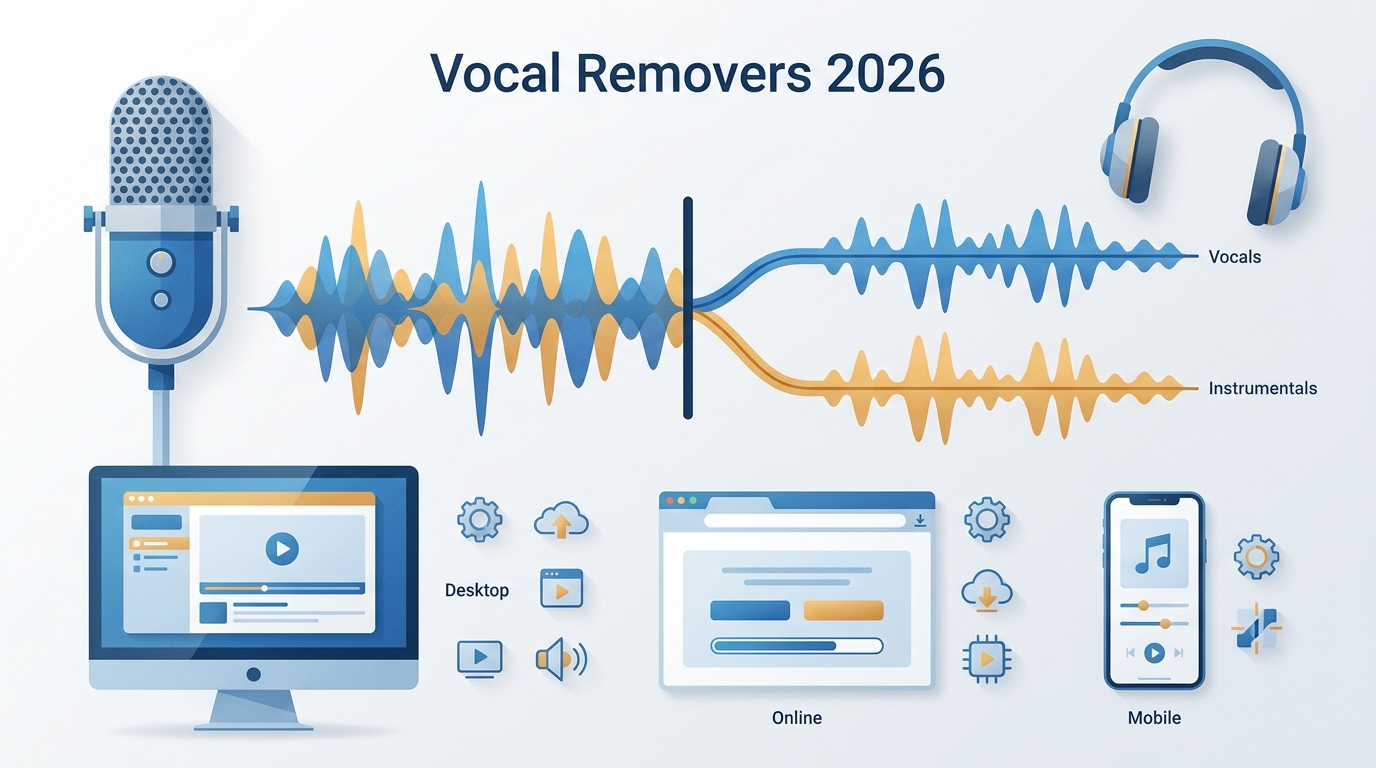
This guide compares 10 vocal removers across desktop, browser, and mobile workflows. It clarifies free allowances, account requirements, file handling, stem options, privacy, and likely audio artifacts, then recommends practical fits for local batch work, quick browser jobs, music practice, and detailed production editing.
How to Make a Video 4K: 5 Methods Compared [2026]
Updated on July 22, 2026
![How to Make a Video 4K: 5 Methods Compared [2026]](https://artifact.dvdfab.me/2026/07/22/rSMrLps-_E7GcHEkpVTYJL3j3yqEjDP6/feature_cover.jpg)
Making a video 4K can mean AI reconstruction, editor scaling, cloud processing, or ordinary resizing. This comparison explains five complete workflows, their honest limits, and the export and artifact checks needed to choose a result that suits the source.
Clipchamp Review 2026: Free Plan, 4K, MP4 Limits, Pros and Cons
Updated on July 22, 2026
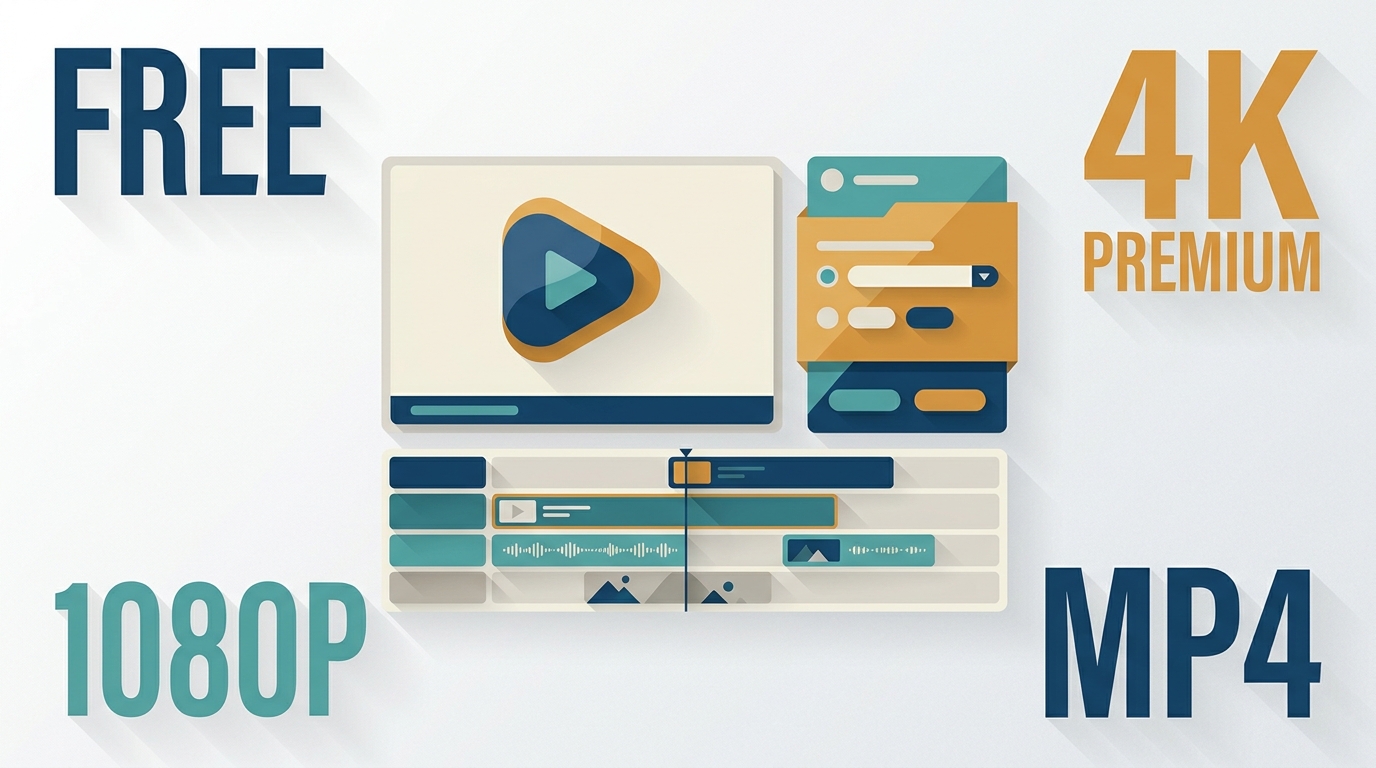
Clipchamp is an accessible editor for short, straightforward projects, especially for people already using Microsoft 365. This review explains its free and Premium plans, fixed MP4 export rules, OneDrive project requirement, green-screen workflow, and reliability limits. It also compares Clipchamp with UniFab for the narrower task of local video background processing.
How to Remove Video Backgrounds Free: 9 Tools for 2026
Updated on July 22, 2026

AI can remove or replace a video background without a green screen, but free access, privacy, watermarks, and transparent export vary widely. This guide compares nine desktop, browser, and mobile options, then explains MP4 alpha limits and a practical edge-quality test.
9 Best Free Video Background Remover Apps in 2026: Limits Compared
Updated on July 22, 2026
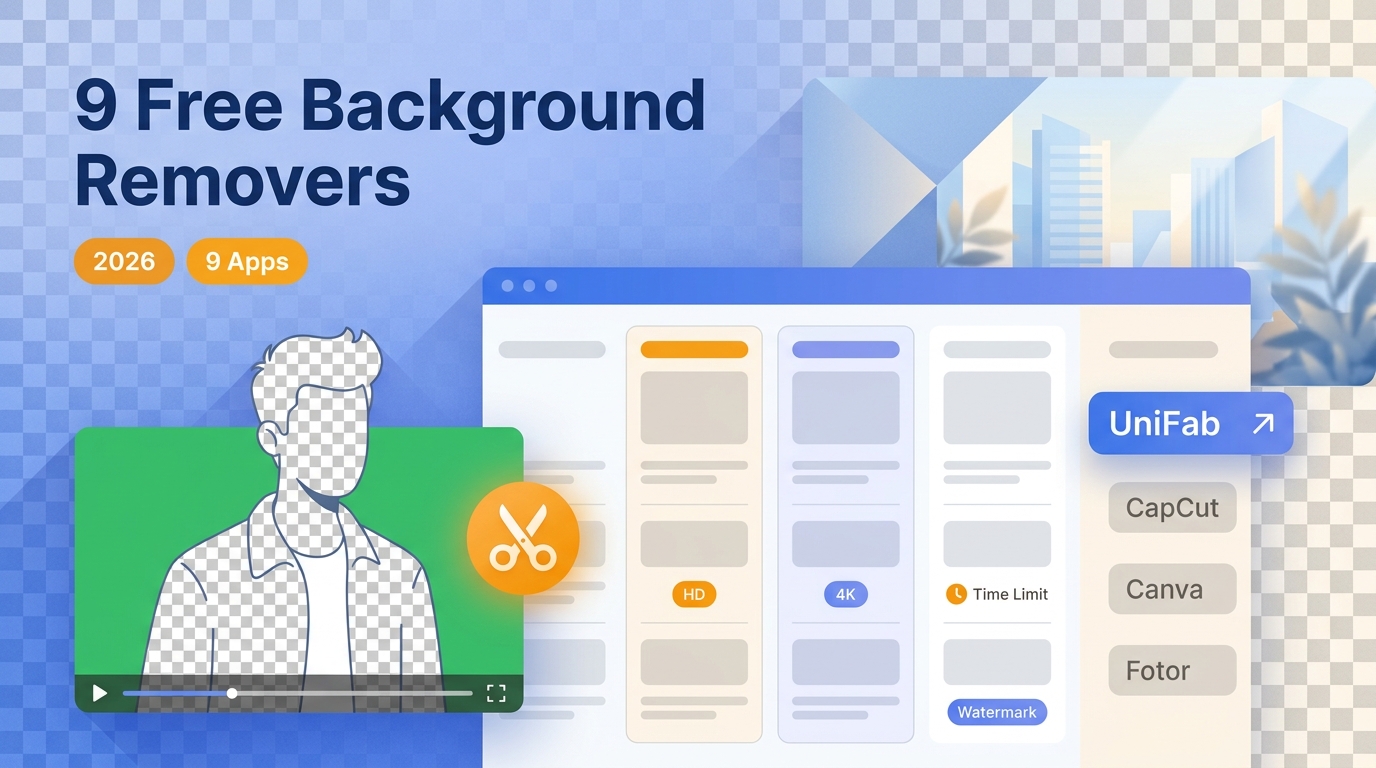
This guide compares nine video background remover apps by what their free access actually includes, from watermarks and clip limits to transparent output and audio retention. It also explains which tools fit local, mobile, desktop, and browser workflows without presenting undocumented tests as fact.
10 Best AI Video Background Removers for 2026
Updated on July 22, 2026
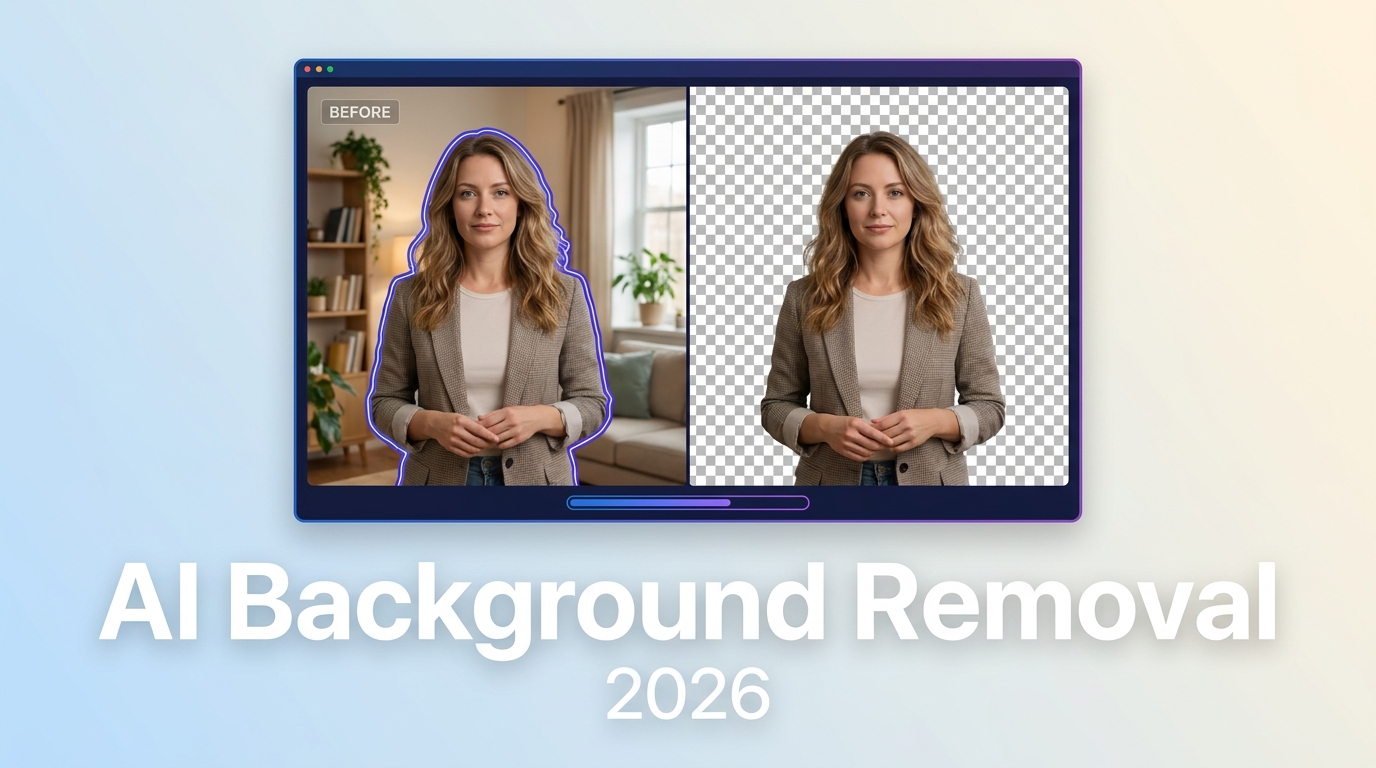
This comparison evaluates 10 active AI video background removers by workflow, free allowance, processing location, input limits, and transparent output. It separates automatic matting from chroma key, provides a decision matrix, and explains when local desktop processing, browser tools, or integrated editors make the most sense.
10 Video Sound Enhancers for 2026: An Editorial Comparison
Updated on July 22, 2026
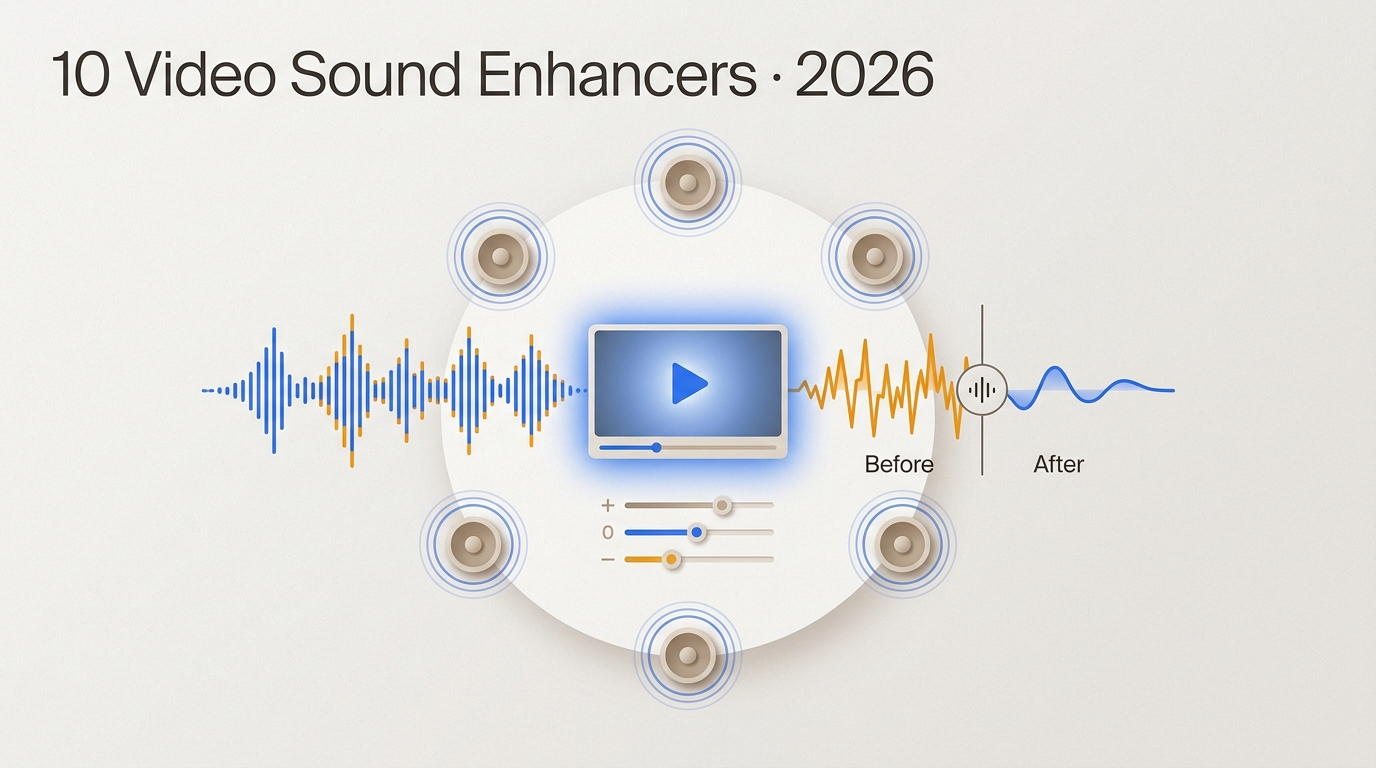
This guide compares 10 video sound enhancers by workflow, processing location, export behavior, privacy, and audio limits. It separates active desktop, browser, and mobile options from legacy software, then explains when cleanup, rerecording, or surround upmixing is the practical choice.