AI frame interpolation to increase video frame rate to 120 FPS

  • AI frame interpolation
  • Slow motion
  • Up to 120 FPS
Last update: 2026-08-06

The Fast model in Smoother AI is optimized for higher export speed and enhanced visual quality.

Learn more >

Increase video FPS with AI frame interpolation

UniFab's AI Video Smoother uses advanced AI frame interpolation to analyze motion and generate in-between frames, increasing video FPS for smoother motion while preserving detail.


Unlike basic frame duplication, it predicts object movement to create new frames, reducing flicker, jitter, ghosting, and other artifacts for cleaner, smoother video.

Try for free

Free trial with full features, no watermark.

Create 60 FPS, 120 FPS, or slow-motion video

Our AI video smoother offers precise frame rate interpolation to increase FPS or target 60 FPS and 120 FPS, delivering smoother motion while preserving detail.


It also supports 2× and 4× slow motion, generating intermediate frames to create smooth, high-clarity playback while maintaining visible detail.

Try for free

Free trial with full features, no watermark.

Smooth game, classic-film, and sports footage with AI

Level up game videos with AI video smoothing

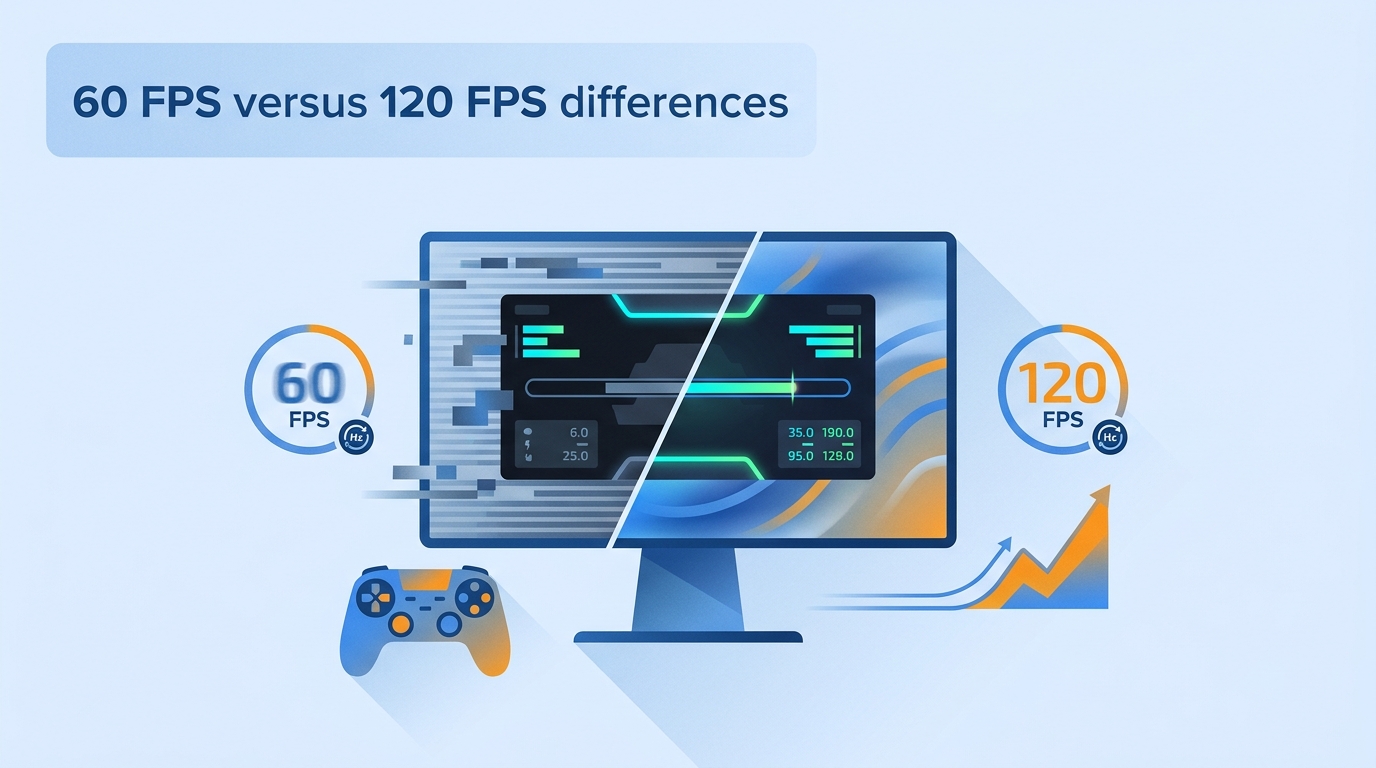
UniFab AI Video Smoother transforms 30 FPS game videos into 60 FPS or 120 FPS using AI frame interpolation. The video FPS changer creates fluid motion with less flicker or distortion, making it suitable for fast-paced action and slow-motion kill replays.


🎮 Game highlights 🎞️ Slow-motion kills 🎥 Game clips
Revitalize classic films with AI video smoothing

Revive vintage footage with AI video frame interpolation. UniFab AI video smoother increases frame rate while preserving authentic film texture, producing interpolated video that feels natural, flicker-free, and ready for modern viewing.


🎬 Vintage footage 🎥 Indie films 🎞️ Film restoration


Enhance sports video with AI frame interpolation

AI video smoothing can interpolate fast-paced sports footage to 60 FPS or 120 FPS for smoother motion with less jitter. This helps make high-speed action easier to follow.


🏀 Sports highlights 🏎️ Extreme sports ⚽ High-speed action

Get started with UniFab All-In-One

UniFab Arbeitsbereichsschnittstelle

UniFab All-In-One: 24-in-1 AI Toolkit

  • Colorize black-and-white videos

  • Enhance videos to HDR and 120 FPS

  • Upscale video up to 16K

  • Auto-recommend AI features

Trusted by

This tool is incredibly easy to use, offering reliable AI video frame interpolation that helps creators produce smooth, professional-looking footage. It's perfect for anyone needing consistent frame accuracy without complex settings.

A powerful upgrade for editors, this software works as an efficient video FPS increaser AI, delivering stable motion clarity and excellent overall quality. It lets me enhance footage quickly while maintaining natural detail.

One of the most dependable options for AI video smoothing, adding frames with a natural flow that improves playback dramatically. This AI video smoother consistently delivers fluid motion that looks professional in any project.

This AI fps increase tool transformed my low-FPS clips into smooth, interpolated videos. The results look clean and accurate, making it great for action scenes or fast-moving content that normally appears choppy.

UniFab's AI video smoother provides impressively clear motion output, especially when using it as a 60 fps converter AI. The enhanced clarity and stable transitions make my footage look significantly more polished and cinematic.

A reliable solution acting as an effective FPS enhancer, delivering fast and seamless interpolation. It consistently improves motion quality without artifacts, making it a valuable tool for regular editing workflows.

  • Techify logo

    Techify

    YouTuber with 253K followers

    I tested this AI video smoother with 30fps sports footage, and the conversion to 60fps was smooth. The AI-generated frames significantly improved motion fluidity with minimal jitter or artifacts, which is often seen in other software. The GPU acceleration also boosted the processing speed impressively. That is a perfect video fps increaser!

UniFab is an AI video smoother that reliably converts older travel footage to 60 fps with clean, cinematic motion. Its consistency and detail preservation outperform most consumer solutions I've evaluated.

user avatar

Jeff Chan

Photographer

The precision of UniFab's AI video frame interpolation impressed me. Motion feels natural even in fast scenes, and its AI frame rate increase feature delivers real-time smoothness on par with Topaz.

user avatar

Tyler Schuyler

Vlogger

Among all the tools I've tested, this is the first video fps increaser that pushes animation to 120 fps without distortion. Its AI video smoothing delivers ultra-fluid motion perfect for stylized or high-frame-rate projects.

avatar

Jody

Videographer

FAQs about AI video smoothing

Learn more through our Watch on YouTube channel, guidebook, or community discussion.

An AI video smoother increases a video's frame rate by creating additional frames, making motion appear smoother. UniFab Smoother AI can use frame interpolation to convert ordinary footage to 60 FPS for smoother playback.

An AI frame interpolation tool creates new frames between existing ones to increase video FPS and smooth motion. For example, UniFab Smoother AI can convert 60 FPS video to 120 FPS by filling gaps between frames.

AI frame interpolation creates new intermediate frames for smoother, more natural motion. Traditional speed adjustment only changes playback speed without increasing frames, often causing choppy or unnatural video.

For frame interpolation, we recommend
Windows 11 or Windows 10 (64-bit only),
16 GB or more of system memory,
an NVIDIA RTX 30 Series or newer graphics card with 8 GB VRAM, and an Intel Core i7 8th Generation or AMD Ryzen 3000 Series or newer CPU.

UniFab Smoother AI

Boost video FPS with an AI video smoother for smooth, flicker-free playback using powerful AI fps increase technology.

  • AI frame interpolation
  • 60 FPS/120 FPS
  • Slow-motion

Tips and resources for smoother video