Want to add subtitles to video and reach global audiences? UniFab AI Subtitle Generator offers powerful multi-language recognition and translation capabilities, detecting your video's original language and transcribing the audio accurately. With one click, it generates subtitles in over 30 popular languages.
UniFab also supports importing .srt subtitle files, and quickly translates them into target languages. This saves time and improves accuracy, and makes it easy to auto generate subtitles that help your video reach and engage viewers everywhere—breaking language barriers and expanding your global impact.
Free trial with full features, no watermark.
Our AI-powered Subtitle Generator uses advanced speech recognition technology to transcribe audio, producing clear, perfectly time-synced .srt subtitle files. No manual syncing is required—the subtitles align with your video's dialogue.
Perfect for vlogs, tutorials, interviews, and meetings, this video subtitle generator lets you to auto generate subtitles fast—saving time and boosting viewer engagement. Focus on your content; UniFab handles the subtitles.
Note: The current version supports .srt file export only. You can embed subtitles into your video using Video Converter.
Free trial with full features, no watermark.
AI Subtitle Generator uses UniFab’s advanced Local + Cloud hybrid processing: some tasks run directly on your computer while certain AI-intensive processes are handled in the cloud. This reduces the load on your device and removes hardware limits.
Because cloud-based AI processing requires significant computing power, UniFab uses the FabCloud Credit System to maintain stability and avoid queues. Each Cloud task uses a small number of credits, and purchasing a client license now includes a generous credit pack to get you started. Learn More About FabCloud>
Free trial with full features, no watermark.
Learn more through our YouTube channel, guidebook, or community discussion.
Our Subtitle Generator offers a 30-day free trial with full access to all features and no watermark. You can try the software with three trial uses per module before deciding whether to purchase it.
To auto-generate subtitles, simply upload your video to UniFab AI Subtitle Generator. The tool will automatically detect the video's language, transcribe the audio, and generate time-aligned subtitles. Once done, you can easily export the subtitles as an .srt file for use or further editing.
The best AI subtitle generator for YouTube is UniFab AI Subtitle Generator. It offers accurate, auto-generated subtitles with up to 98% accuracy, automatically detects the video's language, and supports translation into 30+ languages. You can easily export subtitles as .srt files and embed them into your YouTube videos, making it a fast and efficient tool for content creators looking to add subtitles.
To generate subtitle well, we recommend that your device meets at least the following criteria:
Operating System: Windows 11/10(64 bit only)
System Memory (RAM):16GB or more
Graphics Cards:Nvidia RTX 30 series or higher, 8GB VRAM
CPU:Intel i7 8th generation or AMD Ryzen 3000 series or higher
TikTok creators can add captions with the app's automatic tool, timed manual text, or a reviewed subtitle-file workflow. This guide explains each method, shows where to place captions, and offers practical fixes for missing controls, overlap, poor line breaks, and duplicate caption layers.

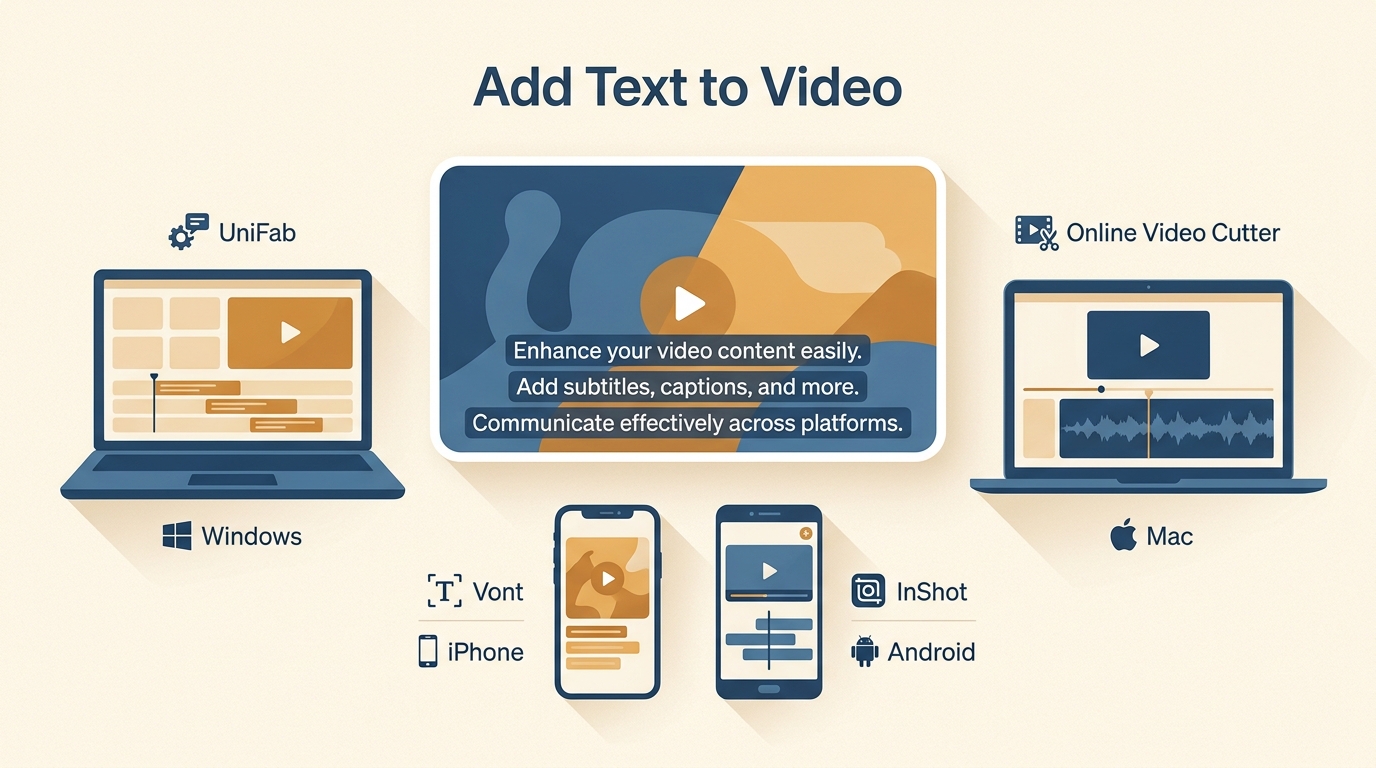
Learn a common four-step workflow for adding text to video, then choose among desktop subtitle automation, a browser editor, an iPhone typography app, and an Android editor. The guide compares styling, captions, watermark considerations, and output types without treating one method as right for every project.

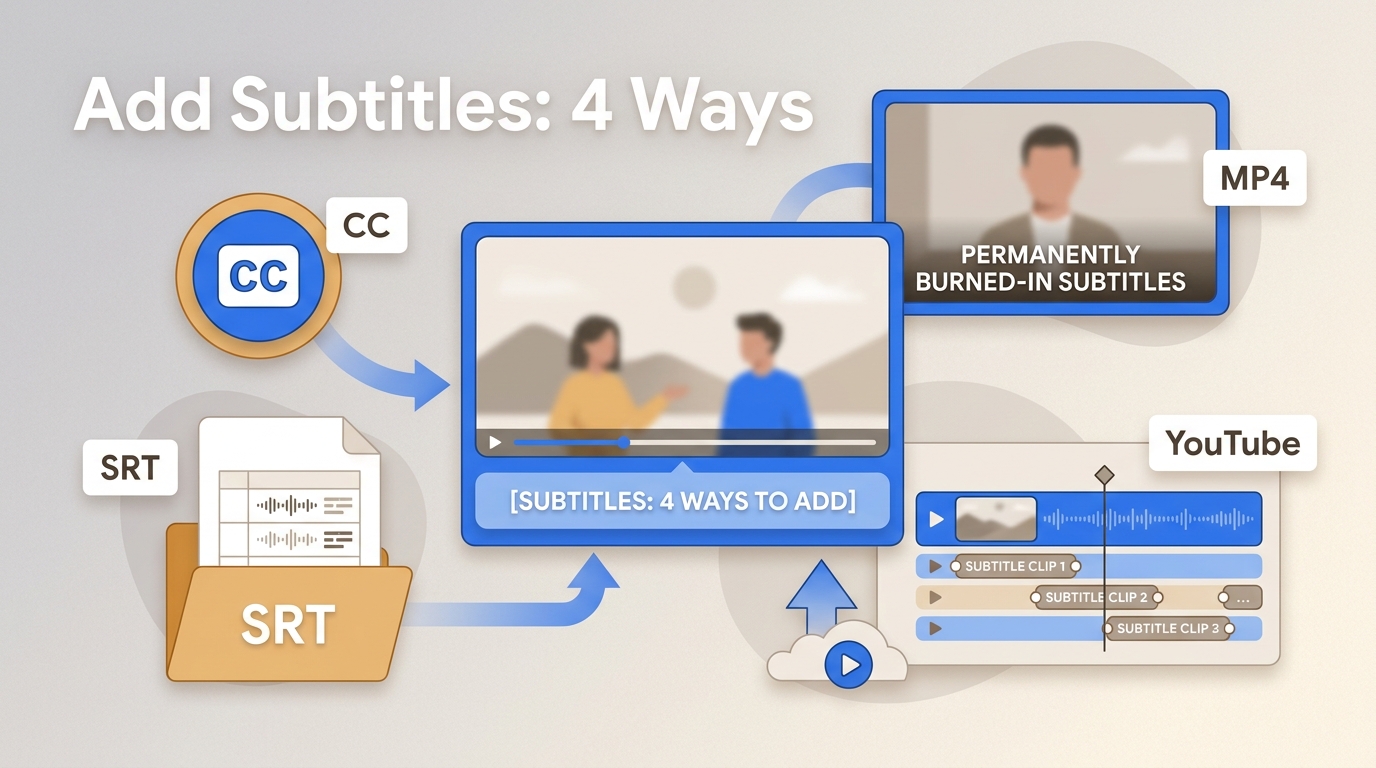
Choose the subtitle output before choosing the tool. This guide compares UniFab, Canva, Premiere Pro, and iMovie, then explains SRT/VTT files, burned-in MP4 captions, YouTube tracks, lawful local use, and a practical quality-control checklist.
An intuitive and accurate automatic subtitle generator for global content creators.