Video2X vs Topaz: Which Fits You in 2026?

Updated on August 3, 2026
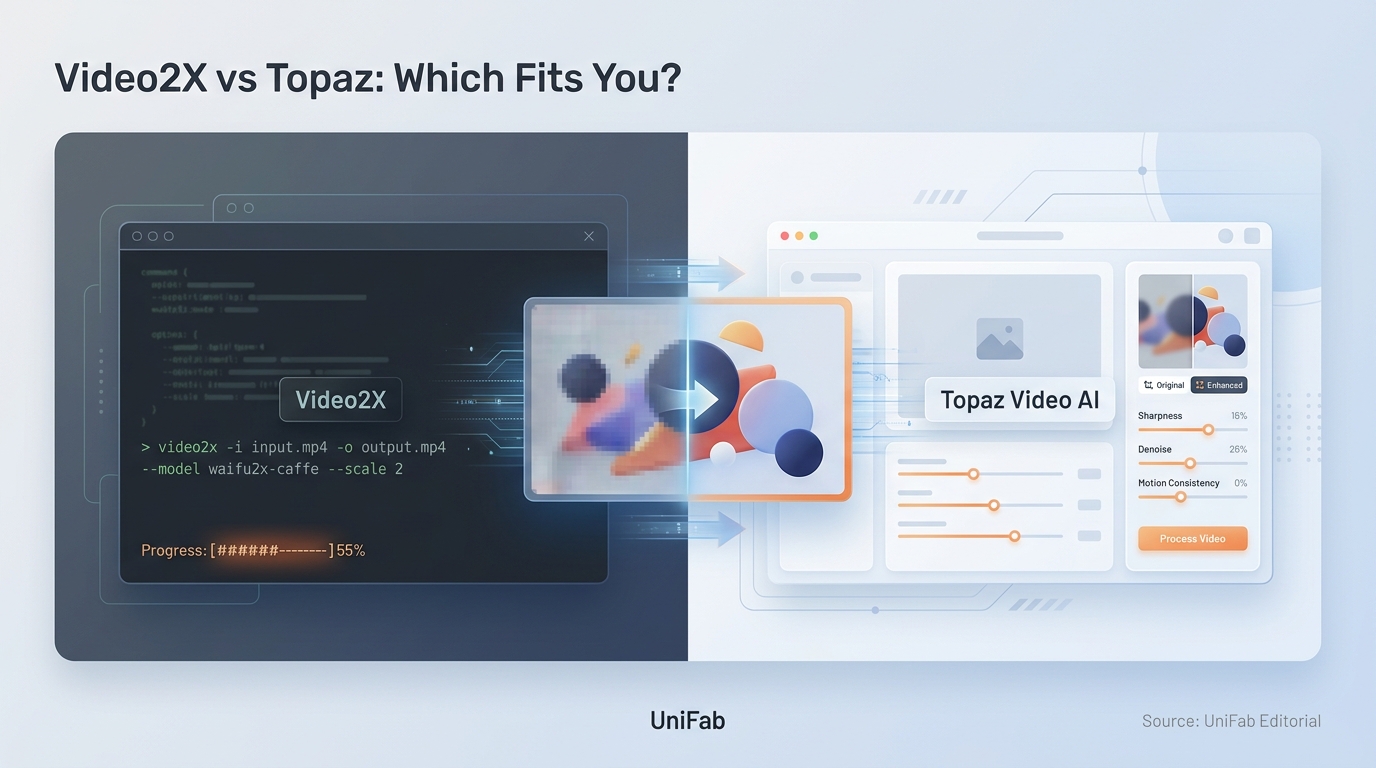
Video2X vs Topaz: Which Fits You in 2026?
A scenario-based comparison of Video2X and Topaz for AI video upscaling in 2026, covering output quality by footage type, real costs including setup and render time, a four-step selection process, and where a lifetime-licensed local tool fits between the free and subscription options.

7 Best Video Background Removers (2026): Tested AI Software & Online Tools

Updated on August 3, 2026
7 Best Video Background Removers (2026): Tested AI Software & Online Tools
Choosing the best video background remover in 2026 means balancing AI accuracy, processing speed, and cost. We tested seven leading video background remover tools on the same 1080p footage to measure edge precision, hair handling, motion stability, and export quality. UniFab Video Background Remover AI leads our software pick (free, full video, no watermark).

10 Best Vocal Separator Tools in 2026: AI Music and Vocal Separators for Clean

Updated on August 3, 2026
10 Best Vocal Separator Tools in 2026: AI Music and Vocal Separators for Clean
A practical, hands-on guide to the 10 best vocal separator tools in 2026, covering free, online, and pro-grade AI vocal separators. We compare quality, pricing, stem support, and offline vs online workflows so you can pick the right music and vocal separator for karaoke tracks, remixing, video projects, or studio production — including standouts like UniFab Vocal Remover, Ultimate Vocal Remover (UVR), Moises, LALAL.AI, and Fadr.

Upscale AI-Generated Video to 4K: Fix Flicker, Faces, and Soft Detail

Updated on July 30, 2026
Upscale AI-Generated Video to 4K: Fix Flicker, Faces, and Soft Detail
A hands-on guide to fixing and upscaling AI-generated video from Sora, Kling, Veo, and Seedance. Covers why AI clips look soft, waxy, and stuck at 720p, the six defects every AI video has, and the correct repair order — clean structure, restore texture, deflicker, then upscale to 4K last. Includes a symptom-to-fix table, a step-by-step UniFab walkthrough, per-model tips, an honest tool comparison, and a 10-question FAQ.

Topaz Upscale Video Review (2026): Models, Speed, Quality & a Best Alternative

Updated on July 30, 2026
Topaz Upscale Video Review (2026): Models, Speed, Quality & a Best Alternative
Topaz Video Upscaler is the AI-driven upscaling engine inside Topaz Video AI. It uses content-specific models (Proteus, Rhea, Gaia, Iris, Starlight) to turn 480p/720p/1080p footage into 4K or 8K with reconstructed detail, and costs $299/year after Topaz Labs killed its perpetual license in October 2025. Is it still the best topaz ai video upscaler on the market in 2026? After a month of hands-on testing, the honest answer is: for top-tier restoration — yes; for most creators — a faster, cheaper alternative UniFab Video Upscaler AI now delivers matching quality in less time. This topaz video upscale review is based on identical clips run through both tools on the same RTX 4070 rig. Numbers, screenshots, and my verdict are below.

5 Best Video Sharpeners in 2026: How to Sharpen Video Quality on Any Device

Updated on July 30, 2026
5 Best Video Sharpeners in 2026: How to Sharpen Video Quality on Any Device
Blurry, soft, or low-resolution video footage can ruin an otherwise great recording. Whether you are dealing with old VHS transfers, compressed social media downloads, or shaky handheld shots, sharpening your video can dramatically improve its visual quality and professional appeal. In this guide, we cover the best ways to sharpen video quality in 2026 — from AI-powered desktop software and free open-source tools to online editors and mobile apps. We test each method, explain when to use it, and provide step-by-step instructions so you can get sharper, clearer footage regardless of your device or budget.

Make a Video 4K Online Free: 3 Tools and Their Limits

Updated on July 29, 2026
Make a Video 4K Online Free: 3 Tools and Their Limits
To make a video 4K online free in 2026, upload a 1080p source to UniFab Video Enhancer AI Cloud. The cloud GPU doubles 1920×1080 to true 3840×2160 in about 5 minutes, with 30 free credits on signup, no watermark, no install. The whole point of any make video 4K online free tool is that it runs in any browser — Chrome, Safari, Edge — so a phone, Chromebook, or work laptop without admin rights can hit Ultra HD without downloading anything. This guide covers the three free browser tools that actually deliver, exactly how to use them, and what realistic results look like.