Compare AI mosaic remover tools for blocky video, including desktop, cloud, browser, and open-source options. The roundup ranks realistic strengths, privacy and setup trade-offs, and separates compression repair from impossible perfect-uncensoring claims.

Learn how to remove mosaic from video you own by identifying compression blocks versus deliberate censorship, following a practical cleanup workflow, comparing tools, and understanding legal and technical limits.
Diagnose why a video is pixelated, match compression, low-resolution, playback, or file damage to the right fix, and understand when AI restoration can help. This pillar directs readers to focused tool, mosaic-removal, and censorship explainers without promising recovery of deliberately hidden detail.
Choosing the right 4K bitrate is crucial for balancing video quality and file size. Whether you're streaming on YouTube, recording gameplay, or exporting a cinematic project, understanding how bitrate affects 4K video quality will help you achieve professional results. In this comprehensive guide, we'll cover everything you need to know about 4K bitrates: optimal settings for different platforms, codec comparisons, frame rate considerations, and practical recommendations based on industry standards from YouTube, Netflix, and broadcast professionals.
Blurry videos can ruin everything from cherished family memories to professional marketing content. Whether your footage suffers from camera shake, low resolution, poor lighting, or compression artifacts, AI-powered blurry video fixer tools like UniFab Video Upscaler AI can restore clarity and sharpness in minutes.
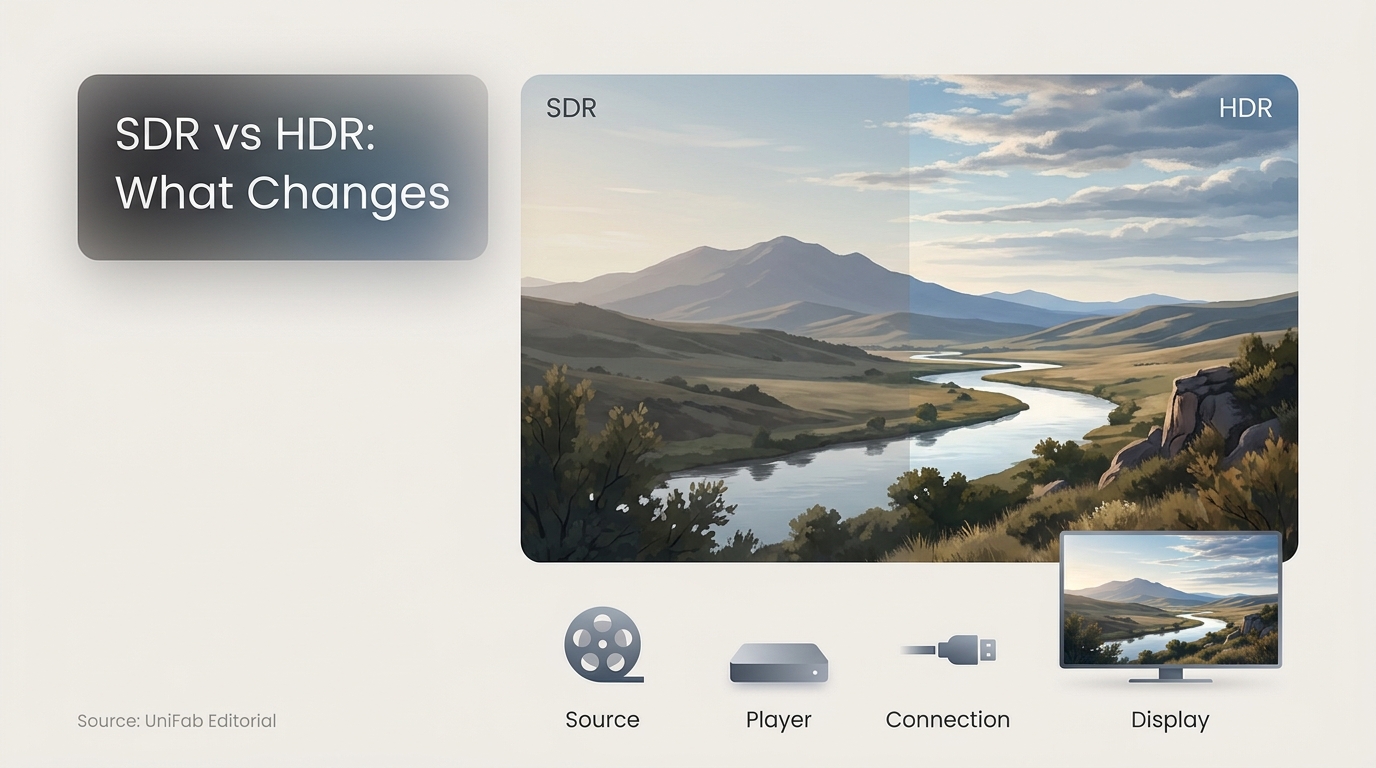
SDR offers broad, predictable playback, while HDR can deliver stronger contrast and color through a compatible signal chain. This guide compares both formats, explains common HDR problems, and outlines when selective HDR10 conversion makes sense.
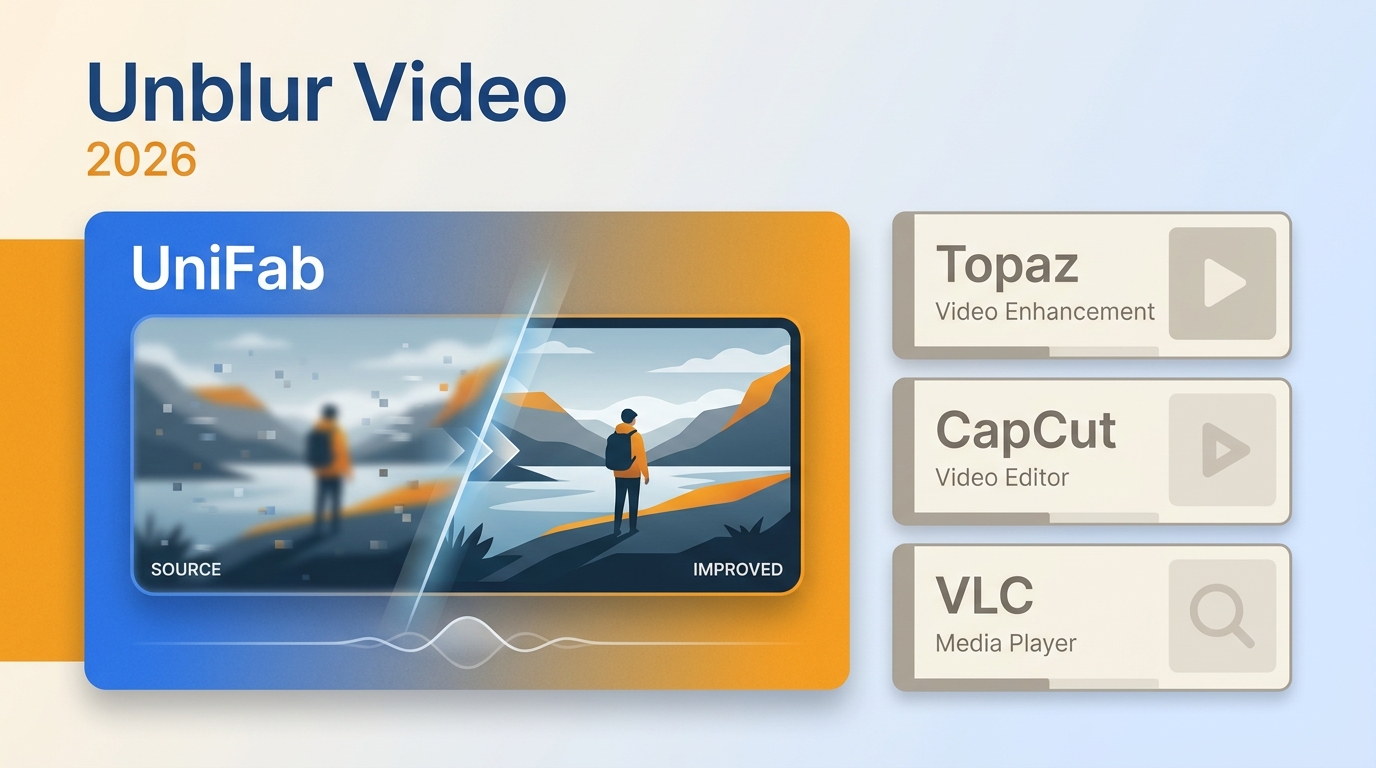
Blur is not one problem, so the right fix starts with diagnosis. This guide maps motion blur, missed focus, noise, and compression to practical treatments, then compares two desktop and four online video clearers by privacy, file handling, export path, mobile fit, and realistic AI recovery limits.
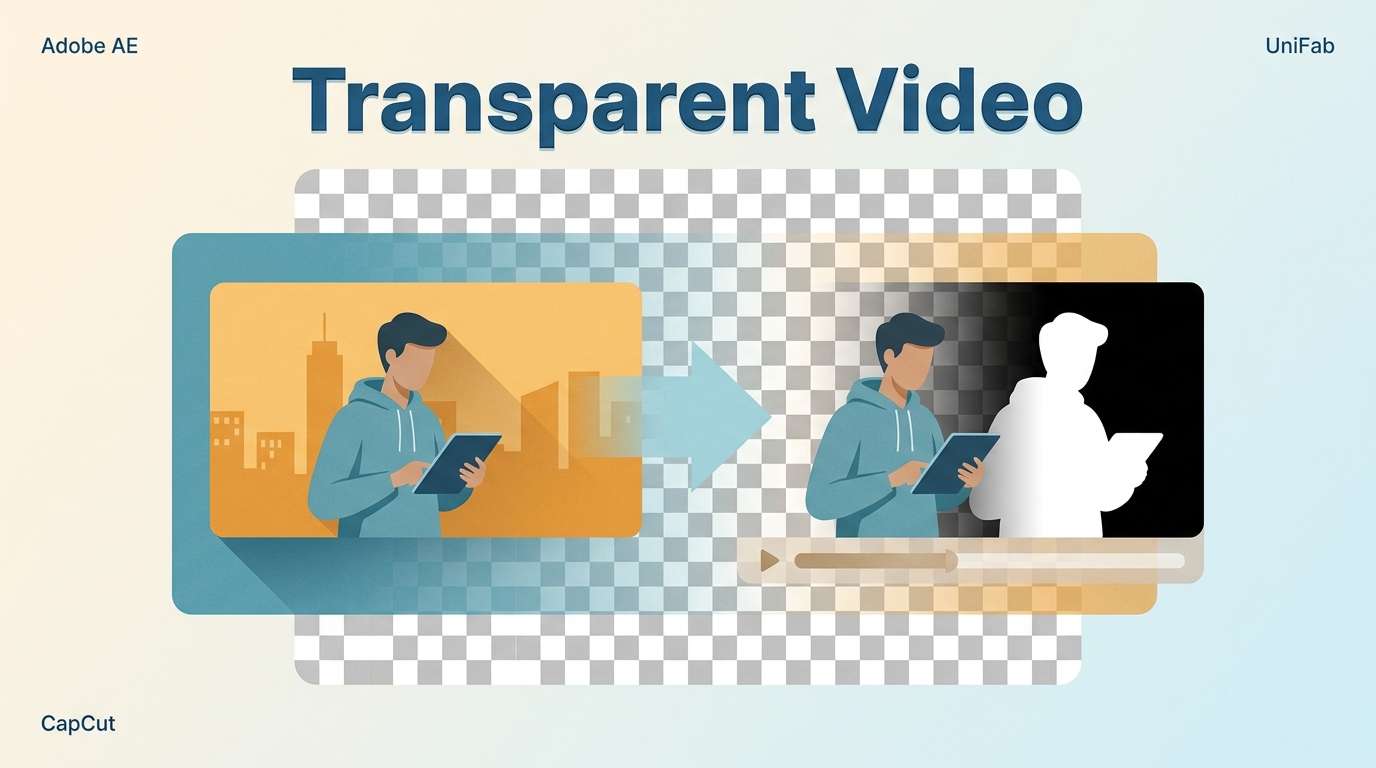
This guide separates background removal from alpha-capable export, then matches six active tools to the footage and platform. It explains MOV, WebM, HEVC, and MP4 limits, provides software and browser workflows, and shows how to diagnose black backgrounds and bright edges in the destination app.
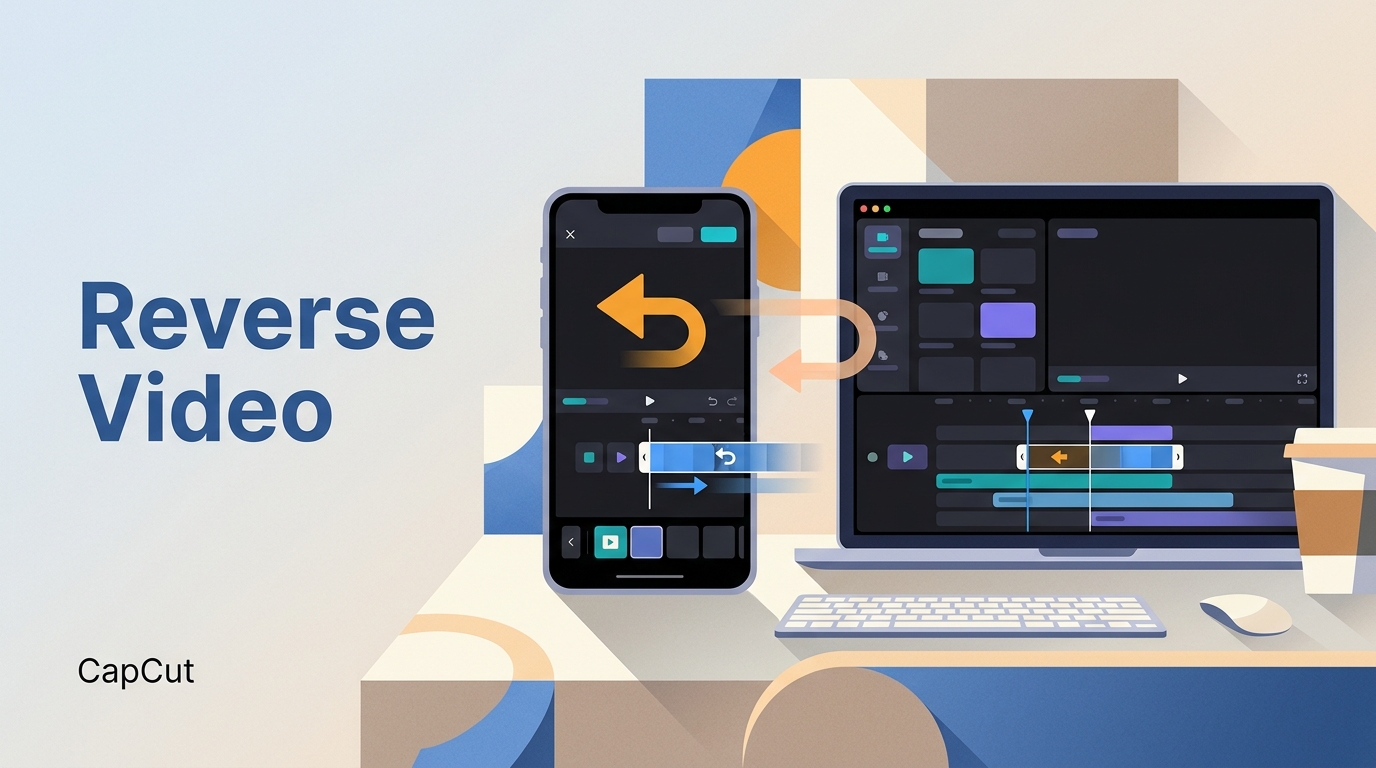
Quick and easy tutorial on how to reverse a video on Capcut. And the problems and solutions you may encounter when reversing videos in the Capcut. Let's get started!
Learn how to sharpen video online free without confusing sharpening with upscaling or motion-blur repair. This guide compares online video sharpener options, explains free limits and privacy, and gives a practical workflow for avoiding halos and artificial detail.