Identify whether the CapCut mark is an ending clip, a template export mark, or a logo embedded in the picture. Then use the matching built-in, crop, cover, blur, or AI reconstruction workflow while protecting framing and usage rights.
A practical guide to removing visible video watermarks with cropping, covering, or AI reconstruction while protecting composition and motion. It also explains platform-specific limits, provenance duties, and when UniFab fits larger jobs.
This guide compares six video quality enhancer tools across desktop software, online services, and mobile apps. It covers AI upscaling, denoising, privacy, free trial limits, supported formats, processing time, and output resolution.
Anime lovers know that watching your favorite series in crisp, high-resolution quality can completely transform the viewing experience. Whether you’re restoring nostalgic classics or enhancing new releases, an AI anime upscaler helps you upgrade anime videos to 4K, 8K, or even 16K — bringing out every detail while preserving the original art style. In this 2026 guide, I compare the best anime upscalers to help you choose the right tool for your needs.
Learn how to use JavPlayer, understand its setup and mosaic-reduction limits, and compare it with a simpler modern VideoRefiner AI workflow. The guide is limited to authorized footage and does not promise recovery of deliberately destroyed pixels.
An honest, hands-on look at the CapCut Video Upscaler in 2026: how its AI upscaling performs on real footage, where it over-smooths skin and over-sharpens detail, what CapCut Pro costs across platforms, a step-by-step guide to getting 4K, and how it compares to a dedicated alternative (UniFab Video Upscaler AI) for creators who need sharper, more natural results.
Blurry, grainy, or pixelated videos can be frustrating — especially when the footage matters. Whether you're trying to salvage old family recordings, fix shaky handheld clips, or upscale low-resolution content for a bigger screen, learning how to make a video clearer is easier than you might think. This guide covers every method available in 2026: AI-powered desktop software, free tools, online editors, mobile apps, and professional editing suites. We'll walk you through step-by-step instructions for each approach so you can choose the one that fits your needs and skill level.
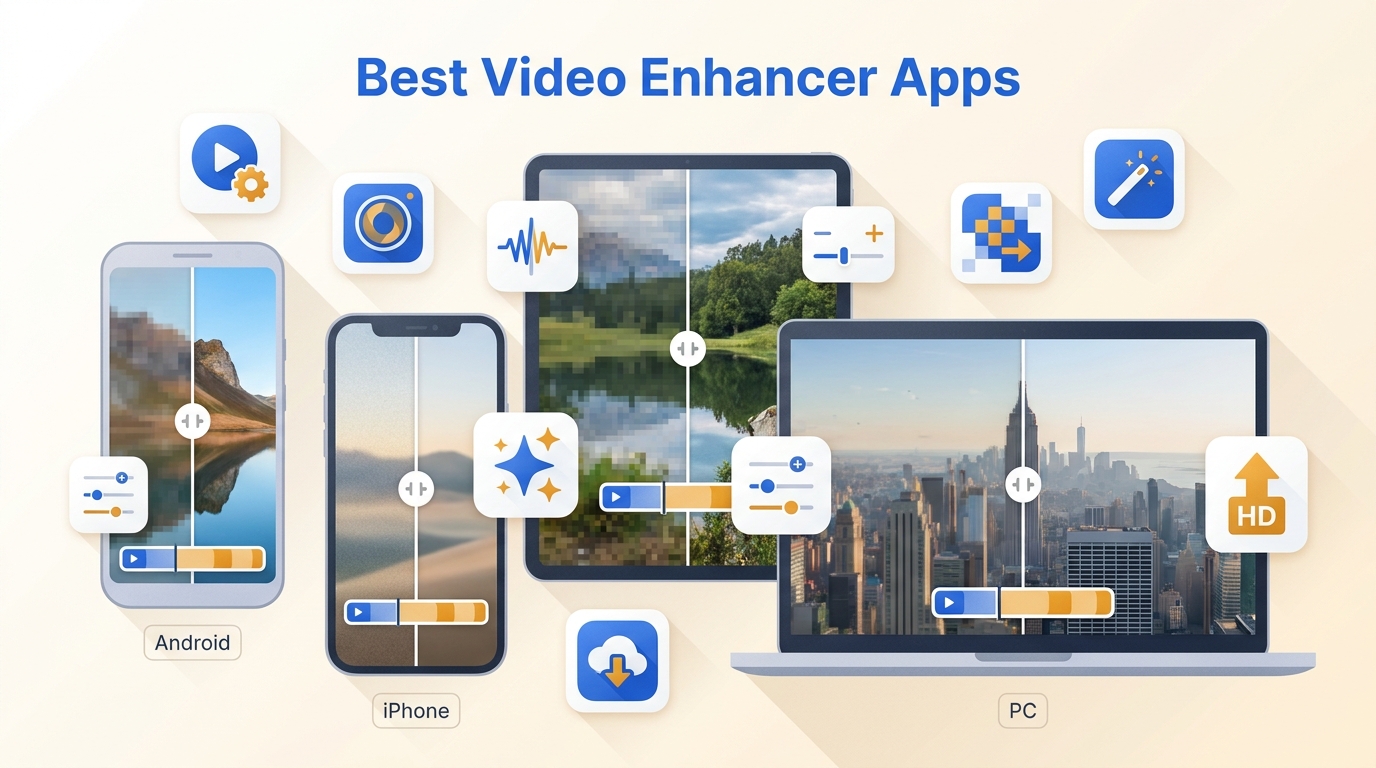
If your videos look blurry, grainy, or lack clarity, you might need the best video enhancer app to bring them back to life. In 2026, AI video enhancer apps have become powerful enough to upscale old footage, restore color, and enhance every detail — automatically. From quick mobile edits to cinematic desktop enhancements, this guide reveals the best apps to improve your video quality, including UniFab AI, a top-rated professional and desktop apps for creators.
This guide explains how to fix pixelated video by diagnosing streaming quality, file corruption, and permanent compression damage, then compares six depixelation methods including AI restoration, manual editing, playback checks, and browser tools.
4K at 60fps pairs razor-sharp 3840x2160 detail with smooth 60fps motion. This 2026 guide explains what 4K 60fps means, how it compares to 4K 30fps, storage and hardware needs, the best cameras that shoot it, and the two ways to reach it: record it natively or rebuild older footage with AI using UniFab Smoother AI.