Learn what changes when a MOV video becomes an MP3, then choose a desktop, browser, or iPhone workflow. The guide covers file-size and privacy tradeoffs, UniFab's local conversion steps, channel checks, and common VLC, Adobe Express, and Canva questions.
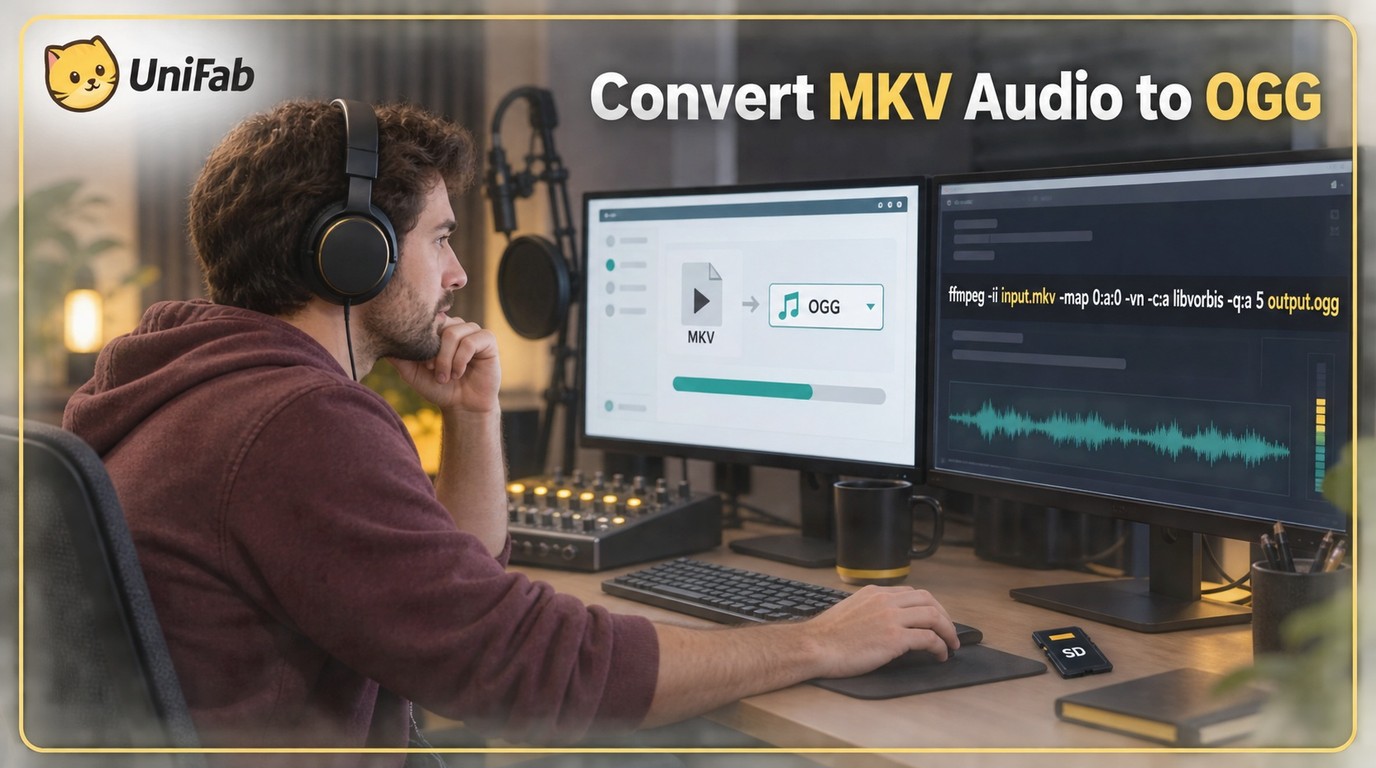
This guide explains whether MKV-to-OGG conversion means audio extraction or video retention, then gives online and FFmpeg workflows. It also compares privacy, track control, output choices, and UniFab's verified compatibility limits.
Learn how to convert WMV to AVI online or locally, choose a codec that your target player supports, and verify the result before deleting the source. The guide also explains when MP4 is a better destination and how local processing helps with private or large files.
Learn what FLAC-to-MP3 conversion changes, how to choose 192, 256, or 320 kbps, and how to protect originals and metadata. The guide maps one safe workflow across individual files, batches, macOS, Windows, and VLC.
Learn what M4A-to-WAV conversion changes, why it cannot restore detail lost to AAC compression, and how to complete the job with browser tools, Audacity, FFmpeg, VLC, or a local batch workflow.
This guide explains how to identify the correct audio stream before converting an MKV file to MP3. It compares online tools, VLC, FFmpeg, and a conditional desktop option, with practical checks for privacy, quality, and playback.
Learn when to use an online or desktop WAV-to-M4A converter, how AAC differs from ALAC, and what to check before processing a batch. The guide also covers Mac and Windows methods, privacy, playback, and reverse conversion.
This guide explains when an online converter is practical and when local desktop software is the safer fit for WMV files. It covers a three-step browser workflow, bitrate and channel choices, local batch conversion with UniFab, and fixes for playback or missing-audio problems.
Convert AVI to WMV with settings chosen for the destination app, not just the file extension. This guide covers a three-step workflow, format tradeoffs, local batch conversion, and codec troubleshooting.
Cisdem Video Converter, now called VideoPaw, combines format conversion with downloading, recording, DVD tools, AI upscaling, and noise removal. This review explains its evaluation limits, safety trade-offs, daily-use features, and whether its broader paid bundle makes more sense than a focused free local converter.