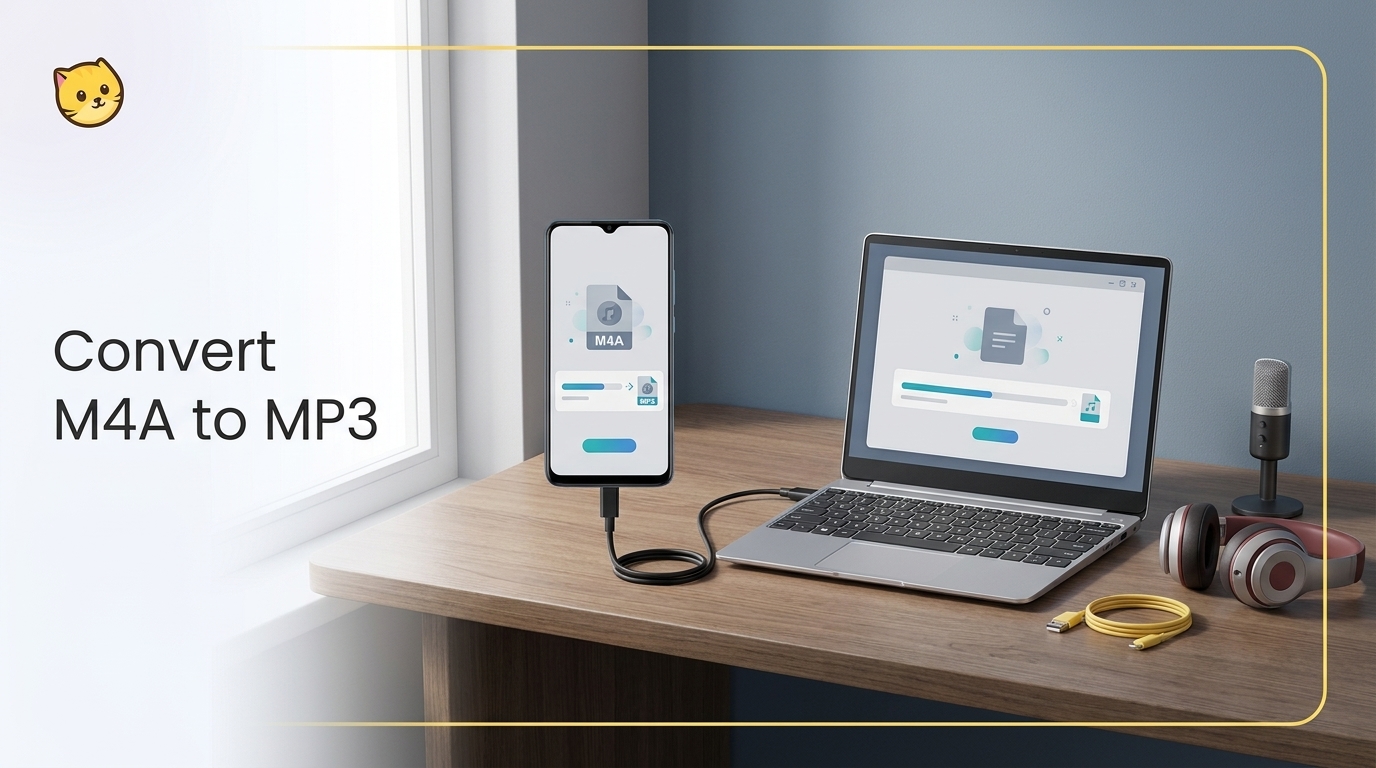
Convert M4A to MP3 by choosing a local desktop workflow for private or repeated jobs, or a browser converter for one ordinary file. This guide covers Windows, Mac, iPhone, Android, quality, metadata, and safe batch handling without replacing the original.
This updated guide explains how to remove audio from video, compares practical options and limitations, and shows how to choose settings or tools for the source, device, platform, privacy needs, and output quality. It also addresses remove sound from video, mute video, remove audio track using current 2026 guidance.
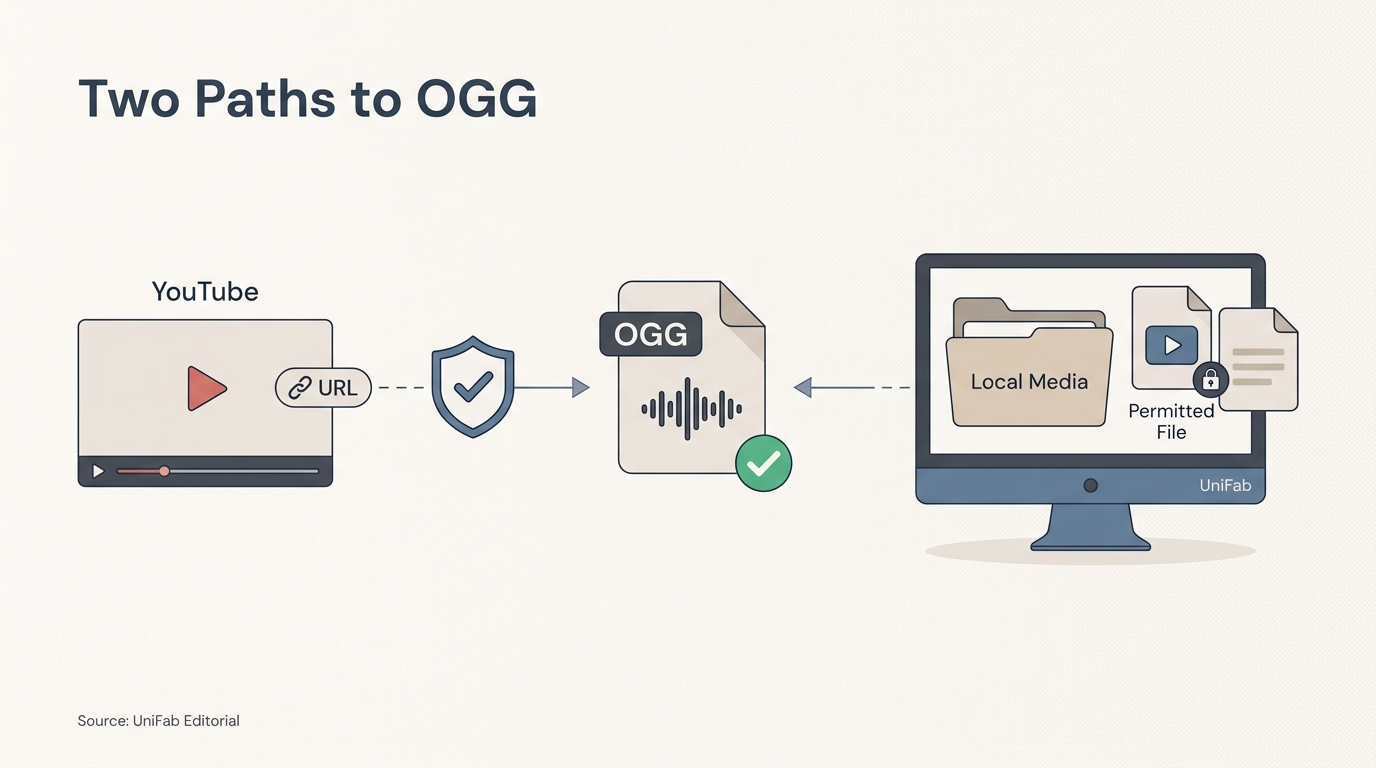
YouTube has no native OGG export, so the practical choice is between an authorized-link workflow and a local-file workflow. This guide explains the permission and codec checks first, then compares online converters with UniFab Video Converter for repeat or batch conversion.
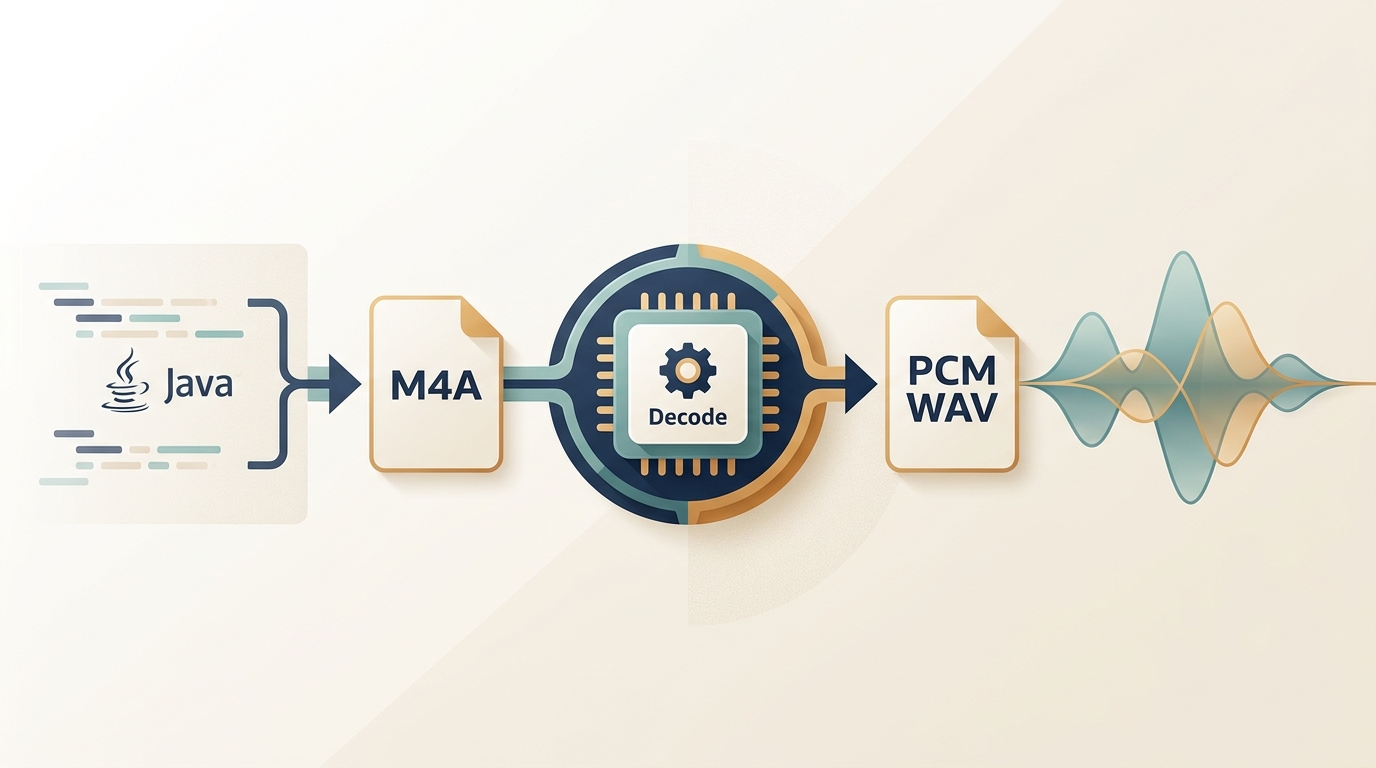
A codec-aware guide to converting M4A to PCM WAV from Java. It explains why Java Sound often rejects M4A, provides runnable ProcessBuilder and JAVE2 paths, and shows how to choose a no-code fallback without assuming M4A compatibility.
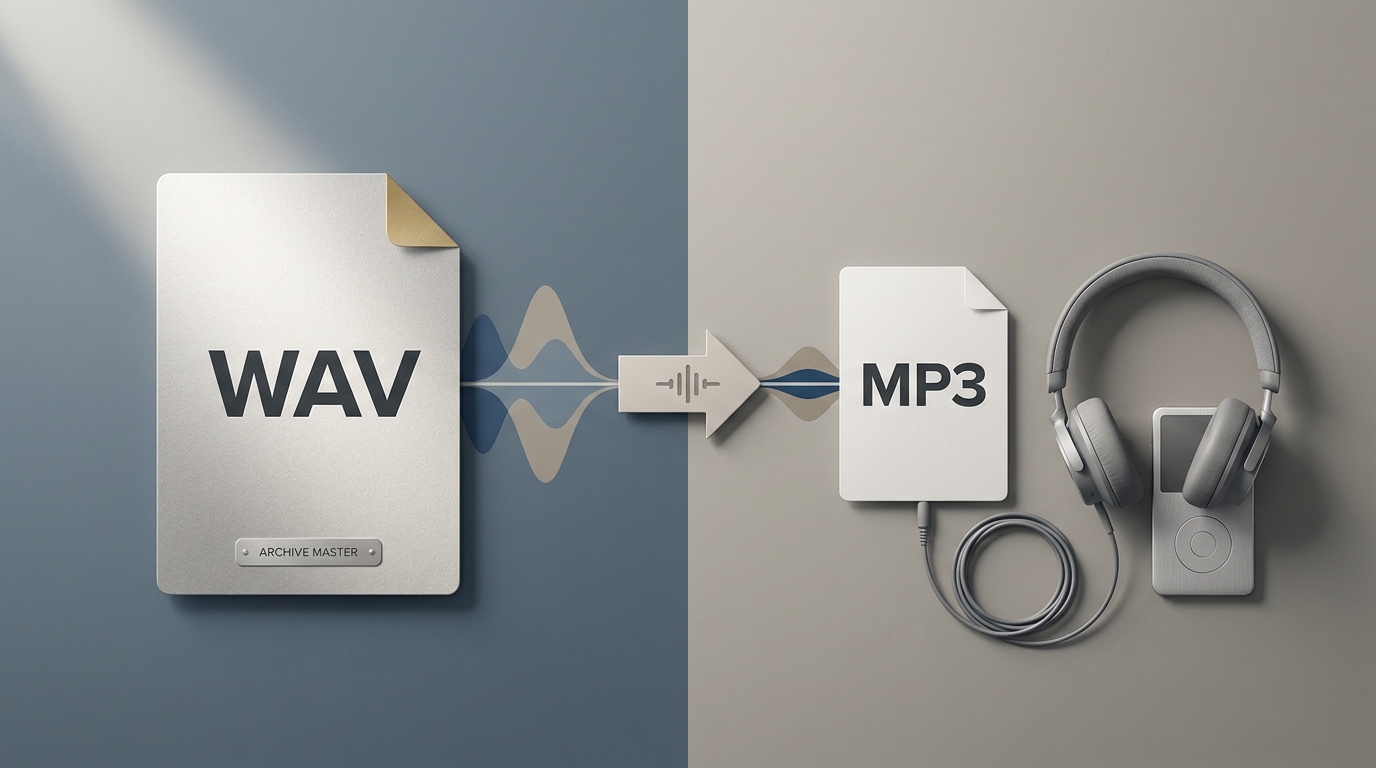
Learn a reliable WAV-to-MP3 workflow, choose an MP3 bitrate by use case, and compare browser, Audacity, and FFmpeg methods. The guide also covers metadata, device compatibility, legal use, and UniFab's verified video-only scope.
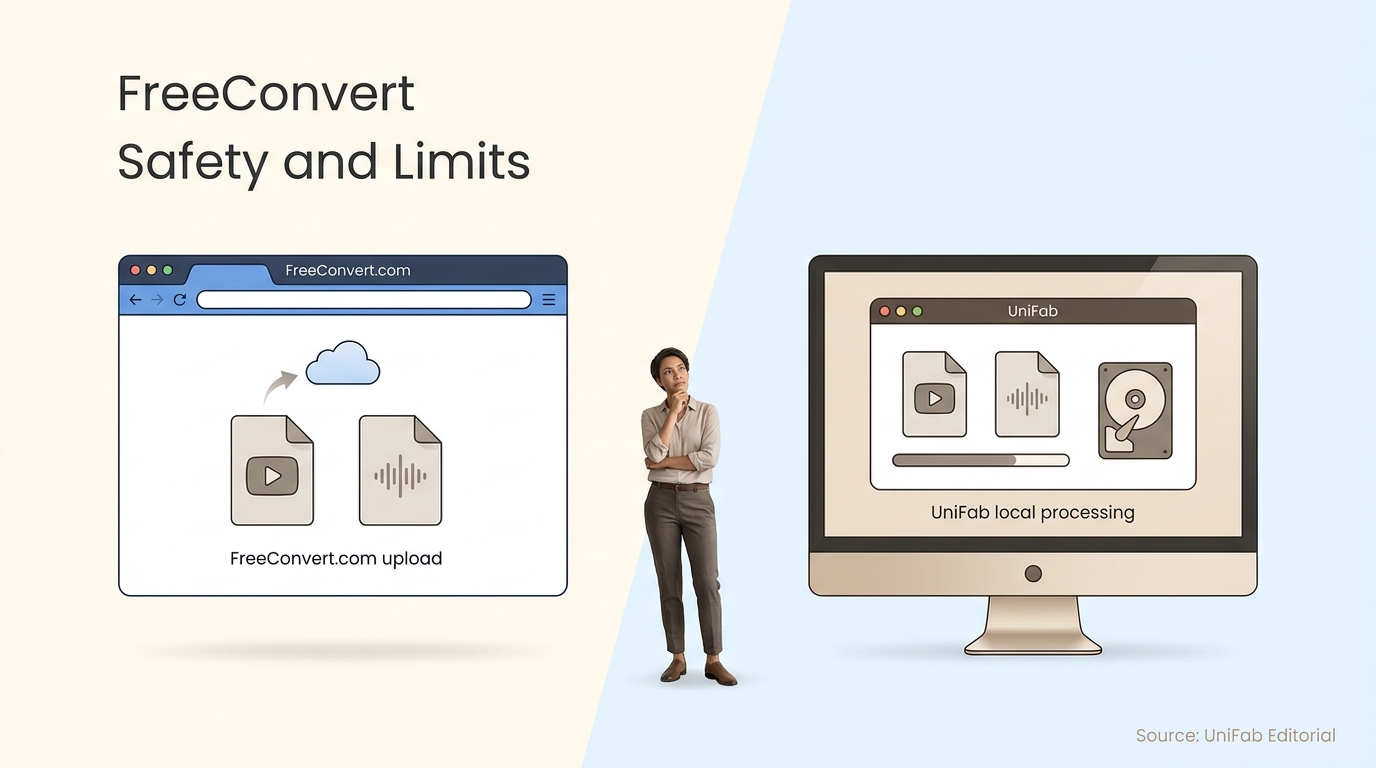
FreeConvert.com is useful for ordinary browser-based file conversion, but its upload model and free-use limits do not suit every file. This review explains the safety boundary, MP3 workflow, and when local video conversion is the better fit.
Turning video into an image is not just a matter of pressing pause and taking a screenshot. The useful part is finding the best neighboring frame, exporting it at source dimensions, and choosing JPG, PNG, or WebP for the final use. This guide covers a browser-first UniFab workflow, precise frame stepping, an exact-time FFmpeg fallback, and practical checks for blur, overlays, color, orientation, and privacy. It also explains when one photo is enough and when a short image sequence makes more sense.
A good video to GIF converter should do more than place an upload button on a page. It should make the output format explicit, let you isolate the moment that matters, explain what “free” means, and tell you when a browser workflow is no longer the right fit. For a short local clip, an online workflow is usually the fastest way to get started. For a multi-gigabyte source, a folder of files, or detailed encoding control, desktop software is more practical. This guide explains the difference and shows a transparent way to choose a tool without relying on invented file-size or speed promises.
Need a still image from a video, an MP4-to-PNG sequence, or a practical video frame extractor? This guide explains how to choose between one-frame capture, fixed-FPS sampling, every-Nth-frame extraction, and exporting every frame. You will also learn when PNG, JPG, or WebP makes sense, how to use a browser workflow, how to extract repeatable sequences with FFmpeg, and how to avoid blurry frames, huge downloads, and browser-memory problems.
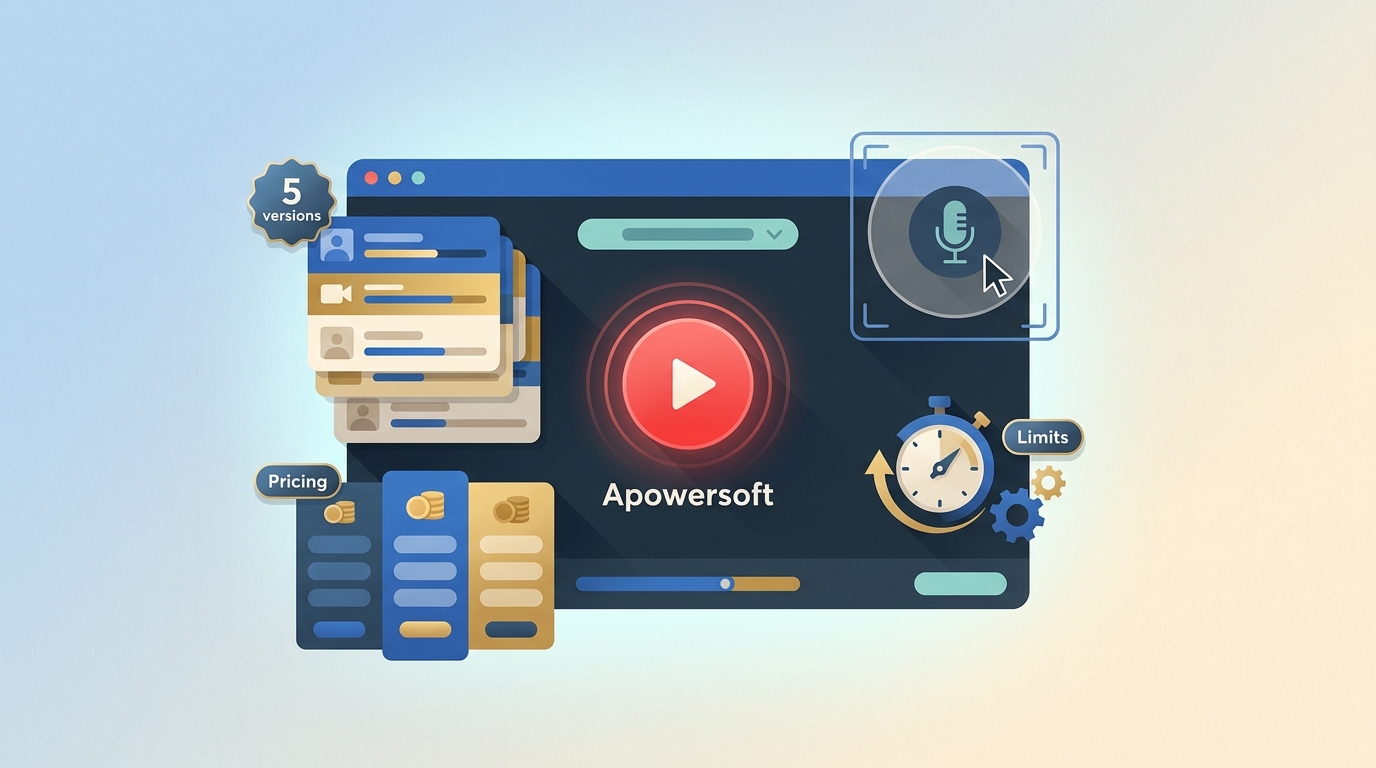
This Apowersoft Screen Recorder review separates the browser recorder, Chrome extension, Screen Recorder Pro, ApowerREC, and RecCloud workflows. It compares setup, audio support, free limits, watermarks, saving behavior, and current US pricing, then explains which option fits short browser captures, desktop work, or cloud sharing.