Independent 2026 testing of Aiarty Video Enhancer reveals portrait overexposure, leftover noise in superVideo vHQ output, and GPU dependency. UniFab Video Enhancer AI delivers cleaner output and 2-3x faster speed across the same source clips.
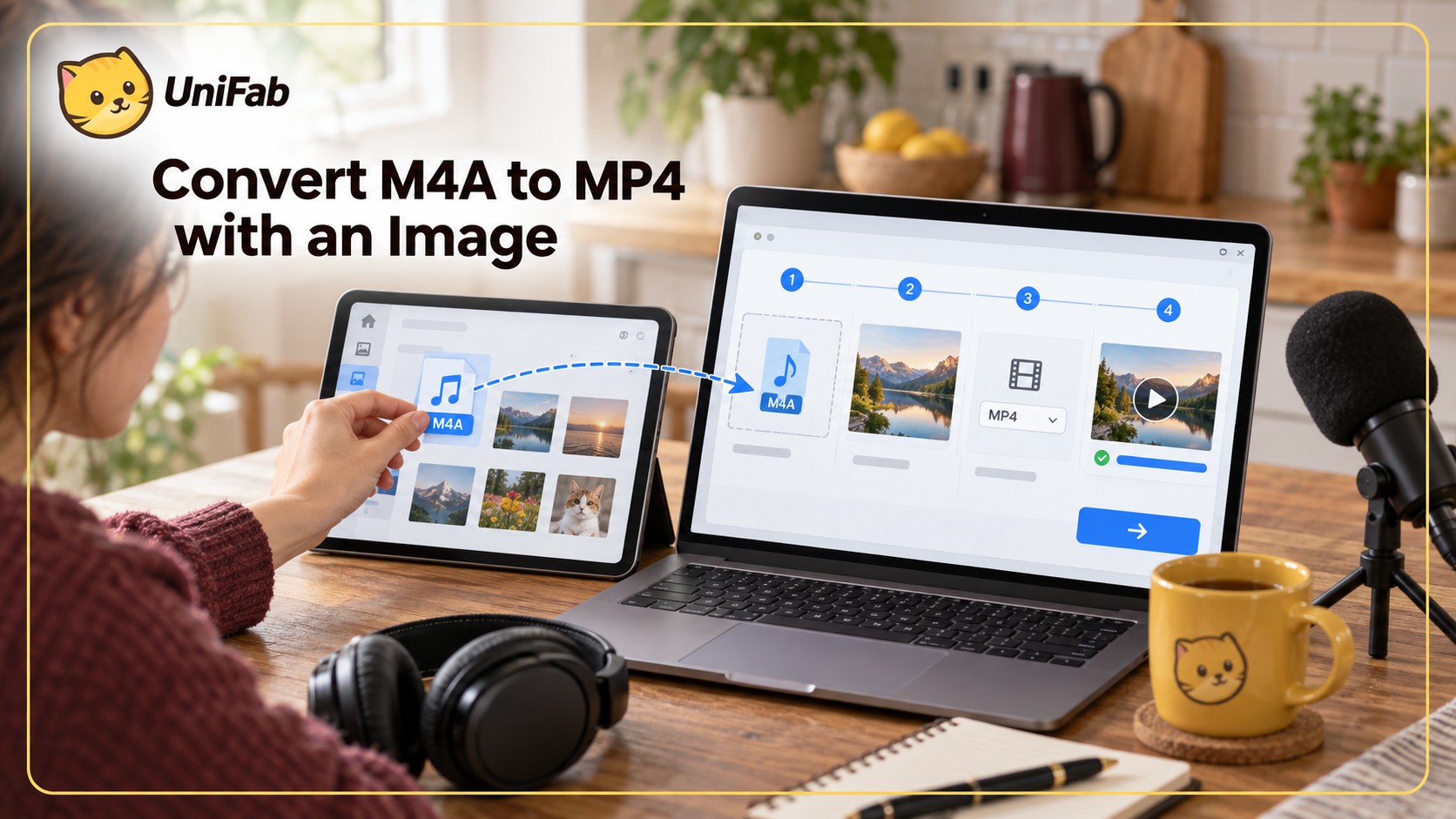
Learn how to pair M4A audio with a real video track and export a compatible MP4. This guide covers browser and desktop routes, codec choices, quality, mobile workflows, and common file-extension mistakes.
The right Filmora watermark removal path depends on whether the original WFP project still exists. This guide compares official re-export, authorized editing options for ordinary overlays, privacy and quality tradeoffs, future editor choices, and realistic restoration after a clip has already been altered.
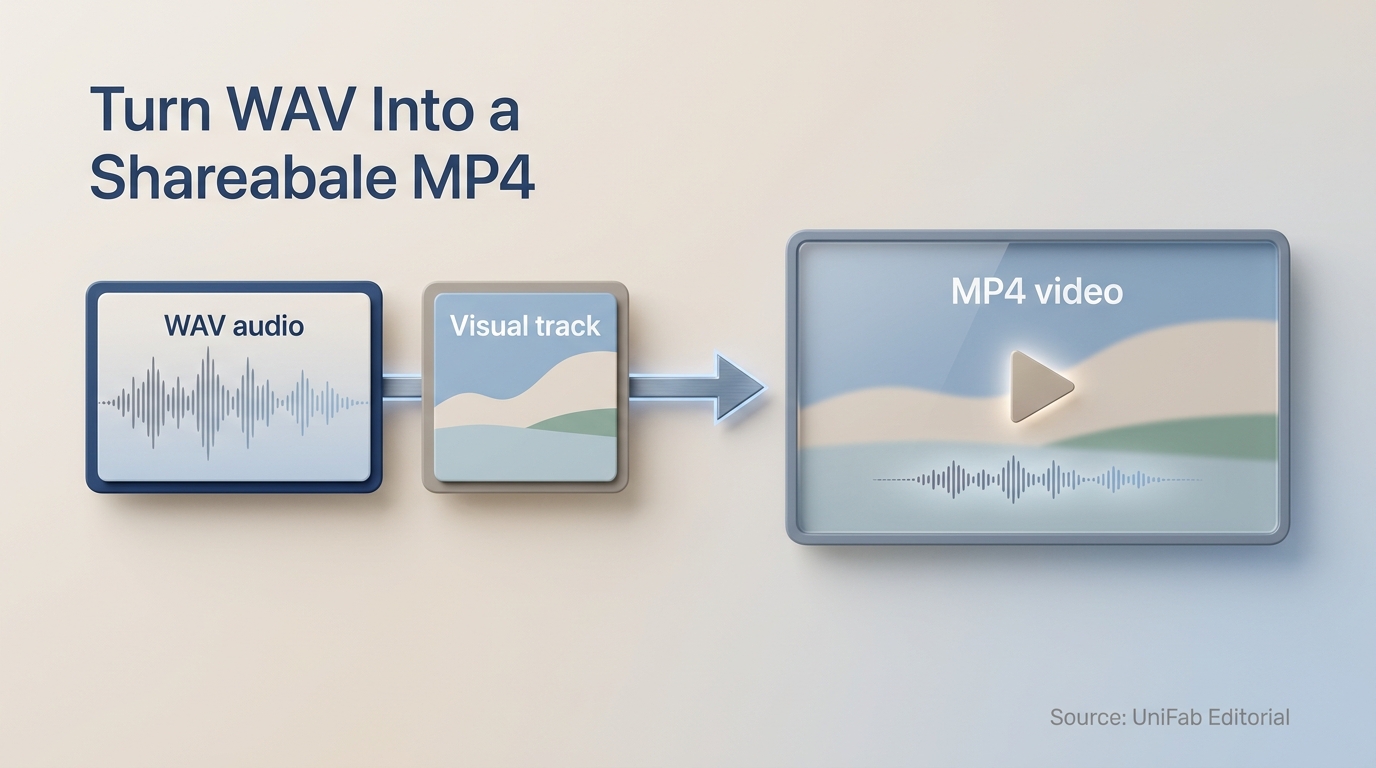
WAV is audio-only, so a shareable MP4 usually needs a visual track as well. This guide explains the four-step workflow, quality trade-offs, and when local processing is a better fit than an online converter.
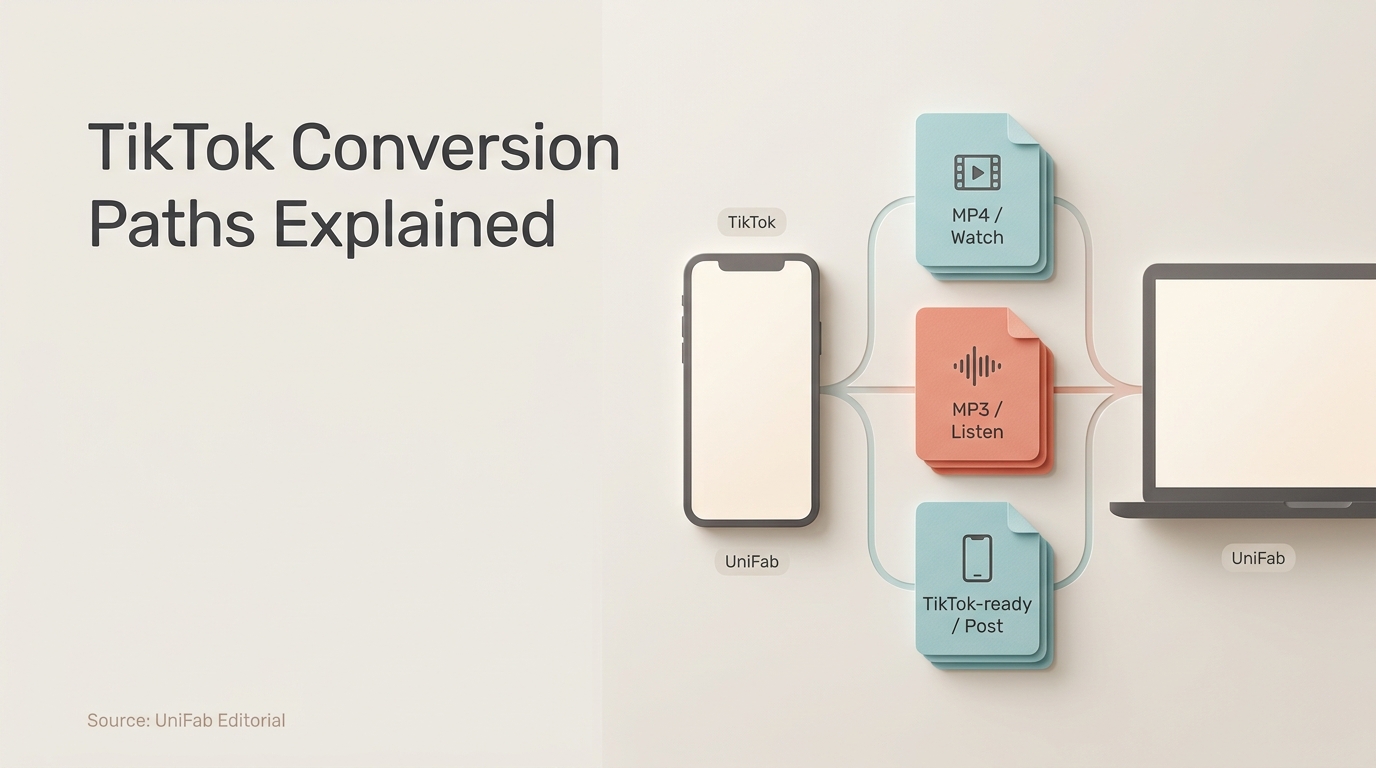
This guide separates three TikTok conversion jobs: saving permitted videos as MP4, extracting permitted audio as MP3, and preparing owned source files for upload. It explains online and local workflows, quality limits, rights, safety, and device constraints.
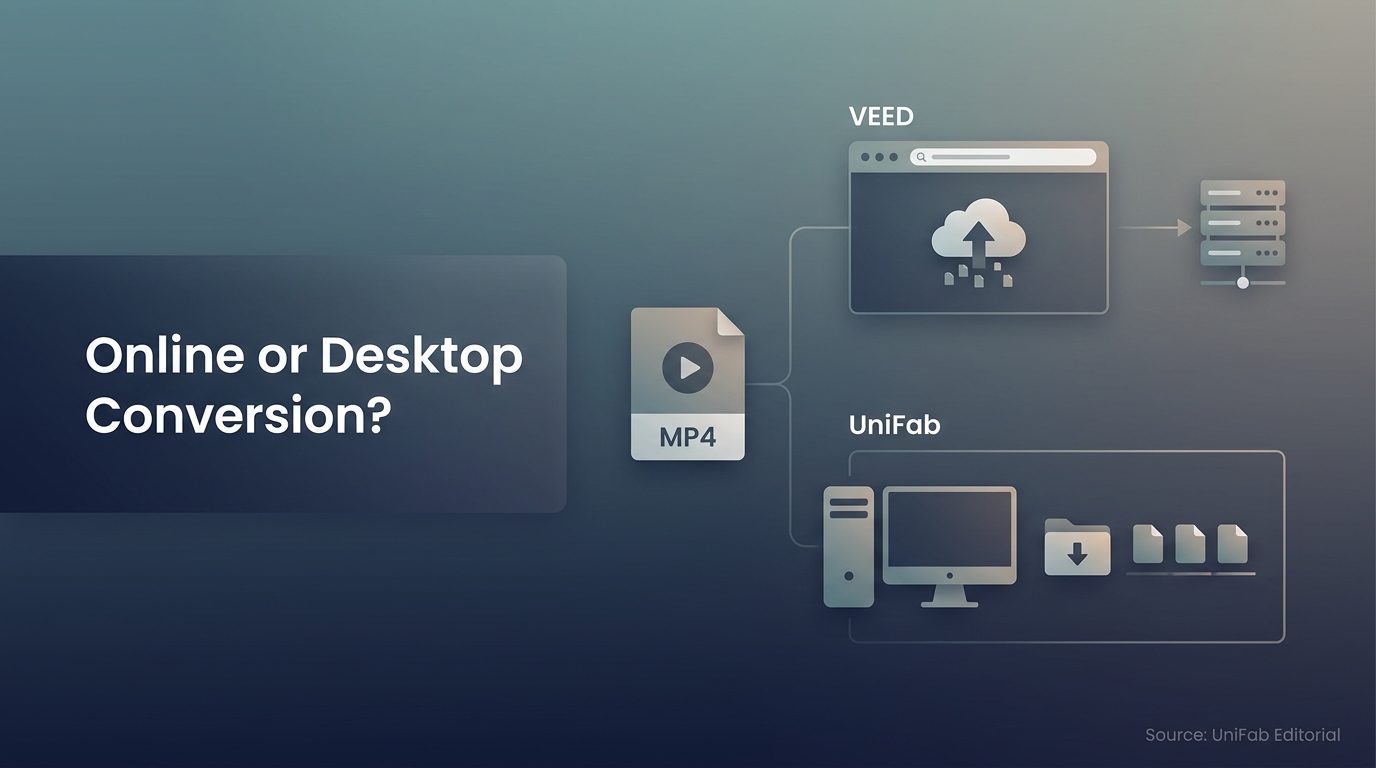
VEED handles quick video and audio conversions in a browser, but upload, export, plan, and connection conditions affect the finished result. This guide explains the workflow and when a local desktop converter is a more suitable choice.
Posting videos to Instagram in 2026 that look crisp? After 3 weeks running 30 deliberate test uploads on Windows 11 (Ryzen 7/RTX 4070) and macOS Sonoma (Mac mini M2) across Reels (1080×1920, 9:16), Feed (1080×1080, 1:1), Stories, and IGTV — this guide gives the exact specs that survive Instagram encoder, the fastest free converter (UniFab Video Converter), batch resizing presets, GIF→video conversion, and horizontal→vertical reframing.
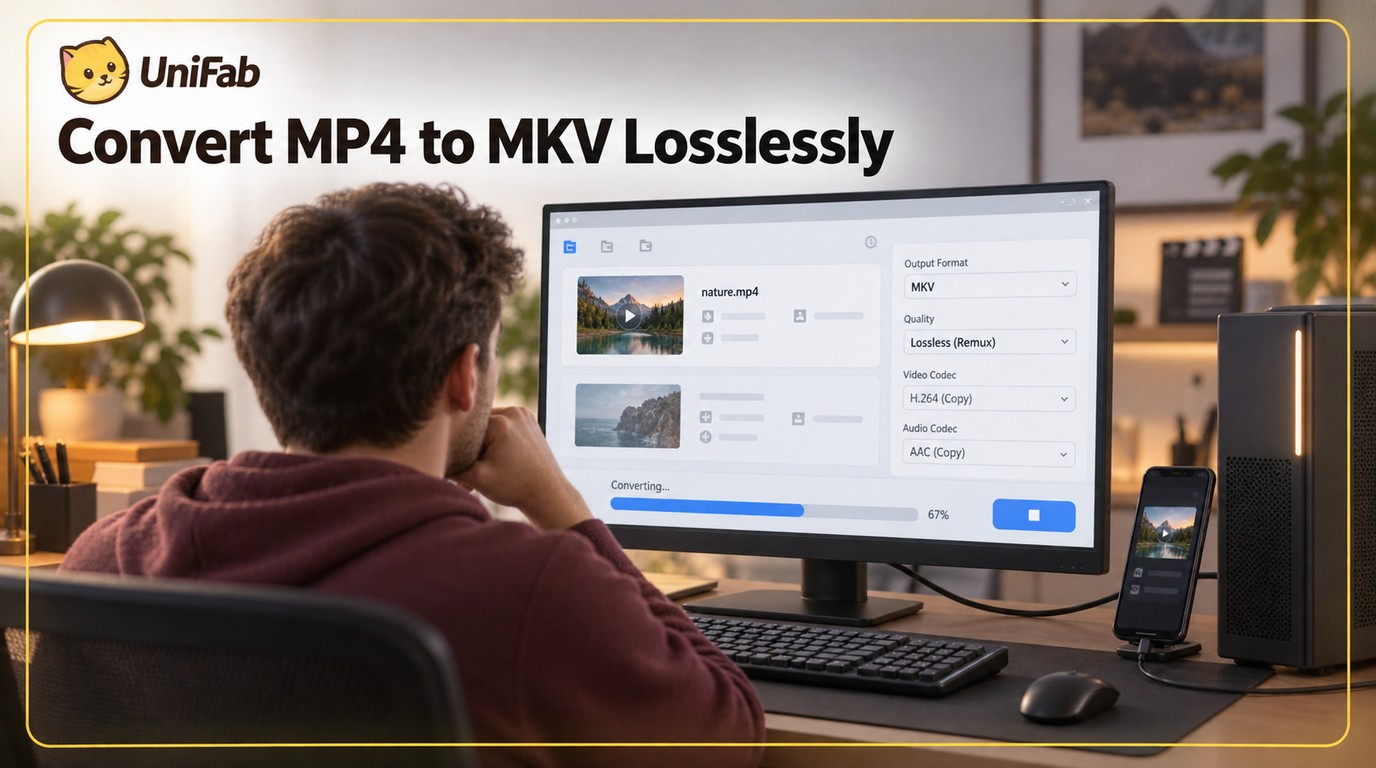
Learn when an MP4-to-MKV change can use lossless remuxing, when re-encoding is necessary, and which desktop, online, or FFmpeg workflow fits your files. The guide also covers tracks, subtitles, metadata, and playback checks.
Learn when WMV is the right target for a Windows workflow, how online and desktop conversion differ, and which settings help prevent quality loss, corruption, and audio drift.
This updated guide explains 720p vs 1080p, compares practical options and limitations, and shows how to choose settings or tools for the source, device, platform, privacy needs, and output quality. It also addresses 1080p vs 720p, 720p resolution, is 1080p better than 720p using current 2026 guidance.