Video

Video Quality Increaser: Best AI Tools to Enhance Resolution, Sharpness & Clarity (2026)

Updated on July 29, 2026
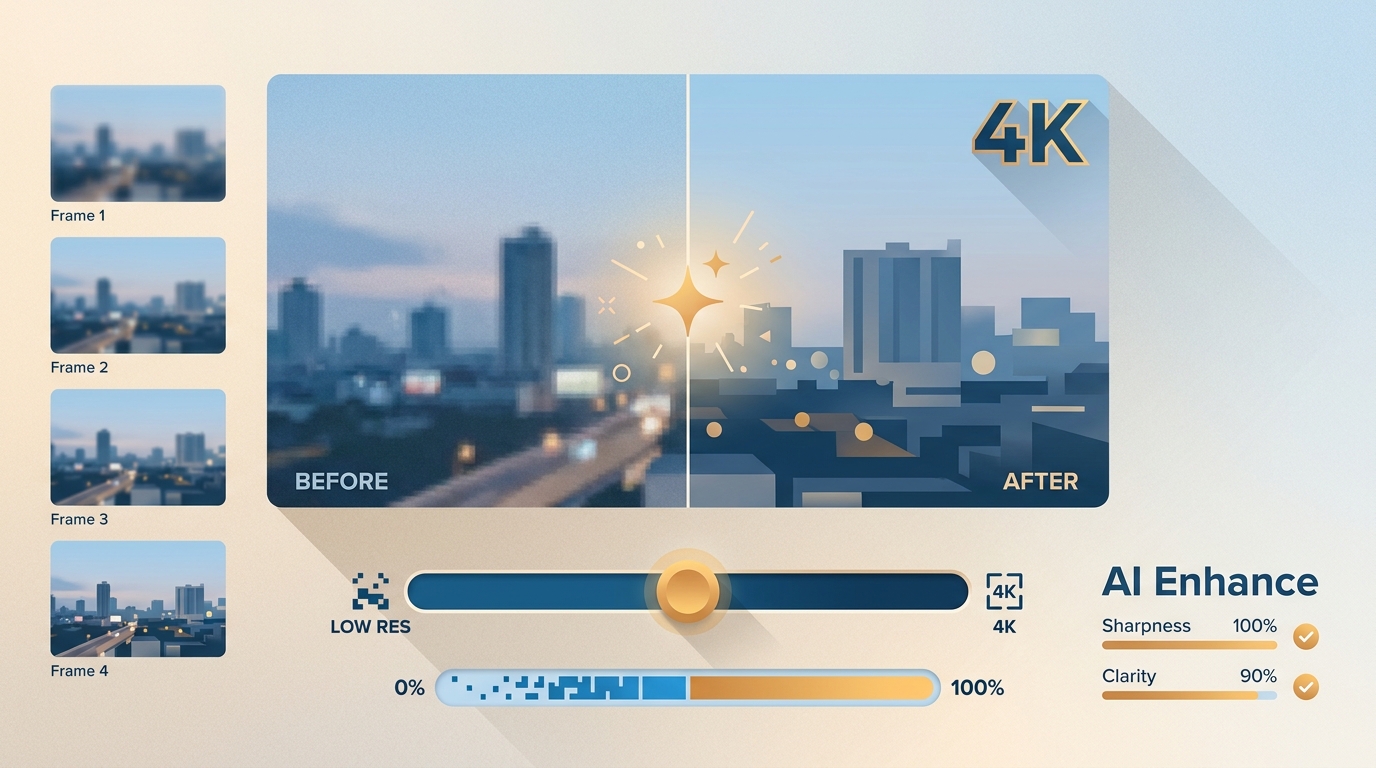
Video Quality Increaser: Best AI Tools to Enhance Resolution, Sharpness & Clarity (2026)
Video quality increaser apps use AI to upscale video quality. Leading options such as UniFab Video Enhancer AI, Topaz Video AI, and Adobe Premiere Pro deliver powerful enhancement capabilities on desktop. For mobile users, HiQuality, Winkit, and InShot make it easy to quickly boost clarity, smooth out shaky footage, and improve old clips right from your phone. If you prefer online solutions, tools like Picwand, Vmake, and Canva offer instant AI-powered video enhancement directly in your browser, allowing anyone to give a new life to vintage or blurry videos with just a few clicks.

Best 60 FPS Converter in 2026: Top 5 AI Tools Tested for Smooth Playback

Updated on July 28, 2026
Best 60 FPS Converter in 2026: Top 5 AI Tools Tested for Smooth Playback
The best 60 fps converter for most users in 2026 is UniFab Smoother AI. In our hands-on tests on an RTX 4070, it produced the cleanest AI-interpolated frames on fast basketball footage and completed a 1-minute 1080p clip in under 3 minutes with no watermark during its 30-day trial. Topaz Video AI and HitPaw are strong alternatives; Veed.io and Media.io are convenient but cut corners on real interpolation. Jump to the Comparison of the Top 60FPS Video Converters for side-by-side test data.

AI Video Restoration in 2026: VHS, Film, and Authentic Detail

Updated on July 28, 2026
AI Video Restoration in 2026: VHS, Film, and Authentic Detail
Video restoration is the process of recovering watchable quality from damaged or degraded footage by removing noise, rebuilding sharpness, correcting faded color, stabilizing motion, and keeping detail consistent between frames. In 2026, the heavy lifting is handled by AI models trained on millions of degraded-to-clean video pairs, which means a VHS home movie digitized at 480p can now be pushed toward a presentable 1080p or 4K master in hours rather than weeks. This guide breaks down how modern AI restoration actually works, what it can and cannot fix, which tools lead the field, and how to pick between doing it yourself and paying a studio. It leans on hands-on testing with VHS transfers, compressed social clips, and 8mm film scans across a Windows RTX 4060 rig and an Apple M2 Pro laptop.

Clideo Review 2026: Safety, Pricing, AI, Pros and Cons

Updated on July 27, 2026
Clideo Review 2026: Safety, Pricing, AI, Pros and Cons
Clideo is convenient for quick browser edits, but its free watermark, cloud workflow, and manual enhancement controls limit its fit for demanding projects. This review separates its real AI features from its Video Clearer, explains current plan and storage differences, and compares Clideo with browser-based and local AI enhancement options.

Organizing TV Shows in 2026: File Naming, NFO, and Fixes.

Updated on July 27, 2026
Organizing TV Shows in 2026: File Naming, NFO, and Fixes.
A practical guide to organizing TV shows with scanner-friendly folders, episode naming conventions, platform-specific NFO guidance, and reversible repair steps. It also compares organizer workflows and explains where UniFab fits when local files need metadata work or format normalization.

NVIDIA RTX Video Super Resolution (RTX VSR): Setup, ON/OFF Guide & Performance Explained

Updated on July 17, 2026
NVIDIA RTX Video Super Resolution (RTX VSR): Setup, ON/OFF Guide & Performance Explained
NVIDIA RTX Video Super Resolution (RTX VSR) is a free, AI-powered upscaling feature on GeForce RTX 20, 30, 40, and 50 series GPUs. It sharpens 360p-1440p streaming video in real time in Chrome, Edge, Firefox, and VLC using Tensor Cores. This guide explains how to enable RTX VSR in the NVIDIA App, when to turn it on or off, GPU Utilization Auto vs High, how it differs from DLSS, common fixes, and UniFab RTX RapidHDR AI for offline HDR upscaling.

NVIDIA RTX Super Resolution Firefox: Complete Setup Guide [2026]

Updated on July 17, 2026
NVIDIA RTX Super Resolution Firefox: Complete Setup Guide [2026]
RTX Super Resolution in Firefox uses AI on your NVIDIA RTX GPU to upscale low-resolution video right inside the browser, delivering sharper, clearer streams with no extra software. This 2026 guide covers system requirements (RTX 20-50 series), how to enable it via the NVIDIA Control Panel or the new NVIDIA App, troubleshooting when RTX VSR is not working, and UniFab RTX RapidHDR AI as an offline alternative.

How to Use Green Screen on WeVideo: Complete Guide (2026)

Updated on July 17, 2026
How to Use Green Screen on WeVideo: Complete Guide (2026)
A complete guide to using green screen on WeVideo in 2026—two chroma-key methods (your own footage and WeVideo stock clips), recording and editing tips, pricing, pros and cons, and a free AI alternative (UniFab) that removes backgrounds without a physical green screen, plus a 10-question FAQ.