How to Upscale and Finish AI Short Drama Footage
Updated on September 10, 2026
AI short drama footage needs consistent faces, motion, resolution, color, and platform-ready exports across many shots. This guide shows how to upscale AI short drama footage in batches, protect character continuity, and document the workflow for repeatable production.
How to Upscale Veo Video to 4K (Without Paying the 4K Rate for Every Take)
Updated on September 10, 2026
Veo can offer high-resolution output, but not every take is worth paying native 4K rates. This guide explains how to upscale Veo video after checking flicker, background shimmer, and text artifacts, then decide when native 4K is worth the cost.
How to Remove AI Video Flicker: Fix Shimmer, Boiling, and Jitter
Updated on September 10, 2026
AI video flicker is a temporal consistency problem, not ordinary camera flicker. This guide explains how to identify shimmer, boiling, lighting pulse, and jitter, then remove AI video flicker before upscaling or final export.
How to Upscale Kling Video to 4K and Fix Face Drift
Updated on September 10, 2026
Kling can produce strong motion, but faces often drift or morph before the clip is ready for delivery. This guide explains how to upscale Kling video after a face-restoration pass, compare native 4K with 1080p finishing, and verify the result with real playback evidence.
8 Best AI Video Denoise Software in 2026: Tested for Detail Preservation
Updated on September 10, 2026
This guide compares eight AI video denoise software options for grain, low-light noise, compression artifacts, and uneven color noise. It explains how the tools differ, which workflows suit local desktop, plugin, free, and online processing, and how to test a short clip before committing to a full export. UniFab Denoise AI is the recommended starting point for creators who want a focused desktop workflow with denoising and enhancement controls in one place.
How to Upscale Old Movies to 4K: AI Film Restoration and Realistic Results
Updated on September 10, 2026
This guide shows you how to upscale an old movie to 4K with AI film restoration in 2026. Start with a 4-step UniFab tutorial that runs on any modern PC, see real before/after results from a hands-on test on 1950s footage, compare four leading tools, then dive into the technical and historical context behind 4K restoration.
How to Fix Video Quality: 10 Practical Methods for 2026.
Updated on September 9, 2026
Need to fix the quality of a video in 2026? This guide walks through 10 proven methods that actually work — AI upscaling, denoising, stabilization, color correction, sharpening, face enhancement, frame interpolation, bitrate boosting, and deinterlacing — with real-world testing data on Mac mini M2 and step-by-step UniFab instructions.
UHD vs 4K: The Consumer Difference That Matters
Updated on September 9, 2026
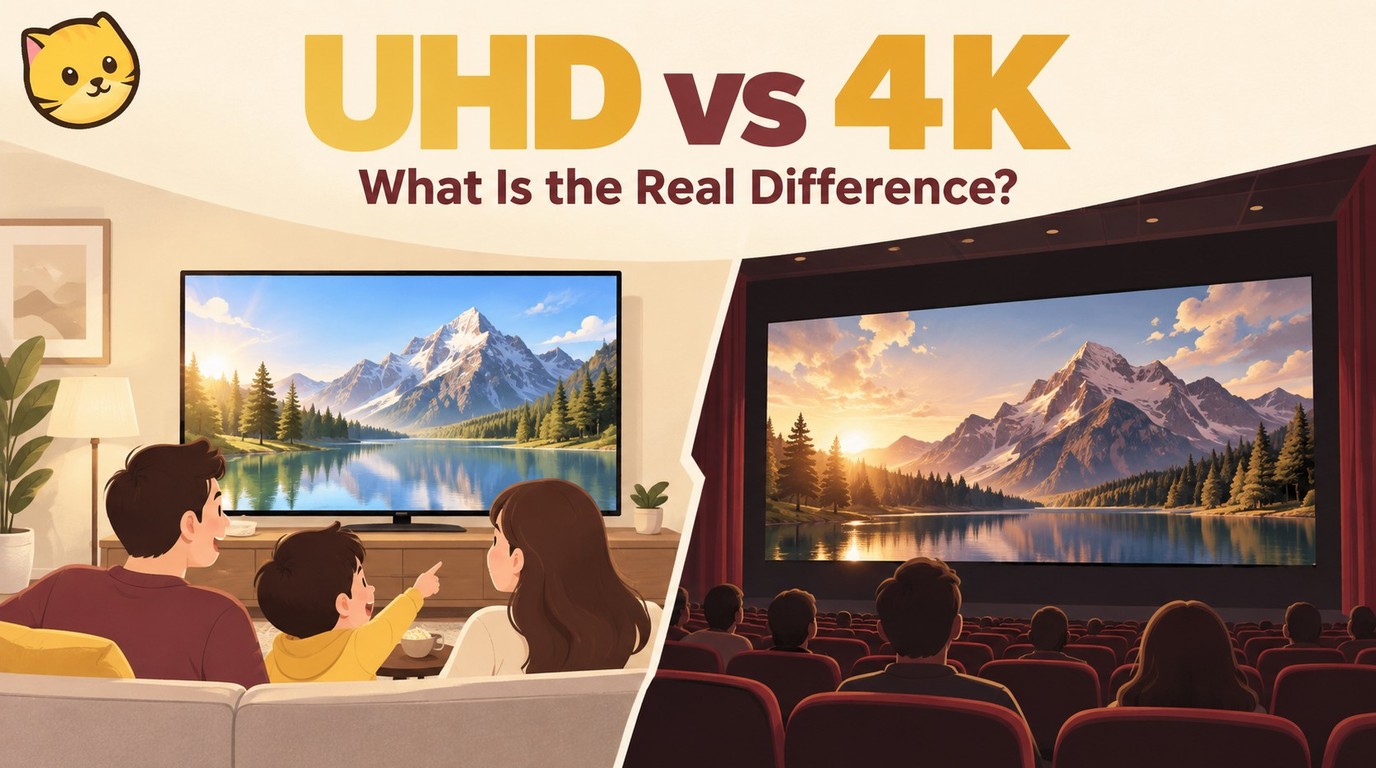
UHD and DCI 4K share a 2160-pixel vertical height, but they serve different markets: 3840 × 2160 UHD is the normal consumer target, while 4096 × 2160 DCI 4K belongs to cinema and production. The guide separates resolution from HDR, panel type, refresh rate, source quality, streaming conditions, HDMI certification, and local video upscaling so readers can choose based on their setup.
VLC Upscale 2026: How to Use VLC for Upscaling — RTX VSR Setup, Best Settings & 4 Tested Methods
Updated on August 27, 2026
Want to use VLC to upscale video to higher quality in 2026? This hands-on guide covers four practical VLC upscale methods — RTX VSR, output module tuning, video filters, and color range fixes — with exact driver versions, keyboard shortcuts, and Windows 10/11 requirements.
How to Uncensor a Video: AI Decensor Tools & Methods (2026)
Updated on September 7, 2026
This guide explains how to improve videos affected by blur, pixelation, compression damage, or similar degradation. It compares desktop AI, online, open-source, and free methods while explaining why deliberately removed pixels cannot be faithfully recovered.