Video

How to Convert HDR to SDR: Best HDR to SDR Converter in 2026

Updated on October 27, 2026
How to Convert HDR to SDR: Best HDR to SDR Converter in 2026
HDR to SDR conversion maps high-dynamic-range video (Rec.2100, 10-bit, up to 1000+ nits) into standard Rec.709 8-bit output so it plays correctly on non-HDR screens instead of looking gray or washed out. This guide explains tone mapping, compares the best HDR to SDR converters (UniFab, DaVinci Resolve, Convertio, CapCut, HandBrake, FFmpeg), and walks through six step-by-step methods validated on real 4K HDR10 footage.
Topaz Video AI SDR to HDR Review (2026): Hyperion Model & UniFab Alternative

Updated on August 5, 2026
Topaz Video AI SDR to HDR Review (2026): Hyperion Model & UniFab Alternative
Topaz Video AI SDR to HDR conversion is powered by the Hyperion model, which expands SDR footage into HDR10 with brighter highlights and deeper shadows. Tested on an RTX 4070 in 2026, Topaz delivers a punchy, aggressive look, while the UniFab HDR Upconverter AI alternative renders closer to native HDR, adds Dolby Vision, and costs a one-time lifetime fee. This review covers the Hyperion model, benchmark speeds, verified 2026 pricing, honest drawbacks, and a head-to-head test.

Best HDR Software in 2026: 3 Video Picks and Photo Options

Updated on October 20, 2026
Best HDR Software in 2026: 3 Video Picks and Photo Options
A hands-on comparison of the three best HDR video software in 2026 for converting SDR footage to HDR10 and Dolby Vision. We benchmark UniFab HDR Upconverter AI, Topaz Hyperion and HitPaw on conversion quality, tone-mapping accuracy, processing speed and price, then explain how to choose the right SDR-to-HDR converter for your workflow.

Topaz Video AI Frame Interpolation 2026: Apollo vs Chronos vs Aion

Updated on August 5, 2026
Topaz Video AI Frame Interpolation 2026: Apollo vs Chronos vs Aion
Topaz Video AI frame interpolation uses three AI models — Apollo, Chronos, and Aion — to generate new in-between frames for smoother playback and slow motion. This guide settles the Apollo vs Chronos question using Topaz's official model docs, shows which model to pick for which footage, covers 2026 pricing, and compares Topaz with the lifetime-licensed UniFab Smoother AI.

Upscale 4K Video to 8K: 3 Steps and Tests

Updated on September 1, 2026
Upscale 4K Video to 8K: 3 Steps and Tests
Upscaling a 4K video to 8K is useful for large displays, reframing, and selected delivery workflows, but it can add storage and render costs without restoring every missing detail. This guide separates image and video paths, explains AI artifacts, compares UniFab local processing with FabCloud, and gives a three-step workflow plus practical model and format limits.

Topaz Upscale Video Review (2026): Models, Speed, Quality & a Best Alternative

Updated on July 30, 2026
Topaz Upscale Video Review (2026): Models, Speed, Quality & a Best Alternative
Topaz Video Upscaler is the AI-driven upscaling engine inside Topaz Video AI. It uses content-specific models (Proteus, Rhea, Gaia, Iris, Starlight) to turn 480p/720p/1080p footage into 4K or 8K with reconstructed detail, and costs $299/year after Topaz Labs killed its perpetual license in October 2025. Is it still the best topaz ai video upscaler on the market in 2026? After a month of hands-on testing, the honest answer is: for top-tier restoration — yes; for most creators — a faster, cheaper alternative UniFab Video Upscaler AI now delivers matching quality in less time. This topaz video upscale review is based on identical clips run through both tools on the same RTX 4070 rig. Numbers, screenshots, and my verdict are below.

5 Free Video Enhancer Apps in 2026: Mobile, Web, and Desktop Picks

Updated on September 1, 2026
5 Free Video Enhancer Apps in 2026: Mobile, Web, and Desktop Picks
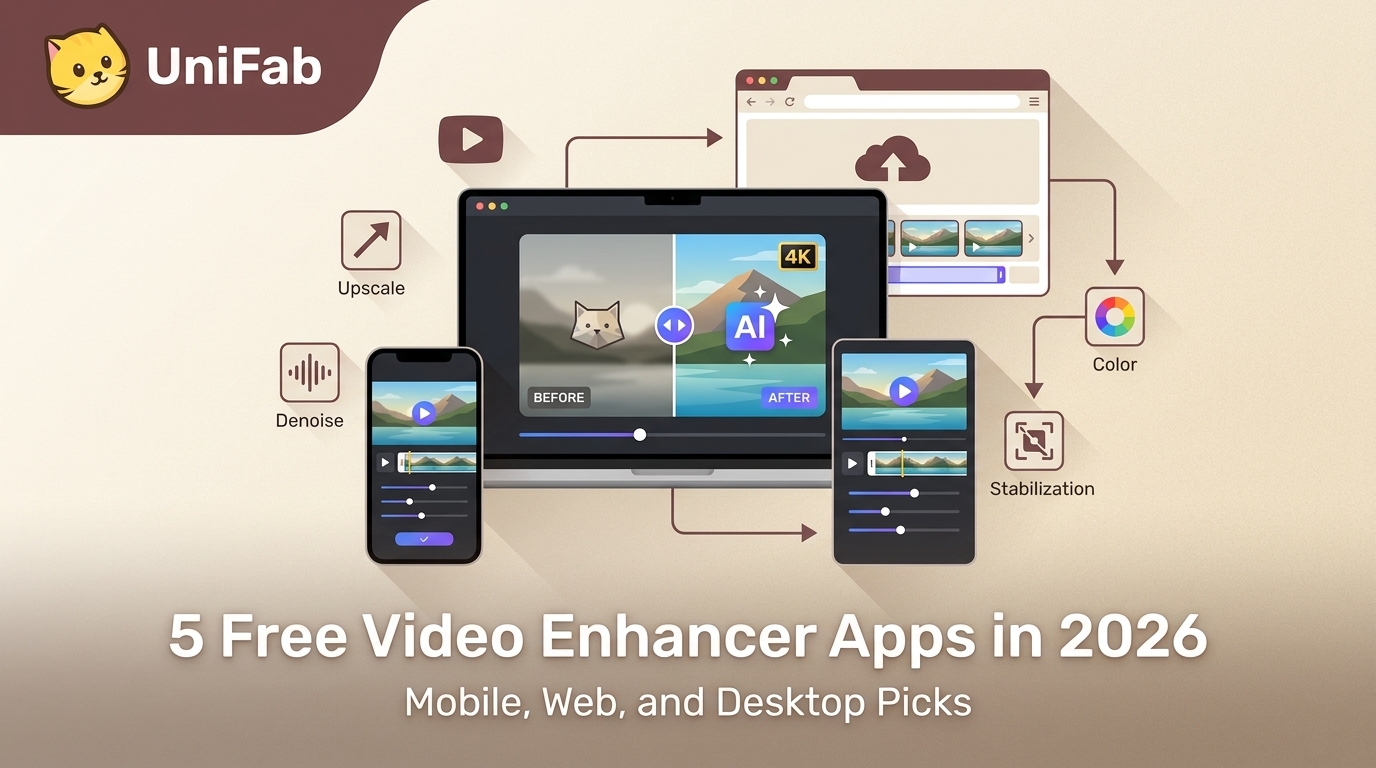
This guide highlights the best free AI video enhancer apps across platforms, including mobile apps like UTool, Wink, HiQuality, Winkit and LightCut, as well as desktop solutions like UniFab. These tools utilize artificial intelligence to improve video clarity by enhancing sharpness, reducing noise, and upscaling resolution. Some offer comprehensive editing features, while others focus solely on AI-powered enhancement.