AI video background remover for clean subject separation

  • AI-powered
  • Custom background color
  • 100% free
Last update: 2026-09-29

Background Remover AI now converts 20%–50% faster with an enhanced inference engine.

Learn more >

Remove a video background with AI, no green screen required

Remove video backgrounds without setting up a green screen or masking each frame manually.


UniFab AI Video Background Remover is completely free. It detects people, objects, and edges through a guided AI workflow, so no editing skills are required. Upload your footage, process the video, and export a cutout without a watermark.

Try for free

Completely free with watermark-free output

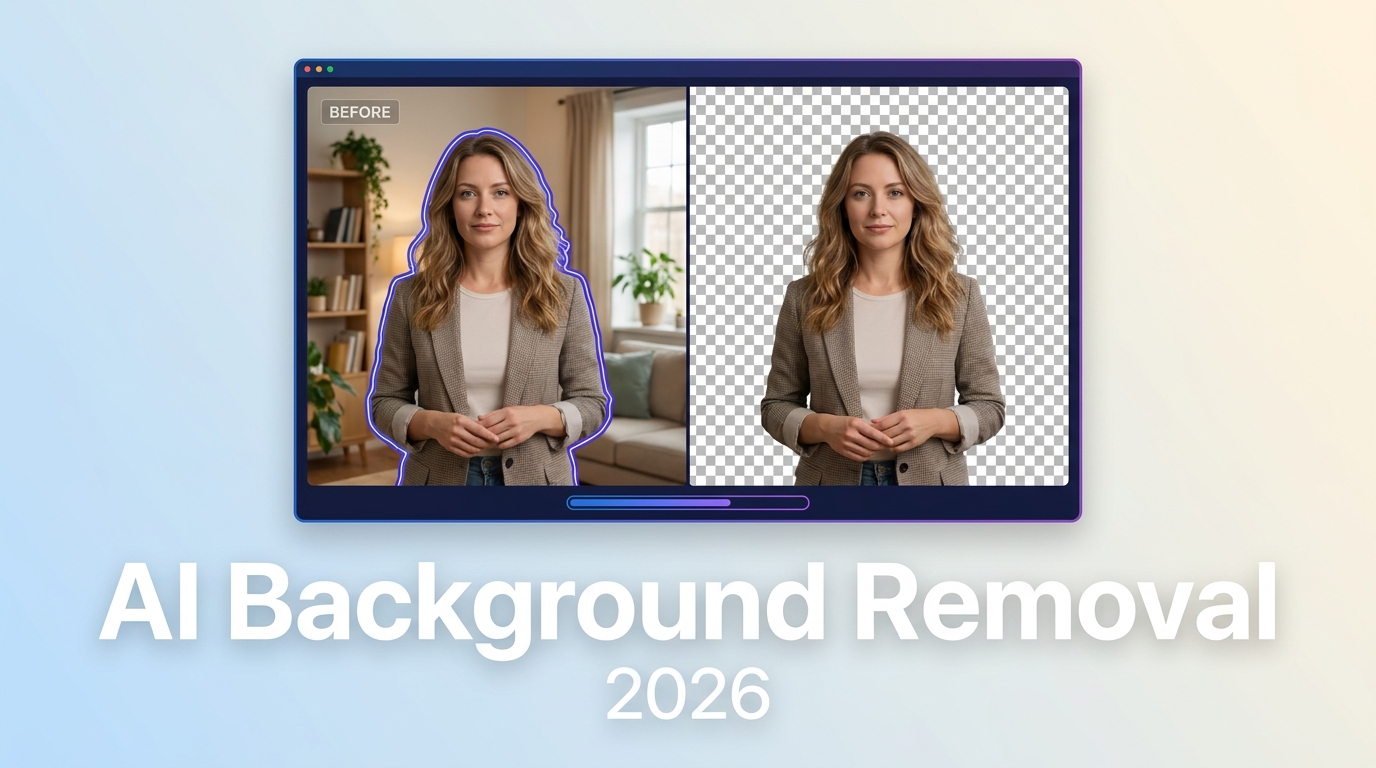
Keep precise hair edges with AI video matting

UniFab uses AI video matting technology to deliver hair-level precision and detailed cutouts in different scenes. Our AI video background remover analyzes each frame to detect fine edges, individual hair strands, and complex motion, ensuring clean separation between the subject and background.


UniFab separates subjects in footage with messy hair, fast movement, motion blur, or busy backgrounds. The AI video background remover keeps visible edge detail and reduces the need for manual masking.

Try for free

Completely free with watermark-free output

Hohe Präzision bei Video Hintergrund entfernen

Change a video background with AI-assisted controls

After removing a video background with AI, you can replace it with a preset background color. Green-screen color options support use with video editors and post-production workflows.


UniFab also supports automatic background replacement, making it easy to create clean, polished visuals without manual masking.

Try for free

Completely free with watermark-free output

Videohintergrund Farbe

Remove video backgrounds for events, marketing, and gaming content

Virtual events and webinars with AI video background removal

AI video background removal lets you replace messy or distracting environments with clean virtual scenes for online events, live webinars, and remote meetings. Presenters can use the processed cutout to keep the subject visually separate from the replacement background.


👩‍🏫 Teachers recording online courses · 💻 Virtual classes or webinar recordings · 📝 Student video assignments
Globale Nutzung

How to remove a video background with UniFab

How to remove BG Video - Step 1

Get started with UniFab All-In-One

UniFab All-In-One

UniFab All-In-One: 26-in-1 AI Toolkit

  • Colorize black-and-white videos

  • Enhance videos to HDR and 120 FPS

  • Upscale video to 16K

  • Get automatic AI feature recommendations

Trusted by

Trustpilot logo

Much better accuracy than online tools; this free AI video background remover runs offline, fast, and supports green-screen editing.

guru99 logo

UniFab delivers precise cutouts with AI video background removal, even around messy hair. Simple, free, fast, and beginner-friendly.

software testing help

Great for creators! We remove video background AI for campaigns quickly, and no green screen is needed.

Verge logo

A lightweight background remover for video that works fast and clean, producing professional results without any watermark.

wikihow logo

We create polished marketing videos easily; UniFab helps AI remove background from video with pro-level clarity.

product hunt logo

Perfect for gaming! it can AI remove video backgrounds cleanly during fast motion, and it's completely free.

FAQs about video background remover AI

Learn more through our YouTube channel, guidebook, or community discussion.

Yes. AI can remove a video background by analyzing each frame, detecting the subject, and separating people or objects from the background. This creates a cutout without requiring a green screen or manual masking of every frame.

Look for subject and edge detection, detailed handling of hair and motion, watermark-free output, and a workflow that fits your editing needs. UniFab uses AI video matting and provides customizable background colors through a guided workflow.

Yes. UniFab Video Background Remover AI is completely free. It uses a guided workflow to detect the subject, remove the background, and export a cutout without a watermark. You can also choose a preset replacement background color.

AI background removal uses machine-learning models to identify subjects in each frame. The models detect edges, hair details, and movement, then separate the foreground from the background to create a cutout without manual masking or a green-screen setup.

For video background removal, the recommended configuration includes
Windows 10 or 11 (64-bit);
16GB RAM or more;
an NVIDIA RTX 30 series or later graphics card with 8GB VRAM; and
an 8th-generation Intel Core i7, AMD Ryzen 3000 series, or later CPU.

Yes. UniFab Video Background Remover AI is completely free. It supports guided background removal, customizable background colors, AI cutouts, and watermark-free output.

UniFab Video Background Remover AI

UniFab Video Background Remover AI

AI technology detects the subject in each frame and removes the video background automatically, creating a cutout for use with a replacement background.

  • AI-powered
  • Remove Video Background
  • 100% free