How to Add Subtitles and Captions on TikTok: 3 Proven Ways for 2026
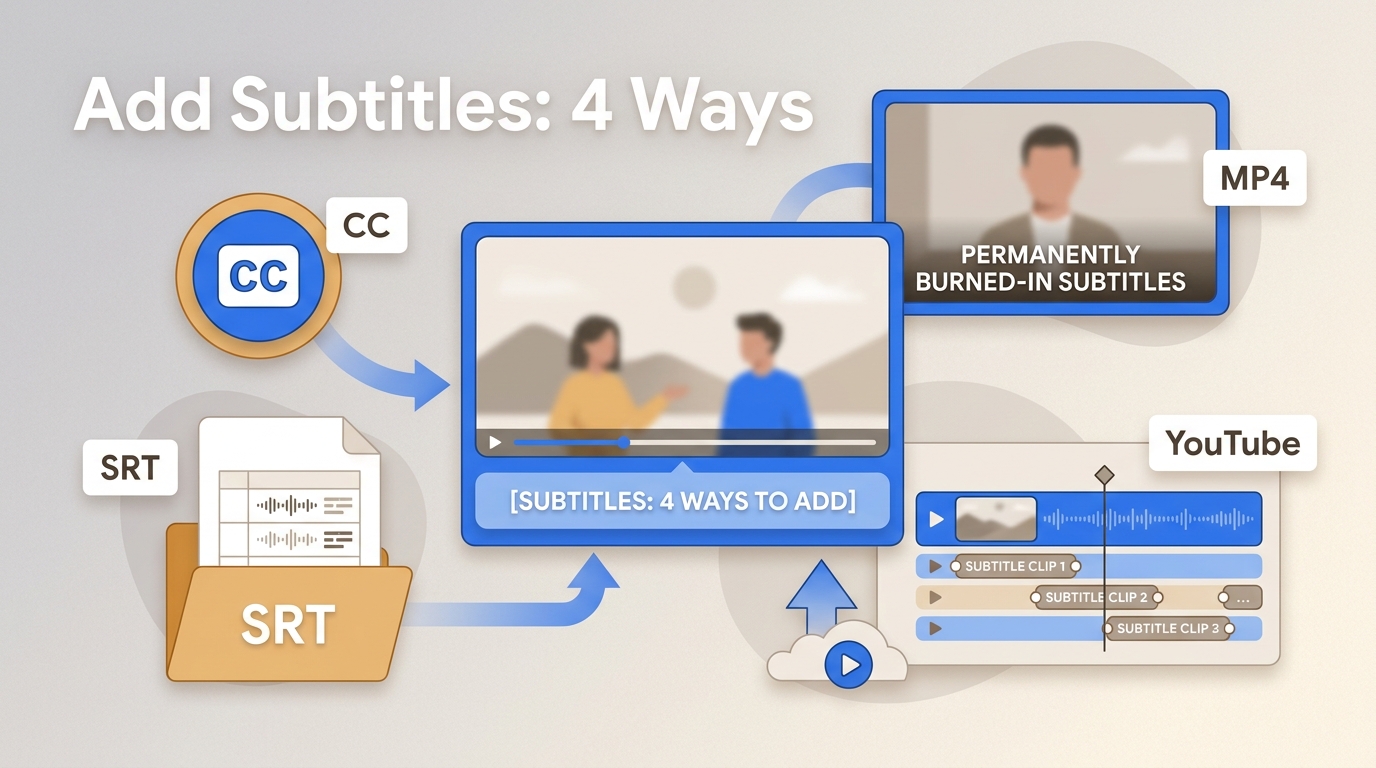
TikTok captions help videos reach more people and make them easier to watch. Many viewers watch videos without sound or have hearing challenges. Adding captions on TikTok lets more viewers enjoy your content anywhere, even with the sound off. In this article, you will learn how to add captions on TikTok in three simple ways: using the TikTok app's auto-caption feature, manually adding captions, or using a smart TikTok caption generator tool. Whether you are a beginner or a pro, this guide will help you create clear, engaging TikTok captions to grow your audience.
Top 5 Free AI Caption Generators Tested and Reviewed [2026]
Captions do more than display words on screen — they determine whether viewers stay, engage, or scroll past your video. With 85% of Facebook videos watched on mute and YouTube reporting that captioned content sees 12% longer watch times, an AI caption generator is no longer optional for serious creators. We spent over 40 hours testing free AI caption generators on the same 16-second multi-speaker video clip, measuring accuracy, processing speed, export quality, and real-world usability. Unlike subtitle generators that focus on file-based SRT workflows, AI caption generators use speech recognition and natural language processing to automatically produce styled, synchronized captions ready for social media and professional video. Here are the 5 best free AI caption generators in 2026, ranked by actual performance.
5 Best Free Subtitle Generators: Tested and Reviewed [2026]
Subtitles do more than translate words on a screen. They drive watch time, boost SEO rankings, and open your content to the 430 million people worldwide with hearing difficulties. For creators, educators, and marketers alike, a reliable free subtitle generator removes the cost barrier that once made professional captioning out of reach. We spent over 20 hours testing dozens of subtitle tools with the same 59-second, 6.5 MB MP4 clip and narrowed the field to five standouts. Below you will find real performance data, honest pros and cons, and a clear recommendation so you can pick the right free online subtitle generator for your workflow in 2026.
[2026] Best SRT File Generator: How to Generate SRT File from Video Free
With video consumption on the rise, SRT file generators are now crucial for content creators. As subtitles boost accessibility, engagement, and reach, the need to create SRT files from video has never been greater. Having the right tool is essential—whether you create content for marketing, teaching, or YouTube. In this guide, you'll discover what SRT files are, why they matter, and how to generate SRT file from video free using one of the best tools available in 2026.
Tenorshare 4DDiG Review 2026: Features, Pricing & Best Alternative
4DDiG is a popular program with many functions that fulfill users' needs in different domains. If you plan to use the 4DDiG video enhancer, this blog post can help you to the core by discussing all its functions in detail and a step-by-step guide to using the video enhancer. Let's see if it meets your requirements.
How to Brighten a Dark Video with 8 Best Video Brightener Apps
If your videos look too dark or dull on high-end displays, it’s time to learn how to brighten a video using the latest video brightener tools for Windows, Mac, Android, iOS, and online platforms. These smart tools automatically enhance brightness, contrast, and color to make every frame look vivid and professional — no complex editing required.
3 Best HDR Software in 2026: Reviews, Comparison, and Expert Picks
Are your videos dull or flat in SDR? Unleash AI-powered HDR software to convert SDR to vivid HDR with richer colors and enhanced contrast. Discover our handpicked top 3 HDR programs for 2026, including free options, detailed reviews, and performance comparisons.
Nero AI Video Upscaler Reviews: Features, Performance, Pros & Cons in 2026
This in-depth Nero AI Video Upscaler review is based on real-world testing, hands-on evaluation, and user feedback analysis. We examined how Nero AI performs across different video scenarios, including old home videos, anime clips, noisy footage, and face-focused content, using multiple AI models and real hardware conditions.
Aiarty Video Enhancer Review: Honest Testing & Real-World Comparison With UniFab
In this Aiarty Video Enhancer review, we run hands-on tests and compare its real-world results with UniFab Video Enhancer, focusing on clarity, denoise quality, portrait handling, speed, and feature coverage—so you can quickly see which tool fits your needs.
Top 10 AI Video Background Removal Tools in 2026 [Free & Paid]
Whether you are creating content for YouTube, running virtual meetings, or producing marketing videos, AI video background removal has become an essential capability. Instead of spending hours with green screens and manual masking, modern AI algorithms detect foreground subjects frame by frame and strip away backgrounds automatically. This guide reviews the 10 best AI video background removal tools available in 2026, covering free desktop editors, browser-based apps, and professional-grade solutions so you can pick the right one for your workflow.