Video AI

Upscale 1080p to 4K: 6 Workflows, Export Settings, and Real Limits

Updated on August 27, 2026
Upscale 1080p to 4K: 6 Workflows, Export Settings, and Real Limits
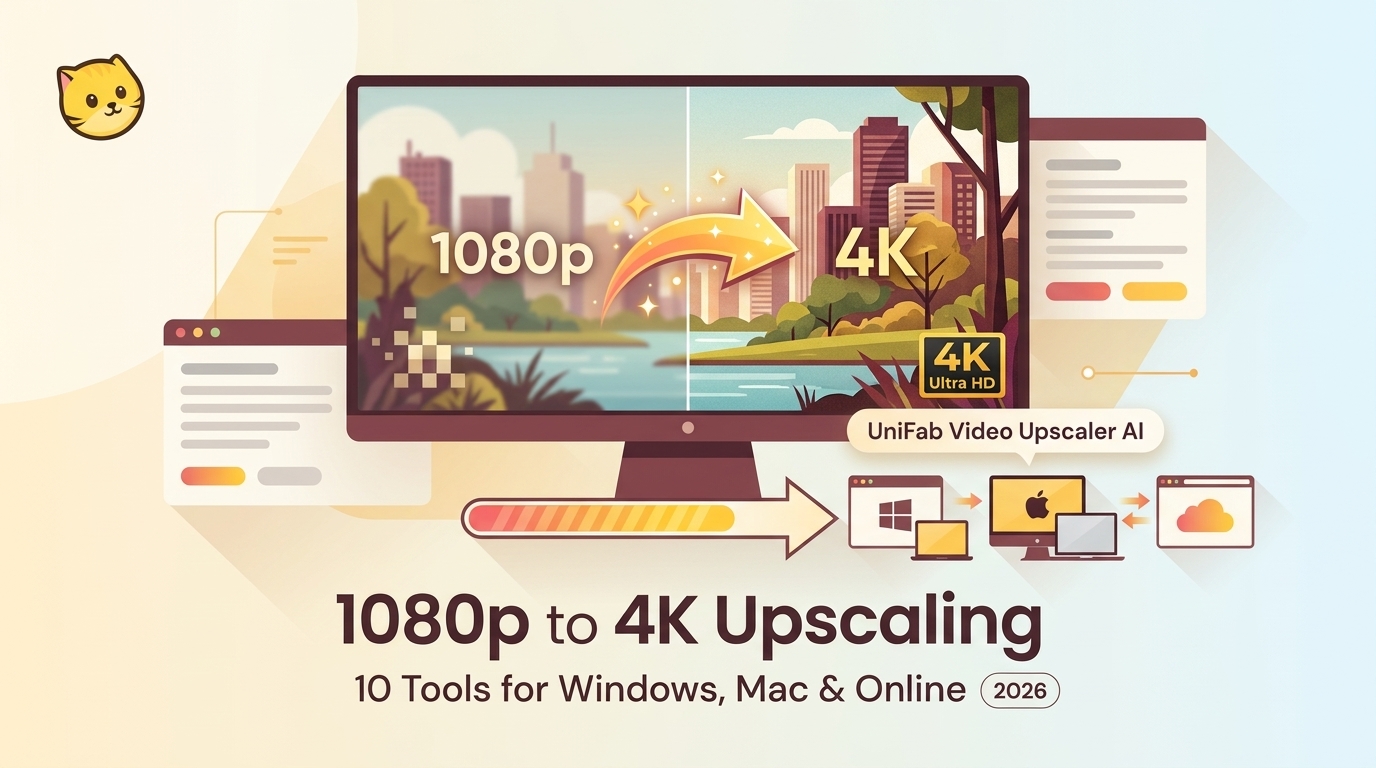
Upscaling 1080p to 4K works best when the method matches the source and delivery goal. This guide compares six desktop, editor, command-line, and browser workflows, then explains model selection, realistic detail limits, MP4 export settings, and a repeatable short-clip test. It also clarifies the differences between timeline scaling, AI reconstruction, and live display upscaling.

Best Video Quality Upscaler: 4 AI Models for 2026

Updated on August 27, 2026
Best Video Quality Upscaler: 4 AI Models for 2026
A video quality upscaler can improve perceived detail, but the right route depends on source footage, hardware, privacy, and export needs. This guide compares local, cloud, and browser processing, explains UniFab’s four current models, and provides a short-test workflow for cleaner 4K and higher-resolution output.

10 Best 1080p to 4K Upscalers of 2026 [Windows, Mac & Online]

Updated on August 27, 2026
10 Best 1080p to 4K Upscalers of 2026 [Windows, Mac & Online]
A hands-on 2026 guide to the 10 best 1080p to 4K upscalers across Windows, Mac and the web. Covers six desktop tools (UniFab, AVCLabs, Topaz, Adobe Premiere Pro, VideoProc, VLC) and four online tools (TensorPix, CapCut, HitPaw, Media.io), with our test setup and criteria, two comparison tables, a best-by-use-case breakdown, and 10 FAQs to help you pick the right upscaler.

Make a Blurry Video Clear: 5 Fixes for Different Blur Types

Updated on August 27, 2026
Make a Blurry Video Clear: 5 Fixes for Different Blur Types
To make a blurry video clear, you can use AI video enhancers, sharpening tools, and resolution upscalers that restore lost detail caused by motion blur, low resolution, or compression. This guide explains why videos look blurry, the best methods to make a video less blurry, and step-by-step instructions for fixing blurry videos on PC, iPhone, Android, and online platforms.

3 Ways to Change Video Resolution: MP4, Desktop, and Online

Updated on August 27, 2026
3 Ways to Change Video Resolution: MP4, Desktop, and Online
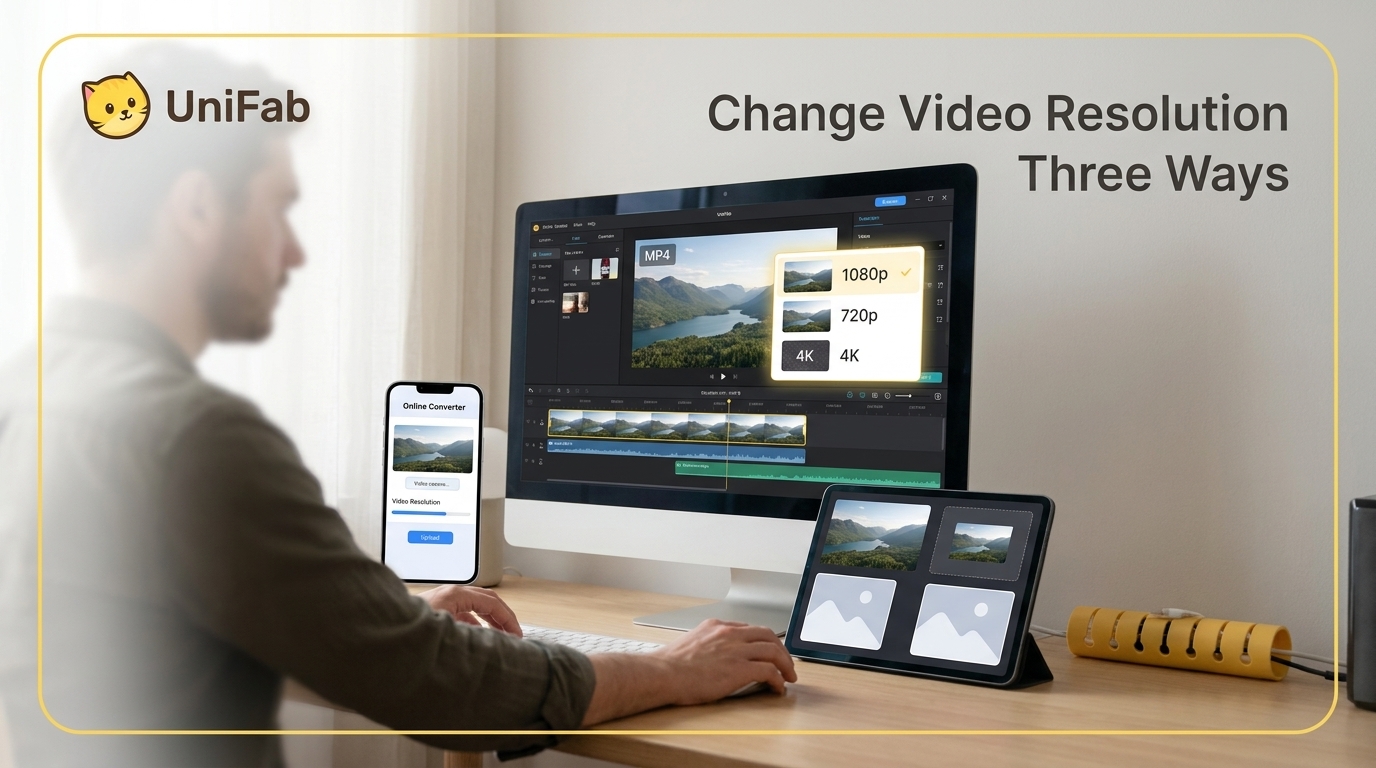
Whether you're trying to upload a 4K video to Instagram or upscale an old 480p clip for a presentation, knowing how to change video resolution is essential. The wrong resolution can mean rejected uploads, choppy playback, or wasted storage space. In this guide, you'll learn 11 proven methods to change video resolution on Windows, Mac, and online — including AI-powered upscaling that actually improves quality, not just stretches pixels. We've tested each tool so you can pick the right one for your needs.

How to Unblur a Video in 2026: 3 Practical Methods

Updated on August 27, 2026
How to Unblur a Video in 2026: 3 Practical Methods
Learn how to diagnose focus, motion, noise, compression, and digital-zoom blur before choosing a repair method. This guide covers a four-step browser workflow, local AI processing, manual sharpening, realistic recovery limits, and a full-size artifact check before export.

What Is 8K Resolution? 33.2 Million Pixels Explained.

Updated on August 26, 2026
What Is 8K Resolution? 33.2 Million Pixels Explained.
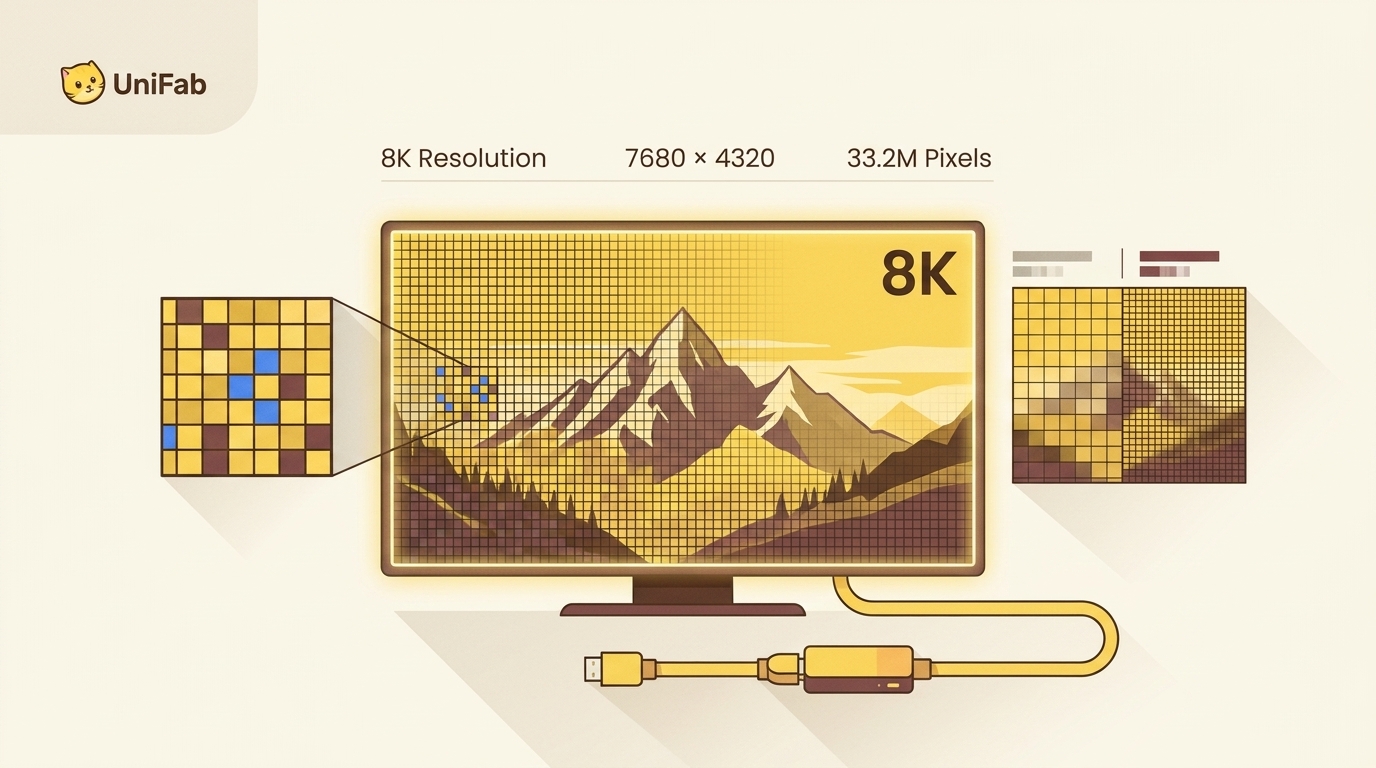
8K resolution (7680 × 4320, ~33.2 million pixels) delivers four times the detail of 4K and sixteen times that of 1080p. This guide explains what 8K means, its exact size and dimensions, the 8K UHD vs 8K DCI standards, whether 8K is worth buying in 2026, the hardware and bandwidth it needs, where to find 8K content, and how AI upscaling with UniFab Video Upscaler AI lets you experience 8K quality today.

CapCut Video Denoising: Visual Noise, Audio, and Fixes (2026)

Updated on August 24, 2026
CapCut Video Denoising: Visual Noise, Audio, and Fixes (2026)
Grainy, noisy video footage can ruin an otherwise great recording. Whether you shot in low light, used a high ISO setting, or recorded on an older smartphone, digital noise degrades visual quality and distracts viewers. CapCut noise reduction promises to fix this problem directly inside a free editor — but how well does it actually work in 2026? In this comprehensive guide, we test CapCut's noise reduction feature on real-world footage, walk you through the exact steps to use it, and compare its results against a dedicated AI denoising tool. By the end, you will know exactly when CapCut is "good enough" and when you need a more powerful solution.