Veo can offer high-resolution output, but not every take is worth paying native 4K rates. This guide explains how to upscale Veo video after checking flicker, background shimmer, and text artifacts, then decide when native 4K is worth the cost.

The cheapest way to make 4K AI video is to iterate at a lower resolution, choose the keeper, and finish only that clip in 4K. This guide compares credit costs, native 4K limits, upscaling trade-offs, and the evidence to record before choosing a workflow.
AI video flicker is a temporal consistency problem, not ordinary camera flicker. This guide explains how to identify shimmer, boiling, lighting pulse, and jitter, then remove AI video flicker before upscaling or final export.
Kling can produce strong motion, but faces often drift or morph before the clip is ready for delivery. This guide explains how to upscale Kling video after a face-restoration pass, compare native 4K with 1080p finishing, and verify the result with real playback evidence.
This guide compares eight AI video denoise software options for grain, low-light noise, compression artifacts, and uneven color noise. It explains how the tools differ, which workflows suit local desktop, plugin, free, and online processing, and how to test a short clip before committing to a full export. UniFab Denoise AI is the recommended starting point for creators who want a focused desktop workflow with denoising and enhancement controls in one place.
Need to fix the quality of a video in 2026? This guide walks through 10 proven methods that actually work — AI upscaling, denoising, stabilization, color correction, sharpening, face enhancement, frame interpolation, bitrate boosting, and deinterlacing — with real-world testing data on Mac mini M2 and step-by-step UniFab instructions.
This Wink Video Enhancer review separates the Web, mobile, and desktop paths, then explains the current free-use, watermark, credit, and subscription boundaries. It also records the 4K and denoise trade-offs, gives a Web-first workflow, and compares Wink with UniFab for local processing and specialized restoration needs.
This updated guide explains how to remove background from video free, compares practical options and limitations, and shows how to choose settings or tools for the source, device, platform, privacy needs, and output quality. It also addresses remove video background free, video background remover, remove background without green screen using current 2026 guidance.
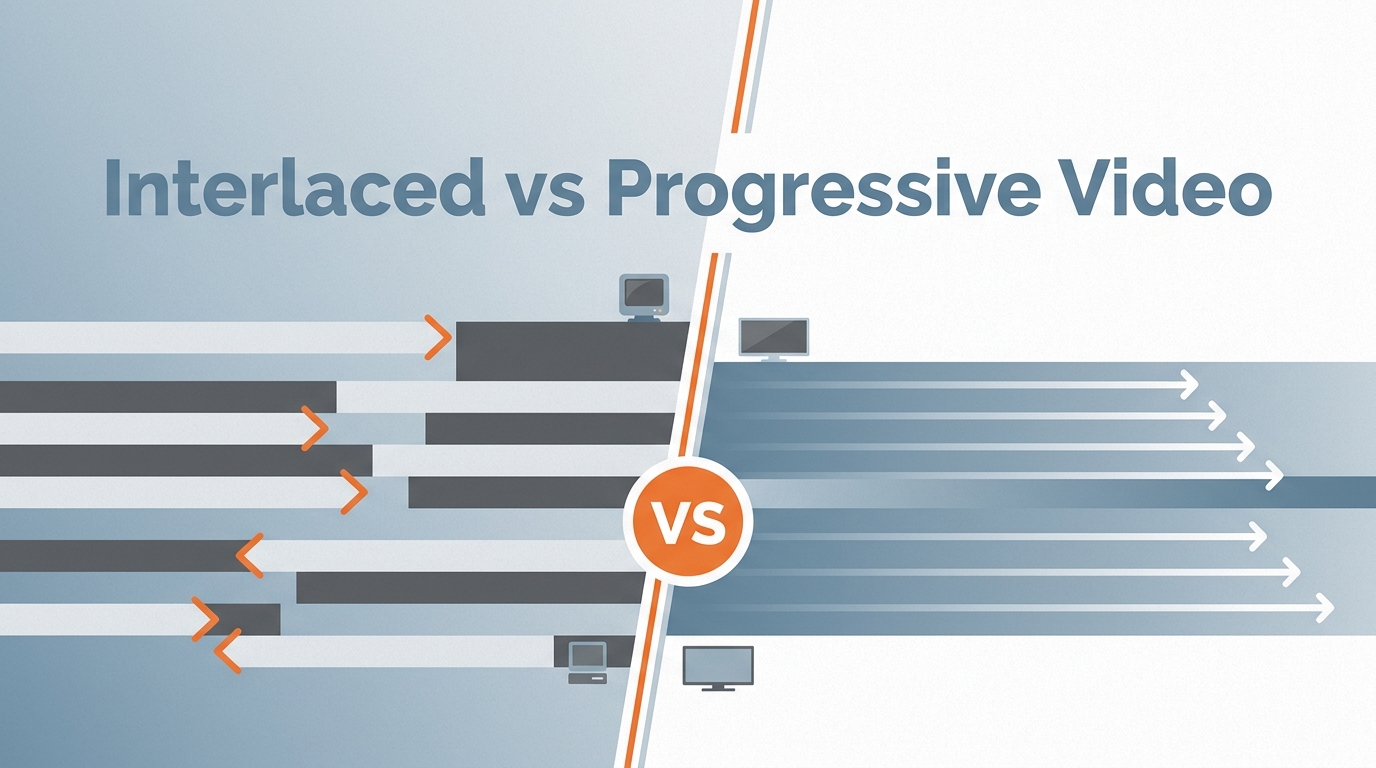
This updated guide explains interlaced vs progressive video, compares practical options and limitations, and shows how to choose settings or tools for the source, device, platform, privacy needs, and output quality. It also addresses interlaced vs progressive, progressive scan, interlaced video using current 2026 guidance.
This updated guide explains free vocal remover software, compares practical options and limitations, and shows how to choose settings or tools for the source, device, platform, privacy needs, and output quality. It also addresses vocal remover software, remove vocals from song, free stem separator using current 2026 guidance.