Video AI

Topaz Video AI Best Settings in 2026: Full How-To Guide, Model Picks & UniFab Alternative

Updated on August 5, 2026
Topaz Video AI Best Settings in 2026: Full How-To Guide, Model Picks & UniFab Alternative
Dialing in the Topaz Video AI best settings comes down to one thing: match the right AI model to your footage, then fine-tune in small steps. This 2026 guide gives you a settings-by-content-type table, a plain-English tour of every current model (Proteus, Iris, Nyx, Rhea, Gaia, Theia, Dione, Starlight, plus Apollo/Chronos/Aion), a full step-by-step workflow, verified system requirements and subscription pricing, and a fair look at UniFab All-In-One as a simpler alternative.
Best Free Video Enhancer Software in 2026: 7 Tools Compared Honestly

Updated on August 5, 2026
Best Free Video Enhancer Software in 2026: 7 Tools Compared Honestly
This 2026 guide compares seven free video enhancement software options by enhancement type, operating system, watermark, export limits, privacy, and what “free” actually means. It separates unlimited open-source editors from browser free tiers and full-feature AI trials, so readers can choose the right tool without mistaking manual filters for true AI restoration.

YouCam Enhance Review (2026): Features, Price, Pros & Cons, and Alternatives

Updated on August 4, 2026
YouCam Enhance Review (2026): Features, Price, Pros & Cons, and Alternatives
YouCam Enhance is a cloud-based AI tool for upscaling and enhancing video. This 2026 review covers its features, pricing ($6.67/mo premium, free tier capped at 1-minute clips), pros and cons, and how its 4K output compares to UniFab in identical 360p→4K tests. Includes side-by-side performance notes, a feature-by-feature comparison table, and guidance on when YouCam is the right pick versus when UniFab's offline desktop workflow delivers more natural results.

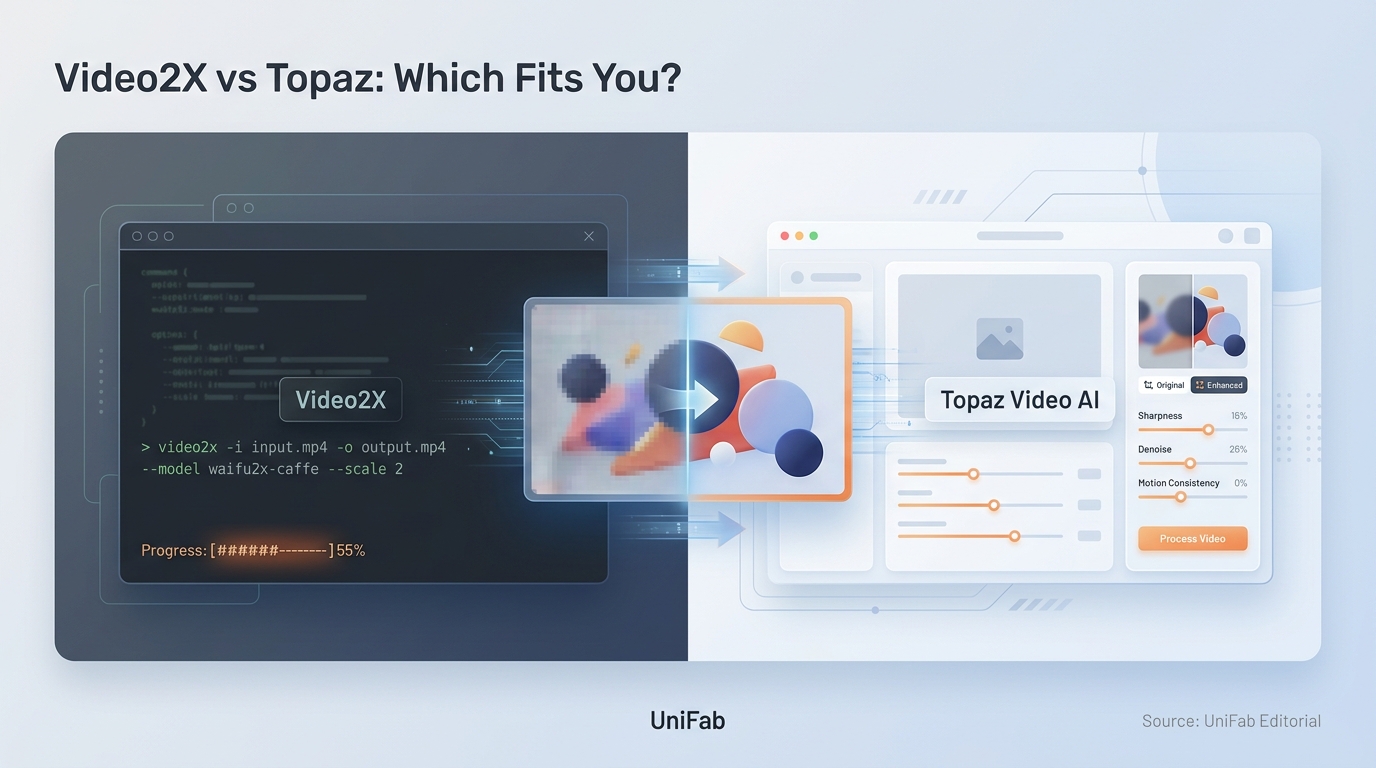
Video2X vs Topaz: Which Fits You in 2026?

Updated on August 3, 2026
Video2X vs Topaz: Which Fits You in 2026?
A scenario-based comparison of Video2X and Topaz for AI video upscaling in 2026, covering output quality by footage type, real costs including setup and render time, a four-step selection process, and where a lifetime-licensed local tool fits between the free and subscription options.

9 Best Free Video Stabilizer Tools to Fix Shaky Footage in 2026

Updated on August 3, 2026
9 Best Free Video Stabilizer Tools to Fix Shaky Footage in 2026
This guide ranks the 9 best free video stabilizer tools in 2026 across desktop software, online tools, and mobile apps — UniFab, DaVinci Resolve, Shotcut, CapCut Online, Kapwing, TensorPix, iMovie, KineMaster, and Filmora App — with a comparison table, free trade-off reality check, step-by-step UniFab tutorial, common stabilization mistakes, and 10 FAQs. By the end you will know exactly which free video stabilizer fits your phone, browser, or PC workflow without losing quality or hitting a watermark.

7 Best Video Background Removers (2026): Tested AI Software & Online Tools

Updated on August 3, 2026
7 Best Video Background Removers (2026): Tested AI Software & Online Tools
Choosing the best video background remover in 2026 means balancing AI accuracy, processing speed, and cost. We tested seven leading video background remover tools on the same 1080p footage to measure edge precision, hair handling, motion stability, and export quality. UniFab Video Background Remover AI leads our software pick (free, full video, no watermark).

How to Upscale AI-Generated Anime Video to 4K (Wan, Kling, and More)

Updated on July 30, 2026
How to Upscale AI-Generated Anime Video to 4K (Wan, Kling, and More)
Upscaling AI-generated anime is not remastering old anime — it needs an anime-aware upscaler that keeps line art crisp and flat colour clean, not a photo model. This guide covers taking soft 720p Wan and Kling anime to true 4K: pick the anime model (Kairo), deflicker line wobble first, interpolate choppy motion, batch a whole series with locked settings, and export at a bitrate that protects flat colour from banding. Includes how anime-aware models differ from photo upscalers, a worked 720p Wan example, per-platform delivery, and why Anime4K/Waifu2x/Topaz target a different job.

Upscale AI-Generated Video to 4K: Fix Flicker, Faces, and Soft Detail

Updated on July 30, 2026
Upscale AI-Generated Video to 4K: Fix Flicker, Faces, and Soft Detail
A hands-on guide to fixing and upscaling AI-generated video from Sora, Kling, Veo, and Seedance. Covers why AI clips look soft, waxy, and stuck at 720p, the six defects every AI video has, and the correct repair order — clean structure, restore texture, deflicker, then upscale to 4K last. Includes a symptom-to-fix table, a step-by-step UniFab walkthrough, per-model tips, an honest tool comparison, and a 10-question FAQ.

5 Best Video Sharpeners in 2026: How to Sharpen Video Quality on Any Device

Updated on July 30, 2026
5 Best Video Sharpeners in 2026: How to Sharpen Video Quality on Any Device
Blurry, soft, or low-resolution video footage can ruin an otherwise great recording. Whether you are dealing with old VHS transfers, compressed social media downloads, or shaky handheld shots, sharpening your video can dramatically improve its visual quality and professional appeal. In this guide, we cover the best ways to sharpen video quality in 2026 — from AI-powered desktop software and free open-source tools to online editors and mobile apps. We test each method, explain when to use it, and provide step-by-step instructions so you can get sharper, clearer footage regardless of your device or budget.