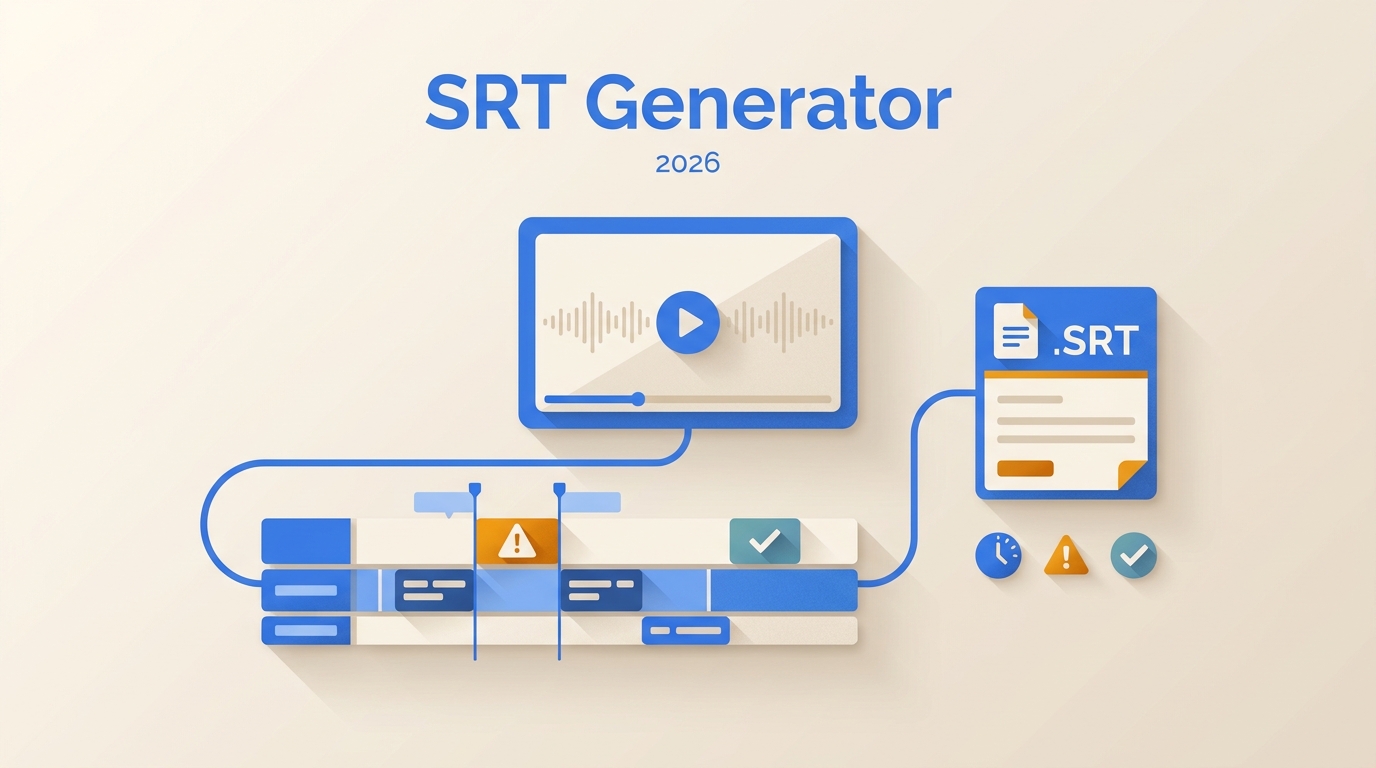
An SRT file generator converts speech into timed, plain-text subtitle cues that you can review and download separately from the video. The practical choice depends less on a headline accuracy claim and more on input compatibility, editing control, processing location, and transparent usage limits.
What Is an SRT File Generator?
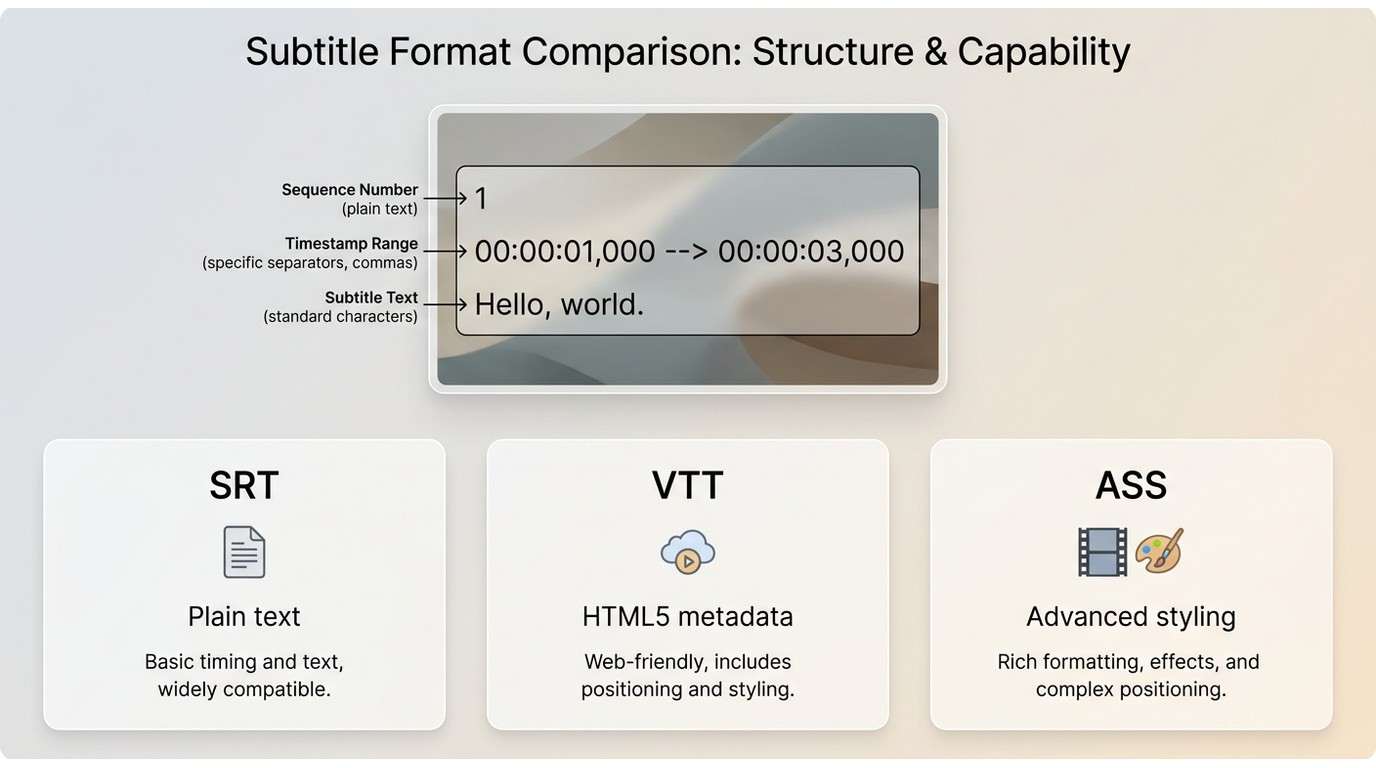
An SRT generator is a tool that transcribes speech, divides the text into subtitle cues, and assigns start and end times. An SRT file creator may automate most of that work, but the final file remains simple text that can be checked in a subtitle editor or text editor.
Each cue normally contains a sequence number, a timestamp range, and the words shown on screen:
- Sequence number: identifies the cue's order.
- Timestamp: controls when the cue appears and disappears, such as 00:01:15,000 to 00:01:18,500.
- Subtitle text: contains the spoken words or an edited caption.
SRT versus VTT is mainly a workflow decision. SRT is broadly compatible and easy to edit, VTT is designed for web playback and supports web-focused metadata, and ASS provides deeper styling on compatible players.
| Format | Typical use | Editing and styling |
| SRT | Separate subtitle tracks for players, editors, and delivery platforms | Plain-text editing with basic cue timing |
| VTT | Browser and HTML5 video playback | Text cues with web-oriented positioning and metadata |
| ASS | Projects that need detailed on-screen styling | More formatting control, with narrower playback support |
Why SRT Files Matter for Video
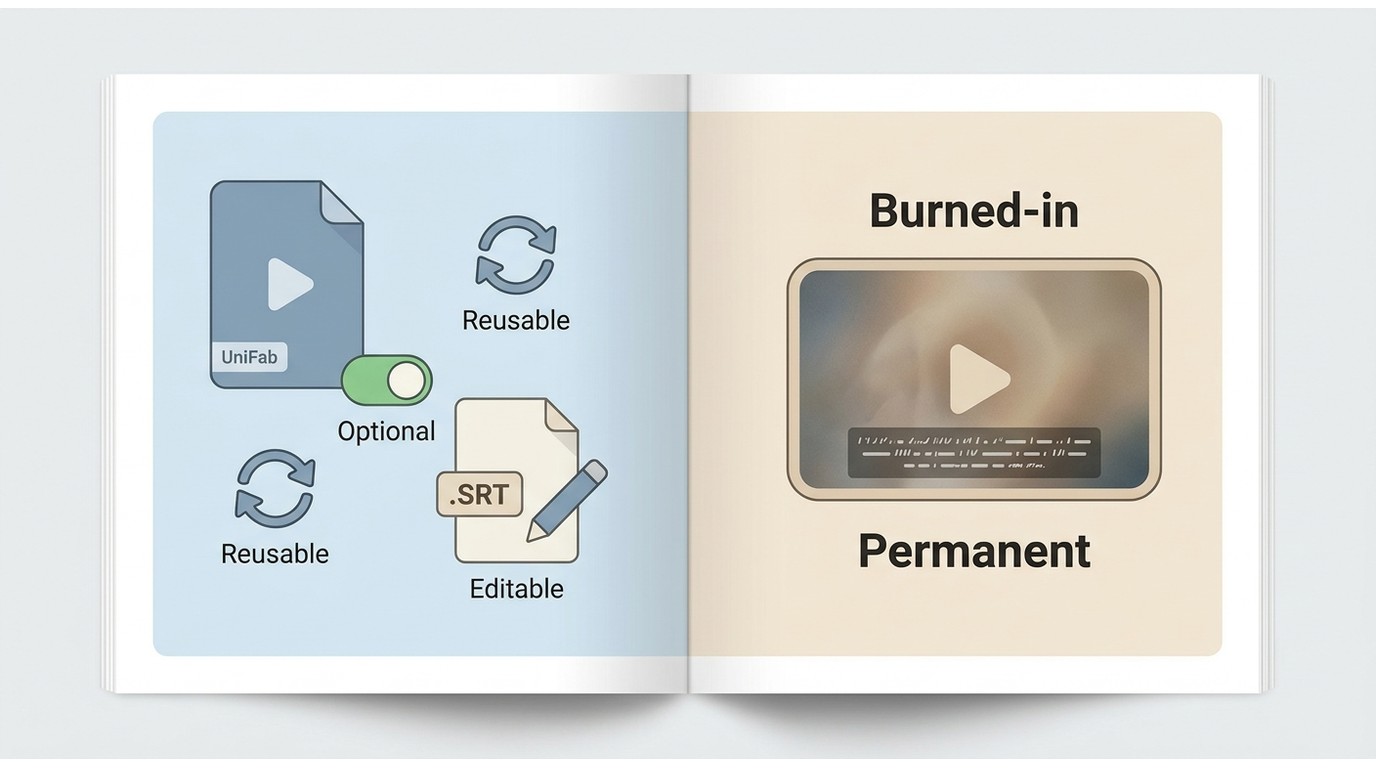
SRT files keep captions optional, editable, and reusable. They support accessibility, silent viewing, localization, searchable transcripts, and delivery to platforms that accept a separate subtitle track.
A separate file is especially useful when the same video needs revised wording, another language, or a different platform upload. Editors can correct text without rendering the video again, while viewers can turn captions on or off when the player supports them.
My editorial rule is straightforward: create an SRT file when the captions may need review, translation, or reuse. Burned-in captions are better reserved for channels where visible text must remain part of every frame. After you download SRT file output, attach it as a separate track or follow a dedicated subtitle-adding guide for embedding and platform-specific delivery.
Speech recognition is the mechanism behind automatic cue creation, not the whole decision. Readers comparing dictation and general transcription tools should use a dedicated speech-to-text software guide rather than treating every transcription app as an SRT tool.
UniFab SRT Generator: Features and Limits
UniFab provides a browser-based FabCloud workflow for generating and translating subtitle cues, then exporting a separate SRT file. It fits users who value a direct cloud workflow, but the credit model, input acceptance, and server-side processing should be understood before uploading a project.
UniFab Subtitle Generator AI Cloud is positioned as a free SRT file generator with complimentary credits rather than unlimited use. Its relevant strengths here are automatic cue generation, language settings, synchronization, readable line breaks, and separate subtitle export.
Supported Inputs and SRT Export
The key compatibility question is whether the upload dialog accepts the source and produces a separate .SRT sidecar file. For an MP4 to SRT task or an audio-based transcript, confirm acceptance in the current interface instead of relying on an old format list.
- Input: use a video or audio source accepted by the current upload dialog.
- Processing: speech is transcribed, segmented, and synchronized into subtitle cues.
- Output: download a separate SRT file for review and use in a compatible editor, player, or platform.
- Translation: source and target languages can be set within the subtitle workflow; broader tool comparisons belong in a dedicated online video translator guide.
This is a sensible fit for someone who wants to auto generate SRT file cues in a browser. It is less suitable when a project requires verified offline processing or detailed frame-level subtitle styling.
Free Credits, Limits, and Paid Options
As of July 2026, the official UniFab page advertises 30 complimentary FabCloud credits. That offer does not establish unlimited use or a fixed minutes-per-credit conversion, so check the displayed balance and estimated credit cost before starting a long file.
Additional credit options may be available for recurring use, but this article does not publish dollar prices because no current price is established in the provided product information. The useful decision is whether the visible credit balance covers the planned job, not whether the service carries a broad “free” label.
Accuracy and SRT Quality Checks
Automatic output should be treated as a first draft. No grounded sample results were supplied for this update, so this section uses a reproducible review method instead of presenting an unfinished test protocol as hands-on evidence.
- Listen for names, acronyms, product terms, numbers, and words masked by background noise.
- Check that each cue starts after the speech begins and ends before the next cue overlaps.
- Shorten crowded cues and adjust line breaks so the subtitle can be read at normal playback speed.
- Scan the final minutes for timing drift, especially after cuts, inserted clips, or variable-frame-rate footage.
- Save the file with UTF-8 encoding, then test it in the destination player or editor.
For practical quality control, the ability to edit SRT timing and correct a few consequential words matters more than an unverified accuracy percentage. A publishable test should document the source length, language, speaker count, noise conditions, corrections, processing time, and observed drift.
Privacy and File Handling
UniFab's FabCloud workflow uses server-side processing. The public product information available for this update does not specify a retention period or a product-specific encryption commitment, so highly sensitive footage may be better suited to a browser-local or offline workflow.
That is a processing-location choice, not a claim that one method is risk-free. For subtitle file privacy, match the workflow to the material: routine public-facing clips may suit cloud convenience, while confidential interviews or unreleased footage may justify local control.
Generate an SRT File from Video
To generate SRT from video, sign in, upload an accepted source, set the language options, review the resulting cues, and download the separate file. The sequence is short, but the review step is what turns automatic output into usable subtitles.
Step 1: Sign In and Check Credits
Open the UniFab subtitle tool, sign in, and check the current FabCloud credit balance. Estimate whether the available balance is appropriate for the file before uploading; the credit details are explained once in the limits section above.
Step 2: Upload Video or Audio
Choose the subtitle generator and upload a source accepted by the current interface. If the file is not accepted, convert or prepare it before continuing rather than assuming an undocumented format is supported.
Step 3: Set Languages and Output
Select the spoken language in the source. If translation is needed, choose the target subtitle language separately so transcription and translation are not confused as the same setting.
Step 4: Review and Download the SRT
Start processing, inspect the generated words and cue timing, then download the separate .SRT file. Do not treat generation as the finish line: correct names, overlaps, drift, and awkward line breaks before delivery.
Choosing the Right SRT Workflow
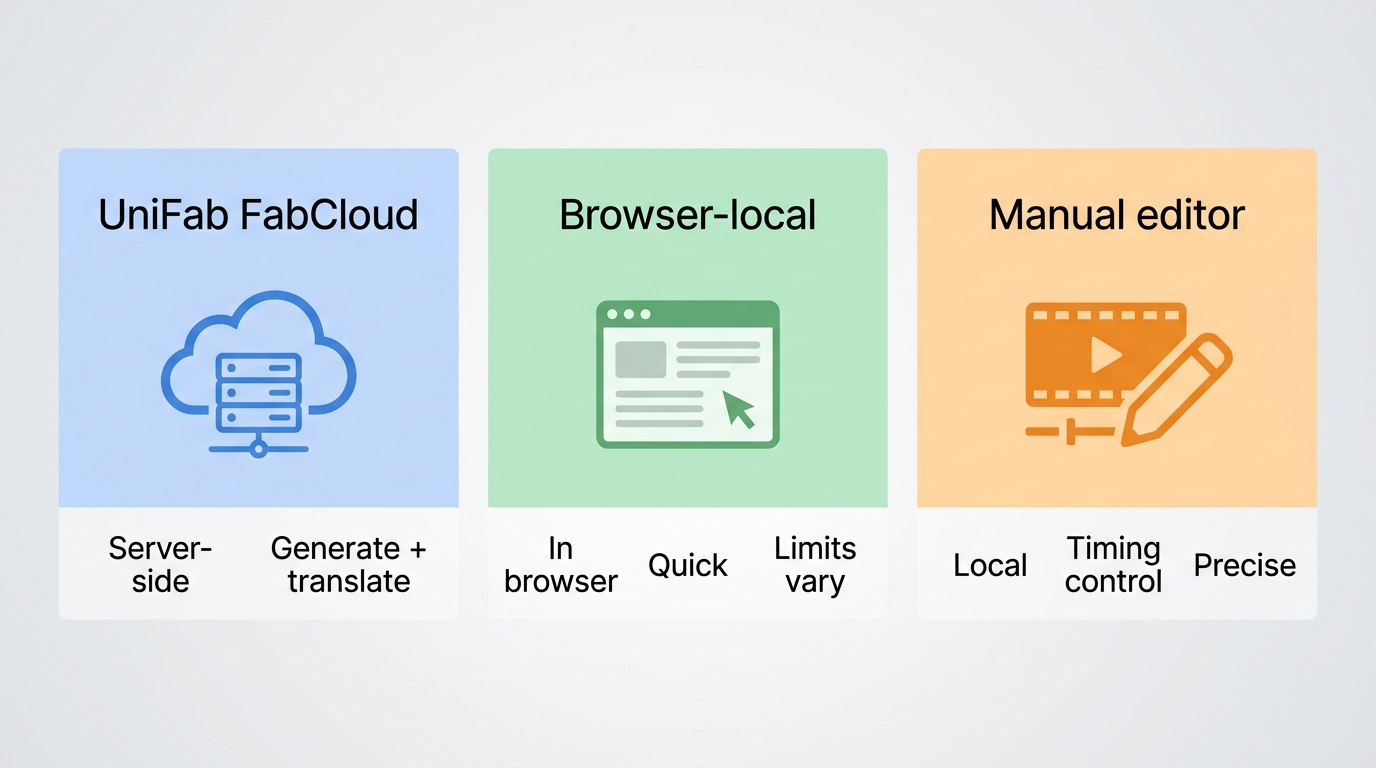
The right workflow balances convenience, privacy, and editing depth. UniFab suits direct cloud generation and translation, browser-local tools prioritize local handling, and manual subtitle editors provide more control when timing work matters more than automation.
| Workflow | Input source | Separate .SRT export | Text and timing review | Free-use limit | Signup requirement | Processing location | Best fit | Not ideal for |
| UniFab FabCloud workflow | Sources accepted by the current upload interface | Yes | Review the generated file before delivery | Credit-based; see the limits section | Account access is required for the credit workflow | Server-side FabCloud processing | Direct browser-based generation and translation | Projects that require fully offline handling or deep cue editing |
| Browser-local SRT workflow | Varies by tool and browser | Varies by tool | Usually basic to moderate | Tool-specific | Often not required, but tool-specific | Designed to keep processing in the browser when genuinely local | Users who prioritize local handling and a quick conversion | Long or complex projects that need detailed editing |
| Manual subtitle editor workflow | Video, audio, or an existing transcript, depending on the editor | Yes in compatible editors | Detailed cue, text, and timing control | Depends on the editor | Depends on the editor | Usually local for installed editors | Precision work, corrections, and final quality control | Users who want one-click automatic transcription |
The practical upshot is that no workflow wins every tradeoff. Use cloud generation when speed of setup matters, local processing when the file's sensitivity changes the decision, and a subtitle editor when timing precision is the priority.
This page stays focused on how to make SRT file output, review it, and choose a workflow. Readers who need a broader multi-tool shortlist can use the free subtitle generator comparison.
SRT Generator FAQs
What are UniFab's current free-use limits?
The current offer is credit-based, not unlimited. UniFab advertises 30 complimentary FabCloud credits; see the limits section for the important distinction between a credit balance and an unverified minutes-per-credit promise.
Can I create an SRT from audio or MP4?
You can use the workflow for video or audio sources accepted by the current upload dialog and export a separate SRT. For MP4 or a particular audio file, confirm acceptance in the interface because this update does not publish an unsupported format list.
Can I fix text and timing before export?
Review the generated cues before delivery, then edit the plain-text SRT in a compatible subtitle editor if more control is needed. Focus on names, cue overlaps, line breaks, drift, and UTF-8 encoding.
How are private video uploads handled?
The UniFab workflow is processed on FabCloud servers. No specific retention period is stated here; use the privacy section's decision rule and choose a local workflow when the material requires tighter file control.