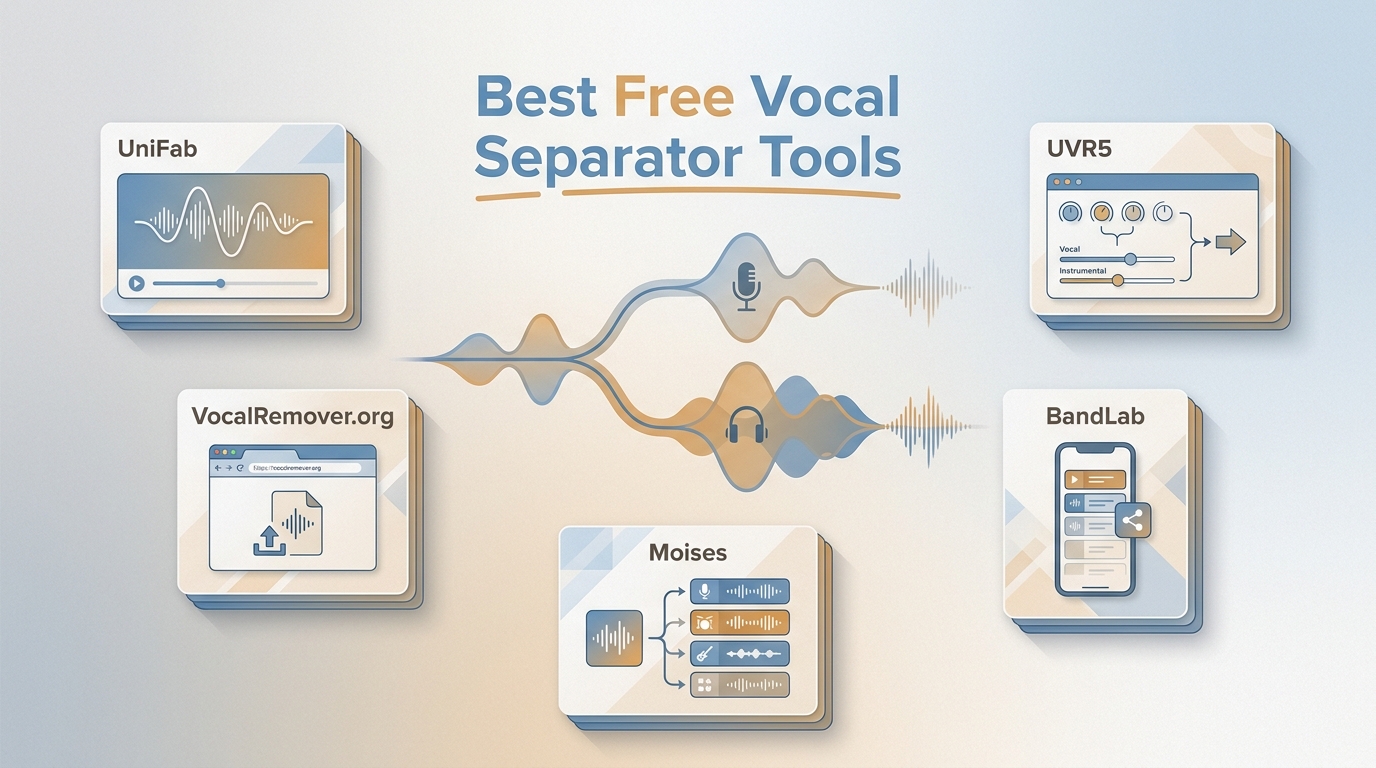
In short, a free vocal separator or free stem splitter is best chosen by access terms, media support, processing location, and workflow rather than an unverified quality ranking. This comparison's conclusion is that the right tool depends on the job, not a generic free label.
Quick Answer: Best Free Separators by Workflow
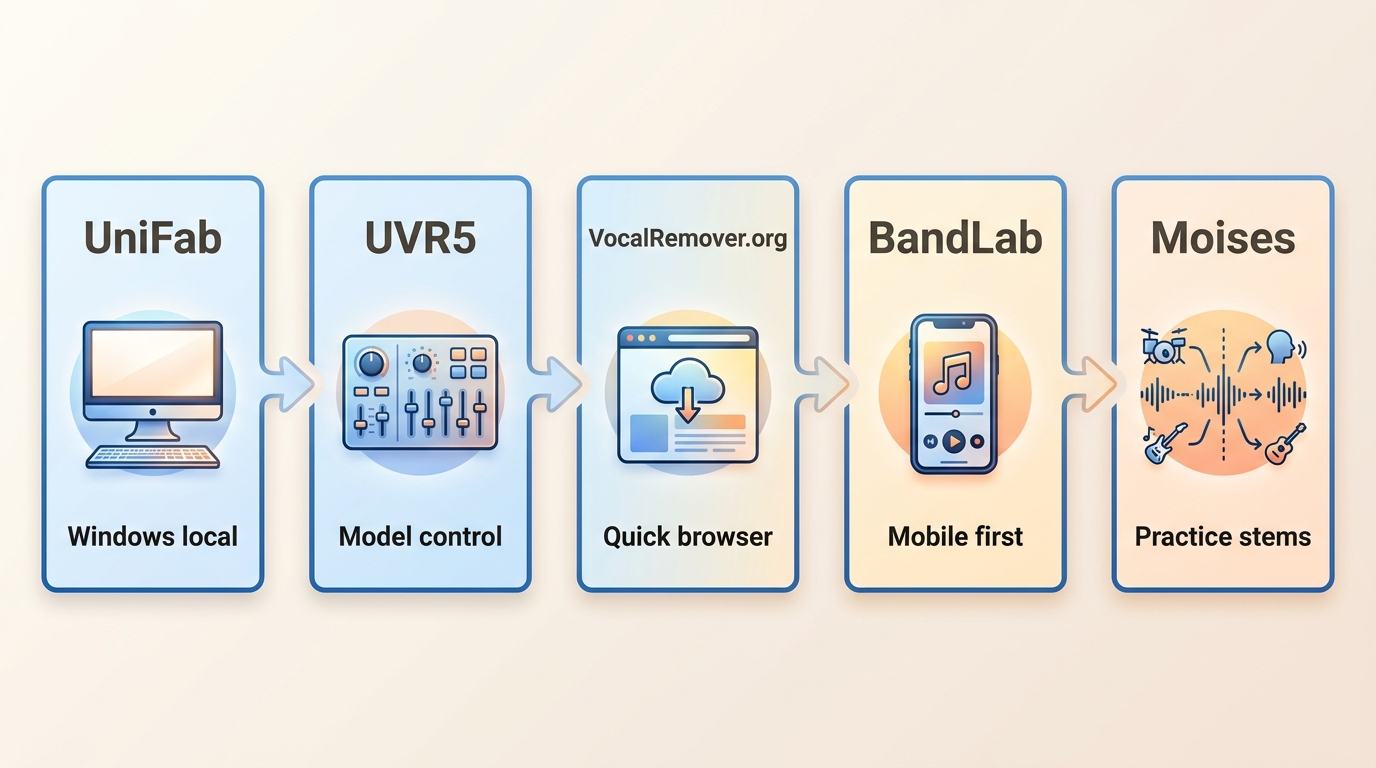
The best free vocal separator depends on the device, source file, desired stems, privacy preference, and tolerance for setup or service limits. These five candidates solve different versions of the same job.
- Local audio and video: UniFab Vocal Remover supports Windows and Mac, handles audio and video input locally, and uses verified MP4 and MKV output. It is less suitable for a mobile-only or browser-only workflow.
- Technical model control: Ultimate Vocal Remover (UVR5) is the stronger fit for users willing to compare models and settings. It is not ideal when the goal is a quick, low-setup split.
- Fast browser use: VocalRemover.org is convenient when installing vocal isolation software would slow down a one-off job. Current limits and export details should be treated cautiously because they can change.
- Mobile-first separation: BandLab Splitter fits users already working in a phone or tablet music workflow. Its account and service model may be less appealing for sensitive source files.
- Multi-stem practice: Moises combines separation with practice-oriented tools, making it a useful Moises free alternative benchmark rather than a default choice for every project.
The editorial judgment is to choose by workflow first and compare sound on your own representative source second. A generic free label does not predict clean stems.
What Vocal Separator Terms Mean
A free vocal separator and a free vocal remover usually describe a two-part result: vocals and instrumental audio. A free stem splitter may create additional musical parts, but the available stems and controls differ by tool.
Vocal Remover vs. Vocal Separator
Both terms commonly point to vocal-versus-instrumental extraction. The meaningful differences are whether the tool accepts audio, video, or both; where processing happens; what files it exports; and how much vocal residue or instrumental damage remains.
For a cover track or backing track, the instrumental result matters as much as the isolated voice. A file labeled “instrumental” is not useful if cymbals become watery, harmonies leak through, or the center image sounds hollow.
When Stem Splitting Matters
A free stem splitter becomes more relevant when the goal extends beyond vocals, such as separating drums, bass, or other parts for practice and arrangement work. Stem counts and model choices vary, so “more stems” should not be confused with better preservation.
The practical distinction is task depth: two outputs may be enough for karaoke or a backing track, while a best free stem splitter candidate needs flexible parts and acceptable artifacts across each separated stem.
How to Assess Separation Results
Separation results should be judged with repeatable source types and listening checks, not by whether a tool merely produces two downloadable files. This is a facts-and-fit comparison based on available product details and workflow differences, not a same-source lab ranking of all five tools.
Test Files and Listening Checks
A reproducible check should use the same short excerpts across every tool and include three demanding source types:
- A relatively dry lead vocal over a sparse arrangement, which exposes obvious vocal residue.
- A dense mix with harmonies, reverb, cymbals, and centered instruments, which reveals watery textures and instrumental loss.
- A video clip containing dialogue over music, which tests video voice isolation and whether the tool accepts the source directly.
Listen at matched volume, switch between the original and separated files, and record only observable results: residual words, softened transients, missing instruments, phase-like echoes, processing interruptions, and usable export options.
Instrumental Preservation and Vocal Bleed
Vocal bleed artifacts are easiest to hear in reverb tails, backing vocals, and phrases that share frequencies with guitars or keyboards. The opposite failure is over-removal, where the instrumental becomes thin because the model takes nearby musical detail with the voice.
The key editorial standard is instrumental preservation, not file count. Producing separate stems is a basic function; preserving a convincing backing track is the result that determines whether the output is usable.
Speed, Privacy, and Export Quality
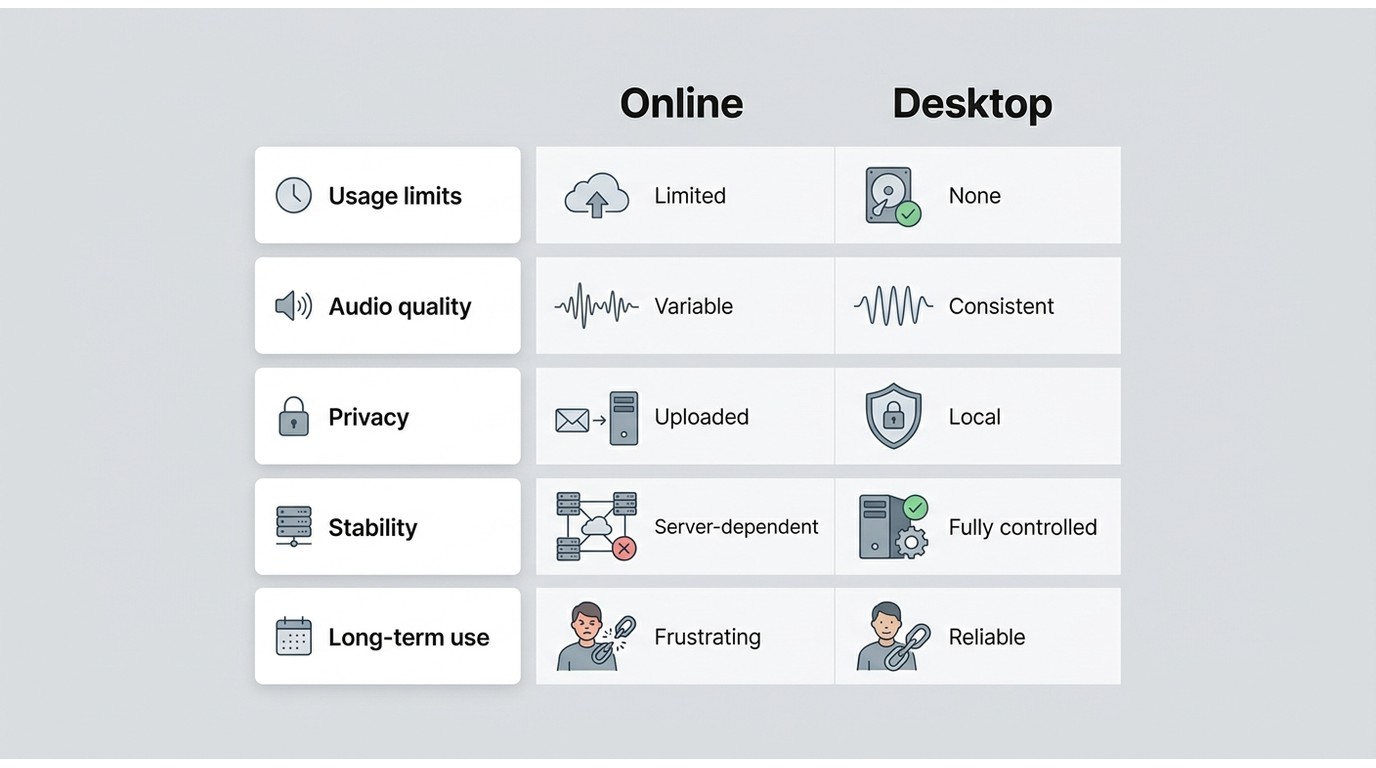
An offline vocal separator keeps processing on the computer, while a web service requires an upload and depends on server availability. Neither approach guarantees better sound, but the processing location changes privacy, waiting time, repeatability, and device requirements.
Speed should be described relative to source length, hardware, model choice, and queue conditions. Export quality also needs concrete format information; vague labels such as “high quality” do not explain whether the result fits the next editing step.
Where Free Online Separators Fall Short
Browser tools trade installation for service dependence. The relevant questions are product-specific: file caps, account requirements, queues, upload handling, supported exports, and whether the current free boundary fits the planned workload.
Limits, Queues, and Account Requirements
As of July 2026, online limits and account rules can change, so this comparison does not treat unverified caps for VocalRemover.org and BandLab as fixed comparison data. Moises uses a service-based free tier, while local desktop tools do not rely on a browser queue for each separation.
For readers comparing browser-first choices in more depth, the current online vocal remover tools landscape includes different access models rather than one category-wide rule.
Upload Privacy and File Handling
An online vocal separator sends the source to a remote service for processing. That can be reasonable for a disposable practice clip, but unpublished music, client material, or sensitive dialogue may justify local handling instead.
Service privacy policies and deletion practices should be read as product-specific terms. The balanced choice is not “web is bad”; it is to match upload sensitivity and convenience to the actual source.
Five Free Vocal Separators Compared
This five-tool comparison stays within free-access workflows. A broader review of vocal separator tools may include additional commercial and specialist options, but the matrix below focuses on access models, media support, processing location, and fit.
Quick Comparison Matrix
| Tool | Access model | Supported stems | Audio input | Video input | Export formats | Desktop, web, or mobile | Local or cloud processing | Best fit | Not ideal for |
| UniFab Vocal Remover | $0, no watermark | Vocal and accompaniment separation | Supported | Supported | MP4, MKV | Windows and Mac desktop | Local | Local audio and video workflows | Mobile-only use, browser convenience, deep model tuning |
| Ultimate Vocal Remover (UVR5) | Free desktop project | Model-dependent two-stem and multi-stem workflows | Supported | Not a primary verified feature in this comparison | Audio stems; exact choices depend on workflow | Desktop | Local | Technical users comparing models | Fast, low-setup separation |
| VocalRemover.org | Browser access available | Vocal and instrumental | Supported | Not verified for this comparison | Audio export; current choices not fully verified | Web | Cloud | One-off browser separation | Sensitive files, repeatable batch workflows |
| BandLab Splitter | Service-based free access | Multi-part practice workflow | Supported | Not verified for this comparison | Platform-defined stem exports | Web and mobile | Cloud | Mobile-first creators | Local-only processing and sensitive media |
| Moises | Limited service free tier | Multi-stem music separation | Supported | Source support depends on current service workflow | Stem exports depend on tier and workflow | Web and mobile | Cloud | Practice, tempo, and multi-stem workflows | Local-only use and users avoiding service limits |
The practical upshot is that platform, media support, access model, and processing mode are clearer decision signals than an unverified quality claim. For sound, use the same short representative excerpt across candidates because different arrangements challenge separation models differently.
UniFab: Local Audio and Video
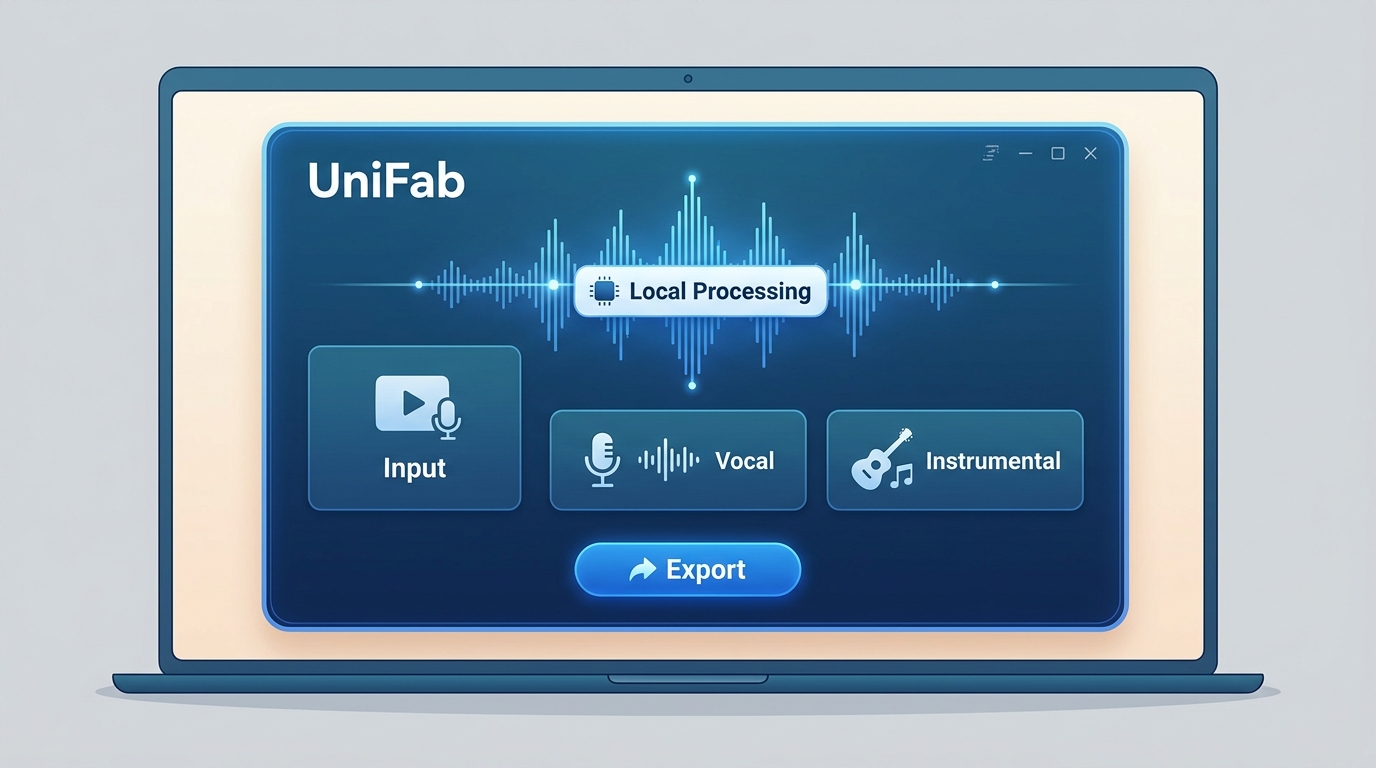
UniFab Vocal Remover is available at $0 with no watermark for Windows and Mac. It accepts audio and video sources, processes them locally, and uses verified MP4 and MKV output, making it relevant when video voice isolation, local file handling, and avoiding uploads are part of the decision.
Best fit: users who want a desktop workflow for authorized audio or video and prefer local file handling.
Not ideal for: users who need phone-only access, a no-install browser session, or detailed model-by-model tuning.
Its strongest role in this comparison is media and platform fit, not a claim that it wins every mix. Compare it with the same representative excerpt used for the other tools if instrumental preservation or vocal residue is central to the project.
UVR5: Model Control for Technical Users
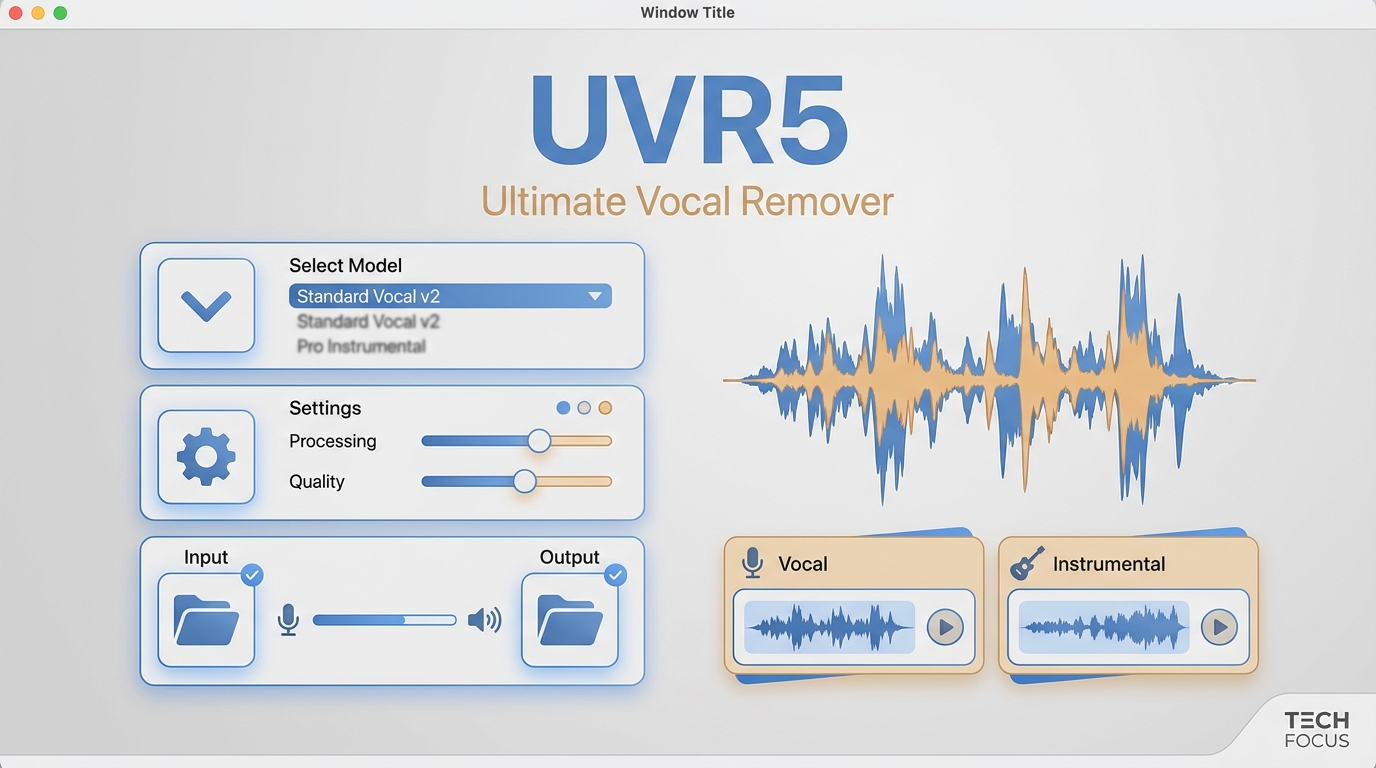
UVR5 is free vocal isolation software built around model choice and local processing. That flexibility can help with difficult mixes, but it also puts more responsibility on the user to select models and compare outputs.
Best fit: technical users who want a free stem splitter with local control.
Not ideal for: someone who wants one obvious button, a mobile workflow, or a direct video-centered process.
Different UVR models can trade vocal residue against instrumental damage. The sensible approach is to test a short, difficult excerpt before processing a longer source rather than assume one model is universally superior.
VocalRemover.org: Fast Browser Separation
VocalRemover.org prioritizes a quick online vocal separator workflow: upload an audio source, process it in the browser service, and retrieve separated output. Current caps, account rules, and exact export choices are not treated as fixed here.
Best fit: occasional, low-sensitivity audio jobs where installation is unnecessary.
Not ideal for: confidential material, repeatable offline work, or users who need verified video input.
Its advantage is immediacy. Its limitation is that upload conditions and service availability become part of the workflow, so convenience should be weighed against privacy and repeatability.
BandLab Splitter: Mobile-Friendly Workflow
BandLab Splitter fits a stem separation app workflow more naturally than a desktop utility comparison. It is most relevant when the separated parts will remain inside a mobile or browser-based creation process.
Best fit: mobile-first creators and existing BandLab users.
Not ideal for: users requiring local processing, fixed desktop exports, or a workflow without an account-based service.
Because current limits and detailed output rules were not fully verified for this comparison, the recommendation rests on device fit and workflow integration rather than a precise quota claim.
Moises: Multi-Stem Practice Tools
Moises combines multi-stem separation with practice-oriented features, so it serves a different intent from a basic two-file free vocal remover. Its free tier is useful for evaluating the workflow, while recurring use is shaped by service allowances.
Best fit: musicians who want separated parts for practice and arrangement study.
Not ideal for: local-only processing, users avoiding account limits, or a simple offline utility.
For someone searching for a Moises free alternative, UVR5 offers local model control, UniFab adds local audio and video handling on Windows and Mac, and browser or mobile options trade that locality for convenience.
Choosing a Free Separator for Your Workflow
Before choosing, prepare a short sample you own or are authorized to process that reflects the real project. The right choice follows seven questions: frequency, device, source media, required stems, upload tolerance, technical control, and export needs. Answering them in order prevents a convenient tool from becoming a poor production fit.
Best Fit by Use Case
- Define the source: audio-only files give more options; video input narrows the field.
- Choose the required result: vocals plus instrumental may be enough, while practice or remix preparation may call for a best free stem splitter with more parts.
- Set the device constraint: pick desktop for local control, web for quick access, or a stem separation app for a mobile workflow.
- Decide whether uploads are acceptable: unpublished or sensitive material favors local processing.
- Check formats before a long job: the exported files must fit the next editor or playback workflow.
- Run a short representative sample: listen for vocal bleed artifacts and instrumental thinning before committing more media.
- Confirm the access boundary fits the workload: a small service allowance may be fine for occasional use but restrictive for repeated projects.
When Local Processing Is Worth It
Local processing is worth considering when uploads are undesirable, the same job will be repeated, or source video should be handled directly. Windows and Mac users have installable choices, while mobile-first users may reasonably accept a cloud workflow.
The wider field of free vocal remover software and online tools includes more candidates, but a free separator download should still be selected by verified platform support and usable output rather than by downloadability alone.
The editorial takeaway is balanced: local handling improves control over files and removes the upload step, but it may require installation, storage, and enough computer resources. Browser and mobile services remain reasonable when convenience matters more.
Final Recommendations by Use Case
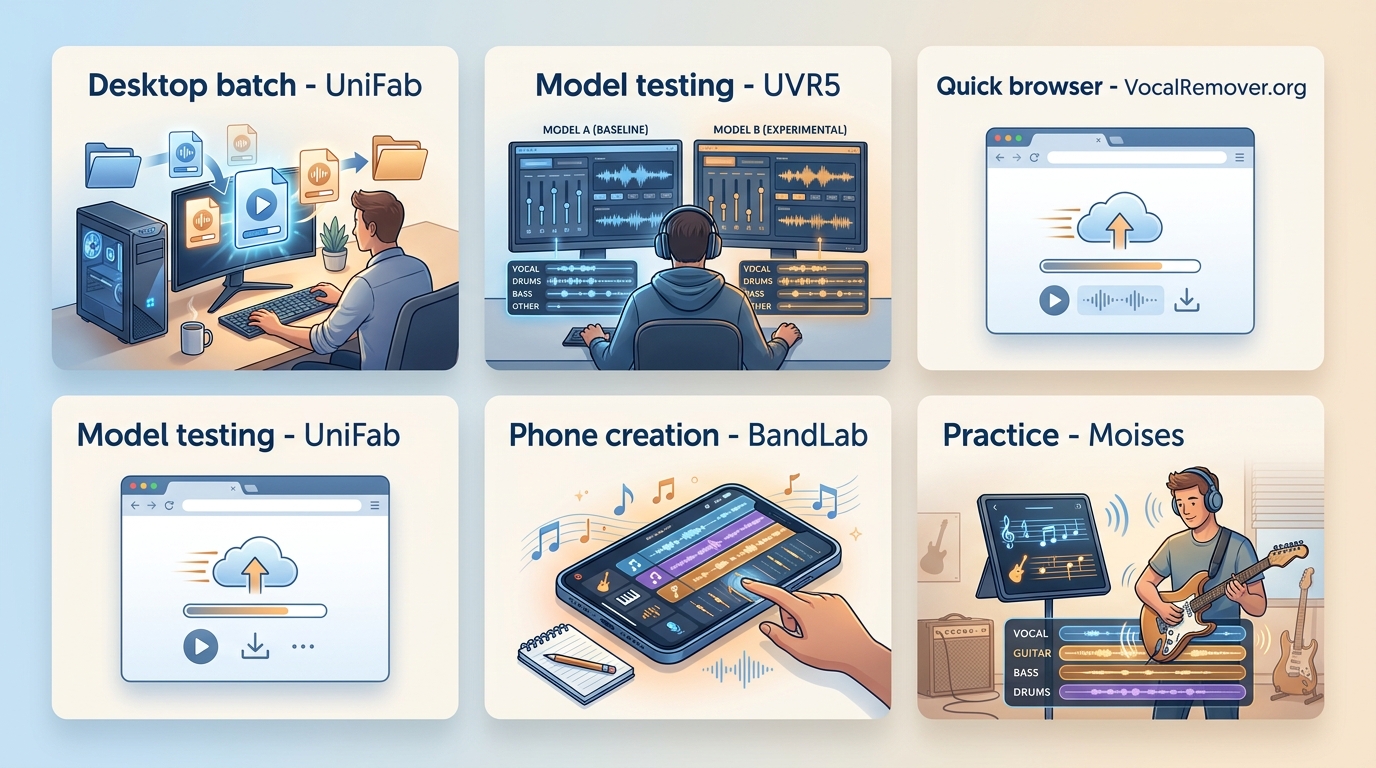
Choose UniFab for local audio and video on Windows or Mac, UVR5 for technical model control, VocalRemover.org for a quick browser split, BandLab for mobile creation, and Moises for multi-stem practice.
Repeated use favors transparent limits, suitable exports, and reproducible same-source listening over a generic “free” label. Occasional users may still prefer browser convenience, while privacy-sensitive or video-centered work points more strongly toward local processing.
No candidate should be treated as the automatic quality winner for every mix. The most defensible final step is a short test on the source type that represents the real project.
FAQs
Can I download a free vocal separator for offline use?
Yes. Installable desktop options process files without a browser session. UniFab supports Windows and Mac with local audio and video handling, while UVR5 is a local option for users who want model control. Check that the verified platform and exports match the project.
Which free separator works best for mobile devices?
BandLab Splitter is the clearest mobile-first fit among these five, especially for users already creating in its app workflow. Moises is another service-based option for practice and multi-stem work. Current limits should be treated as service terms rather than fixed promises.
Do different UVR models produce different vocal results?
Yes. Model choice can change vocal bleed, reverb residue, and how much instrumental detail is removed. There is no universal model winner, so use a short difficult excerpt and compare the vocal and instrumental outputs at matched volume.
Can a free vocal separator process video files?
Input support varies. UniFab is the verified audio-and-video option in this comparison and supports Windows and Mac local processing with MP4 and MKV output. Other candidates should not be assumed to accept video unless their current workflow states it clearly.