MP4 to MP3 Converter: 4 Free Methods Compared
Updated on August 12, 2026
Need to extract MP3 audio from MP4 video in 2026? After 3 weeks testing 8 MP4-to-MP3 converters across desktop/online/CLI on Win 11 (Ryzen 7/RTX 4070) and macOS (Mac mini M2), UniFab Video Converter ranks #1: free forever, batch, pick bitrate (96/128/192/320 kbps), optional trim. Compare best free tools, audio bitrate worth your storage, step-by-step Win/Mac/browser. Real ABX listening test data.
10 Best Vocal Separator Tools in 2026: AI Music and Vocal Separators for Clean
Updated on August 3, 2026
A practical, hands-on guide to the 10 best vocal separator tools in 2026, covering free, online, and pro-grade AI vocal separators. We compare quality, pricing, stem support, and offline vs online workflows so you can pick the right music and vocal separator for karaoke tracks, remixing, video projects, or studio production — including standouts like UniFab Vocal Remover, Ultimate Vocal Remover (UVR), Moises, LALAL.AI, and Fadr.
WAV to MP4: Add an Image and Keep Audio Quality
Updated on July 30, 2026
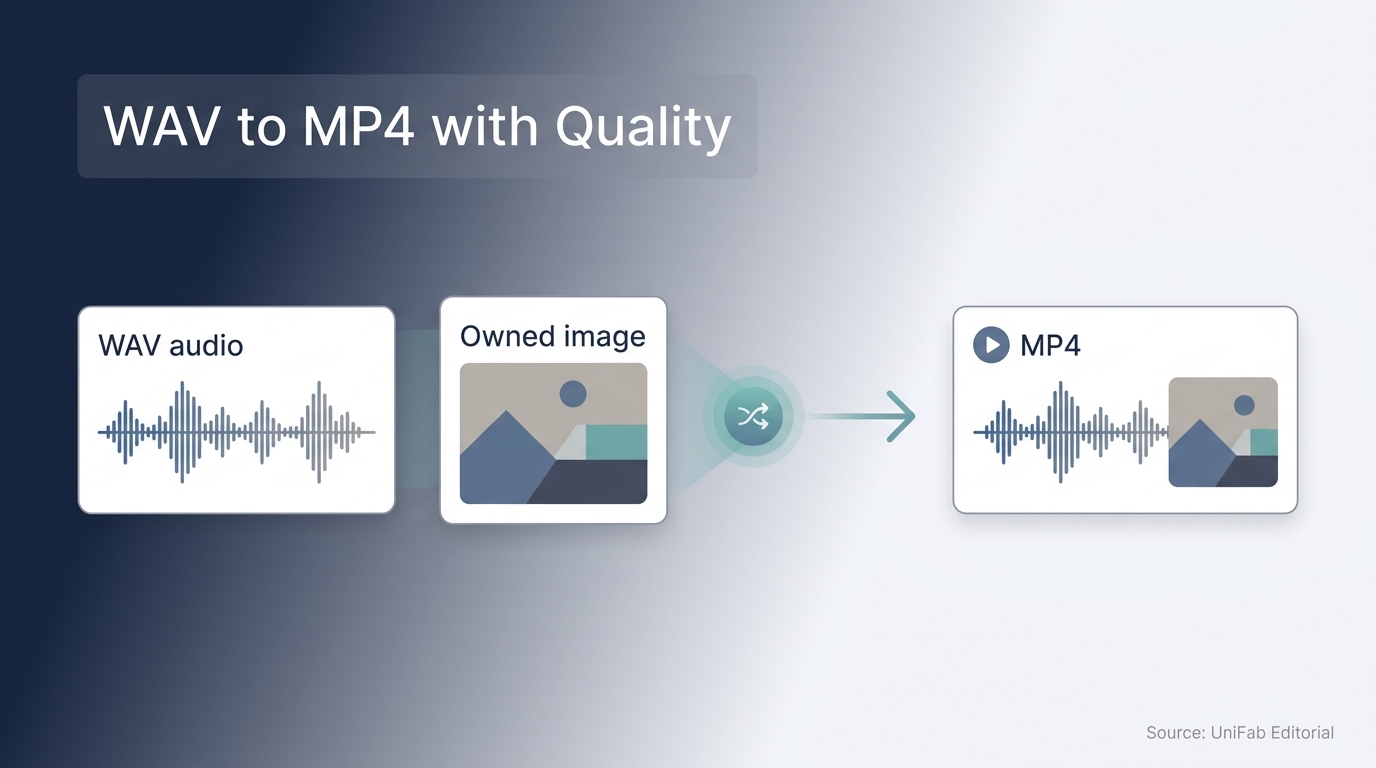
This guide explains how to turn WAV audio into an MP4 with a static image, prepare the file for YouTube, reduce avoidable quality loss, and choose between an online service, a video editor, and a local desktop converter.
Video to MP3 Converter: The Free, No-Watermark Way to Extract Audio From Any Video
Updated on July 29, 2026
If you have a video file on your PC and you only need the audio, the fastest working method is a video to MP3 converter. Install UniFab Video Converter (free forever, Windows x64), drag the video into the workspace, open the Output dropdown, choose "Choose other format..." → Audio tab → MP3, then click Start. No watermark, no time limit, no upload, no trial wall. The rest of this guide covers online, iPhone, VLC, HandBrake, bitrate choice, batch jobs, and how to spot malware-loaded "free" tools.
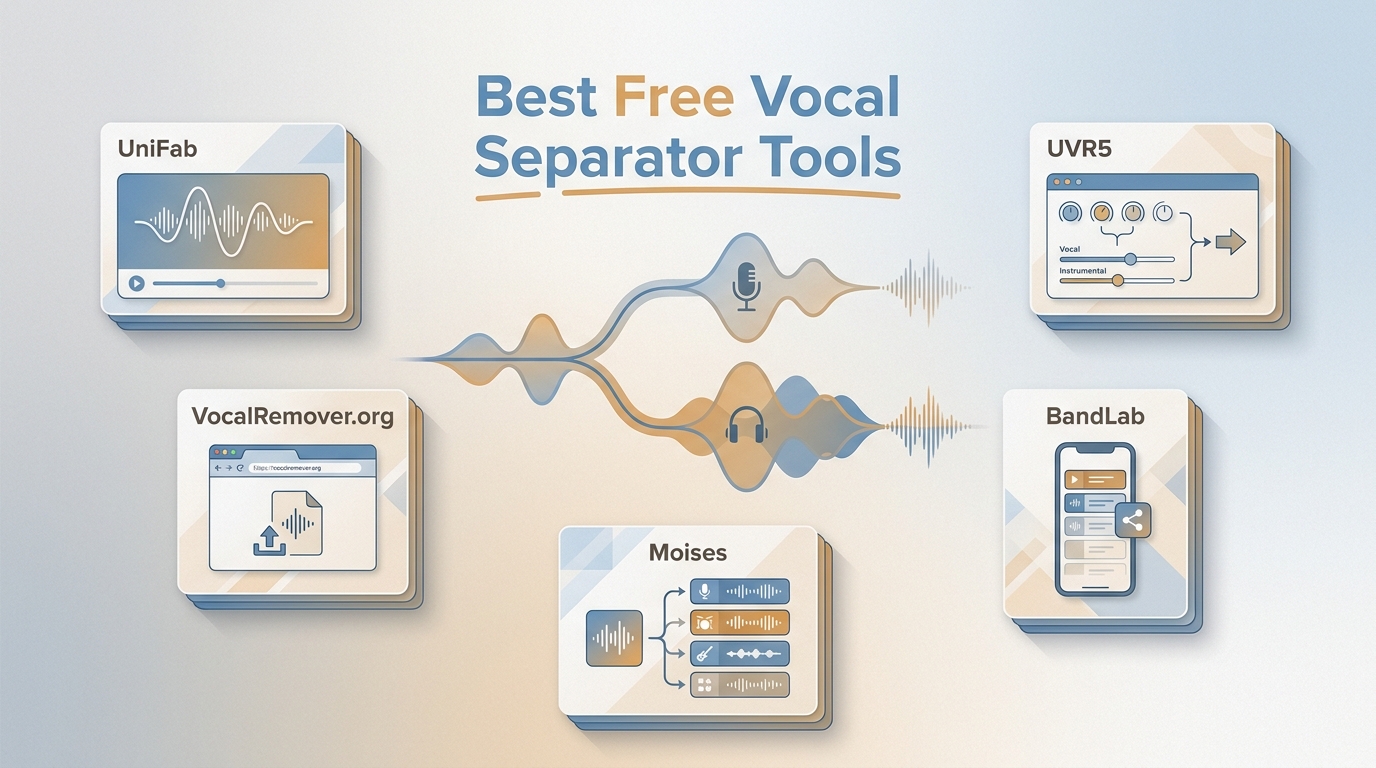
5 Free Vocal Separators Compared: Access, Formats, and Workflow (2026)
Updated on July 29, 2026
10 Best Vocal Removers in 2026: Free Limits, Quality & Platforms
Updated on July 22, 2026
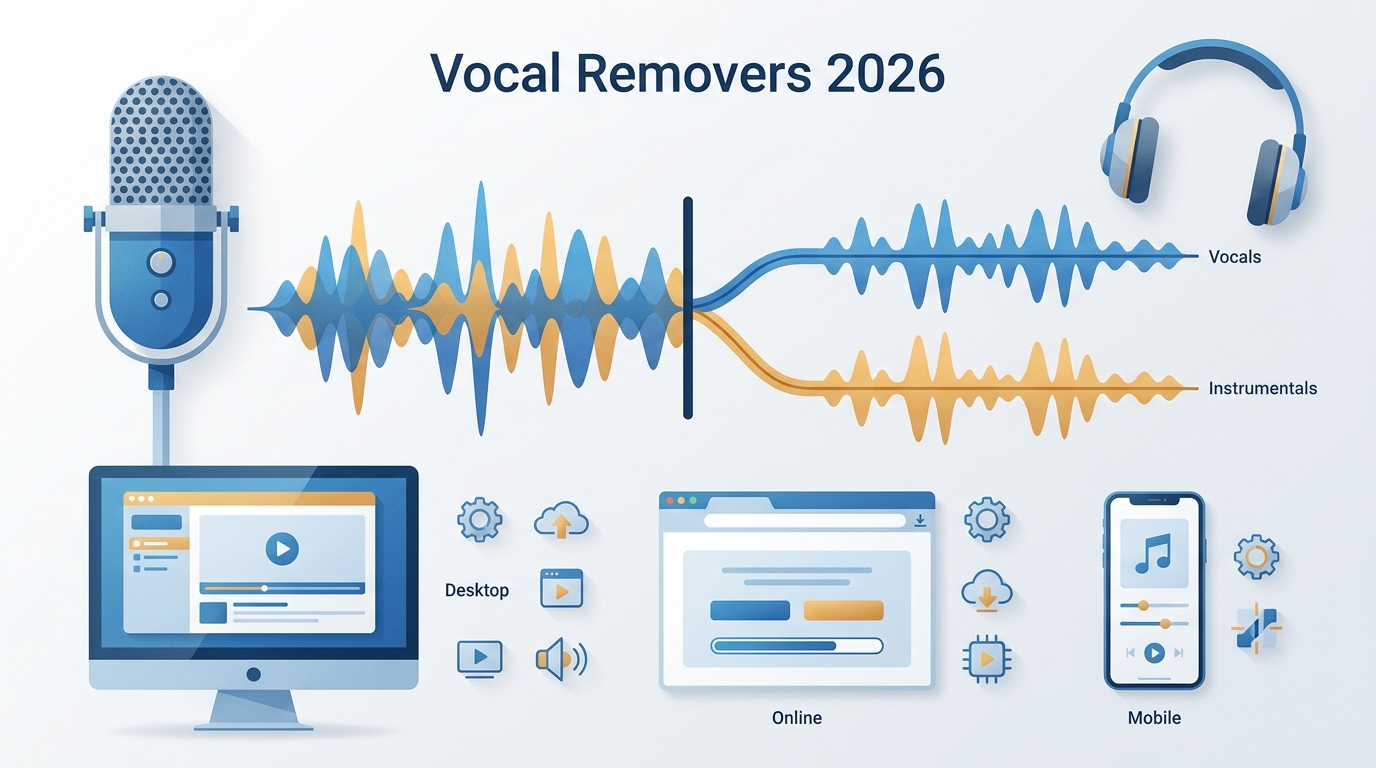
This guide compares 10 vocal removers across desktop, browser, and mobile workflows. It clarifies free allowances, account requirements, file handling, stem options, privacy, and likely audio artifacts, then recommends practical fits for local batch work, quick browser jobs, music practice, and detailed production editing.
10 Video Sound Enhancers for 2026: An Editorial Comparison
Updated on July 22, 2026
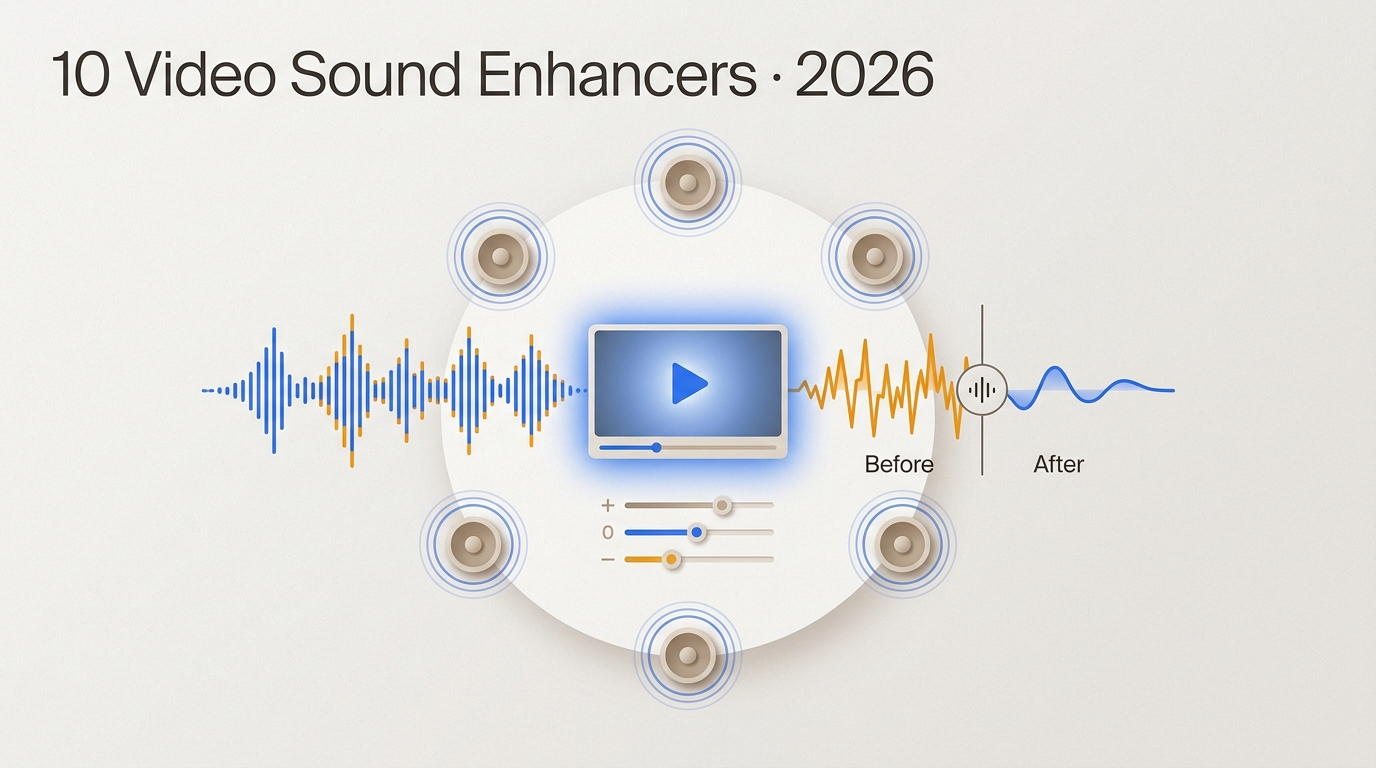
This guide compares 10 video sound enhancers by workflow, processing location, export behavior, privacy, and audio limits. It separates active desktop, browser, and mobile options from legacy software, then explains when cleanup, rerecording, or surround upmixing is the practical choice.
15 Best Vocal Isolators in 2026: Workflows and Quality Criteria
Updated on July 22, 2026
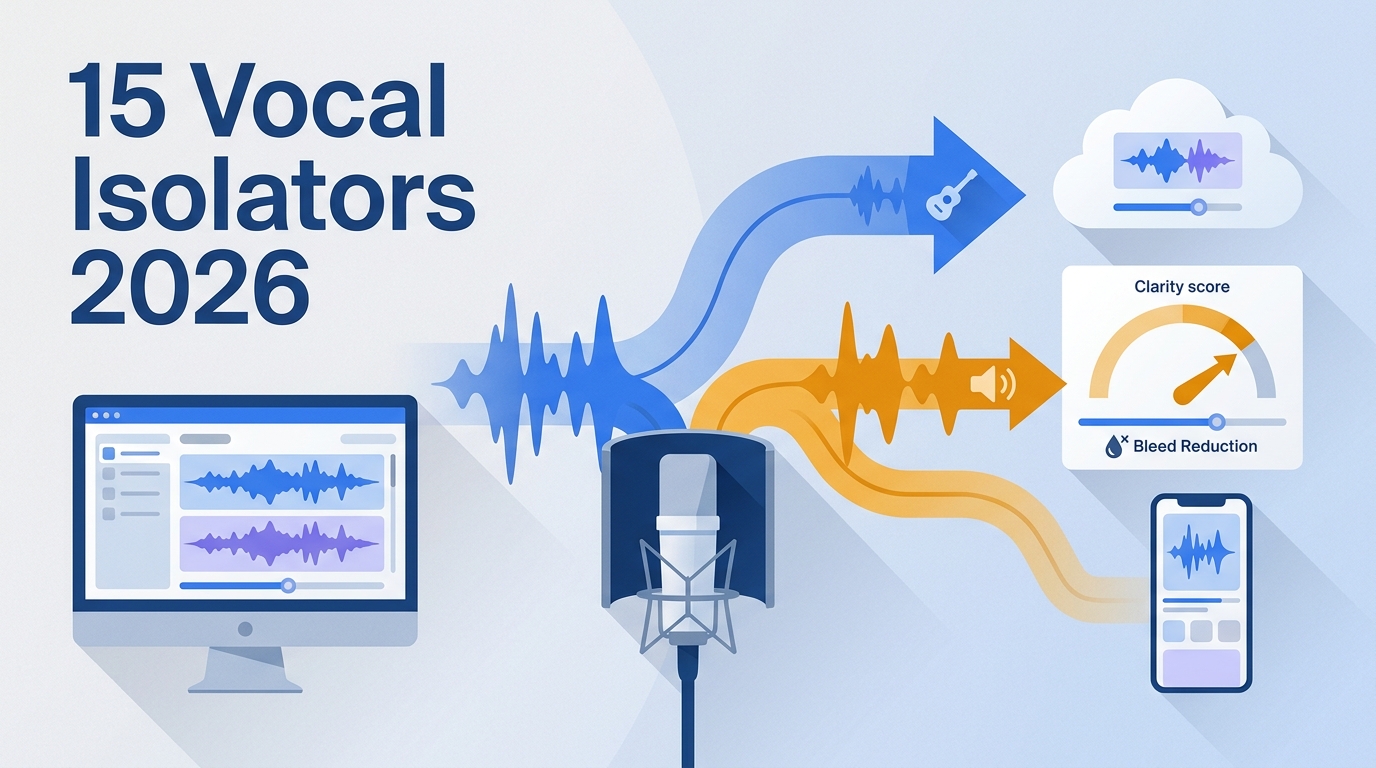
This comparison maps 15 vocal isolators to clean-stem export, local video, browser, mobile, and live-use workflows. It also provides a repeatable listening protocol, format and privacy checks, and balanced recommendations rather than naming one universal winner.
How to Remove Vocals From a Song: 5 Practical Methods [2026]
Updated on July 22, 2026
![How to Remove Vocals From a Song: 5 Practical Methods [2026]](https://artifact.dvdfab.me/2026/07/21/WXXY9JmXcwbRAlLBLTpSphLzkf3TR1TY/feature_cover.jpg)
This guide compares five ways to remove vocals from a song, from guided AI separation and browser tools to FL Studio, GarageBand, and Audacity. It explains who each method suits, how to export an instrumental or rebuild an MP4, and how to check vocal bleed, reverb, and damaged instruments before using the result.
10 Adobe Audio Enhancer Alternatives: Free & Paid Picks for 2026
Updated on July 21, 2026
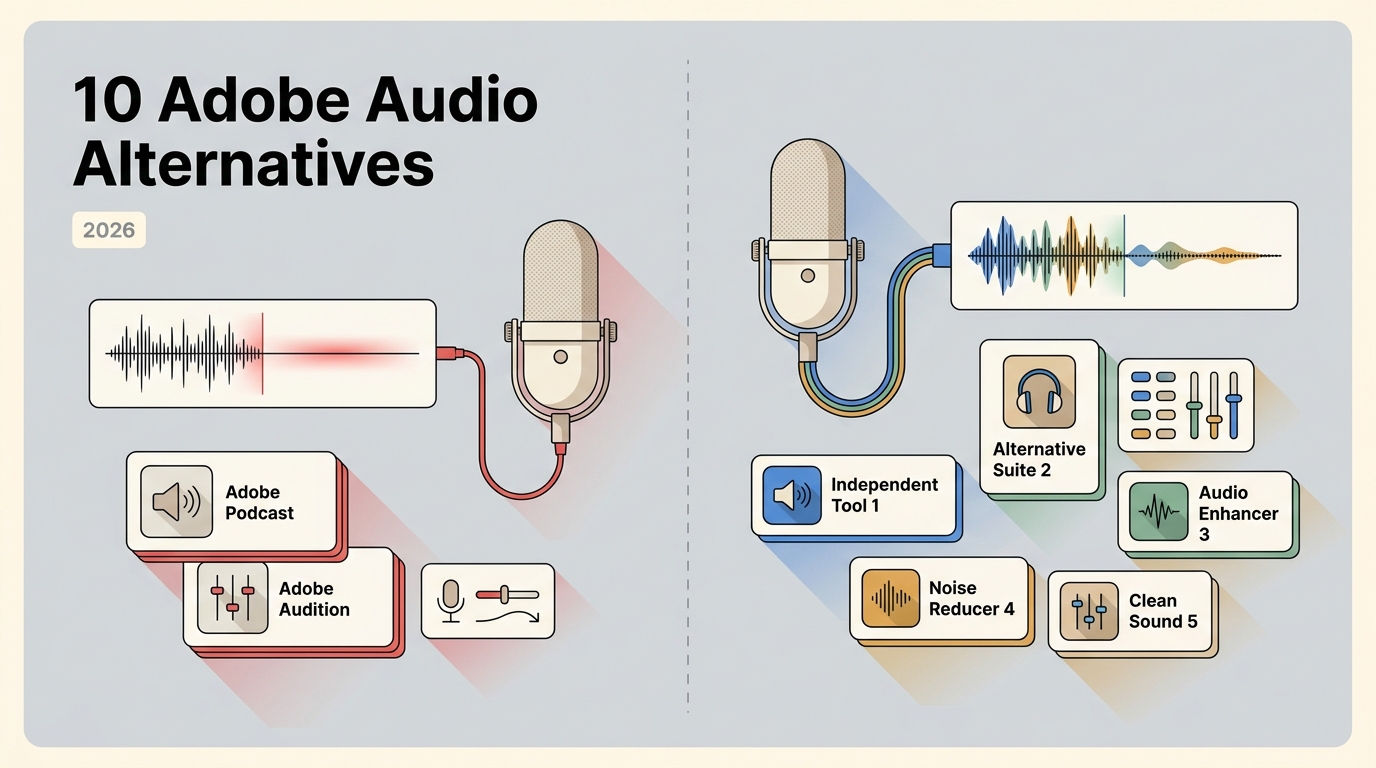
This guide compares ten Adobe audio enhancer alternatives by the job they actually perform: speech cleanup, podcast leveling, music mastering, live-call noise control, stem separation, or surround upmixing. It also explains file limits, video support, local processing, artifact risks, and a practical way to choose without treating unlike tools as interchangeable.