Avatar

Harper Seven

UniFab Editor

Harper joined the UniFab team in 2024 and focuses on video technology–related content. With a blend of technical insight and hands-on experience, she produces authoritative software reviews, clear user guides, technical blogs, and video tutorials that help users better understand and work with modern video tools. Outside of work, Harper enjoys photography, outdoor activities, and video editing, often exploring visual storytelling through creative practice.
Joined in 2024Article Contributed: 226

Expertise

# Video Technology

# Software Reviews

# Easy Tutorials

Education

Master's degree, University of Southern California

Latest Posts

WeVideo Green Screen: 6 Browser Steps and Editing Tips

WeVideo Green Screen: 6 Browser Steps and Editing Tips

A complete guide to using green screen on WeVideo in 2026—two chroma-key methods (your own footage and WeVideo stock clips), recording and editing tips, pricing, pros and cons, and a free AI alternative (UniFab) that removes backgrounds without a physical green screen, plus a 10-question FAQ.
by Harper SevenUpdated November 11, 2026
How to Make a Video Slow Motion on Phone, Online, or Desktop

How to Make a Video Slow Motion on Phone, Online, or Desktop

Learn how to make a video slow motion in 2026 across seven methods: iPhone and Android native slo-mo, CapCut, online tools (VEED.IO, Canva, Kapwing), Premiere Pro Optical Flow, and UniFab Smoother AI frame interpolation for smooth results up to 120 FPS. Includes a tool comparison, tips, and a 10-question FAQ.
by Harper SevenUpdated November 11, 2026
Colorize Video Online Free in 2026: Previews and Desktop Options

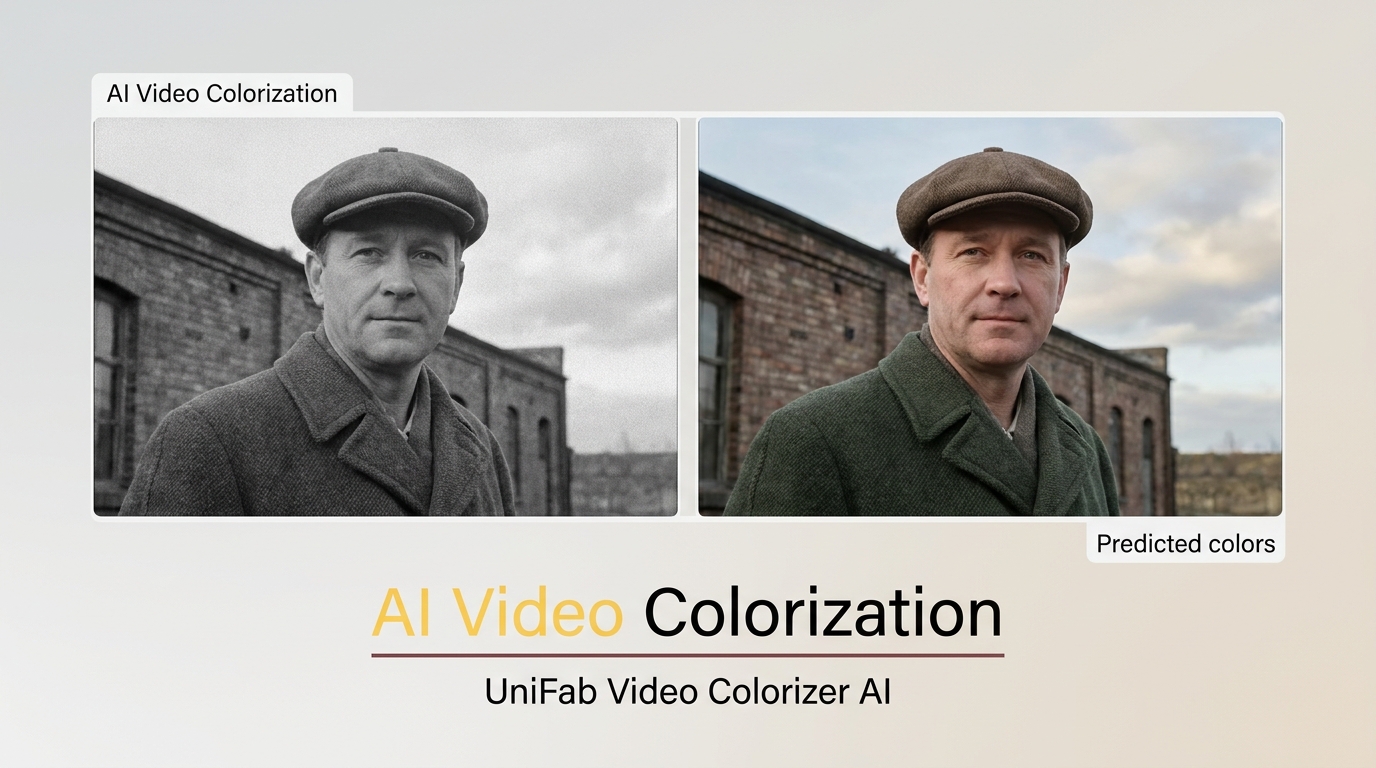
Colorize Video Online Free in 2026: Previews and Desktop Options

Convert a black and white video to color in 2026 hands-on guide. Tests 4 free online converters (Kolorize, HDconvert, Ai4video, editingtools.io) plus 3 desktop AI tools (UniFab, HitPaw, AVCLabs) on the same archival clip. Includes 4-stage AI pipeline explainer, online vs desktop decision matrix, 3-step UniFab tutorial, and 10 FAQs covering free paths, speed, privacy, historical accuracy.
by Harper SevenUpdated November 10, 2026

MP3 to MOV with an Image: 4 Conversion Steps,

An MP3 is audio-only, so a useful MOV needs a visual track, compatible export settings, and a destination check. This guide explains the workflow, online-versus-local tradeoffs, and the limits to verify before choosing UniFab.
by Harper SevenUpdated November 10, 2026
Topaz Video AI Stabilization: Settings, Crop, and Export

Topaz Video AI Stabilization: Settings, Crop, and Export

Topaz can stabilize shaky video, but clean results depend on restrained strength, suitable crop settings, and realistic render-time expectations. This guide explains the controls, a practical workflow, and when a dedicated stabilizer makes more sense.
by Harper SevenUpdated November 10, 2026
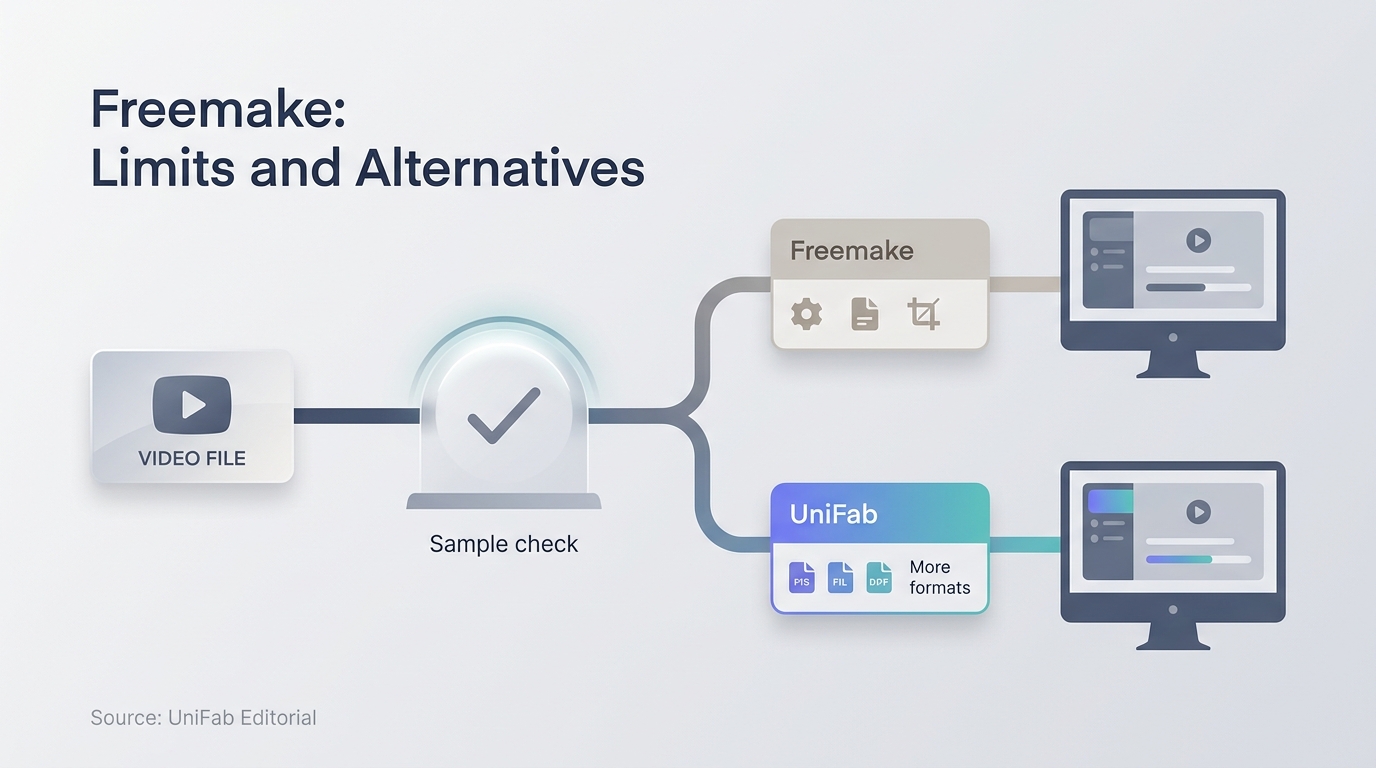
Freemake Video Converter Review: Free Use and MP4

Freemake Video Converter Review: Free Use and MP4

Freemake handles local video conversion on Windows and advertises free use. Follow the official installation route, choose MP4 settings and an output folder, and verify a short export. Compare its workflow with UniFab’s local, no-watermark conversion on Windows and Mac.
by Harper SevenUpdated November 10, 2026
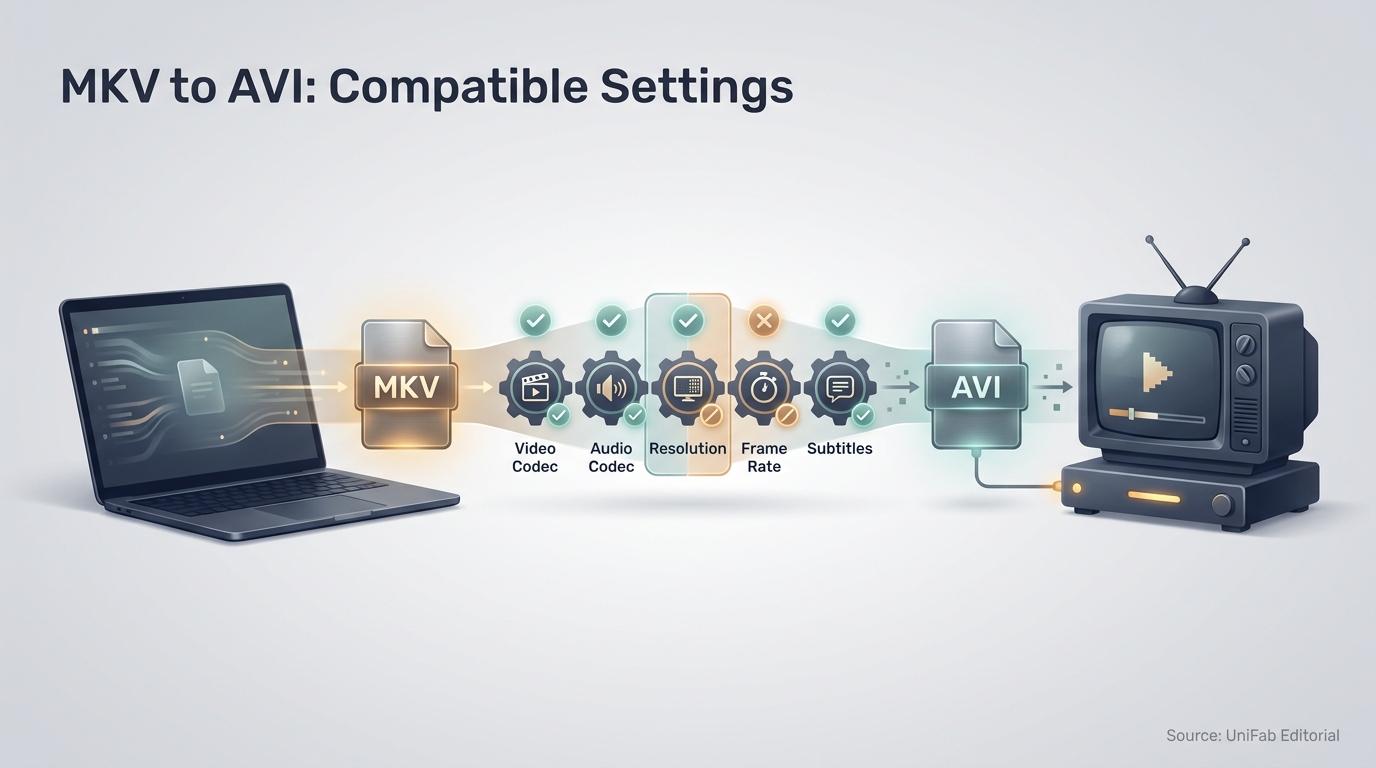
Convert MKV to AVI: 4 Methods for Older Players

Convert MKV to AVI: 4 Methods for Older Players

Choose an MKV-to-AVI workflow by checking the target player's codec limits first. This guide covers VLC, FFmpeg, online conversion, playback settings, and the evidence to verify before using UniFab.
by Harper SevenUpdated November 10, 2026
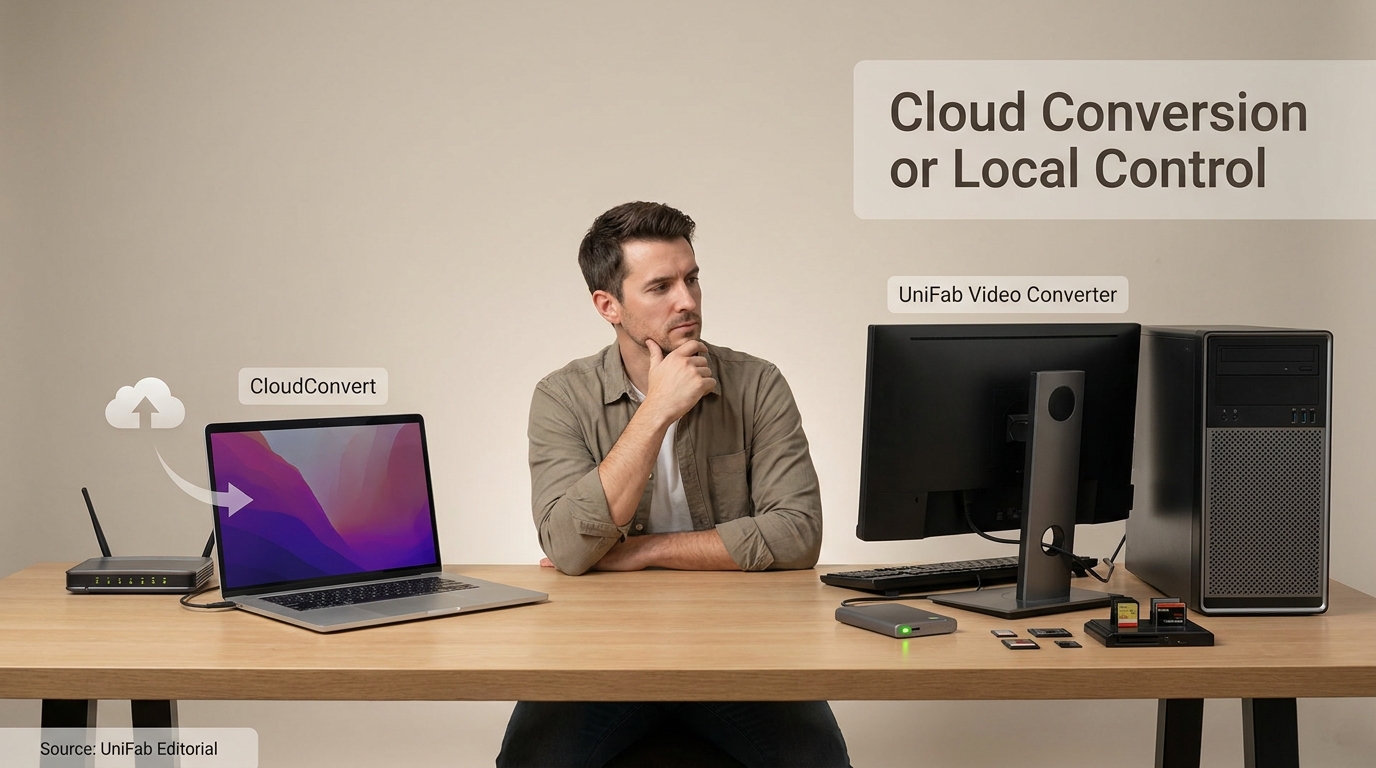
CloudConvert Review: Online Convenience vs. Local Control

CloudConvert Review: Online Convenience vs. Local Control

CloudConvert makes occasional browser-based file conversion convenient, but every job requires a remote upload. This review explains its workflow, safety and pricing tradeoffs, and when local video conversion offers a better fit.
by Harper SevenUpdated November 10, 2026
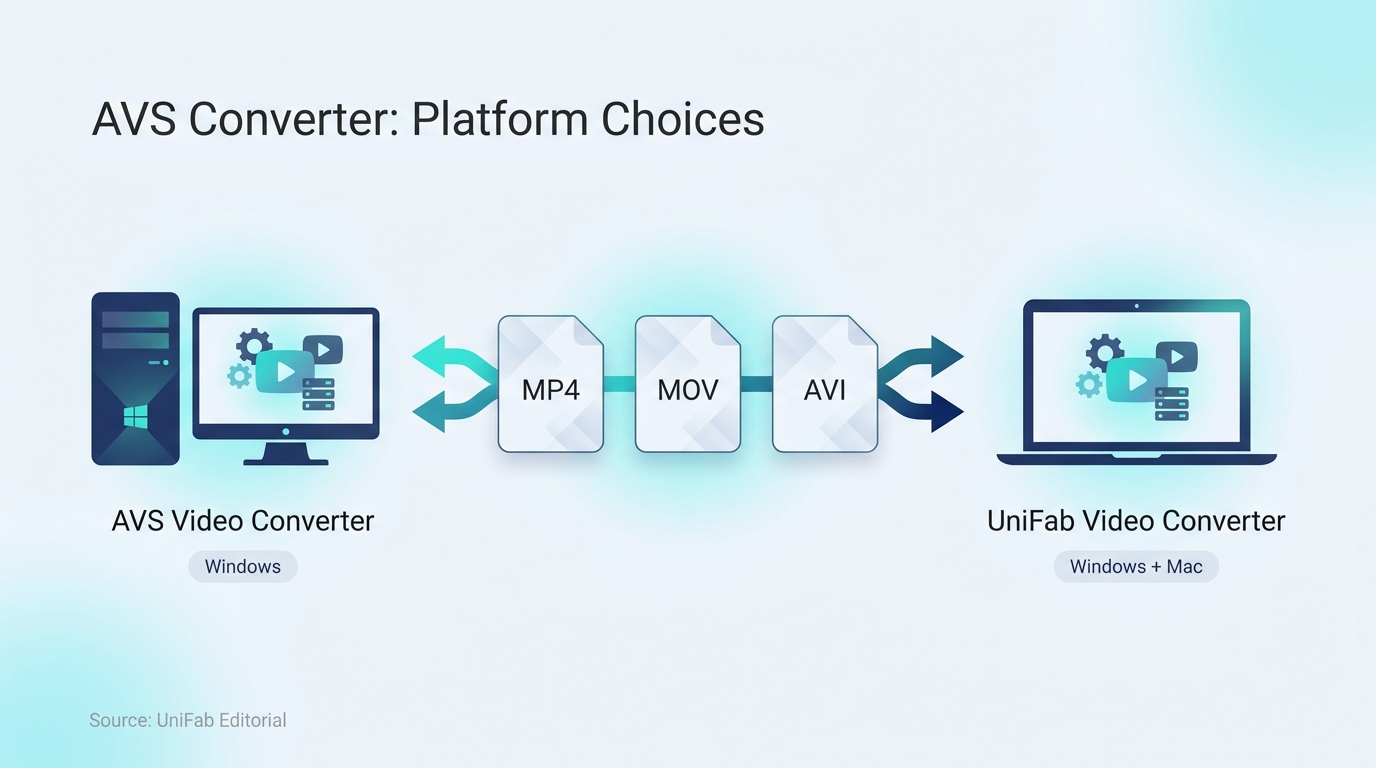
AVS Video Converter Review: Free Features and Mac Support

AVS Video Converter Review: Free Features and Mac Support

AVS Video Converter covers common Windows conversion jobs, but the output profile matters as much as the file extension. This review explains the workflow, download and licensing checks, and when a Mac-ready batch converter is a better fit.
by Harper SevenUpdated November 10, 2026
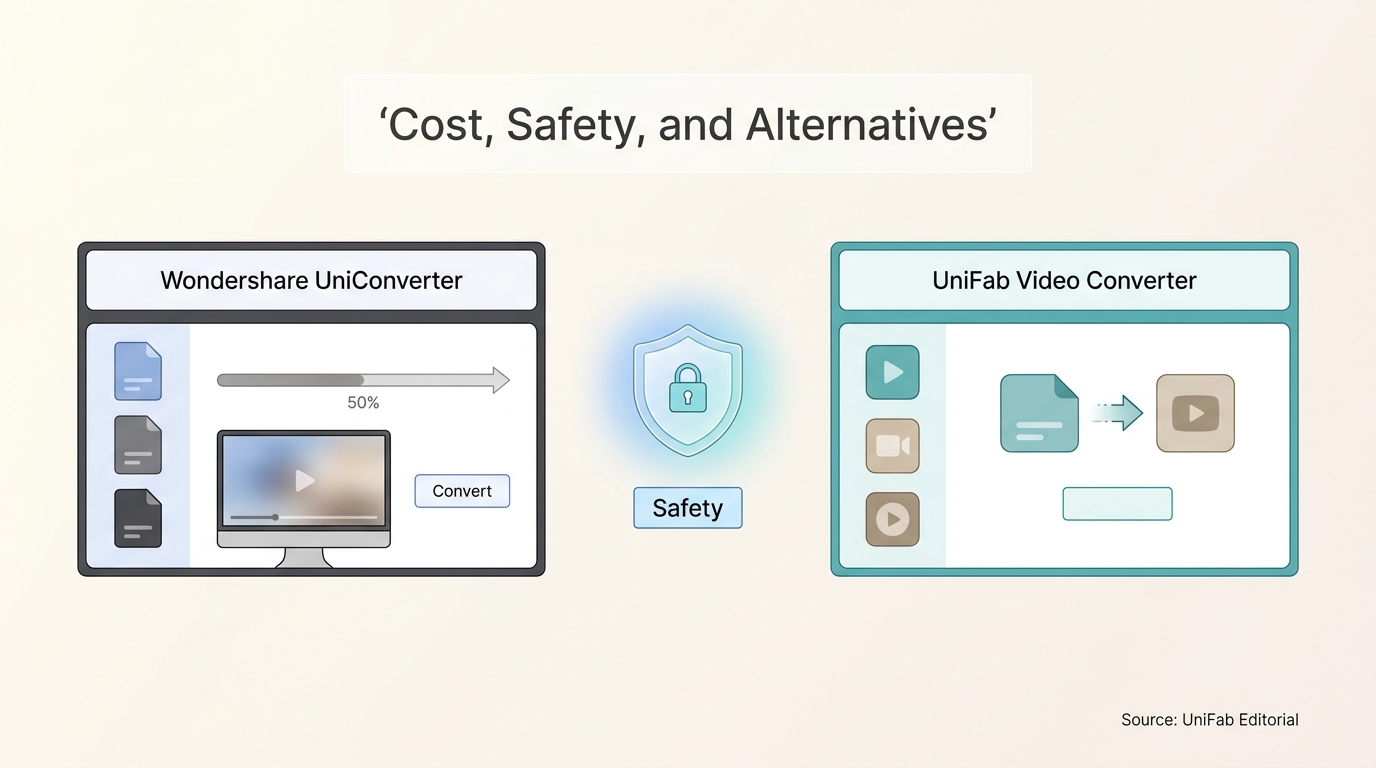
Wondershare Video Converter: Cost, Safety, and Alternatives

Wondershare Video Converter: Cost, Safety, and Alternatives

Wondershare UniConverter combines format conversion with editing, compression, recording, downloading, and DVD tools. This guide explains its workflow, access limits, safety checks, and when a focused local converter may fit better.
by Harper SevenUpdated November 10, 2026
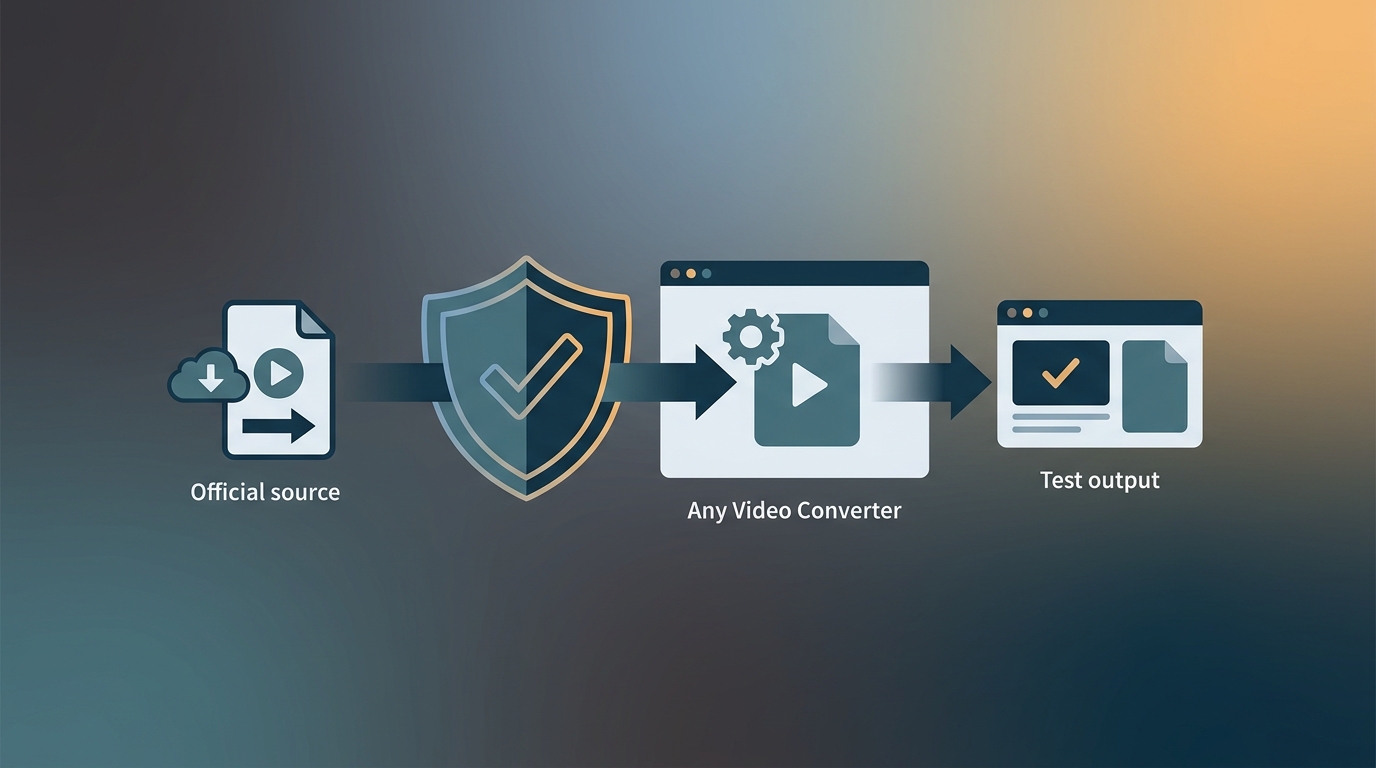
Any Video Converter: Free Features, Safety, and Download

Any Video Converter: Free Features, Safety, and Download

Any Video Converter Free converts local batches without watermarks. Follow the Windows or Mac installation steps, set up an MKV-to-MP4 example, and check playback before processing a folder. Compare its workflow with UniFab and get concise answers about installer safety, legacy systems, and audio extraction.
by Harper SevenUpdated November 10, 2026