Avatar

Harper Seven

UniFab Editor

Harper joined the UniFab team in 2024 and focuses on video technology–related content. With a blend of technical insight and hands-on experience, she produces authoritative software reviews, clear user guides, technical blogs, and video tutorials that help users better understand and work with modern video tools. Outside of work, Harper enjoys photography, outdoor activities, and video editing, often exploring visual storytelling through creative practice.
Joined in 2024Article Contributed: 226

Expertise

# Video Technology

# Software Reviews

# Easy Tutorials

Education

Master's degree, University of Southern California

Latest Posts

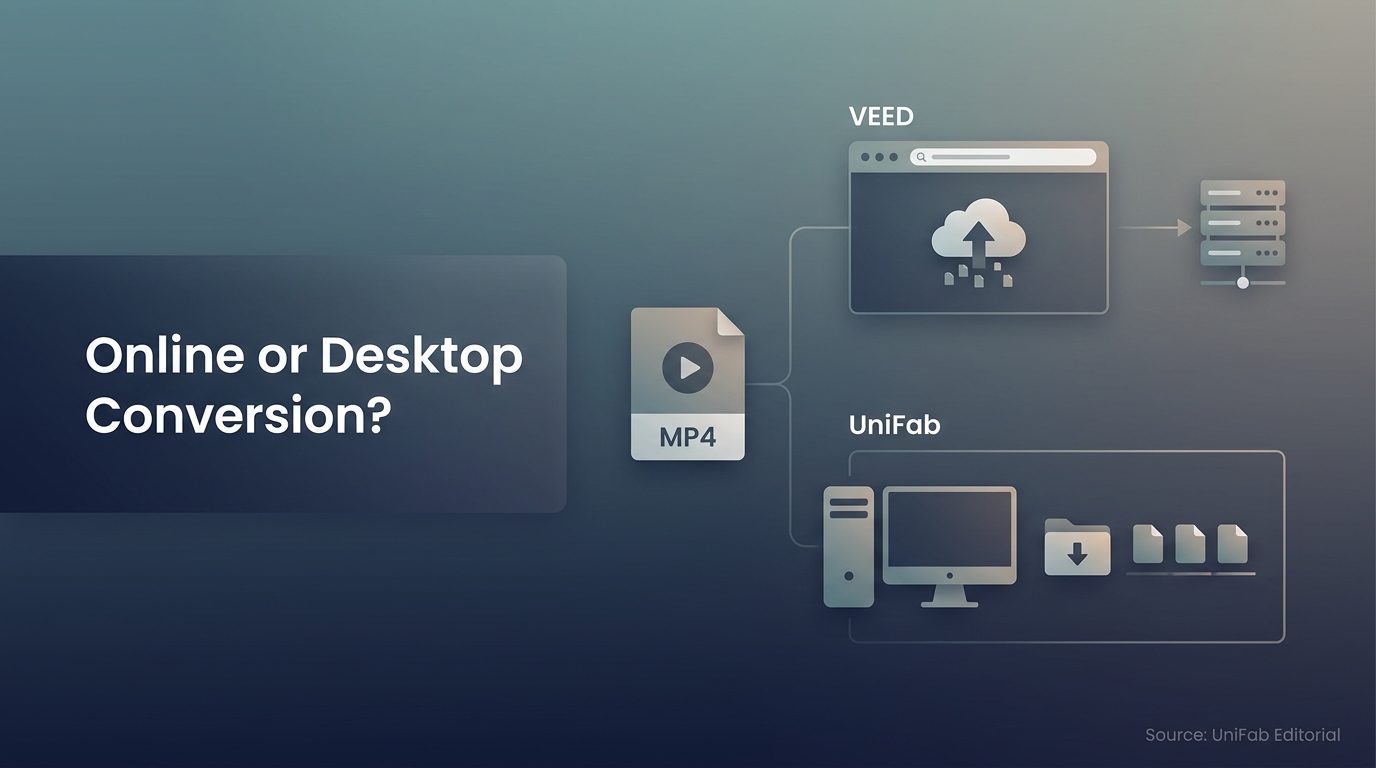
VEED Video Converter: Convert and Save in 3 Steps

VEED Video Converter: Convert and Save in 3 Steps

VEED handles quick video and audio conversions in a browser, but upload, export, plan, and connection conditions affect the finished result. This guide explains the workflow and when a local desktop converter is a more suitable choice.
by Harper SevenUpdated September 28, 2026
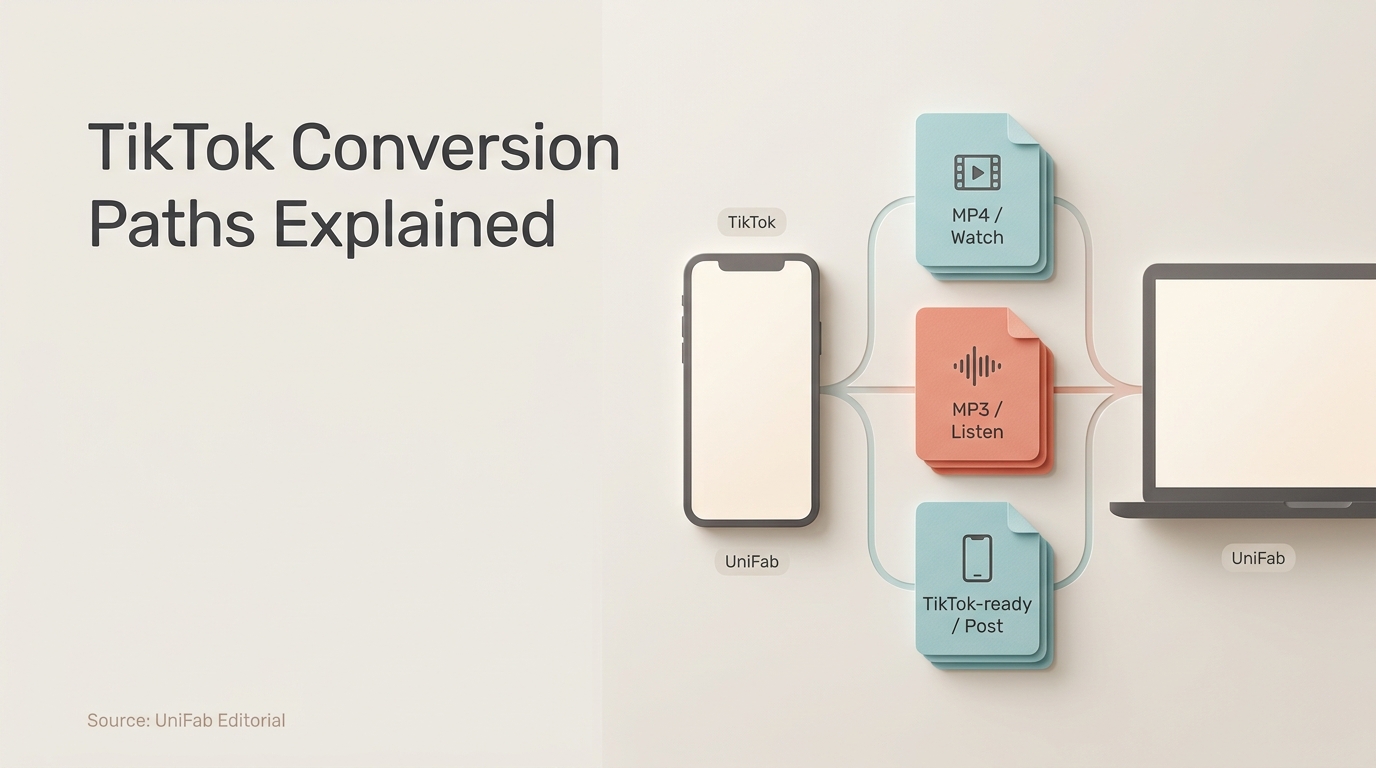
TikTok Video Converter: MP4, MP3, or TikTok-Ready?

TikTok Video Converter: MP4, MP3, or TikTok-Ready?

This guide separates three TikTok conversion jobs: saving permitted videos as MP4, extracting permitted audio as MP3, and preparing owned source files for upload. It explains online and local workflows, quality limits, rights, safety, and device constraints.
by Harper SevenUpdated September 28, 2026
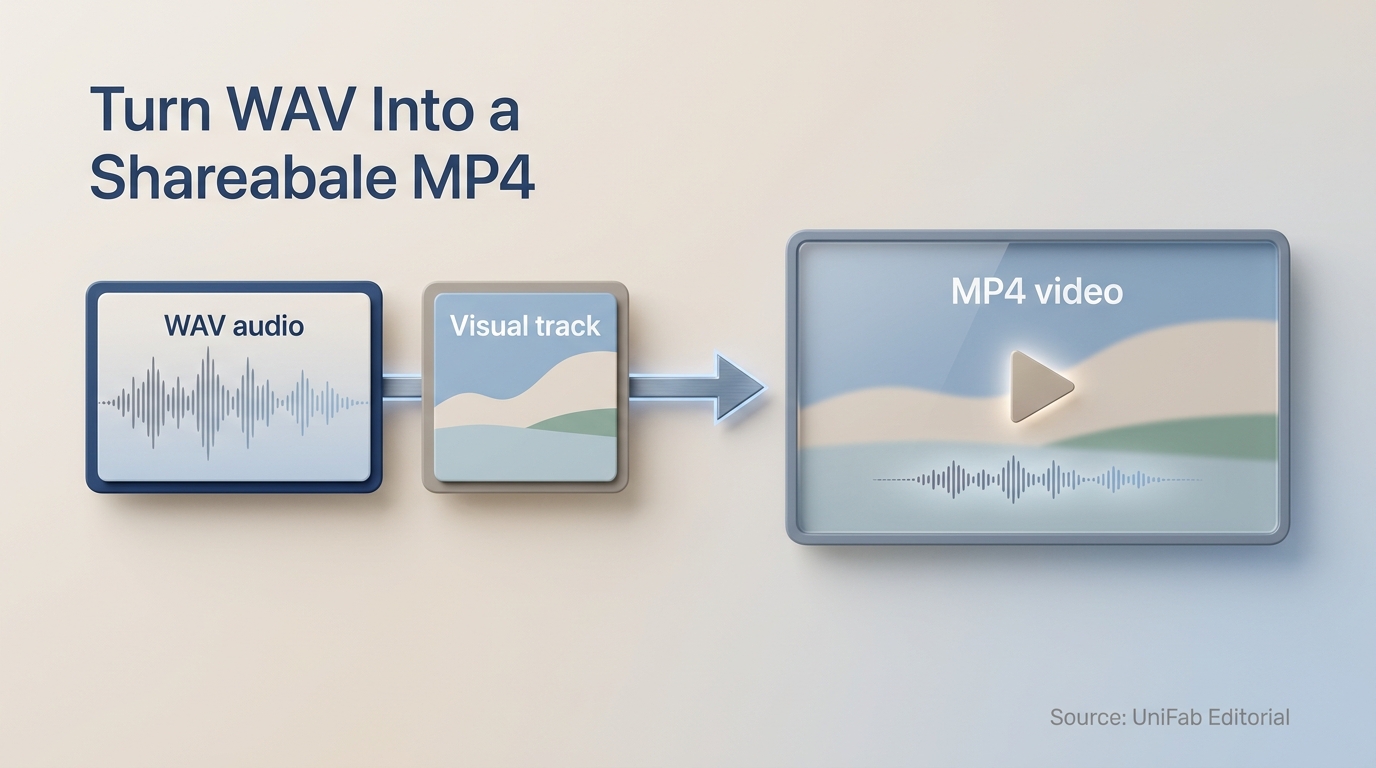
WAV to MP4: Turn Audio Into a Shareable Video

WAV to MP4: Turn Audio Into a Shareable Video

WAV is audio-only, so a shareable MP4 usually needs a visual track as well. This guide explains the four-step workflow, quality trade-offs, and when local processing is a better fit than an online converter.
by Harper SevenUpdated September 28, 2026
How to Reduce Grain in Video in 2026: Current Editing and AI Workflows

How to Reduce Grain in Video in 2026: Current Editing and AI Workflows

A 2026 guide to reducing video grain for editors and pro creators. Covers Premiere Pro's Median effect, DaVinci Resolve's Spatial + Temporal NR, AI degraining with UniFab Denoise AI, and CapCut's mobile AI Denoise. Includes a 30-second TL;DR, a 4-tool comparison table, 10 FAQs covering Premiere Pro median troubleshooting, DaVinci workflow, file format export, and when to choose AI over manual degraining.
by Harper SevenUpdated September 28, 2026
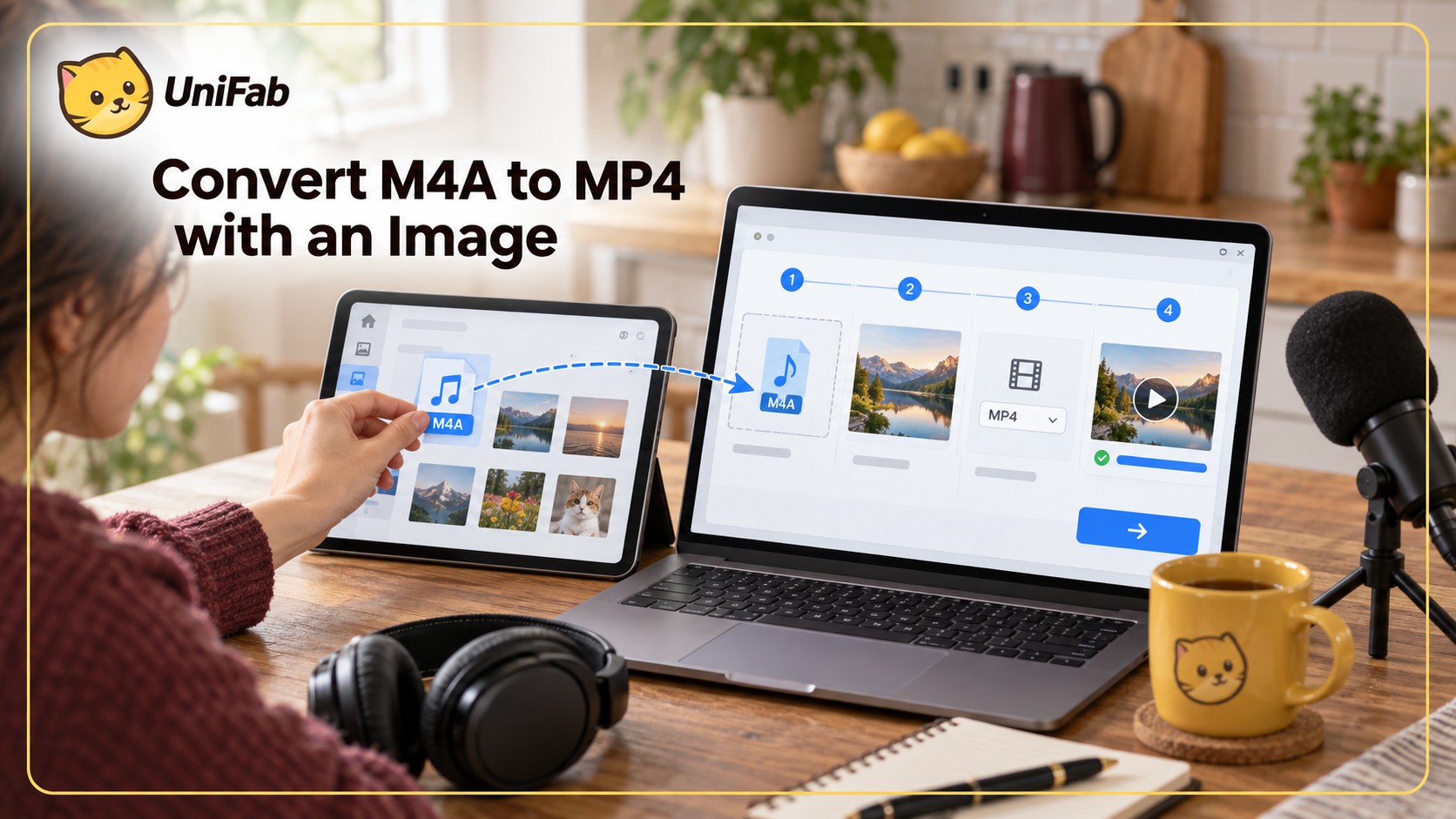
M4A to MP4 in 4 Steps: Add an Image

M4A to MP4 in 4 Steps: Add an Image

Learn how to pair M4A audio with a real video track and export a compatible MP4. This guide covers browser and desktop routes, codec choices, quality, mobile workflows, and common file-extension mistakes.
by Harper SevenUpdated September 28, 2026
Convert Video to 4K Online Free: How to Get True Ultra HD Output in Your

Convert Video to 4K Online Free: How to Get True Ultra HD Output in Your

To convert video to 4K online free in 2026, upload a 1080p source to UniFab Video Enhancer AI Cloud — 2× AI upscaling turns 1920×1080 into a true 3840×2160 Ultra HD MP4 in about 5 minutes, with 30 free credits on signup and no watermark. If your clip is already 4K but in the wrong container (MKV, AVI, MOV) and you just need a format swap, pick a pure online converter like VEED.io or Convertio instead. This guide covers both paths: when you need AI upscaling, when you only need format conversion, and which free browser tool fits each job.
by Harper SevenUpdated September 29, 2026
Upscale Video Online Free: MP4 Limits and 3 Source Paths

Upscale Video Online Free: MP4 Limits and 3 Source Paths

Choose local browser processing for clips that must stay on your device, or cloud processing for limited hardware. Compare credit and MP4 export requirements, follow three source-resolution paths, and evaluate the saved video with one playback checklist.
by Harper SevenUpdated September 29, 2026
Free Online 1080p Video Quality Enhancer: 5 Tools Compared

Free Online 1080p Video Quality Enhancer: 5 Tools Compared

The best video quality enhancer 1080p online free in 2026 is UniFab Video Enhancer AI Cloud. I uploaded the same 960×540 portrait clip to five free video quality enhancer 1080p online tools, exported each at 1920×1080, and placed the outputs side-by-side. UniFab produced the cleanest 1080p result with the most natural face texture — no plastic-skin artifacts, no over-painted look, no fake oil-painting feel. This guide shows what each free video quality enhancer 1080p online free tool actually delivers on a real 540p portrait, with the comparison shots inline so you can see the difference yourself.
by Harper SevenUpdated September 30, 2026
Free 4K Video Enhancer Online: MP4 Export Limits

Free 4K Video Enhancer Online: MP4 Export Limits

The fastest 4K video enhancer online free in 2026 is UniFab Video Enhancer AI Cloud: upload a 1080p clip, get a clean 4K MP4 back in about 5 minutes, 30 free credits on signup, no watermark, no install. The catch on every video quality enhancer 4K online free is the source: 1080p doubles cleanly to true 4K (3840×2160), 720p only reaches 1440p, and 540p stops at 1080p. This guide covers which online tools actually deliver Ultra HD, how to use them, and what realistic results look like — all in your browser, no software needed.
by Harper SevenUpdated October 15, 2026
How to Fix Pixelated Video in Premiere Pro: Fixes and Limits

How to Fix Pixelated Video in Premiere Pro: Fixes and Limits

Separate source damage from Premiere Pro preview and export problems before choosing a fix. This guide explains monitor settings, scaling, sharpening, export controls, and the limits of source enhancement.
by Harper SevenUpdated October 15, 2026