12 Best Free AI Video Upscaling Software in 2026 (Tested & Scored)
We tested 12 of the top free AI video upscaling tools in 2026 — desktop, online, and open-source — on identical hardware and test clips. The guide includes the editor's pick (UniFab Video Upscaler AI), a 12-tool comparison chart with quality scores, hands-on test results, and 10 FAQs covering pricing, privacy, Mac support, watermarks, 4K/8K, and AI vs traditional upscaling.
YouCam Enhance Review (2026): Features, Price, Pros & Cons, and Alternatives
YouCam Enhance is a cloud-based AI tool for upscaling and enhancing video. This 2026 review covers its features, pricing ($6.67/mo premium, free tier capped at 1-minute clips), pros and cons, and how its 4K output compares to UniFab in identical 360p→4K tests. Includes side-by-side performance notes, a feature-by-feature comparison table, and guidance on when YouCam is the right pick versus when UniFab's offline desktop workflow delivers more natural results.
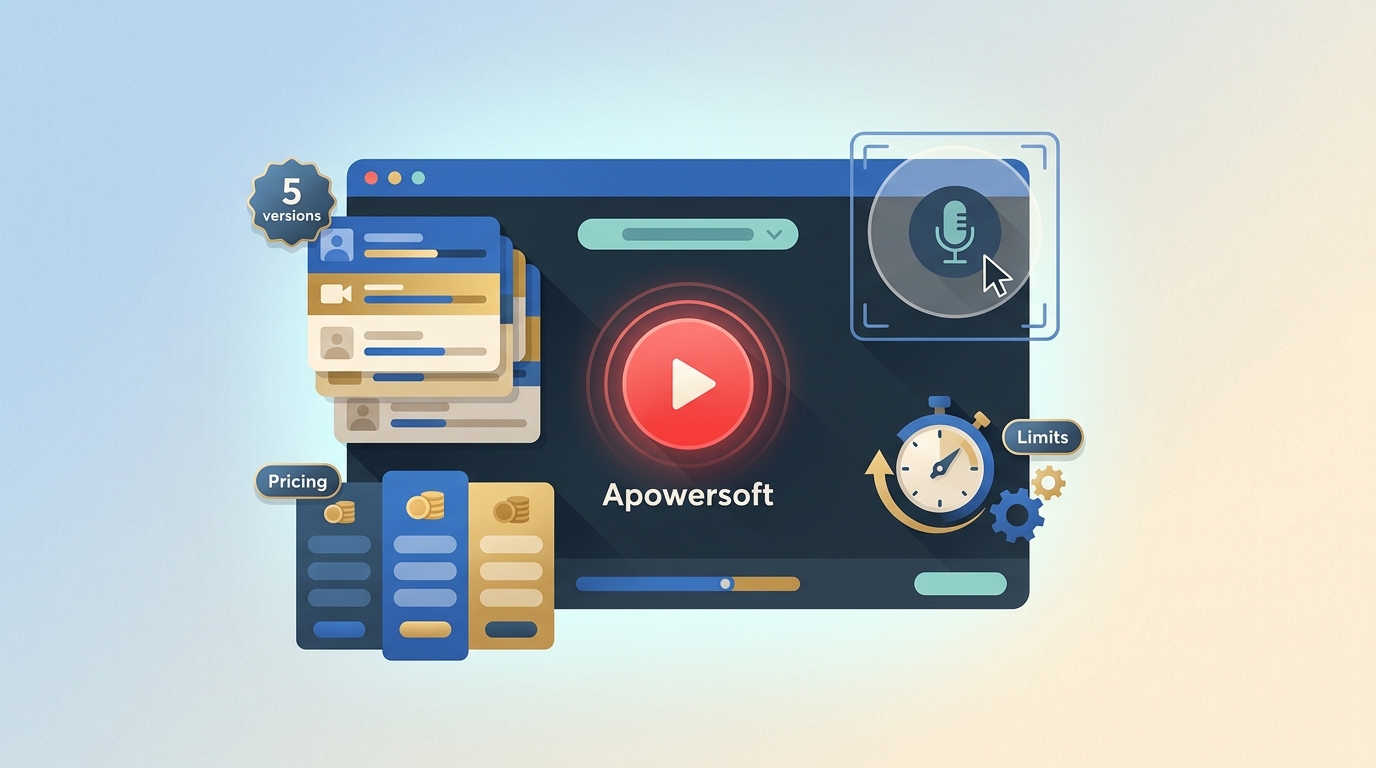
A Detailed Review of Apowersoft Screen Recorder: Features, Pros, Cons, and More
Are Apowersoft free Screen Recorder issues troubling your screen recording experience? This Apowersoft Screen Recorder review will cover the detailed highlights of the software's features, pros, cons, price, working, and a robust alternative for seamless results.
How to Reverse a Video on CapCut?
Quick and easy tutorial on how to reverse a video on Capcut. And the problems and solutions you may encounter when reversing videos in the Capcut. Let's get started!
How to Make TikTok Video Quality Better in 2026 (Step-by-Step Guide)
TikTok routinely compresses uploads, caps playback at 1080p, and re-encodes clips during distribution — which is why so many creators ask why does TikTok ruin my video quality. This 2026 guide breaks down every cause of poor TikTok quality, shows the exact export settings (resolution, codec, bitrate, audio, color) that survive TikTok's pipeline, walks through the in-app HD toggle and TikTok Studio web upload, and explains how AI tools such as UniFab Video Upscaler AI, Denoise AI, and HDR Upconverter let you increase TikTok video quality before the algorithm touches it.
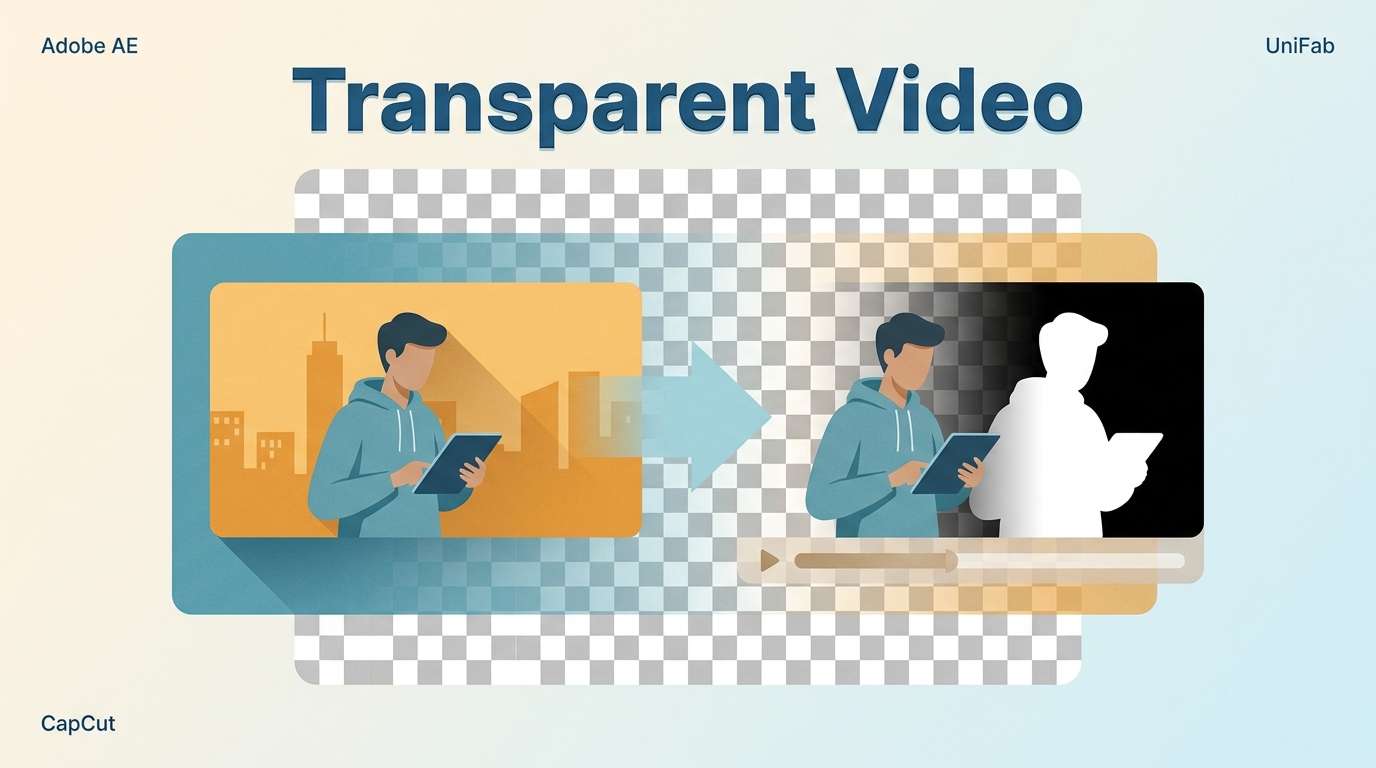
How to Make Video Background Transparent in 2026 (Free AI + Adobe + Online)
A practical 2026 guide to making a video transparent background — what an alpha channel is, why MP4 cannot hold transparency, and step-by-step workflows in UniFab Video Background Remover AI (free, Windows), Adobe After Effects, Adobe Premiere Pro, DaVinci Resolve, Cutout.Pro, and Unscreen. Includes a six-tool comparison table, an alpha-channel format reference, a verify-your-export checklist, common mistakes to avoid, and 10 FAQs covering free use, mobile/Mac support, format choice, and which tool to pick for TikTok, e-commerce, or motion-graphics work.
Top Free AI Video Enhancer Apps in 2026 | Mobile & Desktop Picks
This guide highlights the best free AI video enhancer apps across platforms, including mobile apps like UTool, Wink, HiQuality, Winkit and LightCut, as well as desktop solutions like UniFab. These tools utilize artificial intelligence to improve video clarity by enhancing sharpness, reducing noise, and upscaling resolution. Some offer comprehensive editing features, while others focus solely on AI-powered enhancement.
Clideo Review (2026): Is It Safe, Free, and Worth Using? | Honest Pros & Cons
This Clideo review explores its key features, provides a step-by-step guide on how to use it, highlights its pros and cons based on real user feedback, and suggests a better alternative for those seeking faster performance and higher-quality results.
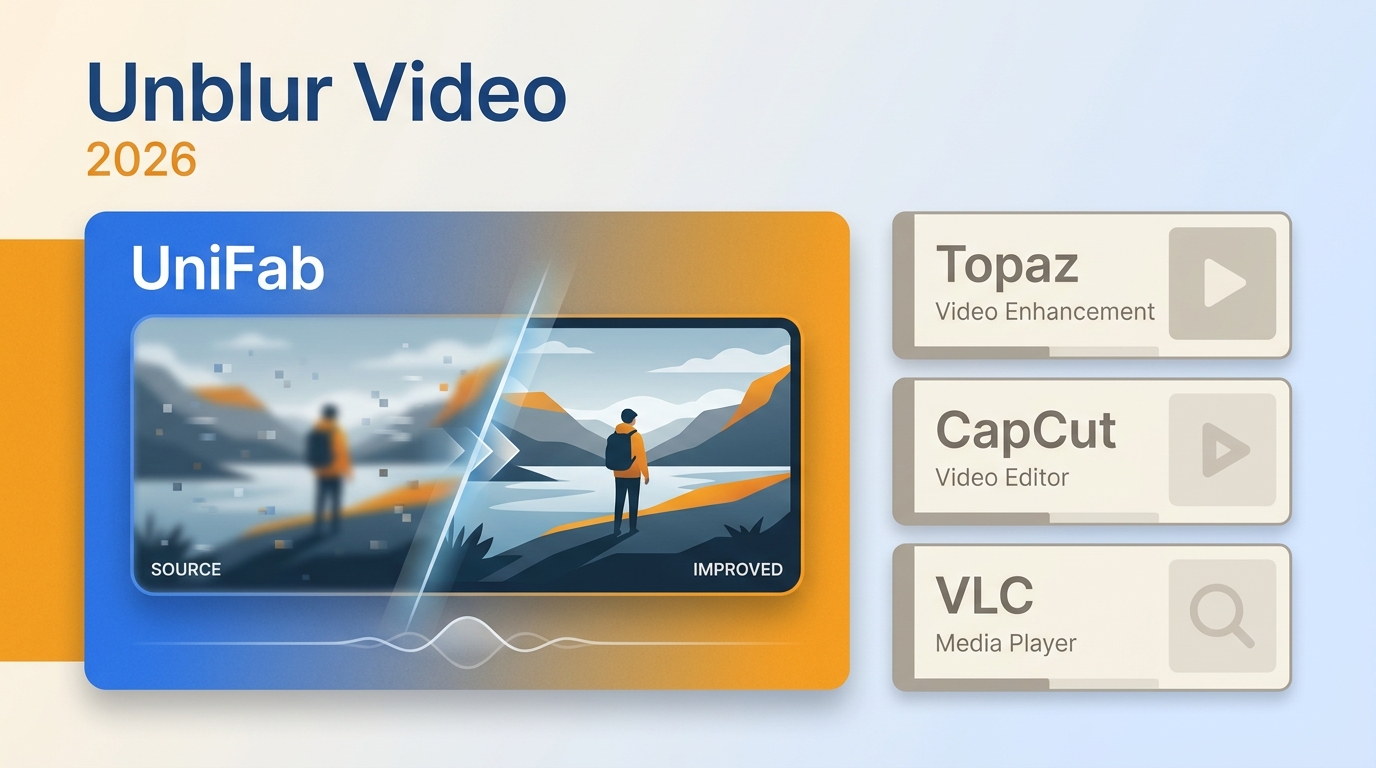
How to Unblur a Video in 2026: Proven AI Methods & Editing Techniques That Actually Work
Blurry videos are frustrating — whether it's shaky handheld footage, an out-of-focus interview, or a low-resolution clip that looked fine on your phone but falls apart on a bigger screen. The good news is that video unblurring technology has improved dramatically, and in 2026 you have more options than ever to rescue unclear footage. This guide walks you through every practical method to unblur a video, from quick AI-powered fixes to manual editing workflows in professional software. We'll cover why blur happens in the first place, how to choose the right repair approach, and step-by-step instructions you can follow today.
Filmora Review: Features, Performance, Pros & Cons, and Alternative
Looking for an honest Filmora review before committing to a subscription? Wondershare Filmora has evolved from a simple entry-level editor into an AI-powered video editing platform used by millions of creators worldwide. But is it truly worth your money in 2026? In this comprehensive Filmora review, we test the software's editing capabilities, AI features, video enhancement tools, pricing plans, and real-world performance. I also compare it against professional alternatives and reveal whether Filmora delivers enough value for beginners, intermediate editors, and content creators.