Amazing experience! I upscaled audio from basic stereo to DTS 7.1 using UniFab. The AI audio upscaling made my private cinema sound truly immersive. That's a perfect stereo-to-surround tool!
Liam
Photographer
DTS 7.1
EAC3 5.1
AI-powered
Easily convert stereo to EAC3 5.1 or DTS 7.1 surround sound with AI audio upscaling. Experience rich, cinematic sound with effortless audio enhancement.
UniFab Audio Upmix AI intelligently upmixes stereo audio to high-quality EAC3 5.1 or DTS 7.1. With advanced AI audio upscaling, it precisely distributes audio across multiple channels, creating an immersive, cinematic experience. Enjoy superior audio enhancement for your music, movies, or games. No manual adjustments needed.
Free trial with full features, no watermark.
UniFab uses AI to enhance audio quality, converting stereo to DTS 7.1 or EAC3 5.1 for a richer, clearer, and more immersive sound experience.
Supported audio format:
EAC3 5.1 uses six channels: front left and right, center, surround left and right, and a subwoofer for low-frequency effects. This common home-theater setup provides immersive sound.
DTS 7.1 adds two rear surround channels, back left and back right, for more detailed sound placement and depth.
Free trial with full features, no watermark.
Our audio upmix improves audio quality with features like volume adjustment, AI audio upscaling, and background noise removal. Experience clear audio for a customized, high-quality listening experience.
Need to separate vocals? Use UniFab's free AI Vocal Remover, powered by stem separation technology, to isolate vocals easily from supported music and video tracks.
Free trial with full features, no watermark.
3.0 Audio Noise Reduction
The background noise remover reduces unwanted interference for cleaner, clearer audio. Audio Upmix AI also improves dialogue clarity and refines video audio quality.
2.0 Faster AI Processing
Audio Upmix AI uses GPU acceleration optimized for NVIDIA 20 Series and newer GPUs, AMD GPUs, and Intel Quick Sync. This support speeds up audio upmixing, including work with large files.
1.0 8-Channel Stereo Upmix
UniFab now supports transforming stereo audio into 8-channel surround sound. Whether you're watching movies, gaming, or listening to music, UniFab's audio upmix provides immersive sound with precise separation for a theater-like experience.
From home videos and professional audio to vintage films, Audio Upmix AI converts stereo into immersive surround sound with greater clarity and depth.
Create a more cinematic experience from stereo dialogue, music, and sound effects. UniFab converts stereo to detailed eight-channel surround sound, adding depth and spatial separation.
Upgrade a private theater with AI audio upmixing that creates clearer dialogue and dynamic surround effects.
Bring new life to classic films by converting older stereo soundtracks to EAC3 5.1 or DTS 7.1 surround sound with clearer dialogue and greater depth.
UniFab excels in audio enhancement, offering pristine sound by upmixing stereo to 5.1 and beyond. It's effective for improving audio quality in all kinds of projects.
If you need to upscale audio quickly, UniFab's AI audio upscaler is a top choice. It enhances audio quality with 8-channel surround sound.
UniFab effortlessly upscales audio from stereo to EAC3 5.1 and DTS 7.1. It's perfect for users who want fast, high-quality audio enhancement without complex setup.
UniFab's AI audio upscaler enhances audio clarity and depth, making it the best audio enhancer to upscale audio and create better surround sound instantly.
UniFab Audio Upmix AI revitalizes old audio, using AI audio upscaling to deliver deeper, clearer 5.1 and 7.1 surround sound.
Need to enhance audio on video? UniFab's AI audio enhancer improves audio quality fast, creating an immersive, IMAX-like sound experience.
Learn more through our YouTube channel, guidebook, or community discussion.
Audio upscaling refers to a process that uses AI or advanced signal processing to improve the quality of low-resolution or compressed audio files. Unlike traditional methods that simply increase the sample rate by inserting zeros, AI audio upscaling predicts and reconstructs missing high-frequency details from low frequencies. This AI audio upscale makes the sound clearer, more detailed, and closer to a high-resolution format, enhancing the overall listening experience.
Stereo uses two channels, left and right, for a two-dimensional audio experience suited to music and everyday listening. Surround sound uses multiple channels, such as 5.1 or 7.1, to create a more immersive, three-dimensional sound for movies and home theaters.
AI analyzes stereo audio and distributes dialogue, ambience, and effects across multichannel layouts such as 5.1 surround sound. The added center and rear channels create a wider soundstage for films, music, and games without manual channel mixing.
For audio enhancement, we recommend the following configuration:
Operating system: Windows 11 or Windows 10, 64-bit only;
system memory: 16 GB RAM or more;
graphics card: NVIDIA RTX 30 Series or newer with 8 GB VRAM;
CPU: 8th-generation Intel Core i7 or AMD Ryzen 3000 Series or newer.
This popular professional audio upscaling tool upmixes stereo to 5.1 or 7.1, converting it to EAC3 5.1 or DTS 7.1 surround sound for immersive audio with distinct channels and spatial depth.
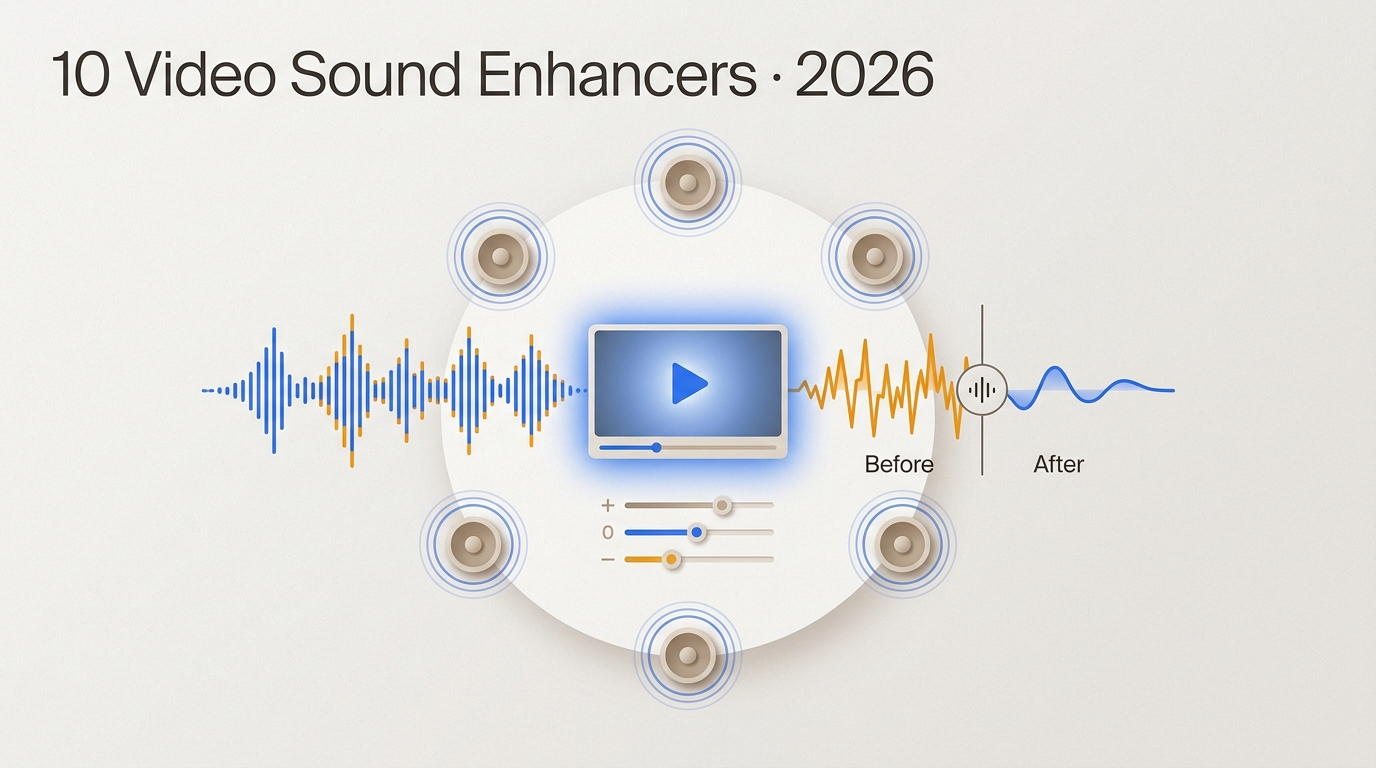
This guide compares 10 video sound enhancers by workflow, processing location, export behavior, privacy, and audio limits. It separates active desktop, browser, and mobile options from legacy software, then explains when cleanup, rerecording, or surround upmixing is the practical choice.
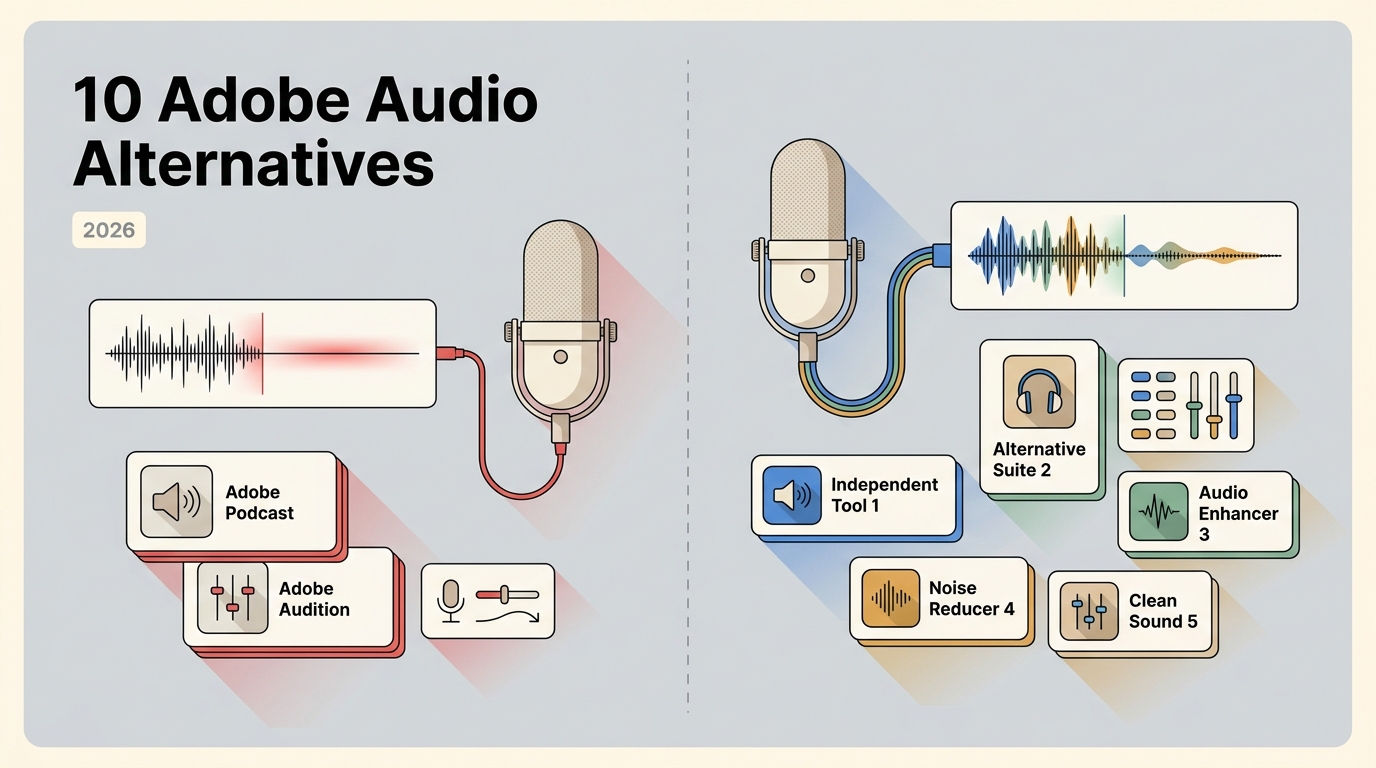
This guide compares ten Adobe audio enhancer alternatives by the job they actually perform: speech cleanup, podcast leveling, music mastering, live-call noise control, stem separation, or surround upmixing. It also explains file limits, video support, local processing, artifact risks, and a practical way to choose without treating unlike tools as interchangeable.
Mono and stereo serve different delivery goals: mono keeps centered material consistent, while stereo carries distinct left and right information for width and positioning. This guide compares sound quality, dual mono, compatibility, file-size conditions, and practical choices for podcasts, music, video, gaming, and accessibility. It also explains when a supported stereo source can be upmixed to surround sound.
Need a 720p to 1080p converter in 2026 that fixes blurry footage instead of just stretching pixels? After 40 hours testing 10 tools, UniFab Video Upscaler AI ranks #1 for real AI detail recovery (30-day no-watermark trial), and UniFab Video Converter is the best truly-free traditional pick (GPU-accelerated, no watermark). This guide covers when AI beats a basic resize, the right bitrate-codec settings, and a side-by-side of every major 720p to 1080p tool.