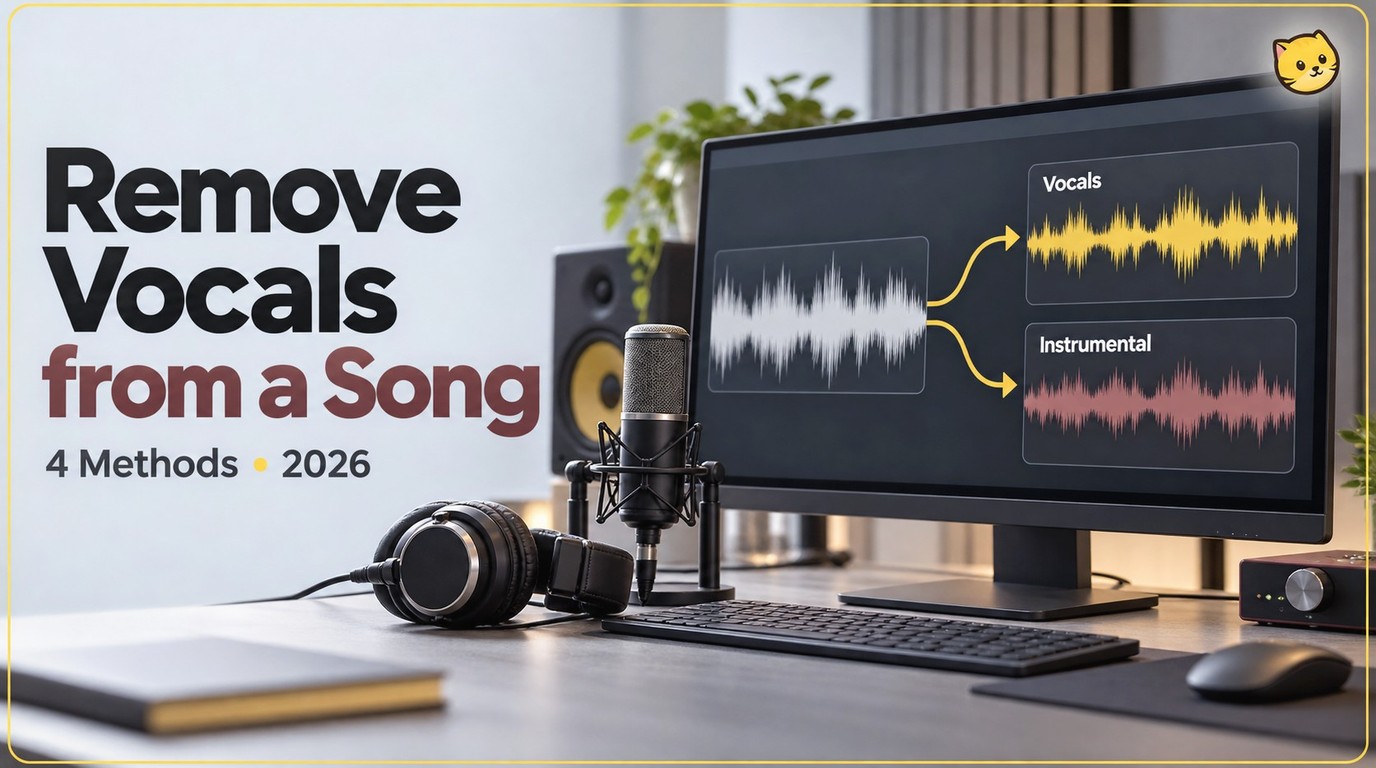
Compare five workflows for turning a mixed song into an instrumental, from local separation to detailed editing and online uploads. Learn how to save audio, rebuild an MP4, and recognize vocal bleed, reverb residue, and damaged instruments so you can choose a backing track that fits your project.
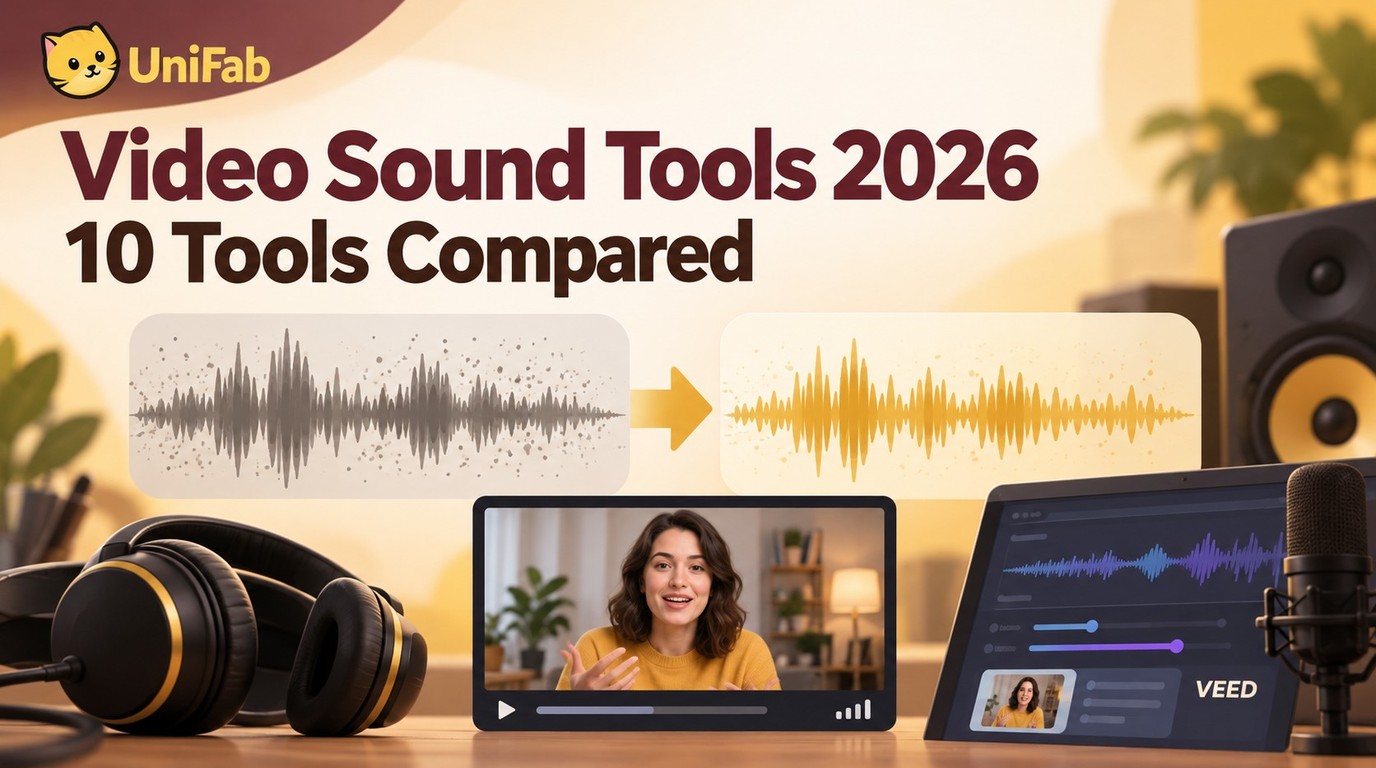
This guide compares 10 video sound enhancers by workflow, processing location, export behavior, privacy, and audio limits. It separates active desktop, browser, and mobile options from legacy software, then explains when cleanup, rerecording, or surround upmixing is the practical choice.
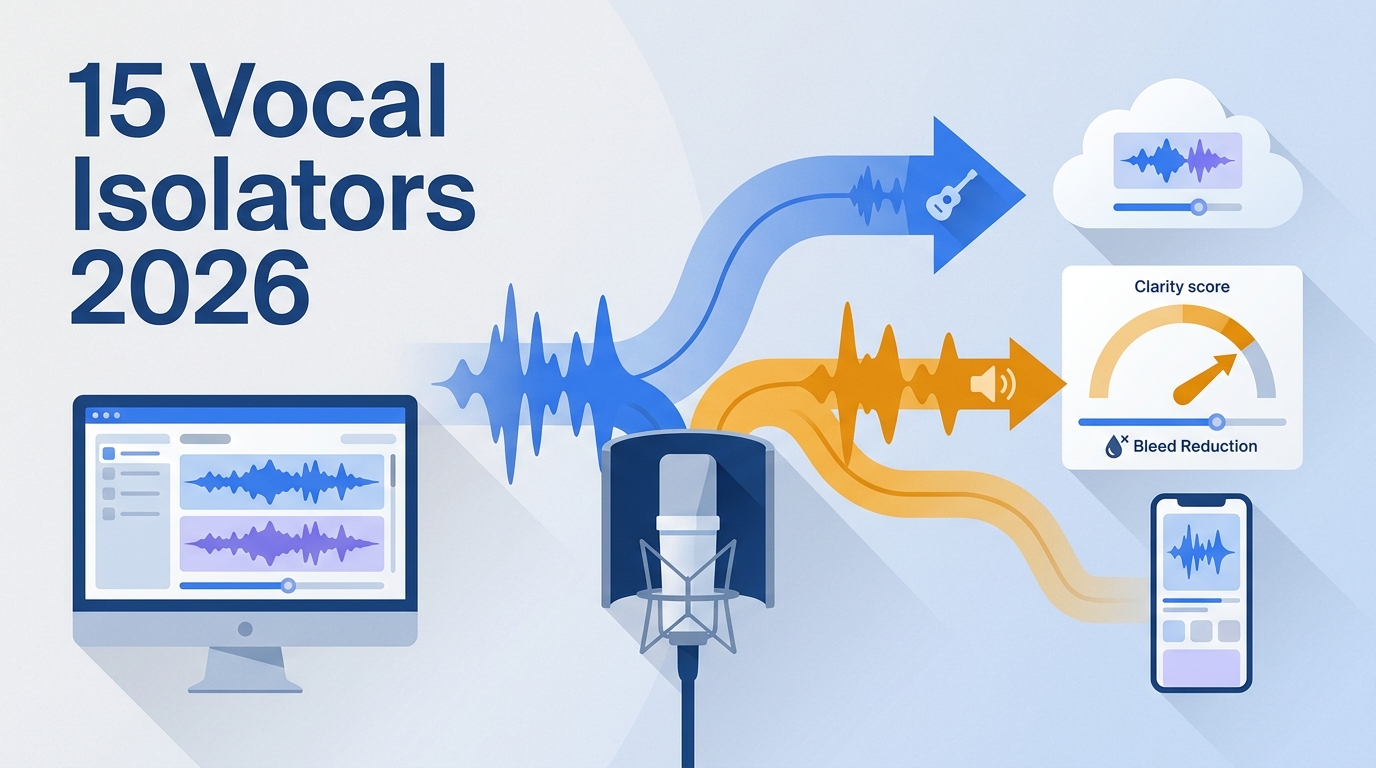
Choose a vocal isolator around the stem you need, from remix vocals to karaoke backing tracks or audio extracted from video. Compare desktop, browser, and Android workflows, learn which artifacts to listen for, and distinguish downloadable audio stems from a finished video with a replaced soundtrack.
This updated guide explains how to remove background noise from video, compares practical options and limitations, and shows how to choose settings or tools for the source, device, platform, privacy needs, and output quality. It also addresses remove noise from video audio, video noise reduction, background noise remover using current 2026 guidance.
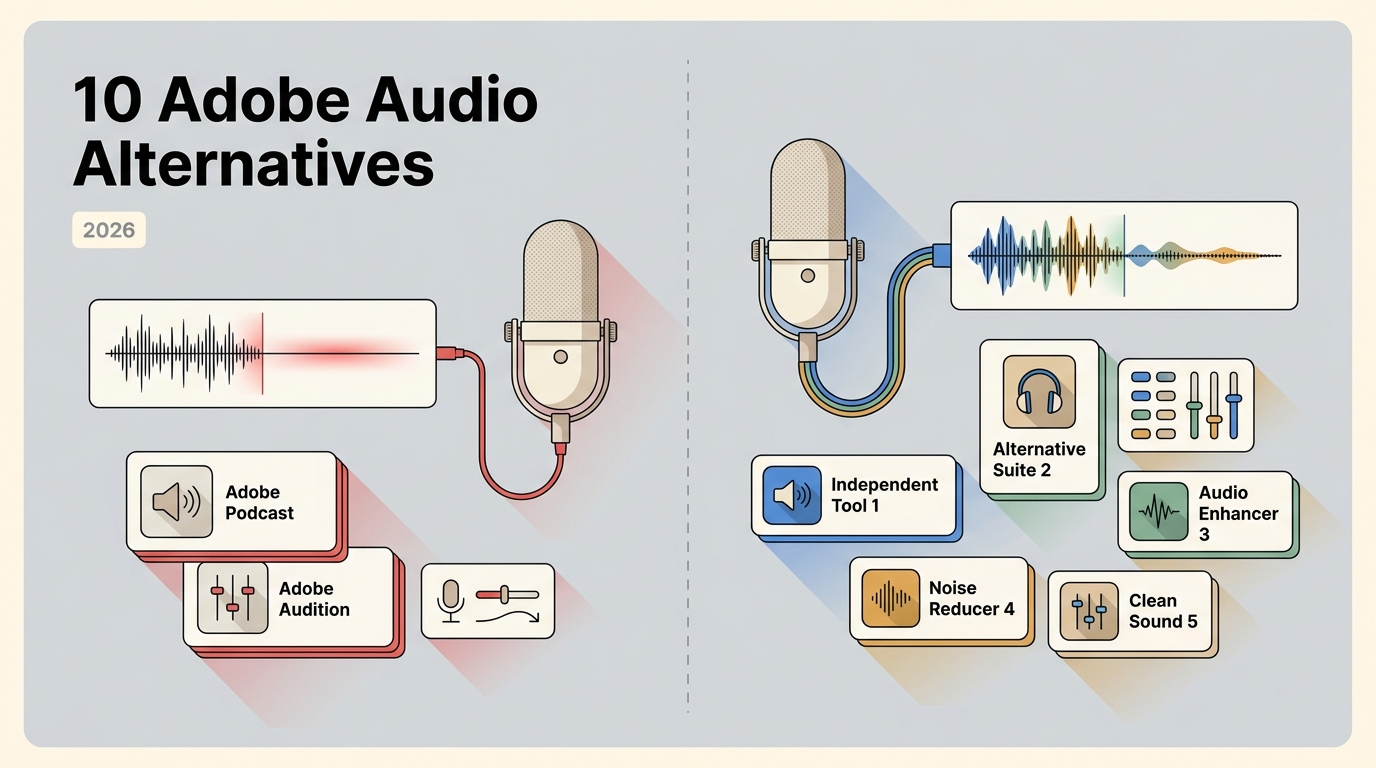
This updated guide explains Adobe AI audio enhancer alternatives, compares practical options and limitations, and shows how to choose settings or tools for the source, device, platform, privacy needs, and output quality. It also addresses Adobe Podcast Enhance alternatives, AI audio enhancer, audio enhancement software using current 2026 guidance.
I tested the most popular video sound enhancer apps to see how well they actually improve audio quality. In this guide, I compare five mobile sound enhancer apps for video, explain their real limitations.
Need to know how to extract audio from video and save it as MP3, WAV, or another standalone file? This 2026 guide walks through 6 proven methods to extract audio from video on Windows, Mac, iPhone, Android, and online — starting with the free UniFab Vocal Remover AI for lossless, batch extraction. Each method includes step-by-step instructions, a quick comparison table, and a 10-question FAQ so you can get a clean audio file in minutes.