CapCut Video Upscaler: Honest Review, How-To Guide & Best Alternative [2026]
The CapCut video upscaler promises one-click 4K enhancement for any video — old phone clips, compressed downloads, low-res screen recordings. I tested it across dozens of clips to see if it actually delivers. This guide breaks down exactly how the CapCut AI video upscaler performs, walks through step-by-step tutorials for desktop and mobile, shares the best export settings by scene type, fixes common problems, and compares CapCut against the top dedicated CapCut video upscaler alternative in 2026.
Fotor Video Enhancer Review [2026]: Features, Pros & Cons, Pricing, and Best Alternative
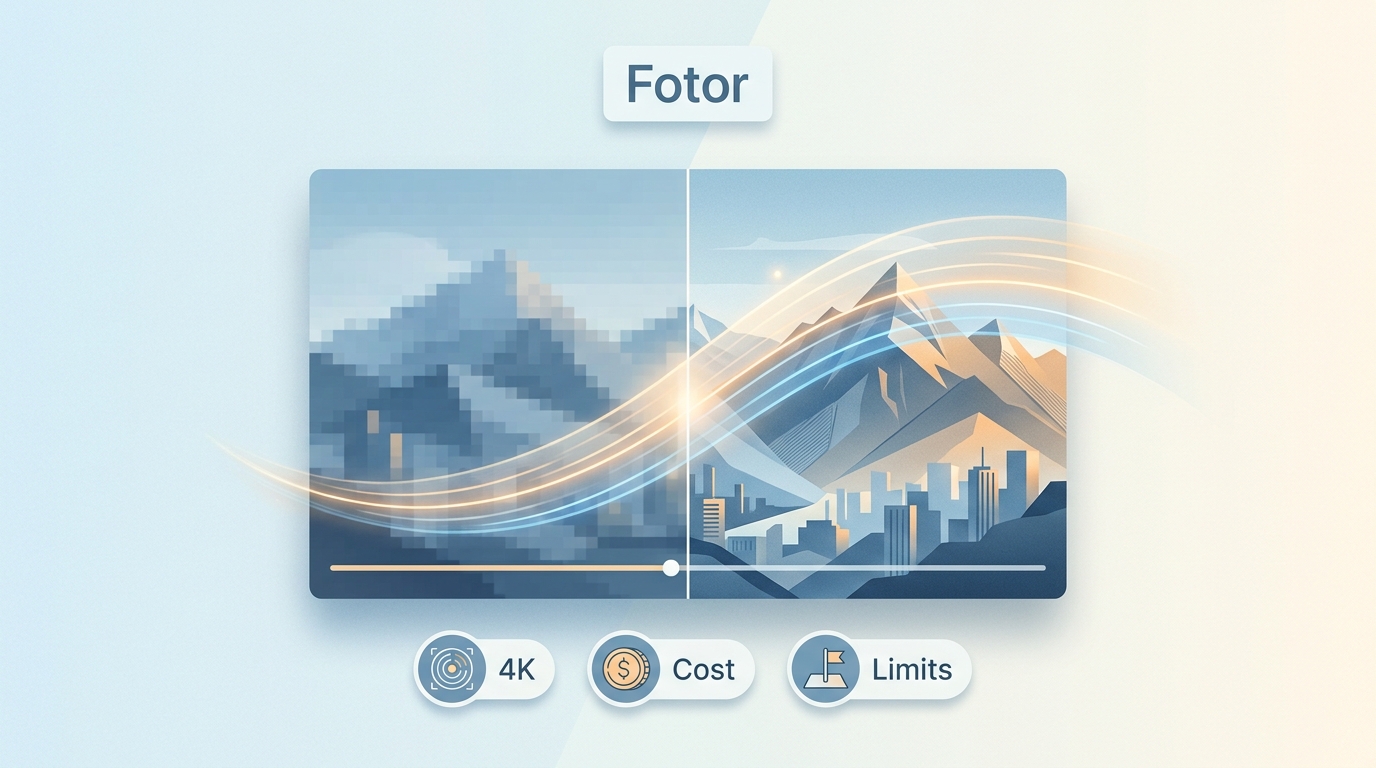
Looking for an honest Fotor AI Video Enhancer review? As AI-powered video enhancement tools multiply in 2026, Fotor positions itself as an accessible, browser-based option for improving video quality. But does it truly deliver on its 4K upscaling promise? In this comprehensive review, we test Fotor's video enhancer, break down its features, pricing, pros and cons, and compare it to the best alternative for professional-grade results.
Filmora Review: Features, Performance, Pros & Cons, and Alternative
Looking for an honest Filmora review before committing to a subscription? Wondershare Filmora has evolved from a simple entry-level editor into an AI-powered video editing platform used by millions of creators worldwide. But is it truly worth your money in 2026? In this comprehensive Filmora review, we test the software's editing capabilities, AI features, video enhancement tools, pricing plans, and real-world performance. I also compare it against professional alternatives and reveal whether Filmora delivers enough value for beginners, intermediate editors, and content creators.
How to Upscale Video in Premiere Pro in 2026: 3 Methods + Best AI Alternative
Upscaling video in Premiere Pro is one of the most common tasks for editors working with older footage, mixed-resolution timelines, or content destined for 4K displays. But here's the challenge: Premiere Pro doesn't truly create new detail when you upscale — it stretches existing pixels to fill a larger frame. In this guide, you'll learn three proven methods to upscale video in Premiere Pro, understand the critical difference between "Set to Frame Size" and "Scale to Frame Size," troubleshoot common issues, and discover an AI-powered alternative that genuinely enhances video quality during upscaling.
How to Make a Video Clearer: Complete Guide with Best Tools & Tips [2026]
Blurry, grainy, or pixelated videos can be frustrating — especially when the footage matters. Whether you're trying to salvage old family recordings, fix shaky handheld clips, or upscale low-resolution content for a bigger screen, learning how to make a video clearer is easier than you might think. This guide covers every method available in 2026: AI-powered desktop software, free tools, online editors, mobile apps, and professional editing suites. We'll walk you through step-by-step instructions for each approach so you can choose the one that fits your needs and skill level.
YouTube Aspect Ratio: The Complete Guide to Video Sizes & Dimensions [2026]
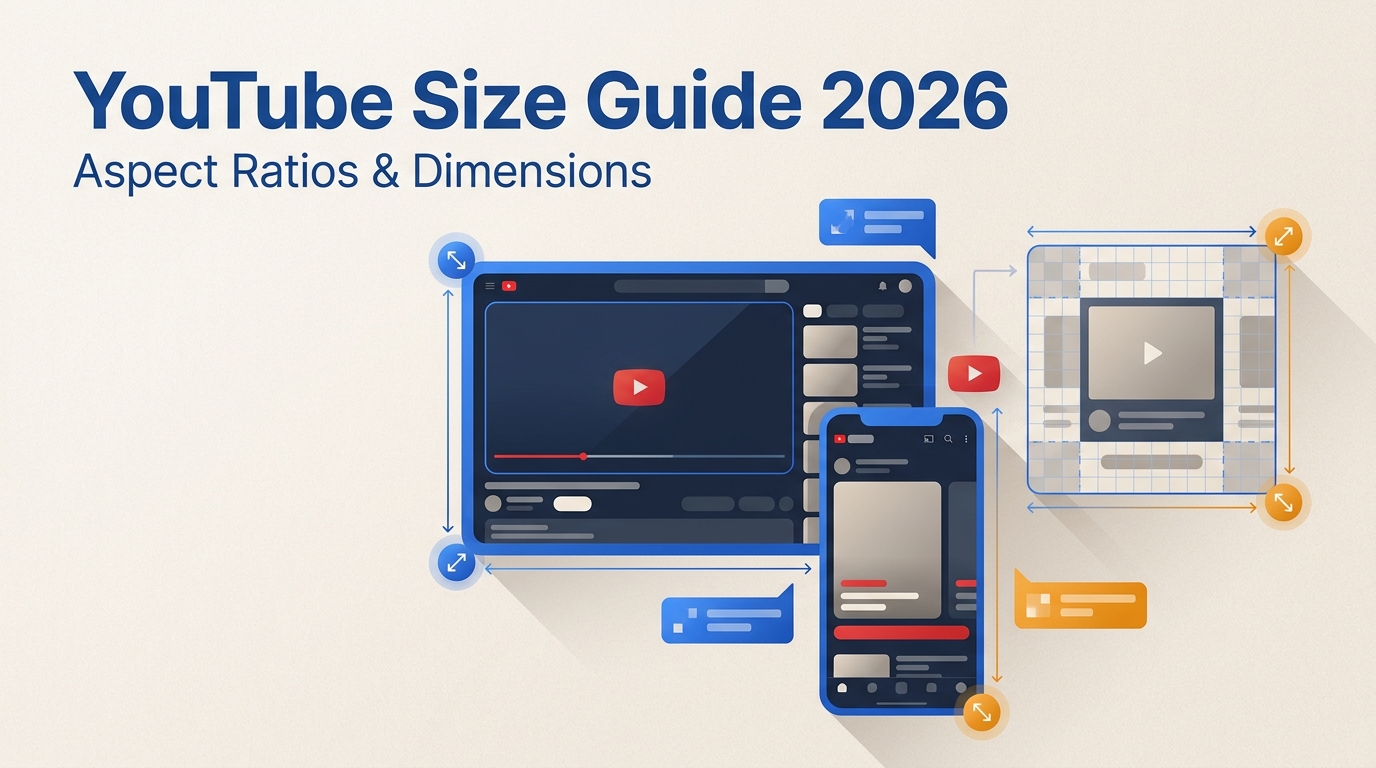
Getting the YouTube aspect ratio right is one of the simplest things you can do to make your videos look professional. Upload in the wrong ratio, and your content shows up with distracting black bars, cropped edges, or an awkward layout that screams "amateur." Get it right, and your video fills every screen cleanly — desktop, mobile, and TV alike. This guide covers every YouTube aspect ratio you need to know in 2026, including standard videos, Shorts, thumbnails, channel banners, and ads. We'll also walk through the recommended resolutions, upload settings, and how to change your video's aspect ratio before uploading.
10 Best 4K Quality Converter in 2026 [Windows, Mac & Online]
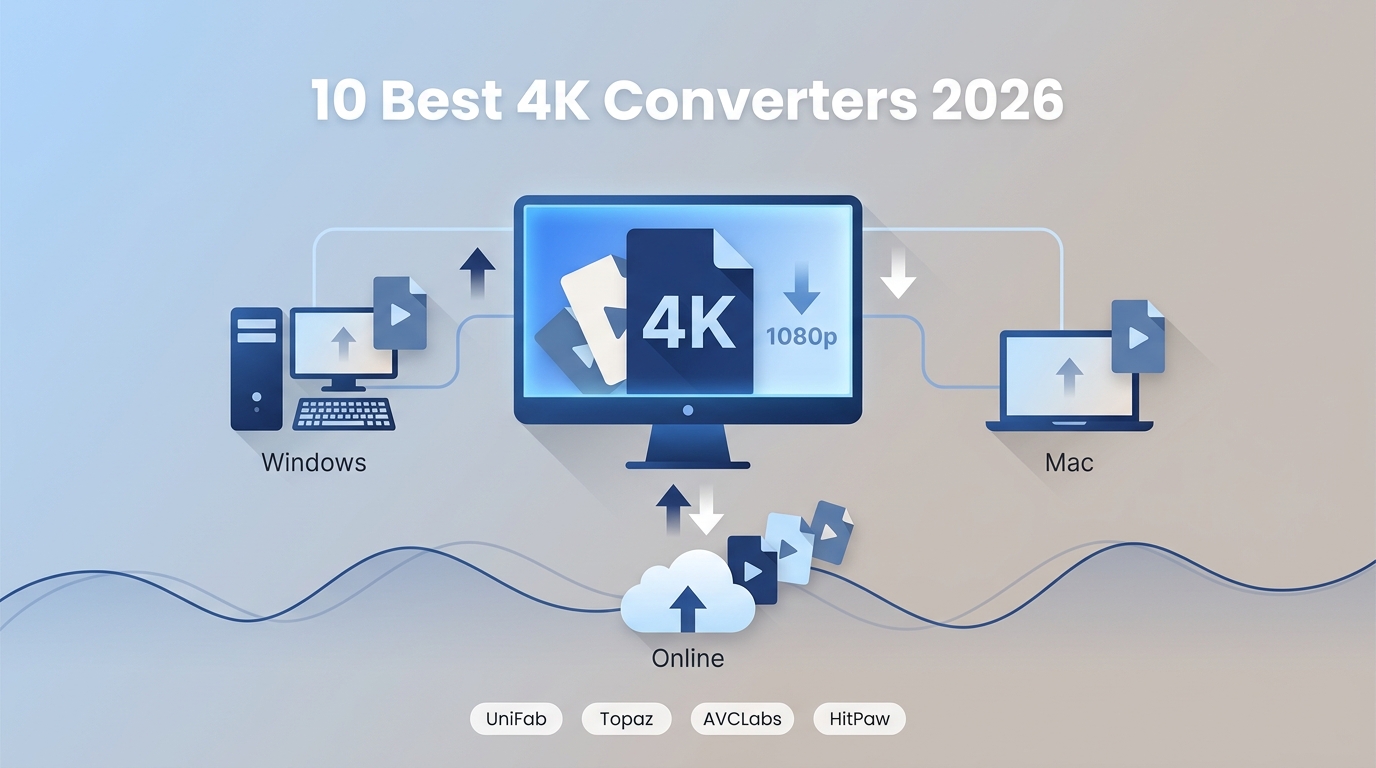
Your old 720p vacation clips look terrible on a brand-new 4K TV. Your drone footage shot at 1080p doesn't hold up next to the crisp 4K content flooding YouTube and TikTok. And that wedding video from 2015? It deserves better than blocky, washed-out playback on a modern display. A 4K quality converter solves all of these problems — and the best ones in 2026 use artificial intelligence to rebuild missing detail rather than simply stretching pixels. This guide covers the 10 best desktop and online tools available right now, with honest pros and cons for each, a side-by-side comparison table, and practical advice on picking the right converter for your workflow.
4K at 60fps: What It Means, Why It Matters, and How to Get It in 2026
Shooting or watching video in 4K at 60fps delivers an experience that's hard to beat—razor-sharp detail combined with buttery-smooth motion. Whether you're a gamer chasing competitive clarity, a filmmaker capturing fast action, or a content creator leveling up your YouTube channel, understanding 4K 60fps helps you make smarter choices about gear, settings, and workflows. This guide covers everything from the basics to camera picks, storage math, troubleshooting, and the best tools for enhancing your footage.
Clideo Review (2026): Is It Safe, Free, and Worth Using? | Honest Pros & Cons
This Clideo review explores its key features, provides a step-by-step guide on how to use it, highlights its pros and cons based on real user feedback, and suggests a better alternative for those seeking faster performance and higher-quality results.
How to Make a Video 4K: 5 Proven Methods That Actually Work [2026]
Want to turn grainy, low-resolution footage into crystal-clear 4K? Whether you shot a family video on an older phone or need to restore a classic film, AI-powered upscaling technology in 2026 makes it genuinely possible to make a video 4K—without reshooting a single frame. This guide walks you through five tested methods, from professional desktop software to free online tools, so you can pick what fits your workflow and budget.