4k-1

Make a Video Clearer: Fix Blur, Noise, and Compression

Updated on September 18, 2026
Make a Video Clearer: Fix Blur, Noise, and Compression
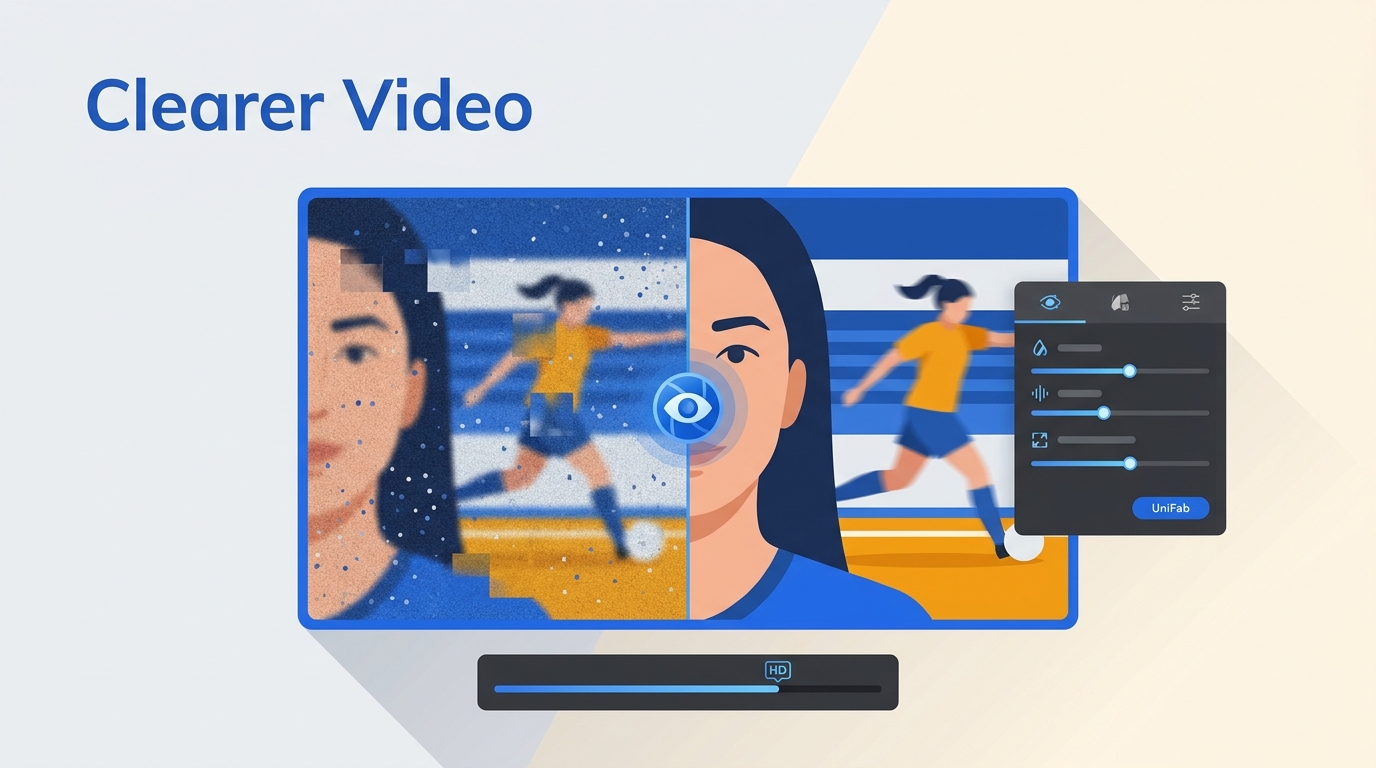
Blurry, grainy, or pixelated videos can be frustrating — especially when the footage matters. Whether you're trying to salvage old family recordings, fix shaky handheld clips, or upscale low-resolution content for a bigger screen, learning how to make a video clearer is easier than you might think. This guide covers every method available in 2026: AI-powered desktop software, free tools, online editors, mobile apps, and professional editing suites. We'll walk you through step-by-step instructions for each approach so you can choose the one that fits your needs and skill level.

7 Best Video Enhancer Apps for Android, iPhone, and PC in 2026

Updated on September 17, 2026
7 Best Video Enhancer Apps for Android, iPhone, and PC in 2026
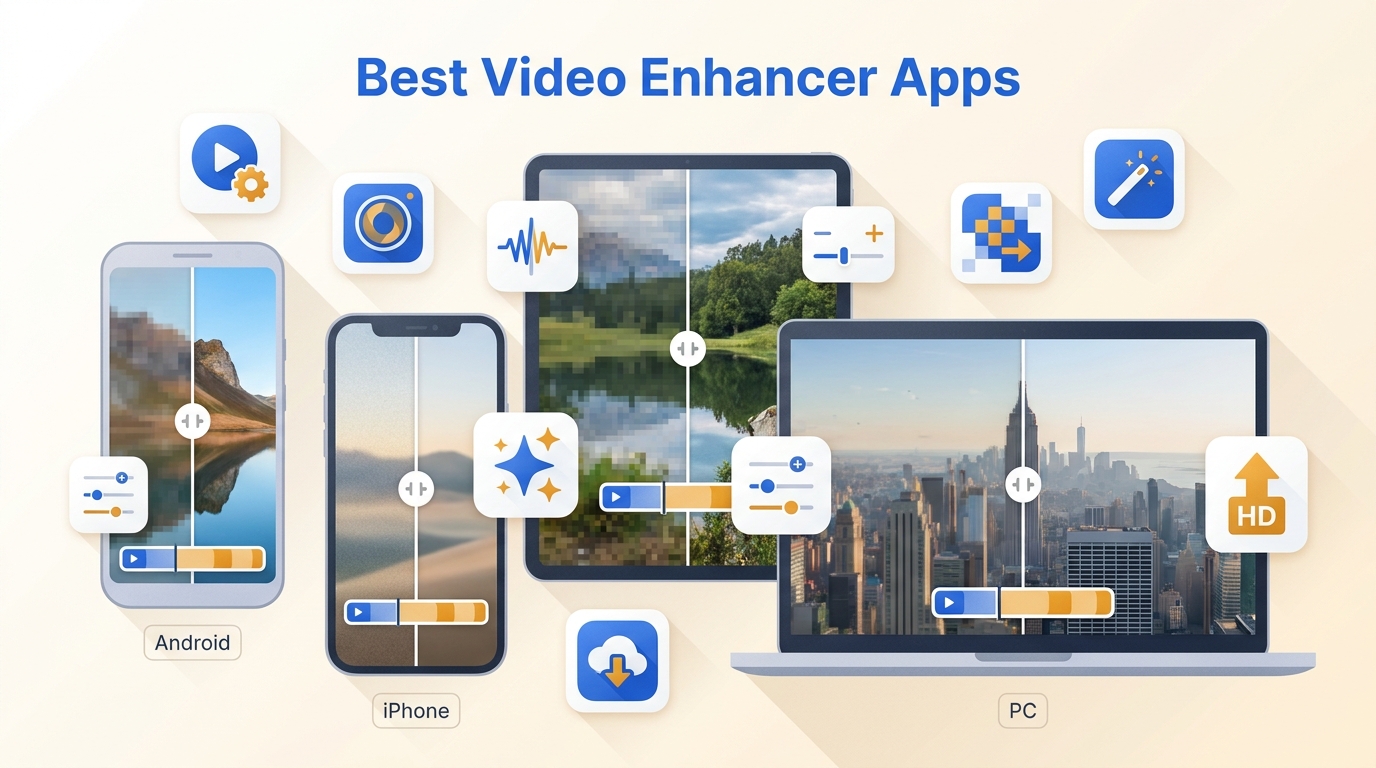
If your videos look blurry, grainy, or lack clarity, you might need the best video enhancer app to bring them back to life. In 2026, AI video enhancer apps have become powerful enough to upscale old footage, restore color, and enhance every detail — automatically. From quick mobile edits to cinematic desktop enhancements, this guide reveals the best apps to improve your video quality, including UniFab AI, a top-rated professional and desktop apps for creators.

How to Upscale Video in Premiere Pro (2026): 3 Ways to 4K

Updated on September 16, 2026
How to Upscale Video in Premiere Pro (2026): 3 Ways to 4K
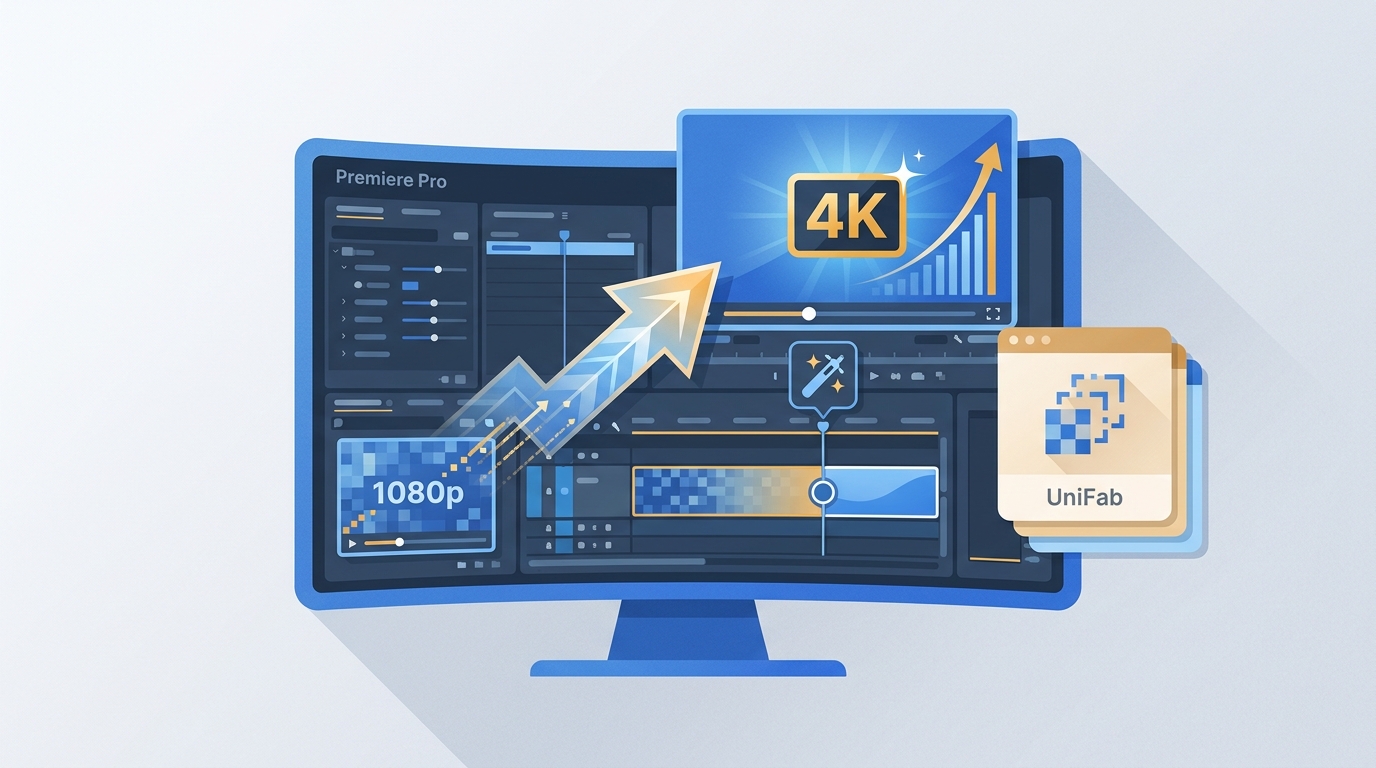
A step-by-step 2026 guide to upscaling video in Premiere Pro, covering all three methods — sequence settings, Effect Controls scaling, and After Effects Detail-Preserving Upscale — plus the critical Set to Frame Size vs Scale to Frame Size difference, troubleshooting fixes, Premiere's upscaling limits, and when an AI tool like UniFab Video Enhancer AI delivers genuinely sharper results.

AI VHS Restoration: How to Restore VHS Footage and Convert VHS to 4K in 2026 (Ultimate Guide)

Updated on September 15, 2026
AI VHS Restoration: How to Restore VHS Footage and Convert VHS to 4K in 2026 (Ultimate Guide)
Tested 2026 guide to AI VHS restoration covering the full workflow — capture hardware (VCR + Diamond VC500/Elgato/ION + OBS/VirtualDub), deinterlacing, denoising, and 1080p/4K AI upscaling. Includes 5-tool scored comparison (UniFab Video Upscaler AI as Editor's Pick with Titanus model for cinematic VHS, Topaz Video AI as Pro alternative with Iris/Dione DV models named), capture hardware specifics, dedicated VHS deinterlacing section, honest 'when NOT to upscale' guidance, and 10 FAQs.

UHD vs 4K: The Consumer Difference That Matters

Updated on September 9, 2026
UHD vs 4K: The Consumer Difference That Matters
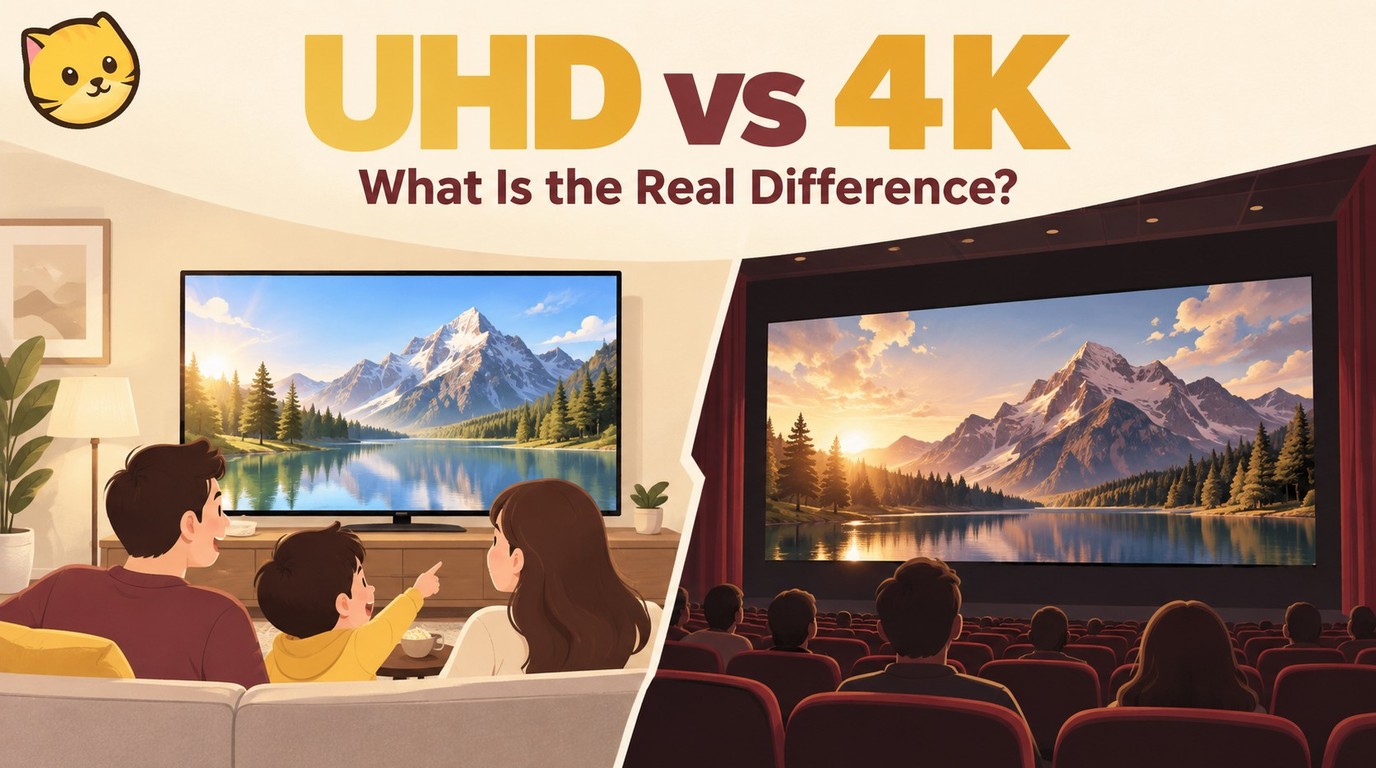
UHD and DCI 4K share a 2160-pixel vertical height, but they serve different markets: 3840 × 2160 UHD is the normal consumer target, while 4096 × 2160 DCI 4K belongs to cinema and production. The guide separates resolution from HDR, panel type, refresh rate, source quality, streaming conditions, HDMI certification, and local video upscaling so readers can choose based on their setup.

4K vs 8K: Complete Resolution Comparison Guide [2026]

Updated on September 1, 2026
4K vs 8K: Complete Resolution Comparison Guide [2026]
This updated guide explains 4K vs 8K, compares practical options and limitations, and shows how to choose settings or tools for the source, device, platform, privacy needs, and output quality. It also addresses 8K vs 4K, 4K or 8K, 4K vs 8K resolution using current 2026 guidance.