4K Bitrate Guide: Best Settings for YouTube, Streaming & Recording (2026)
Choosing the right 4K bitrate is crucial for balancing video quality and file size. Whether you're streaming on YouTube, recording gameplay, or exporting a cinematic project, understanding how bitrate affects 4K video quality will help you achieve professional results. In this comprehensive guide, we'll cover everything you need to know about 4K bitrates: optimal settings for different platforms, codec comparisons, frame rate considerations, and practical recommendations based on industry standards from YouTube, Netflix, and broadcast professionals.
Fotor Video Enhancer Review 2026: 4K Test, Costs, and Limits
This Fotor Video Enhancer review examines the browser workflow, current US pricing, credit consumption, MP4/MOV/WebM uploads, and the qualified free preview. It preserves the 360p-to-4K test result, corrects the ratings evidence, and compares Fotor with UniFab using like-for-like workflow and evaluation terms.
8 Best 4K Video Converters for Upscaling and Downscaling (2026)
Your old 720p vacation clips look terrible on a brand-new 4K TV. Your drone footage shot at 1080p doesn't hold up next to the crisp 4K content flooding YouTube and TikTok. And that wedding video from 2015? It deserves better than blocky, washed-out playback on a modern display. A 4K quality converter solves all of these problems — and the best ones in 2026 use artificial intelligence to rebuild missing detail rather than simply stretching pixels. This guide covers the 10 best desktop and online tools available right now, with honest pros and cons for each, a side-by-side comparison table, and practical advice on picking the right converter for your workflow.
AVCLabs vs Topaz: Full Comparison, Real-World Tests, Pros & Cons + Better Alternative
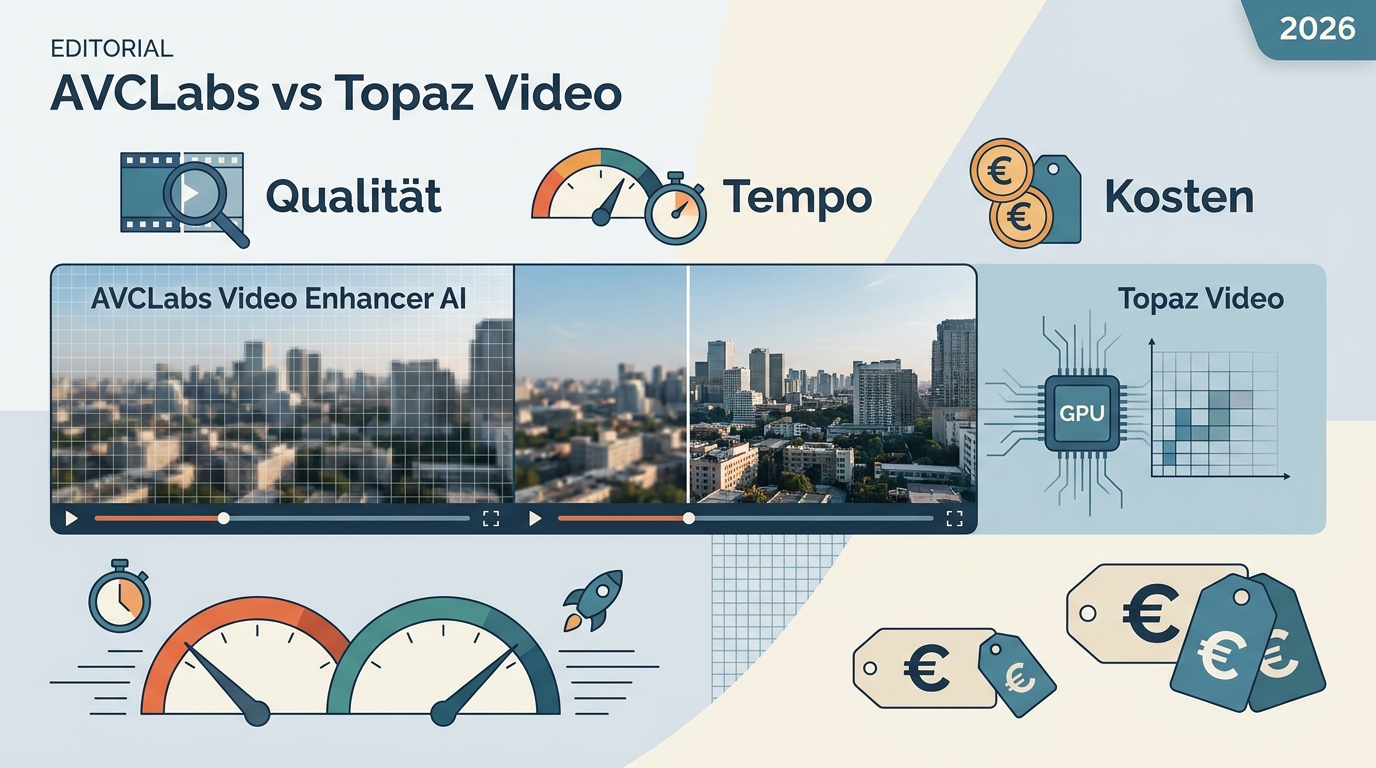
This guide offers a complete, objective comparison of AVCLabs Video Enhancer AI vs Topaz Video AI to help you choose the right tool. We test upscaling, face recovery, and noise reduction, and explore the best budget-friendly alternative UniFab All-In-One.
UniFab vs Topaz Video AI (2026): Which One Fits Your Budget, Quality, and Workflow?
This review compares UniFab AIl-In-One and Topaz Video AI, covering features, performance, pricing, and user experience. Whether you're a professional or casual user, this guide will help you decide between Topaz AI and UniFab AI.
Make a Video Clearer: Fix Blur, Noise, and Compression
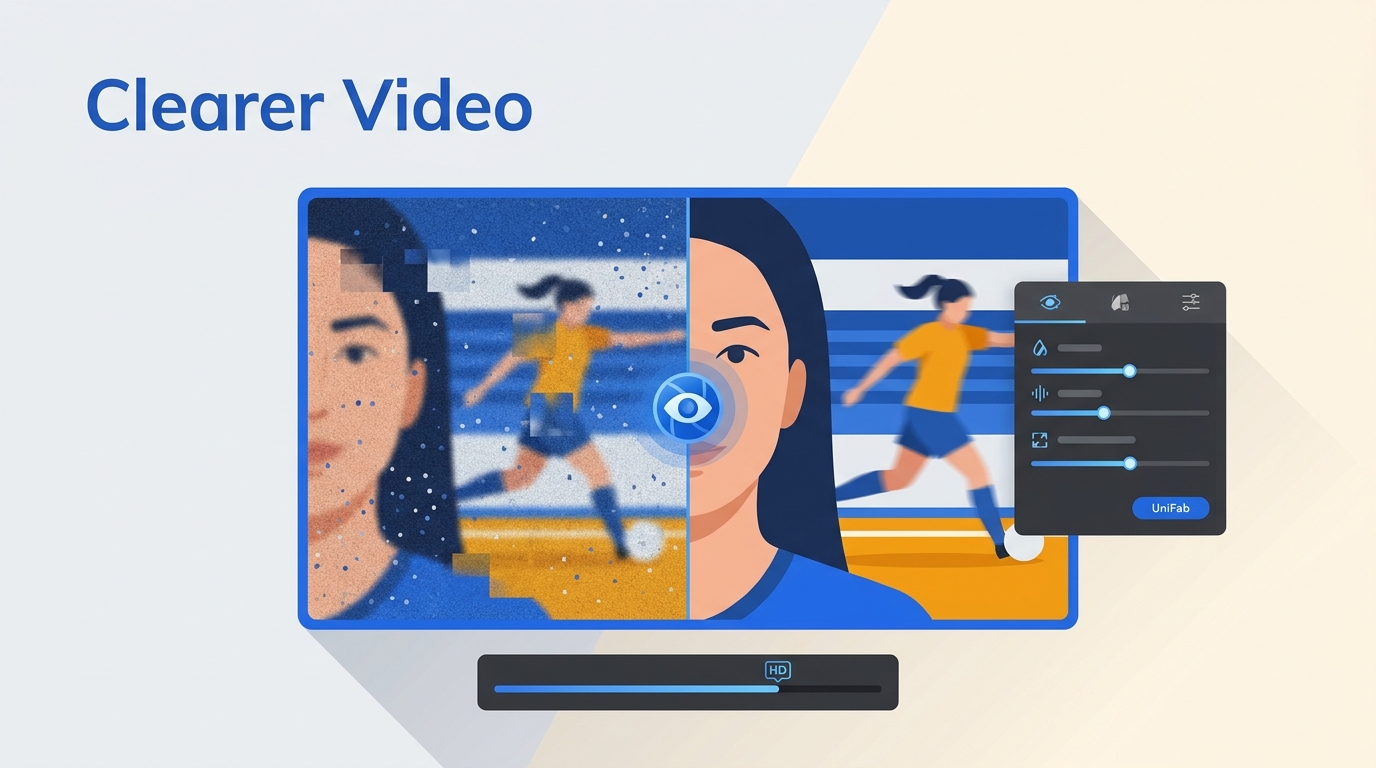
Blurry, grainy, or pixelated videos can be frustrating — especially when the footage matters. Whether you're trying to salvage old family recordings, fix shaky handheld clips, or upscale low-resolution content for a bigger screen, learning how to make a video clearer is easier than you might think. This guide covers every method available in 2026: AI-powered desktop software, free tools, online editors, mobile apps, and professional editing suites. We'll walk you through step-by-step instructions for each approach so you can choose the one that fits your needs and skill level.
Filmora Review: Features, Performance, Pros & Cons, and Alternative
Looking for an honest Filmora review before committing to a subscription? Wondershare Filmora has evolved from a simple entry-level editor into an AI-powered video editing platform used by millions of creators worldwide. But is it truly worth your money in 2026? In this comprehensive Filmora review, we test the software's editing capabilities, AI features, video enhancement tools, pricing plans, and real-world performance. I also compare it against professional alternatives and reveal whether Filmora delivers enough value for beginners, intermediate editors, and content creators.
Upscale Video to 4K: 3 Workflows and Export Settings
A hands-on 2026 guide to upscaling any video to 4K, comparing two practical routes: UniFab Video Upscaler AI for the best AI detail reconstruction (4K/8K/16K, four models, 60fps) and CapCut for quick, free social-media exports. Covers what upscaling means, when it's worth it, step-by-step instructions for both tools, a UniFab-vs-CapCut comparison with before/after results, cleaner-upscale tips.
Video2X Review and Tutorial (2026): Setup, Best Settings, MP4 Output.
Video2X is an open-source Windows and Linux upscaler with a Qt6 interface, multiple model paths, and flexible MP4 output. This guide covers installation, model selection, practical settings, GPU troubleshooting, measured test results, and when UniFab or Topaz Video may fit better.
How to Upscale Video in Premiere Pro (2026): 3 Ways to 4K
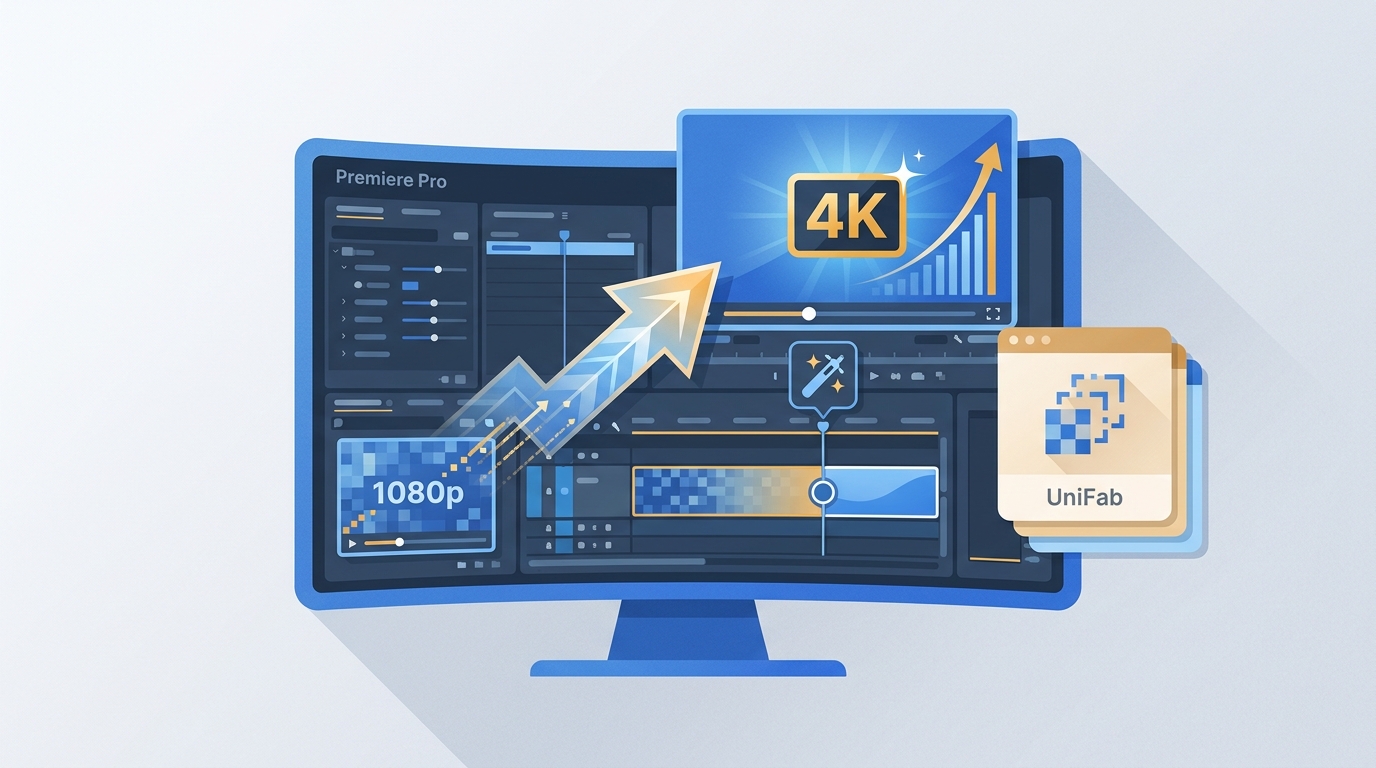
A step-by-step 2026 guide to upscaling video in Premiere Pro, covering all three methods — sequence settings, Effect Controls scaling, and After Effects Detail-Preserving Upscale — plus the critical Set to Frame Size vs Scale to Frame Size difference, troubleshooting fixes, Premiere's upscaling limits, and when an AI tool like UniFab Video Enhancer AI delivers genuinely sharper results.