Convert Video to 4K Online Free: How to Get True Ultra HD Output in Your Browser (2026)
Updated on July 28, 2026
To convert video to 4K online free in 2026, upload a 1080p source to UniFab Video Enhancer AI Cloud — 2× AI upscaling turns 1920×1080 into a true 3840×2160 Ultra HD MP4 in about 5 minutes, with 30 free credits on signup and no watermark. If your clip is already 4K but in the wrong container (MKV, AVI, MOV) and you just need a format swap, pick a pure online converter like VEED.io or Convertio instead. This guide covers both paths: when you need AI upscaling, when you only need format conversion, and which free browser tool fits each job.
AI Video Restoration in 2026: VHS, Film, and Authentic Detail
Updated on July 28, 2026
Video restoration is the process of recovering watchable quality from damaged or degraded footage by removing noise, rebuilding sharpness, correcting faded color, stabilizing motion, and keeping detail consistent between frames. In 2026, the heavy lifting is handled by AI models trained on millions of degraded-to-clean video pairs, which means a VHS home movie digitized at 480p can now be pushed toward a presentable 1080p or 4K master in hours rather than weeks. This guide breaks down how modern AI restoration actually works, what it can and cannot fix, which tools lead the field, and how to pick between doing it yourself and paying a studio. It leans on hands-on testing with VHS transfers, compressed social clips, and 8mm film scans across a Windows RTX 4060 rig and an Apple M2 Pro laptop.
12 Best Free AI Video Upscaling Software in 2026 (Tested & Scored)
Updated on July 27, 2026
We tested and re-scored 12 free AI video upscaling tools — desktop, online, and open-source — on identical hardware and test clips to find the best free video upscaler and best free AI video upscaler for 2026. Includes the editor's pick (UniFab Video Upscaler AI), a 12-tool comparison chart with quality scores, hands-on results, and 10 FAQs on pricing, privacy, Mac support, watermarks, and 4K/8K upscaling.
Clideo Review 2026: Safety, Pricing, AI, Pros and Cons
Updated on July 27, 2026
Clideo is convenient for quick browser edits, but its free watermark, cloud workflow, and manual enhancement controls limit its fit for demanding projects. This review separates its real AI features from its Video Clearer, explains current plan and storage differences, and compares Clideo with browser-based and local AI enhancement options.
Audials 2026 Review: One, Vision, Performance, and 5 Alternatives
Updated on July 24, 2026

Audials One 2026 combines Windows recording, music, radio, and media management, but its flexibility comes with active setup and source-dependent performance. This review clarifies Standard, Premium, and Vision naming, then compares five alternatives for recording, direct downloads, Mac use, music capture, and AI enhancement.
5 Best Free AI Video Caption Generators Tested (2026)
Updated on July 24, 2026

Five AI caption generator tools are compared by free allowance, caption-file downloads, rendered-video export, watermarks, editing, and the limits of a short benchmark. The recommendations match UniFab, VEED, Kapwing, Flixier, and Vizard to SRT, social-video, multilingual, and privacy-sensitive workflows rather than naming one winner for everyone.
4DDiG AI Video Enhancer Review 2026: Pricing, Quality, and Alternatives
Updated on July 24, 2026
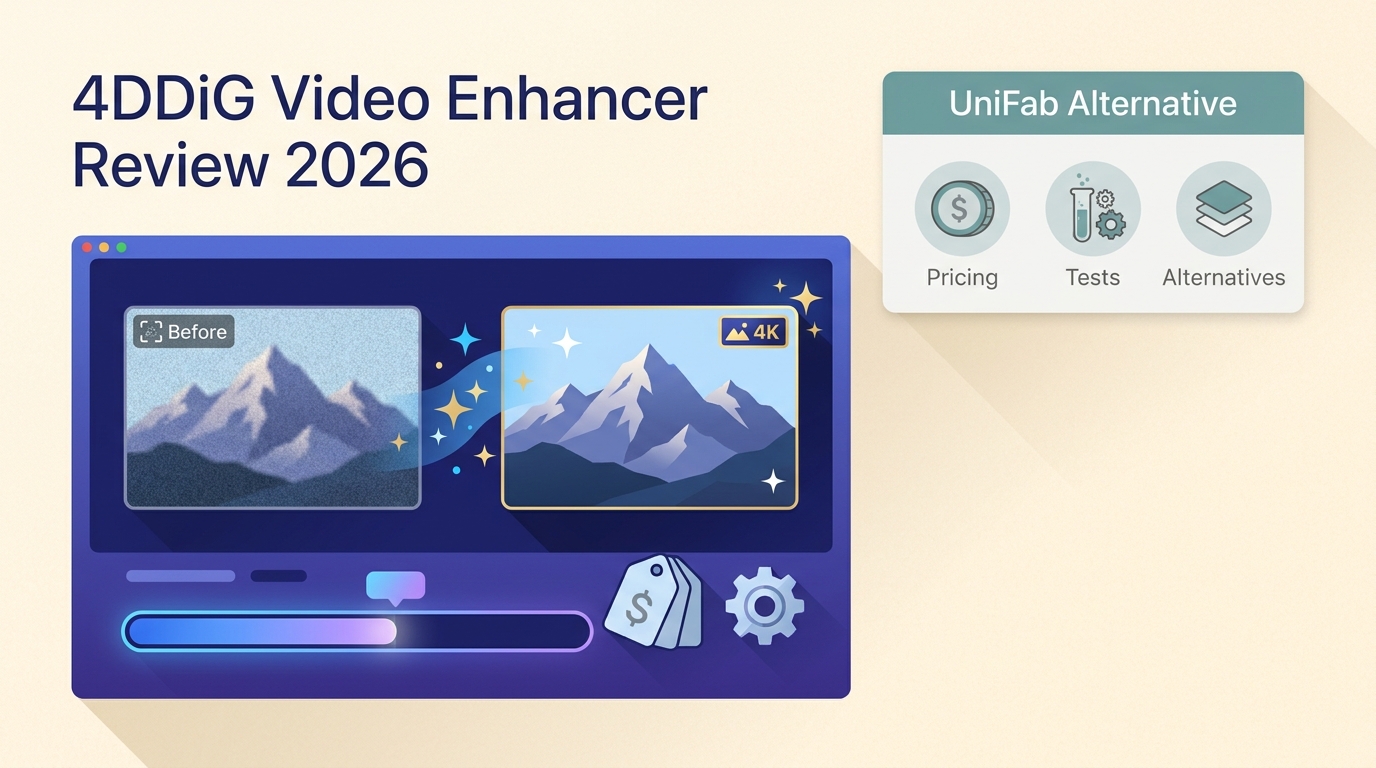
4DDiG AI Video Enhancer is part of 4DDiG File Repair, not Data Recovery. This review clarifies its verified 4K-at-60-fps limit, four-model workflow, File Repair pricing, preview-first buying criteria, and quality risks. It also explains when UniFab's broader HDR, audio, anime, and local-processing workflow may be a better fit.
Remove Motion Blur from Video: 4 Tools for 2026
Updated on July 22, 2026
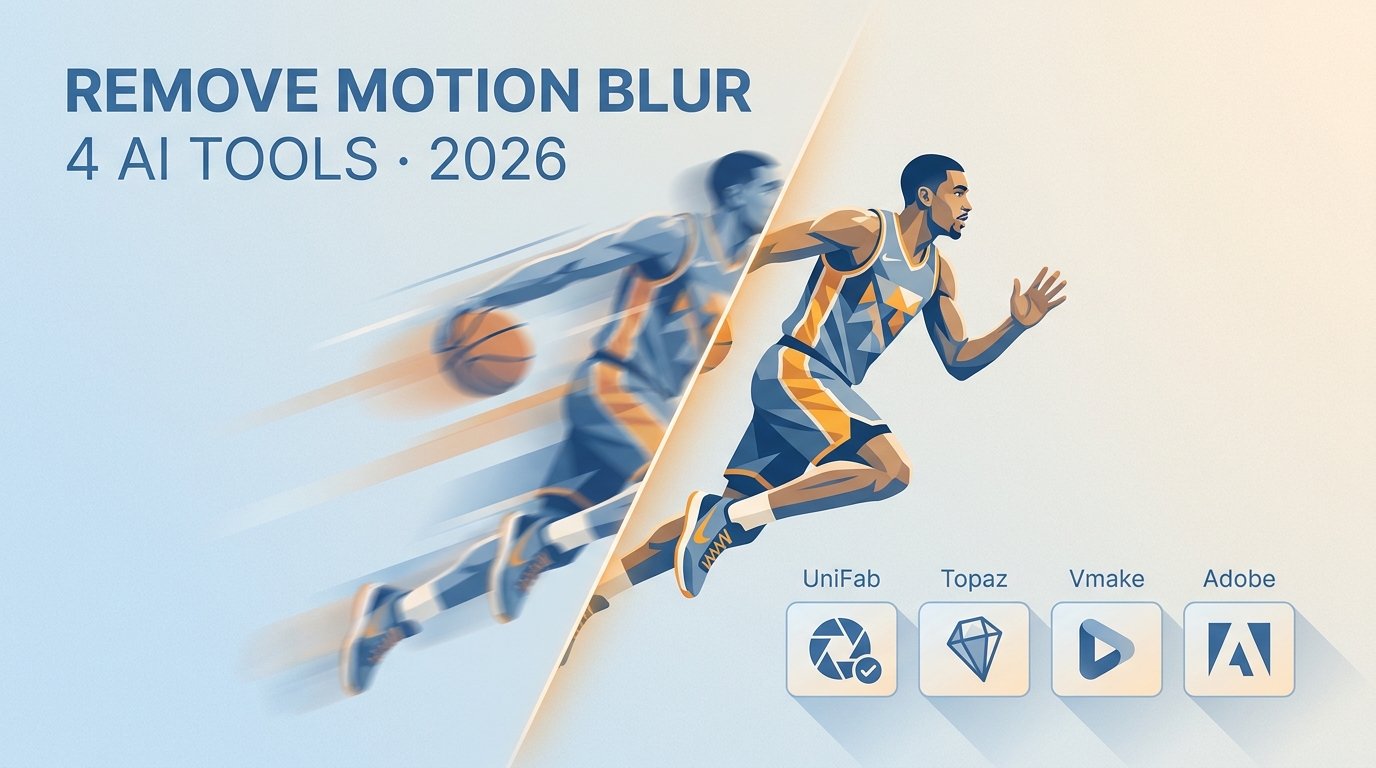
Motion blur can often be reduced, but the right fix depends on whether the footage contains exposure streaks, camera shake, missed focus, compression softness, or noise. This guide compares UniFab Smoother AI, Topaz Video, Vmake AI, and Adobe Premiere, then maps each workflow to realistic recovery limits.
Add Text to Video: 4 Easy Methods for Windows, Mac, iPhone, and Android
Updated on July 22, 2026
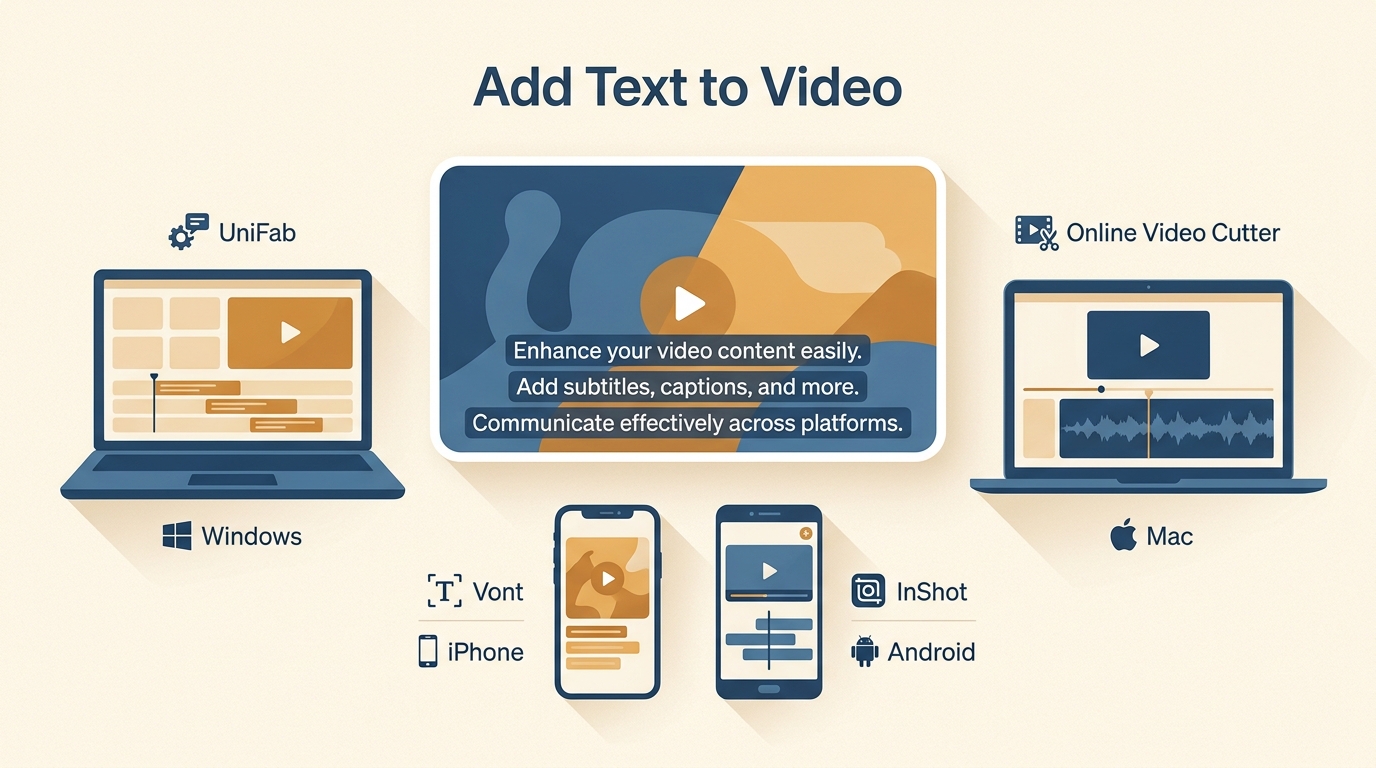
Learn a common four-step workflow for adding text to video, then choose among desktop subtitle automation, a browser editor, an iPhone typography app, and an Android editor. The guide compares styling, captions, watermark considerations, and output types without treating one method as right for every project.
How to Make a Video 4K: 5 Methods Compared [2026]
Updated on July 22, 2026
![How to Make a Video 4K: 5 Methods Compared [2026]](https://artifact.dvdfab.me/2026/07/22/rSMrLps-_E7GcHEkpVTYJL3j3yqEjDP6/feature_cover.jpg)
Making a video 4K can mean AI reconstruction, editor scaling, cloud processing, or ordinary resizing. This comparison explains five complete workflows, their honest limits, and the export and artifact checks needed to choose a result that suits the source.