100% free to start
Get free FabCloud credits at signup — try 2x AI upscaling, noise reduction, and detail recovery with no credit card. You only pay when you need more processing.
Skip the complex installs and slow local rendering. UniFab delivers professional AI video enhancement straight to your browser through FabCloud — no GPU, no learning curve, just better video quality in clicks.
Get free FabCloud credits at signup — try 2x AI upscaling, noise reduction, and detail recovery with no credit card. You only pay when you need more processing.
All AI runs on enterprise cloud GPUs through FabCloud — your device only needs a modern browser. Drag and drop from MacBook, PC, iPad, Chromebook, or any phone. No install, no GPU, no plug-in
Double your video resolution with AI that predicts and reconstructs real detail — not stretched pixels. 480p → 960p, 540p → 1080p, 720p → 1440p, 1080p → 4K. Sharper text, cleaner edges, natural textures, no plastic look.
Upload multiple clips, close the browser, and come back later — your enhanced videos will be waiting. Perfect for content creators clearing a backlog or YouTubers prepping a week of uploads.
Online AI video enhancer for frame-by-frame video quality upgrade
AI enhance video online — double resolution to 4K instantly
Double your video resolution with AI video enhancer that predicts and reconstructs real detail — not stretched pixels. 480p → 960p, 540p → Full HD 1080p, 720p → 1440p, 1080p → 4K Ultra HD. Sharper text, cleaner edges, and natural skin / sky / foliage textures.
Reduce noise & recover lost details — frame by frame
Every time a video moves through WhatsApp, TikTok, Instagram, or YouTube compression, detail gets stripped — colors flatten, edges blur, grain creeps in. UniFab's AI video enhancer reverses the damage by analyzing patterns across consecutive frames, reconstructing lost textures, and reducing noise intelligently. The result: clear, natural-looking video quality without the artificial "AI sheen" of single-pass tools.
Purchase FabCloud credits to access all online services and the Cloud Processing Mode in Fab desktop products like UniFab, BookFab, and DVDFab. Available only with the FabCloud version of the feature you purchased.
Start at
Flexible subscription, cancel anytime
Access to all web cloud processing![]()
Local + Cloud processing on desktop![]()
All cloud features from the Fab series![]()
Start at
Flexible subscription, cancel anytime
Access to all web cloud processing![]()
Local + Cloud processing on desktop![]()
All cloud features from the Fab series![]()
Learn more through our YouTube channel, guidebook, or community discussion.
Yes. Every new account gets free FabCloud credits to try 2x AI upscaling, noise reduction, and detail recovery at no cost. You only pay when you need more processing credits — with flexible monthly or yearly FabCloud plans, cancel anytime.
No. All AI computation runs on enterprise cloud GPUs through FabCloud — your device only needs a modern browser. Works on Windows, Mac, Chromebook, iPad, and Android / iPhone, so you can enhance video quality online from anywhere.
Processing time depends on your video's length and resolution, but cloud GPU acceleration keeps it fast regardless of your local hardware. Short clips usually finish in minutes; longer files run in the background, so you can close the tab and come back later.
Yes. All uploads are protected by HTTPS/TLS encryption, processed on isolated cloud instances, and automatically, permanently deleted from our servers within 15 days. We never use your videos to train AI models.
FabCloud is UniFab's cloud GPU infrastructure that powers every UniFab AI tool — this online video enhancer, the desktop Cloud Processing Mode, and other Fab apps. You get studio-grade AI without buying studio-grade hardware.
UniFab AI Video Enhancer supports all major video formats — MP4, AVI, MOV, and more. Enhanced output is delivered as MP4 by default for universal playback on phones, tablets, and editing software.
Yes. UniFab Online supports 2x AI upscaling — if your source video is 1080p, the output is 4K (2160p). For lower-resolution sources (480p → 960p, 540p → 1080p, 720p → 1440p), or for higher upscaling like 4x to 8K / 16K with all AI models, try the UniFab Desktop app with local GPU acceleration.
UniFab's AI video enhancer fixes a wide range of video quality issues: blurry or out-of-focus footage, low resolution, compression artifacts from WhatsApp / TikTok / Instagram / YouTube, video noise and grain, poor lighting, and color imbalance. It works especially well on old family videos, screen recordings, gameplay clips, and downloaded social media videos.
No. UniFab's AI video enhancer is tuned to enhance naturally — it reconstructs real detail rather than over-sharpening or applying heavy filters. The result preserves the original look of your footage without the artificial "plastic" or "AI sheen" appearance common with single-pass enhancers.
Content creators & YouTubers
Upscale older 720p videos to crisp 1440p, or push 1080p footage to 4K. Give your backlog content the visual quality today's viewers expect — without reshooting a single frame.
Remote workers & educators
Fix heavily compressed Zoom recordings and webinar captures. Enhance screen-shared presentations so text remains readable and faces stay clear.
Family videos & old footage
Restore decades-old MiniDV tapes, VHS-to-digital transfers, and early smartphone recordings. See lost details come back to life — faces, backgrounds, and colors your family hasn't seen in years.
Social media & short-form video
Reverse compression damage from TikTok, Instagram, and YouTube Shorts before cross-posting. Get your reposted content looking as sharp as the original upload.
Content creators & YouTubers
Upscale older 720p videos to crisp 1440p, or push 1080p footage to 4K. Give your backlog content the visual quality today's viewers expect — without reshooting a single frame.
Remote workers & educators
Fix heavily compressed Zoom recordings and webinar captures. Enhance screen-shared presentations so text remains readable and faces stay clear.
Family videos & old footage
Restore decades-old MiniDV tapes, VHS-to-digital transfers, and early smartphone recordings. See lost details come back to life — faces, backgrounds, and colors your family hasn't seen in years.
Social media & short-form video
Reverse compression damage from TikTok, Instagram, and YouTube Shorts before cross-posting. Get your reposted content looking as sharp as the original upload.
Content creators & YouTubers
Upscale older 720p videos to crisp 1440p, or push 1080p footage to 4K. Give your backlog content the visual quality today's viewers expect — without reshooting a single frame.
Remote workers & educators
Fix heavily compressed Zoom recordings and webinar captures. Enhance screen-shared presentations so text remains readable and faces stay clear.
Family videos & old footage
Restore decades-old MiniDV tapes, VHS-to-digital transfers, and early smartphone recordings. See lost details come back to life — faces, backgrounds, and colors your family hasn't seen in years.
Social media & short-form video
Reverse compression damage from TikTok, Instagram, and YouTube Shorts before cross-posting. Get your reposted content looking as sharp as the original upload.
Content creators & YouTubers
Upscale older 720p videos to crisp 1440p, or push 1080p footage to 4K. Give your backlog content the visual quality today's viewers expect — without reshooting a single frame.
Remote workers & educators
Fix heavily compressed Zoom recordings and webinar captures. Enhance screen-shared presentations so text remains readable and faces stay clear.
Family videos & old footage
Restore decades-old MiniDV tapes, VHS-to-digital transfers, and early smartphone recordings. See lost details come back to life — faces, backgrounds, and colors your family hasn't seen in years.
Social media & short-form video
Reverse compression damage from TikTok, Instagram, and YouTube Shorts before cross-posting. Get your reposted content looking as sharp as the original upload.
Content creators & YouTubers
Upscale older 720p videos to crisp 1440p, or push 1080p footage to 4K. Give your backlog content the visual quality today's viewers expect — without reshooting a single frame.
Remote workers & educators
Fix heavily compressed Zoom recordings and webinar captures. Enhance screen-shared presentations so text remains readable and faces stay clear.
Family videos & old footage
Restore decades-old MiniDV tapes, VHS-to-digital transfers, and early smartphone recordings. See lost details come back to life — faces, backgrounds, and colors your family hasn't seen in years.
Social media & short-form video
Reverse compression damage from TikTok, Instagram, and YouTube Shorts before cross-posting. Get your reposted content looking as sharp as the original upload.
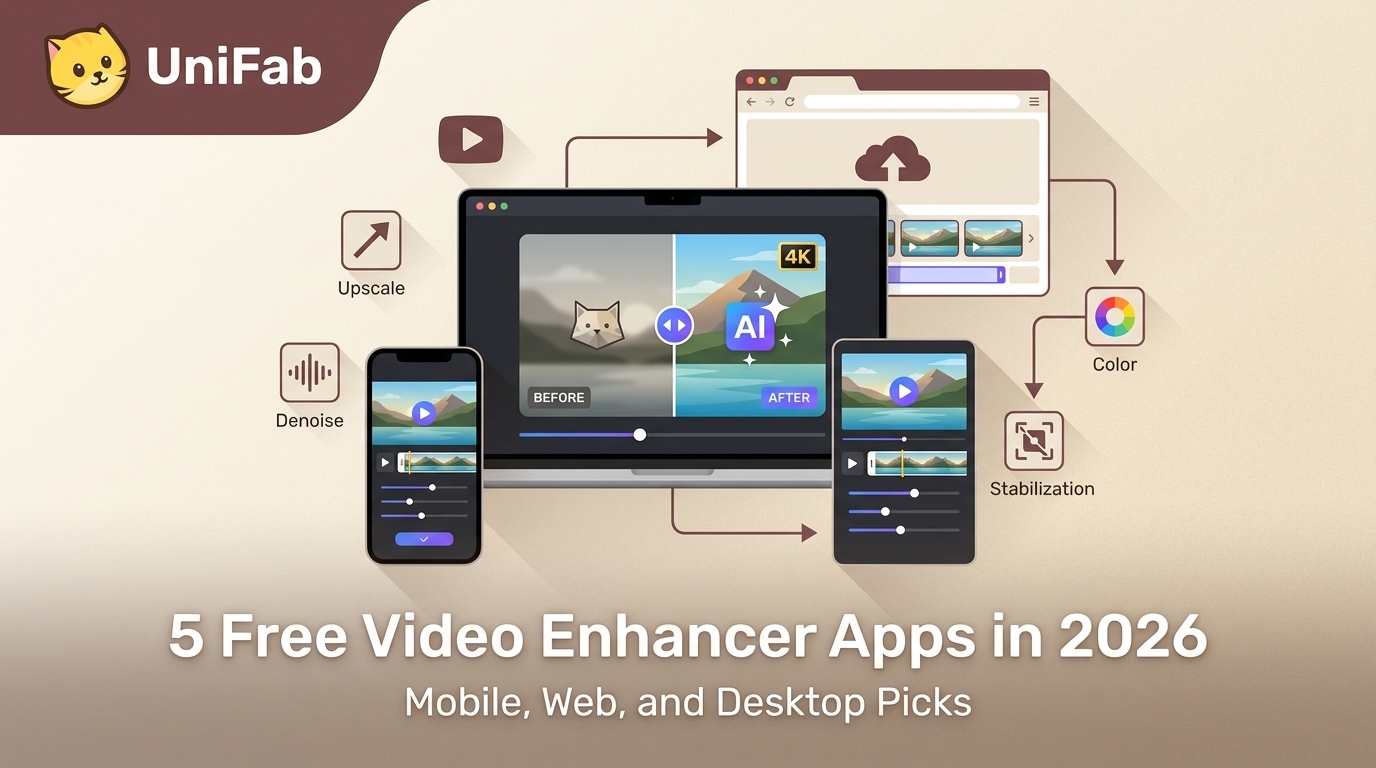
This guide highlights the best free AI video enhancer apps across platforms, including mobile apps like UTool, Wink, HiQuality, Winkit and LightCut, as well as desktop solutions like UniFab. These tools utilize artificial intelligence to improve video clarity by enhancing sharpness, reducing noise, and upscaling resolution. Some offer comprehensive editing features, while others focus solely on AI-powered enhancement.
This 2026 guide compares seven free video enhancement software options by enhancement type, operating system, watermark, export limits, privacy, and what “free” actually means. It separates unlimited open-source editors from browser free tiers and full-feature AI trials, so readers can choose the right tool without mistaking manual filters for true AI restoration.
The best free AI video enhancer depends on where you work. For serious local upscaling up to 8K without watermarks, UniFab Video Enhancer AI (30-day full free trial) is our top pick after side-by-side testing against Topaz Video AI and HitPaw VikPea. For browser-only touch-ups, free.upscaler.video (open source, client-side) and Vmake handle short clips without installs. For phone-native fixes, Remini and UTool produce passable 1080p results in under two minutes. Below, we break down the three categories of free AI video enhancer tools, show our testing methodology, give an 8-column comparison matrix, and answer the ten questions readers ask most often.
Looking to enhance your video quality without installing software? Free online video enhancers let you sharpen blurry footage, reduce noise, boost color vibrancy, and upscale resolution — all from your browser. We tested 6 popular free online video enhancer tools using the same test clip, comparing their AI upscaling quality, export limits, and real-world performance. Whether you need to clean up a social media clip, restore old family footage, or upscale a 480p video to HD, this guide breaks down which tool works best for each use case.
"An exceptional AI video enhancer — fast, accurate, and easy to use, turning low-res clips into clean HD."