4k-1

Filmora Review: Features, Performance, Pros & Cons, and Alternative

Updated on August 7, 2026
Filmora Review: Features, Performance, Pros & Cons, and Alternative
Looking for an honest Filmora review before committing to a subscription? Wondershare Filmora has evolved from a simple entry-level editor into an AI-powered video editing platform used by millions of creators worldwide. But is it truly worth your money in 2026? In this comprehensive Filmora review, we test the software's editing capabilities, AI features, video enhancement tools, pricing plans, and real-world performance. I also compare it against professional alternatives and reveal whether Filmora delivers enough value for beginners, intermediate editors, and content creators.

Upscale Video to 4K: 3 Workflows and Export Settings

Updated on August 7, 2026
Upscale Video to 4K: 3 Workflows and Export Settings
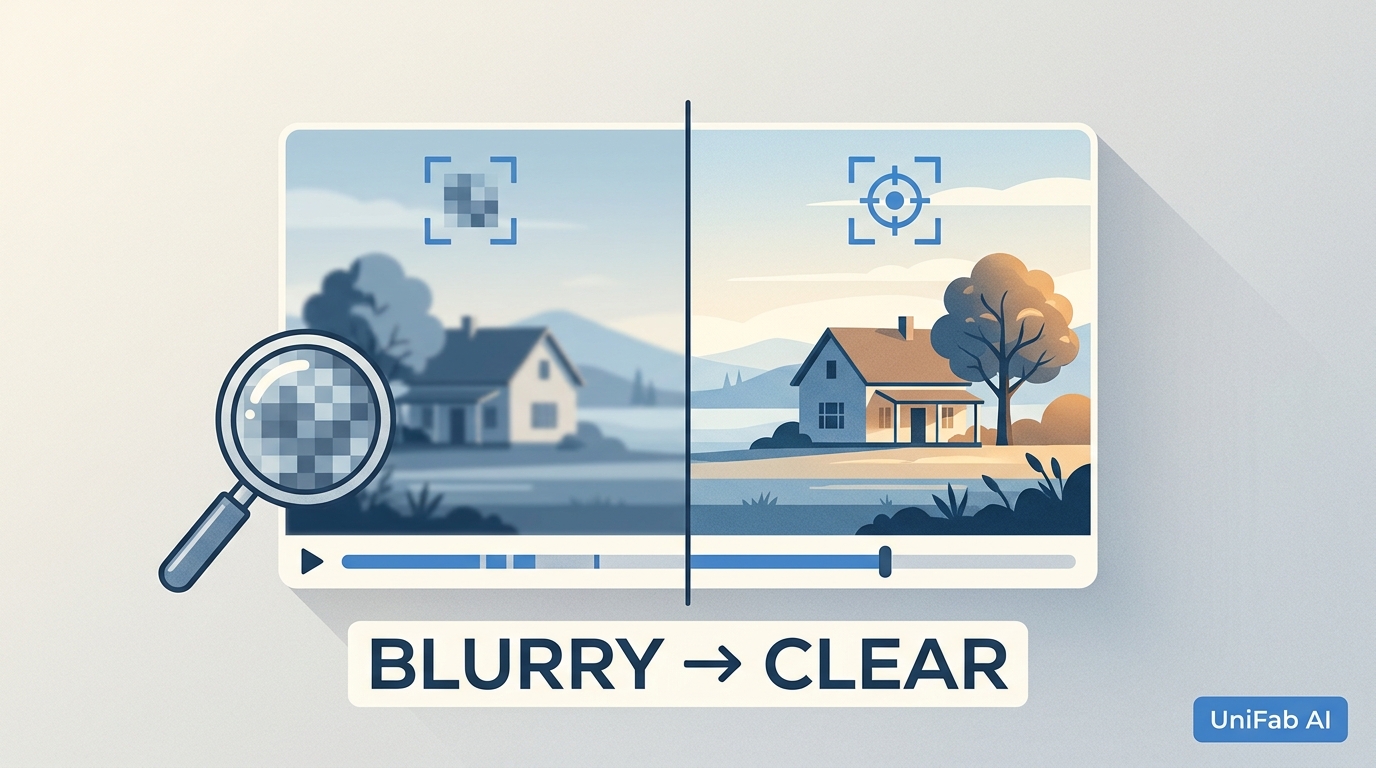
A hands-on 2026 guide to upscaling any video to 4K, comparing two practical routes: UniFab Video Upscaler AI for the best AI detail reconstruction (4K/8K/16K, four models, 60fps) and CapCut for quick, free social-media exports. Covers what upscaling means, when it's worth it, step-by-step instructions for both tools, a UniFab-vs-CapCut comparison with before/after results, cleaner-upscale tips.

YouCam Enhance Review (2026): Features, Price, Pros & Cons, and Alternatives

Updated on August 4, 2026
YouCam Enhance Review (2026): Features, Price, Pros & Cons, and Alternatives
YouCam Enhance is a cloud-based AI tool for upscaling and enhancing video. This 2026 review covers its features, pricing ($6.67/mo premium, free tier capped at 1-minute clips), pros and cons, and how its 4K output compares to UniFab in identical 360p→4K tests. Includes side-by-side performance notes, a feature-by-feature comparison table, and guidance on when YouCam is the right pick versus when UniFab's offline desktop workflow delivers more natural results.

5 Best Video Sharpeners in 2026: How to Sharpen Video Quality on Any Device

Updated on July 30, 2026
5 Best Video Sharpeners in 2026: How to Sharpen Video Quality on Any Device
Blurry, soft, or low-resolution video footage can ruin an otherwise great recording. Whether you are dealing with old VHS transfers, compressed social media downloads, or shaky handheld shots, sharpening your video can dramatically improve its visual quality and professional appeal. In this guide, we cover the best ways to sharpen video quality in 2026 — from AI-powered desktop software and free open-source tools to online editors and mobile apps. We test each method, explain when to use it, and provide step-by-step instructions so you can get sharper, clearer footage regardless of your device or budget.

Make a Video 4K Online Free: 3 Tools and Their Limits

Updated on July 29, 2026
Make a Video 4K Online Free: 3 Tools and Their Limits
To make a video 4K online free in 2026, upload a 1080p source to UniFab Video Enhancer AI Cloud. The cloud GPU doubles 1920×1080 to true 3840×2160 in about 5 minutes, with 30 free credits on signup, no watermark, no install. The whole point of any make video 4K online free tool is that it runs in any browser — Chrome, Safari, Edge — so a phone, Chromebook, or work laptop without admin rights can hit Ultra HD without downloading anything. This guide covers the three free browser tools that actually deliver, exactly how to use them, and what realistic results look like.

AI Video Restoration in 2026: VHS, Film, and Authentic Detail

Updated on July 28, 2026
AI Video Restoration in 2026: VHS, Film, and Authentic Detail
Video restoration is the process of recovering watchable quality from damaged or degraded footage by removing noise, rebuilding sharpness, correcting faded color, stabilizing motion, and keeping detail consistent between frames. In 2026, the heavy lifting is handled by AI models trained on millions of degraded-to-clean video pairs, which means a VHS home movie digitized at 480p can now be pushed toward a presentable 1080p or 4K master in hours rather than weeks. This guide breaks down how modern AI restoration actually works, what it can and cannot fix, which tools lead the field, and how to pick between doing it yourself and paying a studio. It leans on hands-on testing with VHS transfers, compressed social clips, and 8mm film scans across a Windows RTX 4060 rig and an Apple M2 Pro laptop.
Clideo Review 2026: Safety, Pricing, AI, Pros and Cons

Updated on July 27, 2026
Clideo Review 2026: Safety, Pricing, AI, Pros and Cons
Clideo is convenient for quick browser edits, but its free watermark, cloud workflow, and manual enhancement controls limit its fit for demanding projects. This review separates its real AI features from its Video Clearer, explains current plan and storage differences, and compares Clideo with browser-based and local AI enhancement options.