Add Text to Video: 4 Easy Methods for Windows, Mac, iPhone, and Android
Updated on July 22, 2026
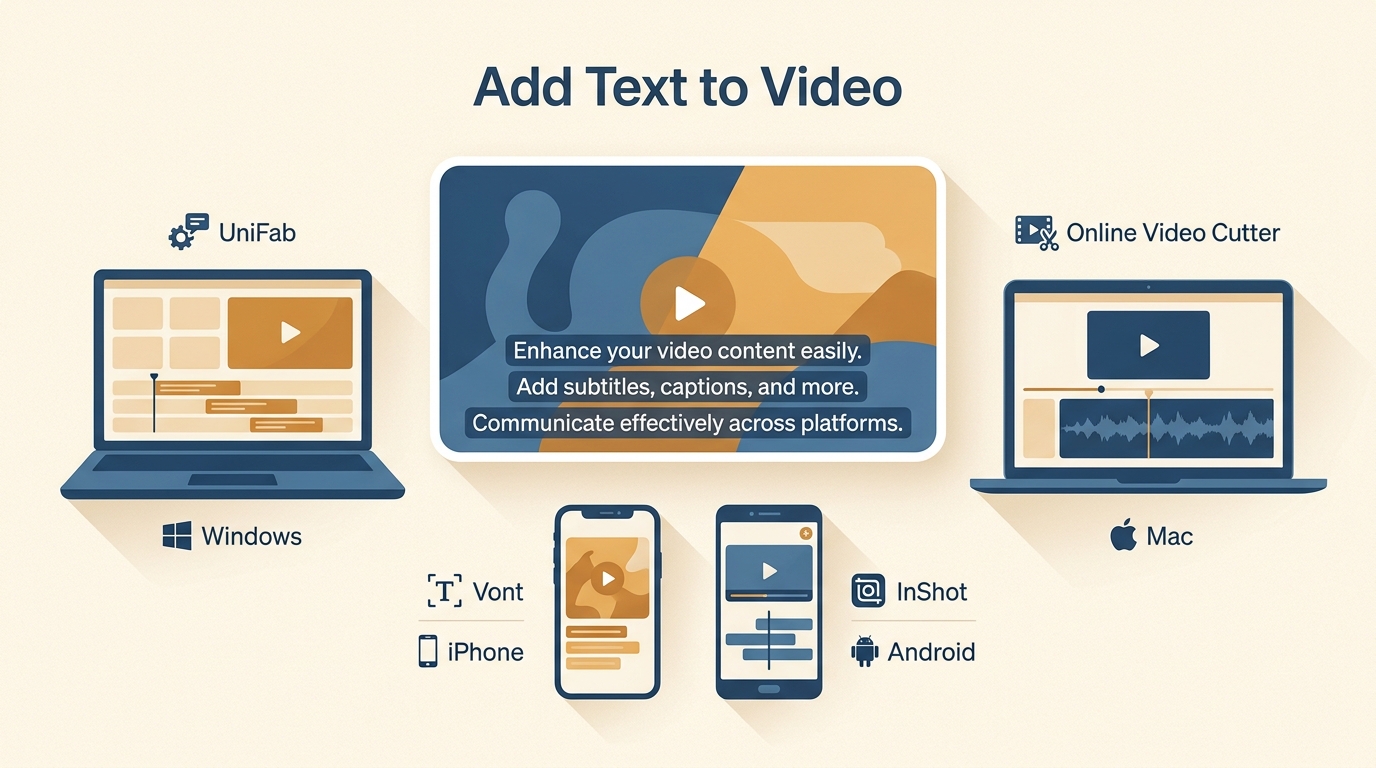
Learn a common four-step workflow for adding text to video, then choose among desktop subtitle automation, a browser editor, an iPhone typography app, and an Android editor. The guide compares styling, captions, watermark considerations, and output types without treating one method as right for every project.
How to Make a Video 4K: 5 Methods Compared [2026]
Updated on July 22, 2026
![How to Make a Video 4K: 5 Methods Compared [2026]](https://artifact.dvdfab.me/2026/07/22/rSMrLps-_E7GcHEkpVTYJL3j3yqEjDP6/feature_cover.jpg)
Making a video 4K can mean AI reconstruction, editor scaling, cloud processing, or ordinary resizing. This comparison explains five complete workflows, their honest limits, and the export and artifact checks needed to choose a result that suits the source.
10 Best AI Video Background Removers for 2026
Updated on July 22, 2026
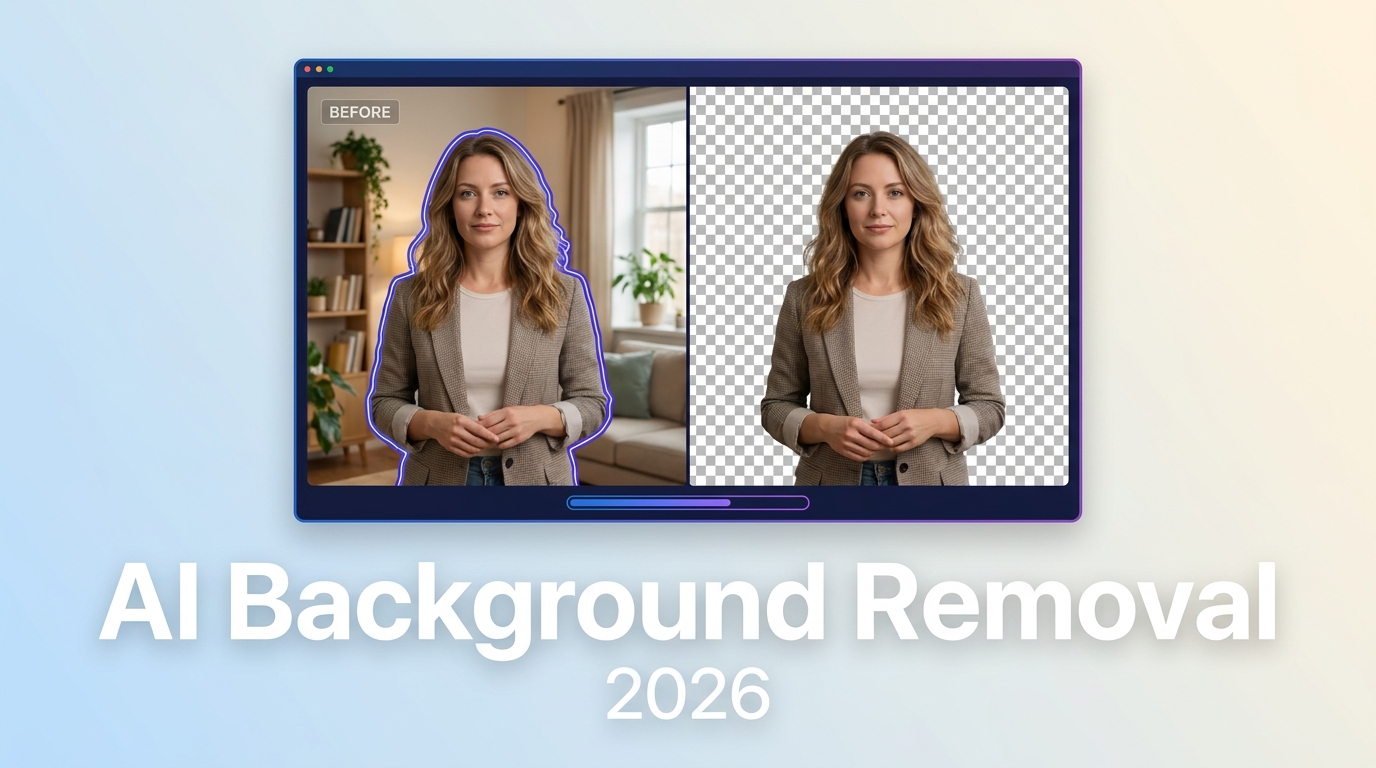
This comparison evaluates 10 active AI video background removers by workflow, free allowance, processing location, input limits, and transparent output. It separates automatic matting from chroma key, provides a decision matrix, and explains when local desktop processing, browser tools, or integrated editors make the most sense.
10 Video Sound Enhancers for 2026: An Editorial Comparison
Updated on July 22, 2026
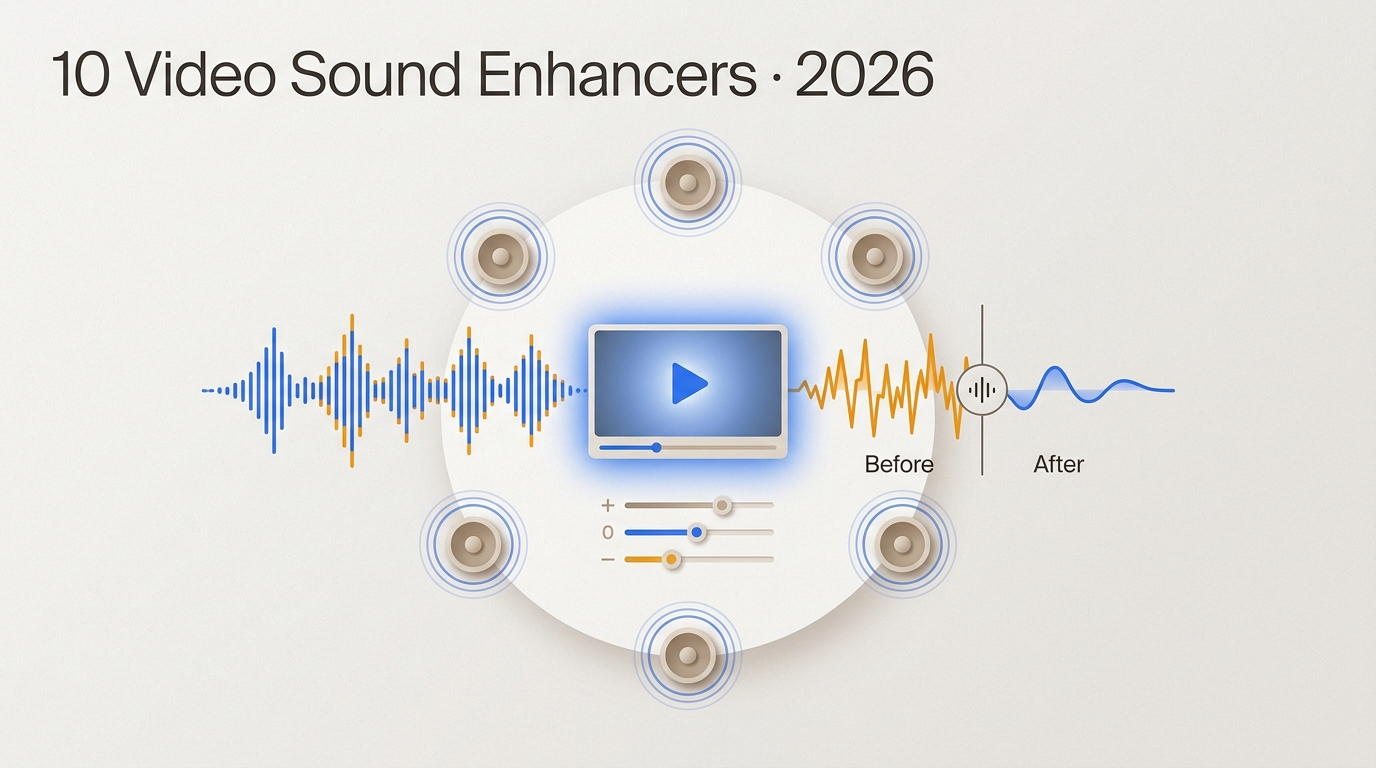
This guide compares 10 video sound enhancers by workflow, processing location, export behavior, privacy, and audio limits. It separates active desktop, browser, and mobile options from legacy software, then explains when cleanup, rerecording, or surround upmixing is the practical choice.
15 Best Vocal Isolators in 2026: Workflows and Quality Criteria
Updated on July 22, 2026
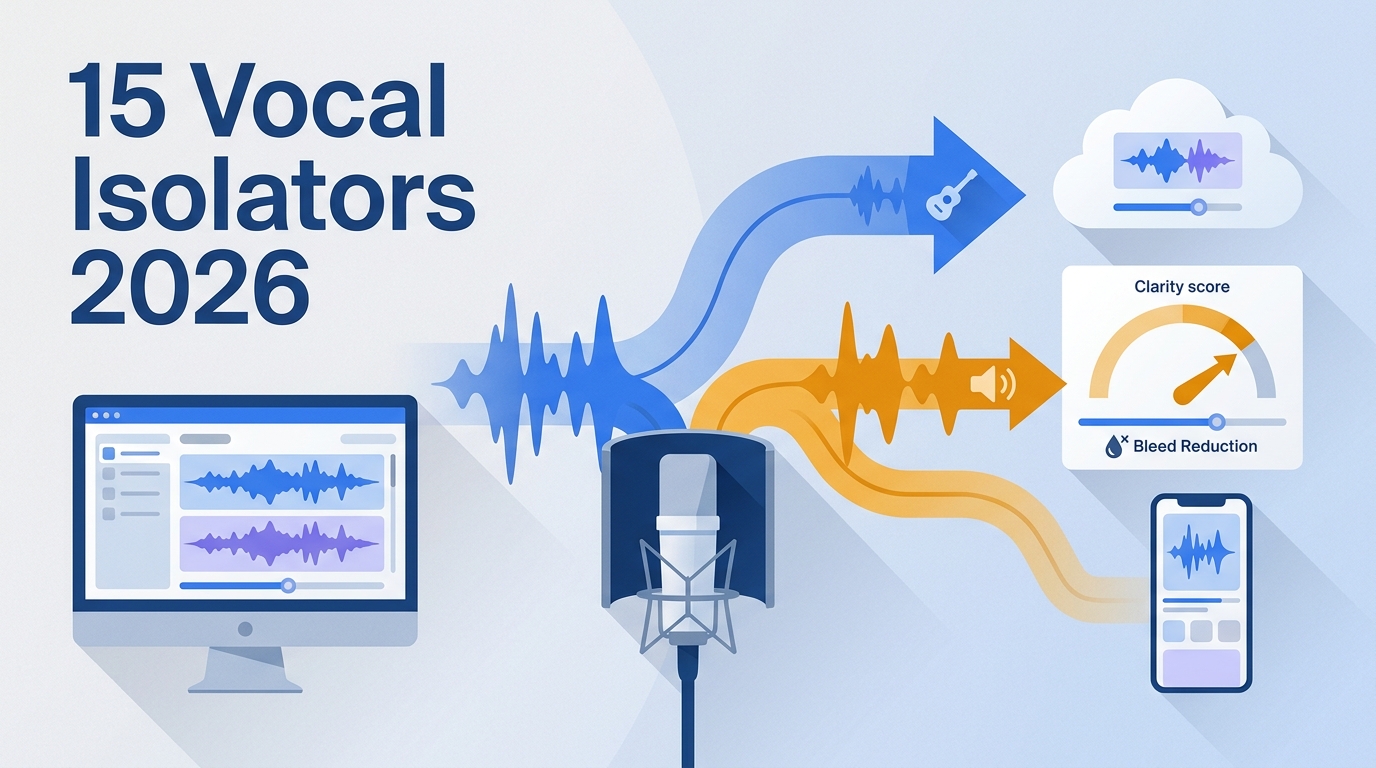
This comparison maps 15 vocal isolators to clean-stem export, local video, browser, mobile, and live-use workflows. It also provides a repeatable listening protocol, format and privacy checks, and balanced recommendations rather than naming one universal winner.
5 Free AI Subtitle Generators Compared in 2026: SRT and Watermark Tests
Updated on July 22, 2026
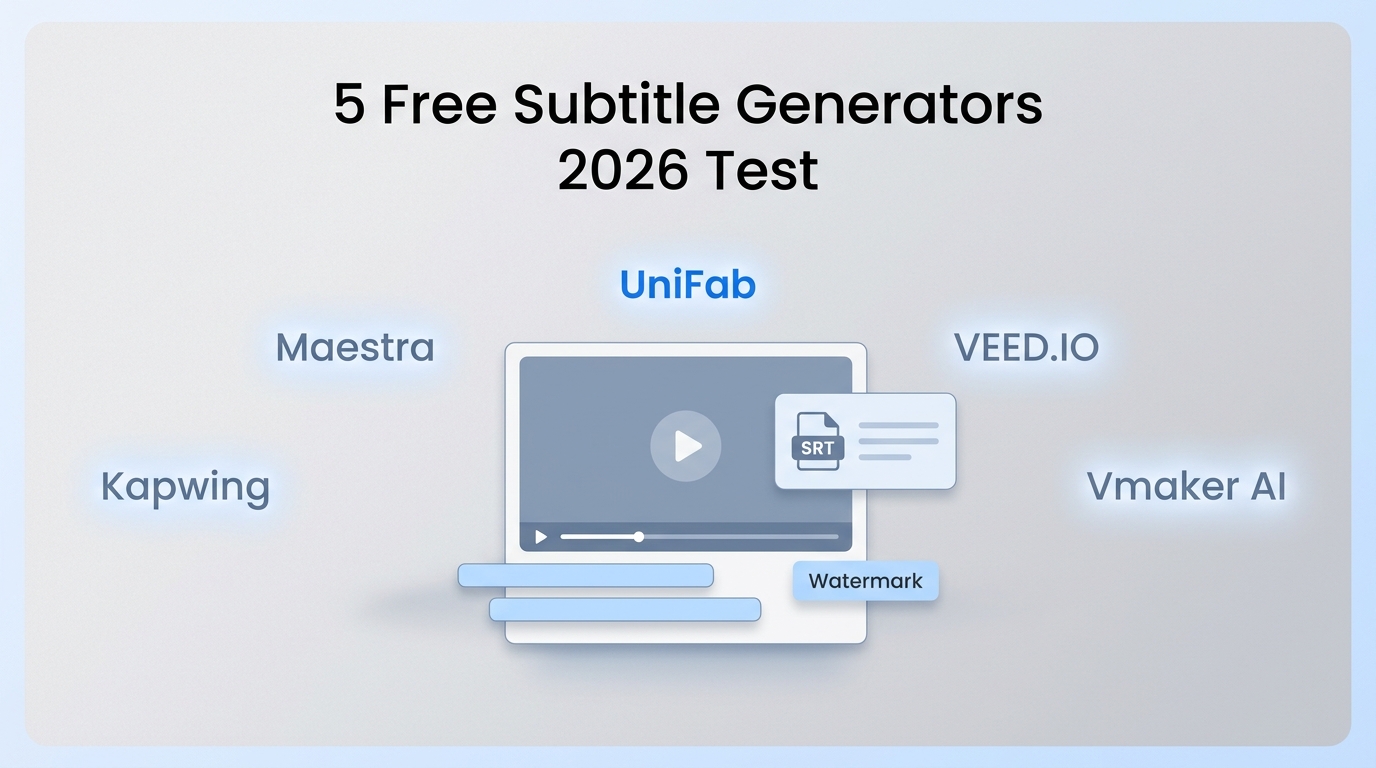
Five browser-based subtitle tools are compared with the same short MP4 and a consistent rubric. The guide separates reusable SRT downloads from rendered video exports, explains free-plan limits, and recommends a tool by workflow rather than naming a universal winner.
Denoise Video in Premiere Pro: 5 Methods Compared [2026]
Updated on July 22, 2026
![Denoise Video in Premiere Pro: 5 Methods Compared [2026]](https://artifact.dvdfab.me/2026/07/21/GTPP5H0THM7mz5hTOKlJaeVg6jZ2IHGk/feature_cover.jpg)
This guide compares five Premiere Pro denoising paths, from the native VR De-Noise effect to specialist plugins, with practical guidance on detail, speed, cost, and hardware load. It also explains when After Effects or a separate AI workflow makes more sense than staying inside the Premiere timeline.
How to Remove Vocals From a Song: 5 Practical Methods [2026]
Updated on July 22, 2026
![How to Remove Vocals From a Song: 5 Practical Methods [2026]](https://artifact.dvdfab.me/2026/07/21/WXXY9JmXcwbRAlLBLTpSphLzkf3TR1TY/feature_cover.jpg)
This guide compares five ways to remove vocals from a song, from guided AI separation and browser tools to FL Studio, GarageBand, and Audacity. It explains who each method suits, how to export an instrumental or rebuild an MP4, and how to check vocal bleed, reverb, and damaged instruments before using the result.
How to Add Subtitles to a Video: 4 Methods for MP4, SRT, and YouTube
Updated on July 21, 2026
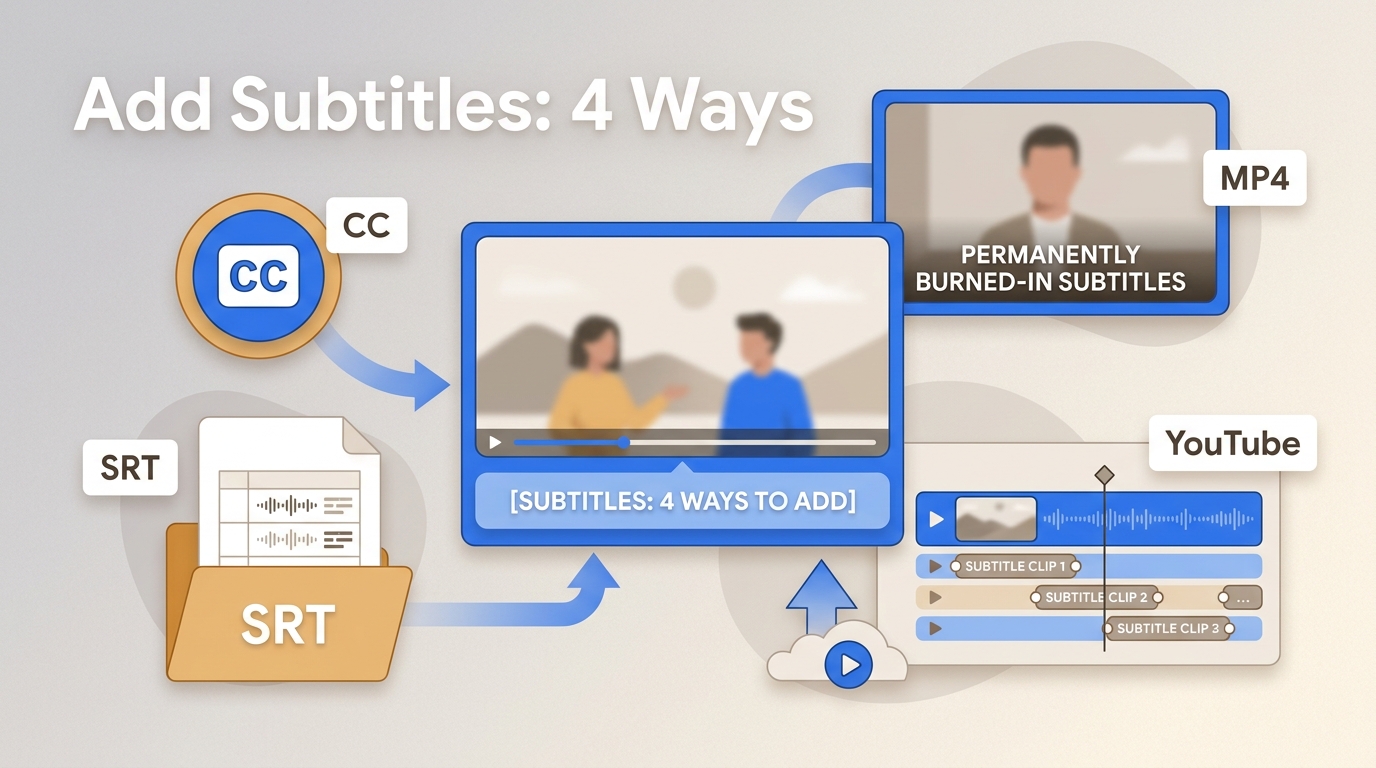
Choose the subtitle output before choosing the tool. This guide compares UniFab, Canva, Premiere Pro, and iMovie, then explains SRT/VTT files, burned-in MP4 captions, YouTube tracks, lawful local use, and a practical quality-control checklist.
Neat Video Review 2026: Pricing, Tutorial, Alternatives, and Verdict
Updated on July 20, 2026
Neat Video is a host-based video noise reduction plugin built for editors who want detailed noise profiling inside Premiere Pro, DaVinci Resolve, and other supported applications. This review explains its current version, license limits, workflow, performance tradeoffs, and how a standalone UniFab workflow differs.