Topaz Video AI Anime Upscaling (2026): Gaia Model vs UniFab Kairo, Tested
Updated on August 5, 2026
Topaz Video AI anime upscaling uses the animation-oriented Gaia model to rebuild 2D animation, cel art, and CGI at 4K or 8K. Topaz markets no dedicated anime model, so Gaia is the closest official option. This hands-on guide covers the Topaz Video AI Gaia model, best Topaz settings for anime, real RTX 4070 benchmarks, 2026 pricing, and a tested comparison with UniFab's Kairo animation model.
Topaz Video AI SDR to HDR Review (2026): Hyperion Model & UniFab Alternative
Updated on August 5, 2026
Topaz Video AI SDR to HDR conversion is powered by the Hyperion model, which expands SDR footage into HDR10 with brighter highlights and deeper shadows. Tested on an RTX 4070 in 2026, Topaz delivers a punchy, aggressive look, while the UniFab HDR Upconverter AI alternative renders closer to native HDR, adds Dolby Vision, and costs a one-time lifetime fee. This review covers the Hyperion model, benchmark speeds, verified 2026 pricing, honest drawbacks, and a head-to-head test.
Topaz Video AI Denoise (Nyx Model) Review 2026: Settings, Tests & Best Alternative
Updated on August 5, 2026
This review explains the Topaz Video AI Nyx denoise model in 2026 — what the Nyx and Nyx XL models do, when to use Nyx vs Artemis, the best settings, real RTX 4070 benchmarks, Topaz's subscription-only pricing since October 2025, and how UniFab Denoise AI compares as a faster, no-watermark, lifetime-license alternative, with a 5-/10-year cost breakdown and a buyer's verdict.
Topaz Video AI Frame Interpolation 2026: Apollo vs Chronos vs Aion
Updated on August 5, 2026
Topaz Video AI frame interpolation uses three AI models — Apollo, Chronos, and Aion — to generate new in-between frames for smoother playback and slow motion. This guide settles the Apollo vs Chronos question using Topaz's official model docs, shows which model to pick for which footage, covers 2026 pricing, and compares Topaz with the lifetime-licensed UniFab Smoother AI.
Topaz Video AI Deinterlace Review (2026): Dione Model Tested vs UniFab
Updated on August 5, 2026
A hands-on 2026 review of Topaz Video AI's Dione deinterlacing model: what topaz video ai deinterlace does, how the DV, TV, and Dehalo variants differ, real 1080i test results, current subscription pricing, Mac Apple Silicon support, and a fair lower-cost alternative in UniFab Deinterlace AI with a 5-year cost comparison and 10 FAQs.
Video2X vs Topaz: Which Fits You in 2026?
Updated on August 3, 2026
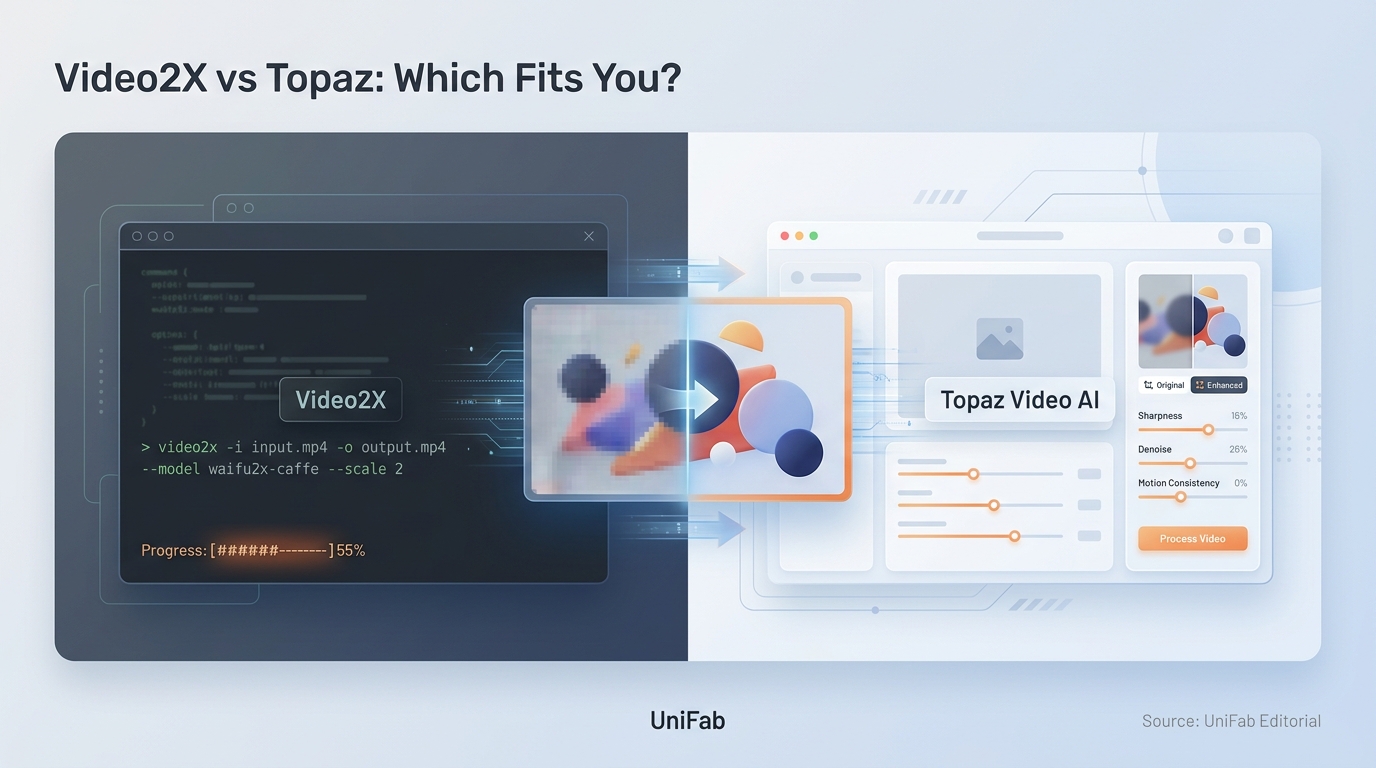
A scenario-based comparison of Video2X and Topaz for AI video upscaling in 2026, covering output quality by footage type, real costs including setup and render time, a four-step selection process, and where a lifetime-licensed local tool fits between the free and subscription options.
7 Best Video Background Removers (2026): Tested AI Software & Online Tools
Updated on August 3, 2026
Choosing the best video background remover in 2026 means balancing AI accuracy, processing speed, and cost. We tested seven leading video background remover tools on the same 1080p footage to measure edge precision, hair handling, motion stability, and export quality. UniFab Video Background Remover AI leads our software pick (free, full video, no watermark).
How to Increase Video Quality Online Free in 2026: 4 Tools Tested with Real 240p Footage
Updated on August 3, 2026
To increase video quality online free, upload your file to an AI enhancer in your browser — no install needed. Our editorial team tested 4 leading video quality increaser online free services on the same 240p clip (4× upscaled to 960p output) and saw the cleanest detail recovery from UniFab Video Enhancer AI Cloud: hair strands stayed crisp, skin texture looked natural, no watermark on free credits. This guide shows what each tool actually delivers on a worst-case low-resolution source, how to improve video quality online free without losing fidelity, and which free video quality increaser online matches your problem.
10 Best Vocal Separator Tools in 2026: AI Music and Vocal Separators for Clean
Updated on August 3, 2026
A practical, hands-on guide to the 10 best vocal separator tools in 2026, covering free, online, and pro-grade AI vocal separators. We compare quality, pricing, stem support, and offline vs online workflows so you can pick the right music and vocal separator for karaoke tracks, remixing, video projects, or studio production — including standouts like UniFab Vocal Remover, Ultimate Vocal Remover (UVR), Moises, LALAL.AI, and Fadr.
1080i vs 1080p: Differences, Best Uses, and Conversion
Updated on August 3, 2026
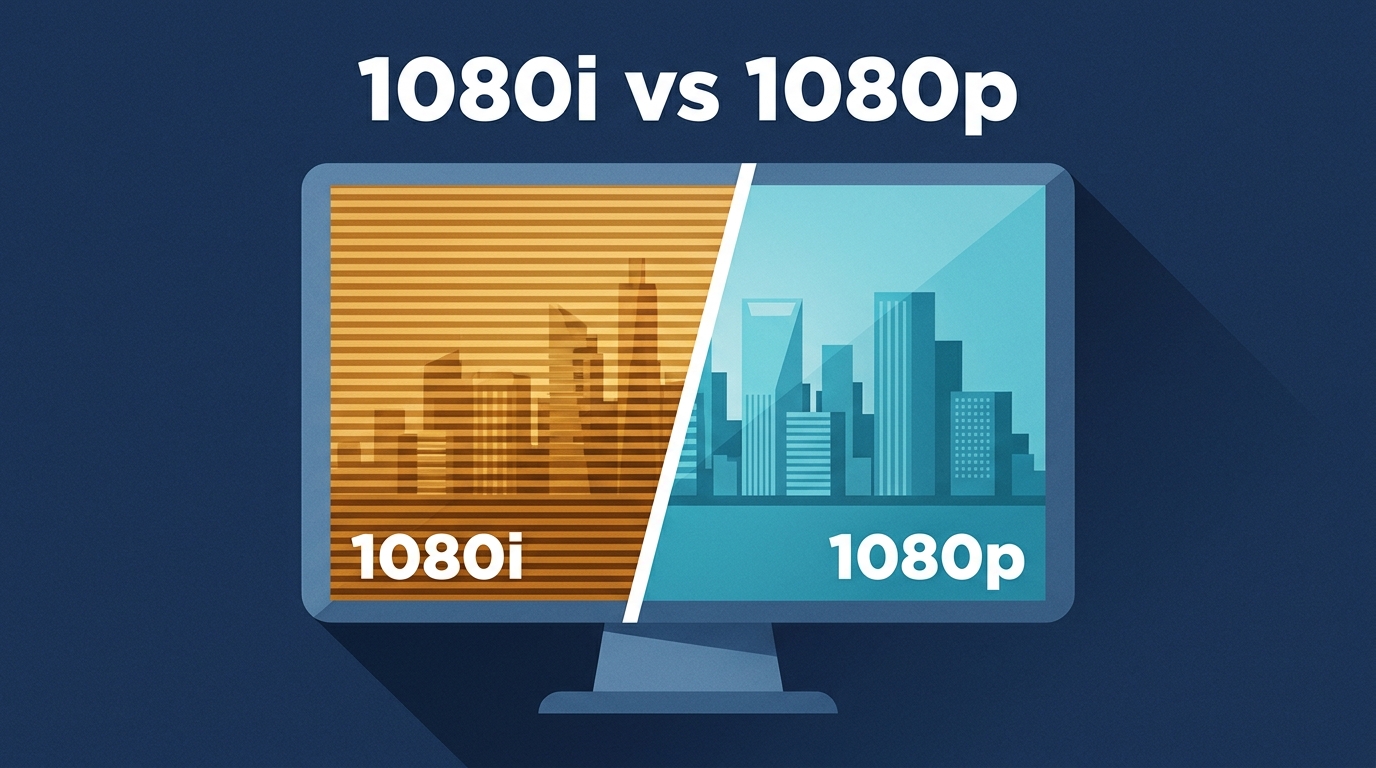
1080p generally handles motion more cleanly, but scan labels do not tell the whole story. This guide explains field and frame rates, compares common sources and device settings, and shows how to convert interlaced footage for progressive playback without confusing deinterlacing with upscaling.