General

Video Frame Extractor: Extract One Frame, Samples, or Every Frame

Updated on November 24, 2026
Video Frame Extractor: Extract One Frame, Samples, or Every Frame
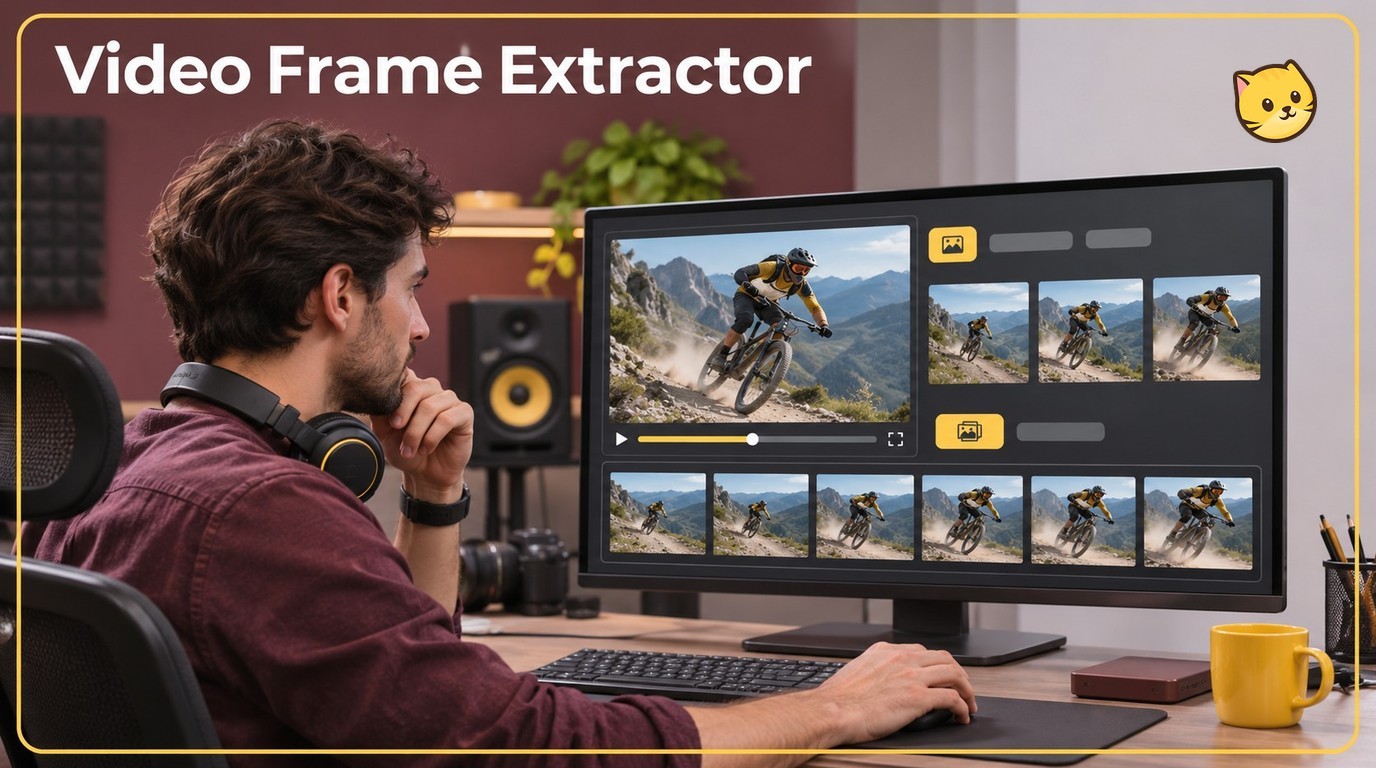
Need a still image from a video, an MP4-to-PNG sequence, or a practical video frame extractor? This guide explains how to choose between one-frame capture, fixed-FPS sampling, every-Nth-frame extraction, and exporting every frame. You will also learn when PNG, JPG, or WebP makes sense, how to use a browser workflow, how to extract repeatable sequences with FFmpeg, and how to avoid blurry frames, huge downloads, and browser-memory problems.
Video to Image: How to Save a Still Photo or JPG from Video

Updated on November 23, 2026
Video to Image: How to Save a Still Photo or JPG from Video
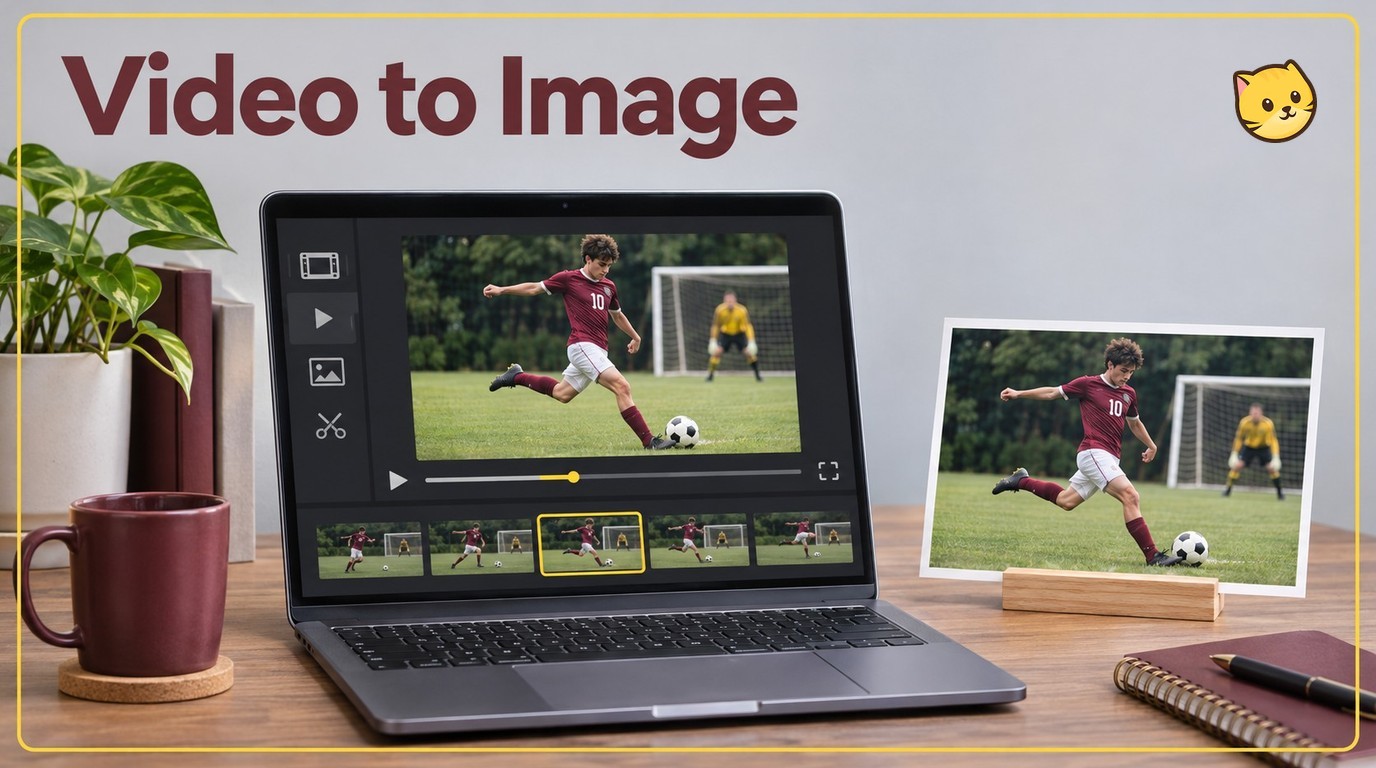
Turning video into an image is not just a matter of pressing pause and taking a screenshot. The useful part is finding the best neighboring frame, exporting it at source dimensions, and choosing JPG, PNG, or WebP for the final use. This guide covers a browser-first UniFab workflow, precise frame stepping, an exact-time FFmpeg fallback, and practical checks for blur, overlays, color, orientation, and privacy. It also explains when one photo is enough and when a short image sequence makes more sense.

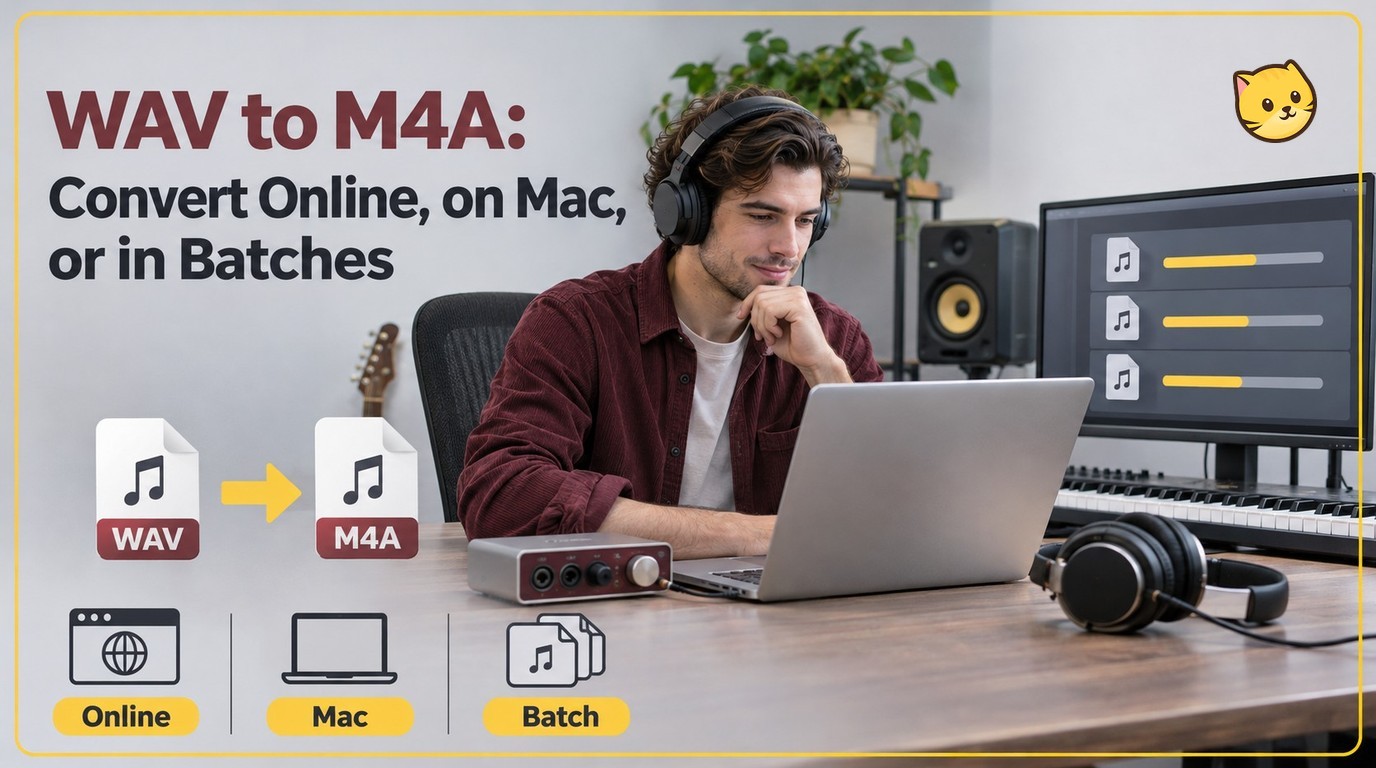
WAV to M4A: Convert Online, on Mac, or in Batches

Updated on November 23, 2026
WAV to M4A: Convert Online, on Mac, or in Batches
Learn when to use an online or desktop WAV-to-M4A converter, how AAC differs from ALAC, and what to check before processing a batch. The guide also covers Mac and Windows methods, privacy, playback, and reverse conversion.

Video to GIF Converter: 5 Practical Ways to Make a GIF from Video

Updated on November 23, 2026
Video to GIF Converter: 5 Practical Ways to Make a GIF from Video
A good video to GIF converter should do more than place an upload button on a page. It should make the output format explicit, let you isolate the moment that matters, explain what “free” means, and tell you when a browser workflow is no longer the right fit. For a short local clip, an online workflow is usually the fastest way to get started. For a multi-gigabyte source, a folder of files, or detailed encoding control, desktop software is more practical. This guide explains the difference and shows a transparent way to choose a tool without relying on invented file-size or speed promises.